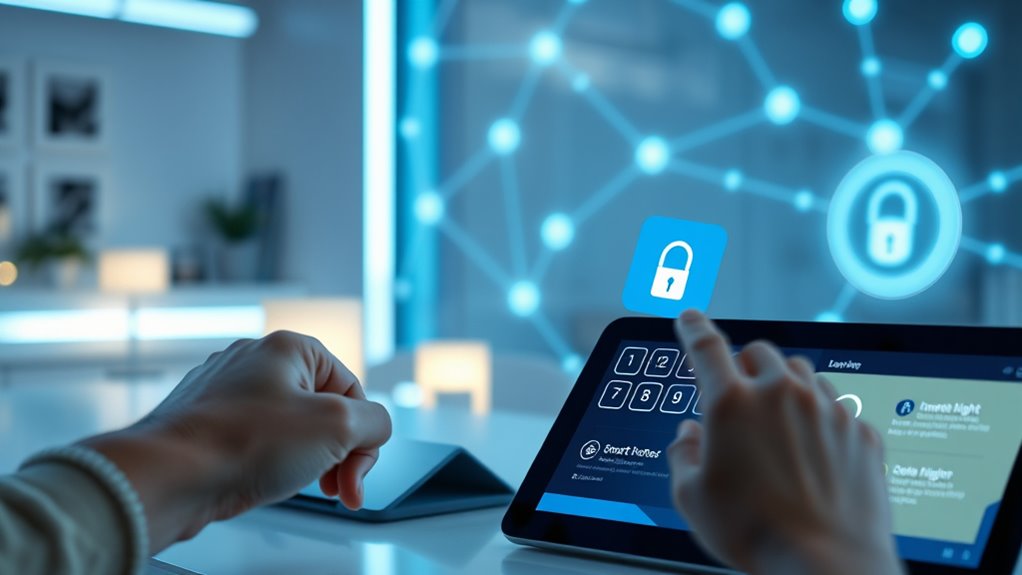

To secure all your IoT accounts with two-factor authentication, start by enabling 2FA on each device or service that supports it. Use biometric verification for quick access and set up backup codes for added safety if biometrics fail. Keep your backup codes in a safe, separate location and regularly review your security settings. Combining these methods creates a robust defense against unauthorized access. If you want to learn more, there’s important info that can help you implement these strategies effectively.
Key Takeaways
- Enable 2FA on all IoT device accounts using biometric verification or backup codes for added security.
- Choose verification methods that align with device capabilities and user convenience.
- Generate and securely store backup codes during setup to ensure access if biometric fails.
- Regularly review and update security settings and backup codes to maintain account protection.
- Stay informed about emerging AI and IoT security threats to adjust your 2FA strategies proactively.
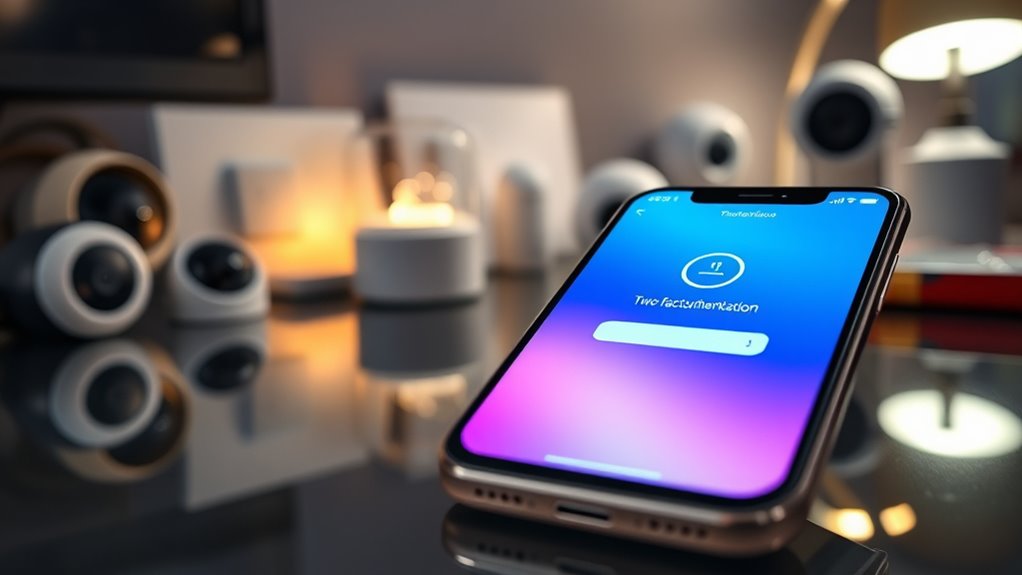
Implementing two-factor authentication (2FA) is one of the most effective ways to enhance your account security. When you enable 2FA on your IoT devices, you add an extra layer of protection that makes it considerably harder for unauthorized users to access your accounts. Instead of relying solely on passwords, which can be stolen or guessed, 2FA requires a second form of verification. This could be a temporary code sent via SMS, an authentication app, or biometric verification, which uses your fingerprint or facial recognition. Incorporating biometric verification into your 2FA setup provides a convenient yet secure method of confirming your identity, especially since many IoT devices support biometric sensors. It’s quick to use and difficult for intruders to spoof, making it an excellent choice for safeguarding smart home systems, security cameras, and other connected devices.
However, it’s essential to prepare for scenarios where biometric verification may not be available or fails. That’s where backup codes come into play. When you set up 2FA, most services generate backup codes—unique, one-time-use strings you can store securely. These codes act as a safety net, ensuring you can still access your account if your primary second factor isn’t accessible, such as if your biometric sensor malfunctions or your phone is lost. Keep these backup codes in a safe place, separate from your devices, and avoid sharing them with anyone. Using backup codes is a straightforward way to maintain access without compromising security, especially when managing multiple IoT accounts across different platforms.
Additionally, staying informed about AI security vulnerabilities can help you better understand potential risks and protect your connected devices from emerging threats. To implement 2FA effectively, start by choosing a method that best fits your devices and lifestyle. Biometric verification offers speed and ease but should be supplemented with backup options like codes. When setting up 2FA, follow the prompts carefully and verify that your biometric data works correctly. Once enabled, always keep your backup codes secure and accessible, but away from prying eyes. Regularly review and update your security settings, especially if you change phones or devices, to ensure your backup codes are current and functional. By integrating biometric verification and backup codes into your 2FA routine, you create a robust shield against cyber threats, protecting your IoT ecosystem from unauthorized access and potential breaches. This proactive approach not only keeps your devices safer but also gives you peace of mind knowing your connected home or office is better defended against intrusion.
Frequently Asked Questions
How Does Two-Factor Authentication Differ From Multi-Factor Authentication?
Two-factor authentication (2FA) is a specific security protocol that requires two different authentication methods, like a password and a code sent to your phone. Multi-factor authentication (MFA) extends this idea, involving two or more authentication methods, which could include biometrics or security questions. While 2FA is a form of MFA, MFA offers broader security by allowing more than two methods, enhancing protection for your IoT accounts.
What Are the Common Challenges in Implementing Two-Factor Authentication for Iot?
You’ll face challenges like addressing security vulnerabilities and ensuring user compliance. Many IoT devices have limited interfaces, making it hard to implement seamless 2FA, which can leave gaps for hackers. Additionally, users might resist extra steps, risking weak security practices. Overcoming these hurdles requires designing user-friendly, secure solutions and educating users on the importance of strong authentication. This balance is key to effective 2FA deployment across IoT environments.
Can Two-Factor Authentication Be Bypassed or Hacked?
Yes, two-factor authentication can be bypassed or hacked, exposing security vulnerabilities. While it enhances user convenience and security, clever attackers exploit flaws like social engineering or weak secondary methods. If you’re not cautious, your IoT devices could still fall prey to hacking, despite extra layers of protection. Always stay vigilant, update your security measures regularly, and understand that no system is entirely foolproof.
What Are the Best Practices for Managing Backup Access?
To manage backup access securely, you should create a secure backup plan that includes multiple recovery options, like backup codes or a secondary email. Store backup credentials in a safe, offline location to prevent unauthorized access. Regularly test your access recovery process to guarantee it works when needed. Keep backup methods updated and limit access to trusted personnel, reducing the risk of compromise and ensuring smooth recovery if your primary method fails.
How Does Two-Factor Authentication Impact User Experience and Device Performance?
While two-factor authentication enhances security, it can introduce usability trade-offs and slight device latency, impacting your experience. You might find it a bit inconvenient to enter extra codes, but it markedly boosts protection. On devices with limited processing power, this additional step could cause minor delays. Nonetheless, the added security outweighs these small inconveniences, helping you safeguard your IoT accounts without compromising overall device performance.
Conclusion
By embracing two-factor authentication, you’re gently guiding your IoT accounts toward a more secure horizon. It’s a subtle yet powerful step that helps keep unwanted access at bay, offering peace of mind without added complexity. Think of it as a friendly safeguard, quietly working behind the scenes to protect your digital world. With this simple enhancement, you’re making a positive shift toward smarter, safer technology use—an effortless move toward greater peace of mind.