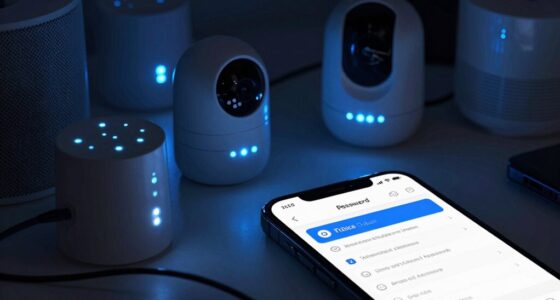
Using default passwords on your smart devices makes it easy for cybercriminals to gain access and control. These passwords are often well-known or simple to guess, leaving your devices and personal data vulnerable. Hackers can exploit this to spy on you, steal sensitive information, or even take over your entire home network. Ignoring this security risk leaves your privacy and security at serious risk—keep going to discover how to protect yourself effectively.
Play games included with Prime
Start a Prime free trial and play with Amazon Luna on your devices.
As an affiliate, we earn on qualifying purchases.
Key Takeaways
- Default passwords are widely known or easy to guess, making devices vulnerable to unauthorized access.
- Leaving factory-set credentials active allows cybercriminals to quickly take control of smart devices.
- Hackers can exploit default passwords to access personal data, footage, or manipulate device functions.
- Using default passwords weakens overall network security, risking broader breaches across connected devices.
- Changing default passwords is a simple but essential step to protect privacy and prevent cyber threats.
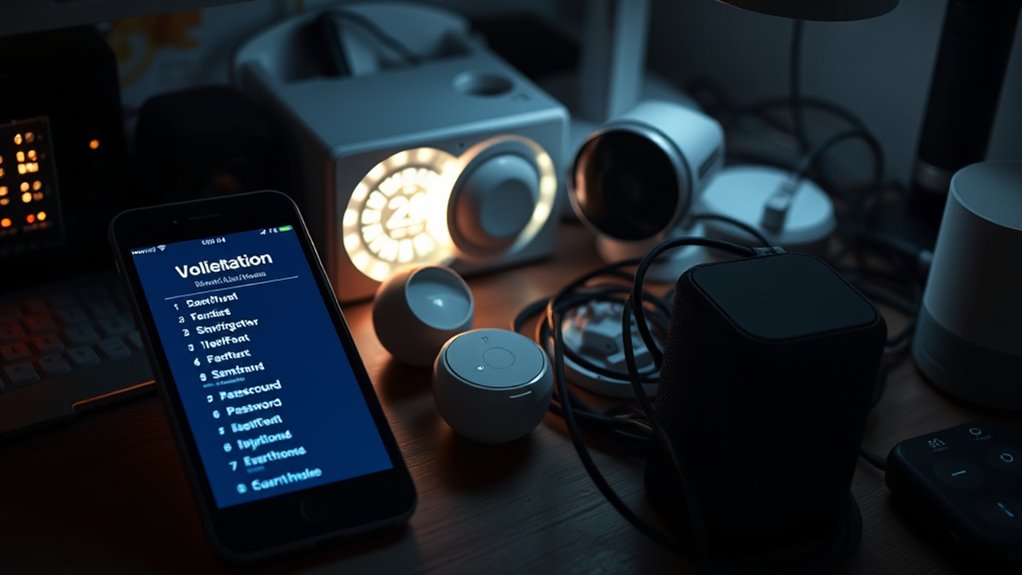
Many smart device users overlook the risks of leaving default passwords in place, but this simple oversight can open the door to serious security threats. When you don’t change the factory-set password, you make it easier for cybercriminals to access your device. This isn’t just about someone messing around; it’s about real dangers like device hacking and privacy breaches. Hackers often scan networks for devices with weak or default passwords, knowing they can quickly gain control. Once inside, they can manipulate your device, steal sensitive information, or even use it as a foothold to access your broader network. That’s why leaving default passwords untouched considerably increases your vulnerability.
Device hacking becomes alarmingly easy when passwords aren’t changed. Many smart devices, from security cameras to smart thermostats, come with default credentials that are well-known or easily guessable. Hackers can use automated tools to identify these vulnerabilities fast, enabling them to take over your device within minutes. Once compromised, your device could be used to spy on you, record your conversations, or manipulate your home environment without your knowledge. The consequences are not only invasive but can also lead to financial loss if the hacker gains access to your financial accounts or personal data stored on cloud services linked to your device.
Privacy breaches are another vital concern. When hackers access your smart device, they often gain access to personal information stored or transmitted through it. This could include your address, phone number, or even sensitive footage from your security cameras. Such breaches can lead to identity theft, stalking, or blackmail. Because default passwords are predictable or publicly available, they serve as the easiest entry point for malicious actors. If you neglect to change them, you’re fundamentally handing over the keys to your digital life, exposing yourself to unnecessary risks. Moreover, demand for smart device security is increasing as more devices become interconnected, making default password changes even more critical.
Furthermore, default passwords undermine the overall security of your home network. Once a hacker gains control of one device, they can try to access other connected devices or even your Wi-Fi network. This can escalate the threat, giving cybercriminals broader access to your personal information and online activities. Changing default passwords is a simple but essential step to protect against these threats. It’s not just about preventing unauthorized device access; it’s about safeguarding your privacy, your data, and your peace of mind. Always remember that default passwords are an open invitation to cybercriminals—changing them is a small action with a big impact on your security.
Frequently Asked Questions
How Can I Change Default Passwords on My Smart Devices?
To change default passwords on your smart devices, start by accessing the device’s settings menu, usually through a web interface or app. Use password management best practices by creating strong, unique passwords. Updating default passwords enhances your device security and prevents unauthorized access. Regularly review and update your passwords, and consider using a password manager to keep track of your login information securely.
Are Default Passwords Unique for Each Device Model?
Think of default passwords like a universal key used across multiple doors—each device model typically has its own. They aren’t always unique, but factory settings often include manufacturer credentials that are standard. This means, if you don’t change them, hackers can easily access your smart device. Always update default passwords to something unique, ensuring your device’s security isn’t just a shot in the dark.
What Signs Indicate My Device Has Been Hacked Due to Default Passwords?
If your device has been hacked due to default passwords, you’ll notice signs like strange activity, unexpected device behavior, or unfamiliar accounts. You might experience slow performance or see alerts about a password breach. Unauthorized access could also lead to data theft or your device being used for malicious purposes. Stay alert for these signs, change your passwords immediately, and update your device’s security to prevent further issues.
Do All Smart Devices Come With Default Passwords?
Many smart devices do come with default passwords set by manufacturers, often listed in the user manuals or factory settings. However, not all devices have them—some require you to create a password during setup. To stay safe, always change factory default passwords immediately and consult your user manual for security tips. Ignoring this step leaves your device vulnerable, and the risks can escalate quickly if left unchecked.
How Often Should I Update My Device Passwords?
You should update your device passwords regularly, ideally every three to six months, to maintain strong security. Practicing good password management and security best practices helps prevent unauthorized access. Always choose unique, complex passwords for each device, and avoid reusing them. Regular updates reduce vulnerability risks and make certain your smart devices stay protected from potential cyber threats. Stay vigilant and keep your security measures current to safeguard your digital life.
Conclusion
You might think changing default passwords is just a quick fix, but it’s actually essential for your security. Experts suggest that many cyberattacks exploit these common passwords, proving that default settings are a major vulnerability. If you believe hackers aren’t targeting your devices, think again—history shows they often do. By taking simple steps, like updating default passwords, you greatly reduce your risk. It’s a small action that can make a big difference in protecting your digital life.
Fall yard work Picks
leaf blowers
As an affiliate, we earn on qualifying purchases.