Reusing passwords on your IoT accounts puts your entire smart home or network at risk. Hackers can easily exploit weak or common credentials to access multiple devices, especially if one gets breached. Once inside, they can manipulate devices, steal data, or even take over your network. If you’re using the same password for several devices, you’re giving hackers an easy pathway. Stay tuned to discover how to protect yourself and keep your devices secure.
Prime for Young Adults — start your free trial
Fast free delivery, streaming and member deals for eligible 18–24 year olds.
As an affiliate, we earn on qualifying purchases.
Key Takeaways
- Reusing passwords across IoT devices increases vulnerability to widespread breaches using automated attack tools.
- Compromised credentials can be exploited to access multiple devices within the same network.
- Password reuse undermines device segmentation, enabling hackers to move laterally and escalate control.
- Weak or default reused passwords make IoT devices prime targets for brute-force and credential stuffing attacks.
- Maintaining unique, strong passwords and regular updates minimizes risks of hidden breaches and unauthorized access.
As an affiliate, we earn on qualifying purchases.
Why Reusing Passwords on IoT Devices Is Dangerous

Reusing passwords on IoT devices substantially increases your risk of security breaches because attackers often target common or reused credentials to gain access. When you experience password fatigue, it’s tempting to use the same password across multiple devices, but this practice exposes all of them if one gets compromised. Reusing passwords makes it easier for hackers to infiltrate your entire network, especially if your devices lack proper segmentation. Implementing device segmentation helps contain breaches by isolating devices, but it’s ineffective if passwords are reused. Unique, strong passwords for each IoT device are essential to prevent attackers from exploiting your familiarity with one credential to access others. Securing your IoT ecosystem requires a proactive approach to password management and segmentation. Moreover, adopting best security practices such as multi-factor authentication and regular password updates can significantly reduce vulnerabilities. Additionally, understanding the importance of security protocols can further strengthen your defenses against unauthorized access. Ensuring that your devices utilize proper encryption methods can also help protect transmitted data from interception and misuse. Being aware of common attack vectors can further help you develop effective security strategies to defend your IoT environment.
As an affiliate, we earn on qualifying purchases.
How Hackers Exploit Reused IoT Passwords
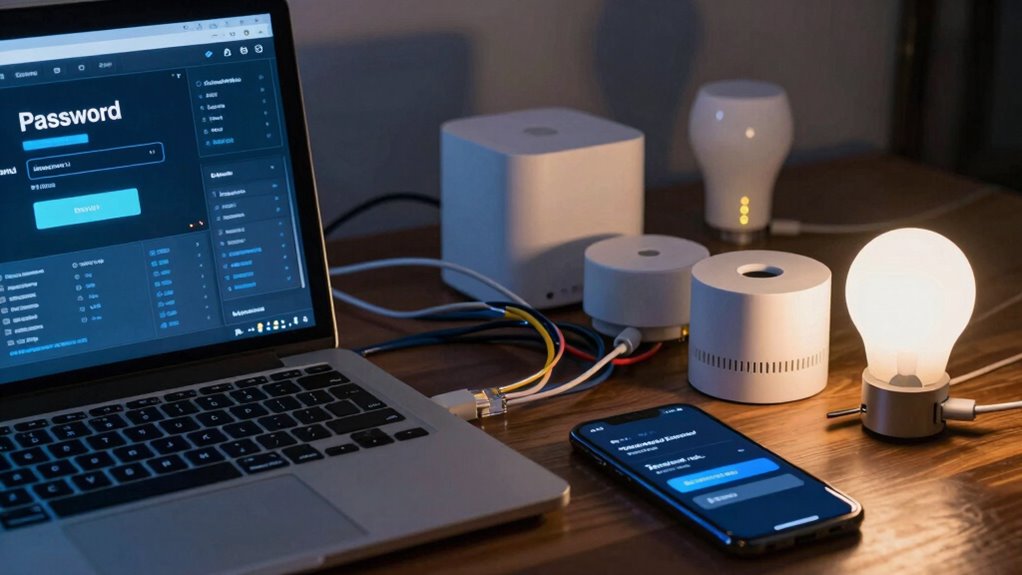
Hackers often exploit reused IoT passwords by using automated tools to quickly test common or previously compromised credentials across multiple devices. Once they gain access, they can manipulate IoT device firmware or bypass user authentication protocols to control your devices or steal data. Reusing passwords makes it easier for hackers to succeed because they rely on the fact that many users don’t change default or weak passwords. They often target multiple devices simultaneously, exploiting the weak security of outdated firmware or poorly implemented authentication protocols. Here’s how they do it:
| Step | Method | Result |
|---|---|---|
| 1 | Brute-force testing common passwords | Access to multiple devices |
| 2 | Cross-referencing compromised creds | Quick entry into accounts |
| 3 | Exploiting outdated firmware | Remote control or data theft |
| 4 | Bypassing weak user authentication | Unauthorized device access |
| 5 | Using automated scripts | Speed and scale of attacks |
Additionally, password reuse significantly increases the risk of successful breaches. Many users remain unaware that weak security practices can lead to widespread vulnerabilities across their connected devices. Being aware of and addressing IoT security vulnerabilities is essential to protect your home and data from cyber threats. Recognizing and mitigating common attack methods can help safeguard your connected environment and prevent costly breaches. Regularly updating device firmware and adopting strong, unique passwords for each device are crucial steps in reducing these risks.
multi-factor authentication for IoT
As an affiliate, we earn on qualifying purchases.
As an affiliate, we earn on qualifying purchases.
Signs Your IoT Devices Have Been Breached
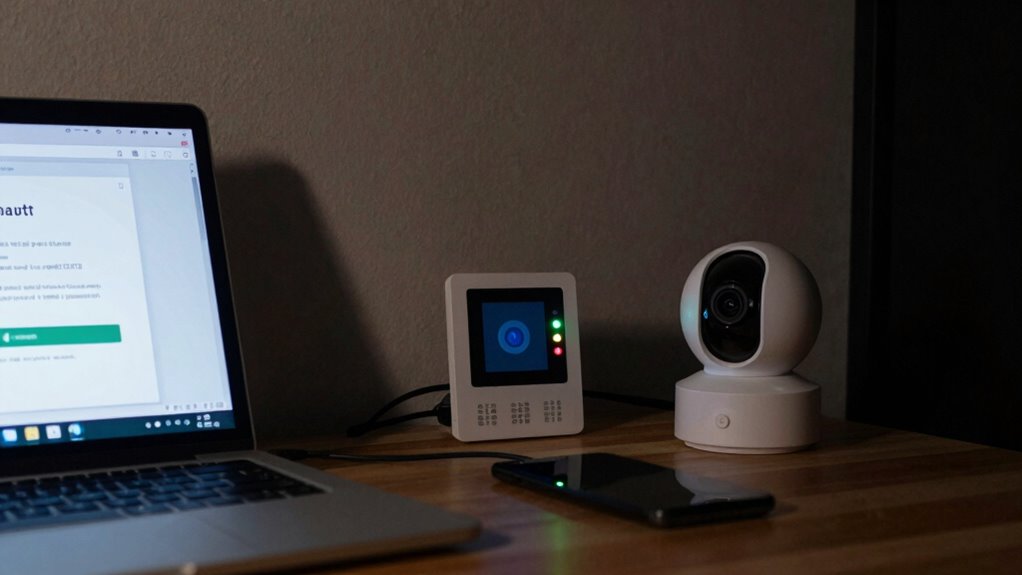
If your IoT devices suddenly behave unpredictably or show unusual activity, it’s a strong sign they’ve been compromised. You might notice devices turning on or off unexpectedly, or strange network traffic indicating device infiltration. These anomalies often result from password theft, where hackers gain control through reused or weak passwords. Unauthorized access can lead to malicious commands, data theft, or even using your devices to launch further attacks. Keep an eye out for unexplained changes, such as new devices appearing in your network or settings being altered without your input. Recognizing these signs early can help you respond swiftly, preventing further damage and securing your network from ongoing threats. Don’t ignore odd behavior—your IoT devices could be compromised. Additionally, password reuse is a common vulnerability that makes these attacks easier for cybercriminals. Understanding the importance of cybersecurity best practices can help you safeguard your devices effectively and minimize risks associated with IoT security vulnerabilities. Implementing strong, unique passwords across your devices is a crucial step in reducing these vulnerabilities and protecting your digital environment.
device segmentation for smart home
As an affiliate, we earn on qualifying purchases.
As an affiliate, we earn on qualifying purchases.
Best Practices for Creating Unique, Strong IoT Passwords
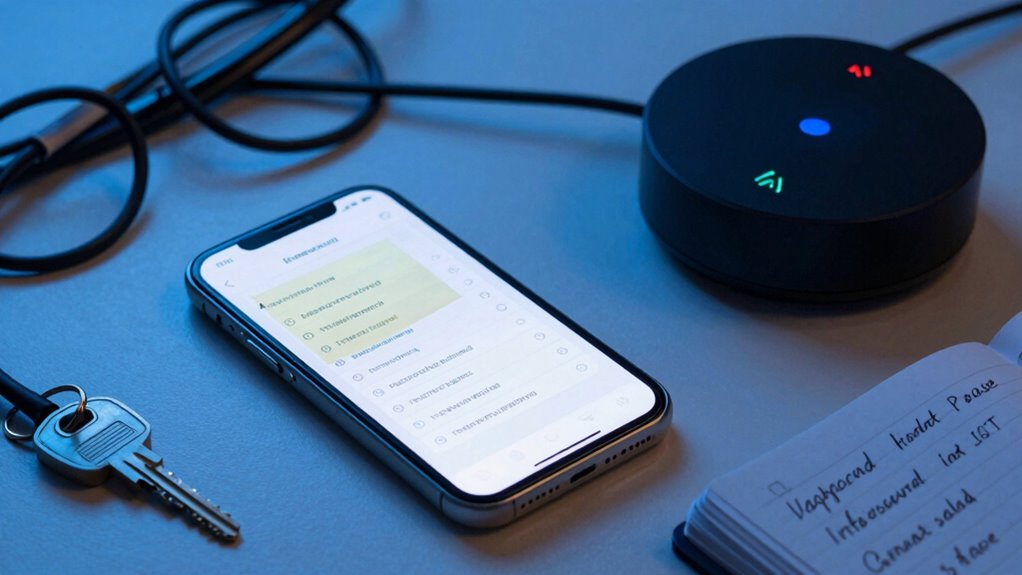
Creating unique, strong passwords for your IoT devices is essential to protect them from unauthorized access. Focus on password complexity by combining uppercase and lowercase letters, numbers, and symbols to make your passwords harder to crack. Avoid common words or predictable patterns, and aim for at least 12 characters. When it comes to password storage, never write passwords down where others can find them. Use a secure password manager to safely store and organize your credentials, ensuring you don’t forget complex passwords while keeping them protected. Regularly update your passwords and avoid reusing them across devices. Strong, uniquely different passwords significantly reduce your risk of breaches and help safeguard your smart home ecosystem from malicious attacks. Additionally, understanding home security systems can enhance your overall protection strategy beyond just strong passwords.
Tools and Strategies to Manage Your IoT Passwords

Managing multiple IoT passwords can be challenging, but using the right tools and strategies makes it much easier. Password management tools, like password managers, securely store and generate complex passwords, reducing the temptation to reuse them. These tools sync across devices, so you always have access to your login info without risking weak or repeated passwords. Implement multi-factor authentication (MFA) whenever possible to add an extra layer of security. MFA requires a second verification step, making it harder for hackers to access your accounts even if passwords are compromised. Regularly updating passwords and reviewing account access are also smart strategies. Understanding online security helps you stay organized, enhances your IoT security, and minimizes the risk of unauthorized access. Incorporating best security practices further strengthens your defenses against cyber threats.
What to Do Immediately After a Password Leak in Your IoT Network

When you discover a password leak in your IoT network, acting quickly is essential to prevent unauthorized access and potential damage. First, initiate a breach notification to alert relevant parties and contain the impact. Then, perform a password recovery process for compromised accounts, replacing old passwords with strong, unique ones. Use the table below to guide your immediate response:
| Step | Action | Purpose |
|---|---|---|
| Identify the leak | Check logs and device alerts | Confirm breach |
| Notify stakeholders | Inform users and security teams | Ensure awareness and action |
| Reset passwords | Change compromised passwords immediately | Prevent ongoing access |
| Review security | Assess vulnerabilities and update defenses | Future protection |
Being aware of dark psychology tactics can help you recognize and mitigate manipulation attempts that might exploit your IoT devices. Acting swiftly limits damage, safeguards your IoT network, and minimizes risks associated with reused passwords. Additionally, implementing multi-factor authentication adds an extra layer of security to your accounts, making unauthorized access even more difficult. Moreover, staying informed about security best practices can help keep your smart home environment safer. Regularly updating firmware and monitoring device activity are also crucial steps to maintaining a secure IoT environment.
Frequently Asked Questions
How Often Should I Change My Iot Device Passwords?
You should update your IoT device passwords every three to six months to follow security best practices. Regular password update frequency helps protect your devices from potential breaches and unauthorized access. Make sure to choose strong, unique passwords for each device, and avoid reusing them. Staying consistent with these security best practices minimizes vulnerabilities and keeps your smart home network safer from cyber threats.
Are There Specific Iot Devices More Vulnerable to Password Reuse Attacks?
Yes, some IoT devices are more vulnerable to password reuse attacks due to device-specific vulnerabilities and firmware update challenges. Devices like smart cameras, thermostats, and security systems often lack regular updates, making them prime targets. These vulnerabilities can be exploited if you reuse passwords. To protect yourself, choose devices with strong security features, regularly update firmware, and avoid reusing passwords across multiple IoT devices.
Can Password Managers Fully Secure Iot Account Credentials?
A password manager is like a sturdy vault, but it can’t be a silver bullet for IoT security. While it helps you generate and store unique passwords, it has limitations—such as vulnerability if your master password is compromised or if IoT devices lack robust security protocols. To truly protect your IoT accounts, combine password managers with strong security practices and make sure your devices follow updated IoT security protocols.
What Are the Long-Term Risks of Password Reuse on Iot Networks?
Reusing passwords on your IoT network increases your risk of device hacking and data breaches over the long term. If one device is compromised, hackers can access other connected devices using the same credentials. This interconnected vulnerability can lead to sensitive data leaks, unauthorized control, and more significant security issues. To protect yourself, always use unique, strong passwords for each IoT device, reducing the chances of widespread damage.
How Do I Identify Which Iot Devices Need Password Updates?
You should review your device inventory regularly to identify IoT devices that need password updates. Check each device’s settings or management app for security alerts or outdated firmware. Updating firmware often includes security patches, making it easier to change default or weak passwords. Prioritize devices connected to sensitive data or critical systems, and make certain you update passwords to strong, unique ones for each device to enhance security.
Conclusion
Reusing passwords on your IoT devices might seem harmless, but it opens the door to unseen threats lurking just beyond your reach. A single breach could compromise your entire network, leaving you vulnerable to even worse attacks. Are your passwords strong enough? The danger isn’t just in what you know—it’s in what you don’t. Stay vigilant, because the next breach could happen when you least expect it. Will you be prepared when it does?
Fall Picks
fall essentials
As an affiliate, we earn on qualifying purchases.