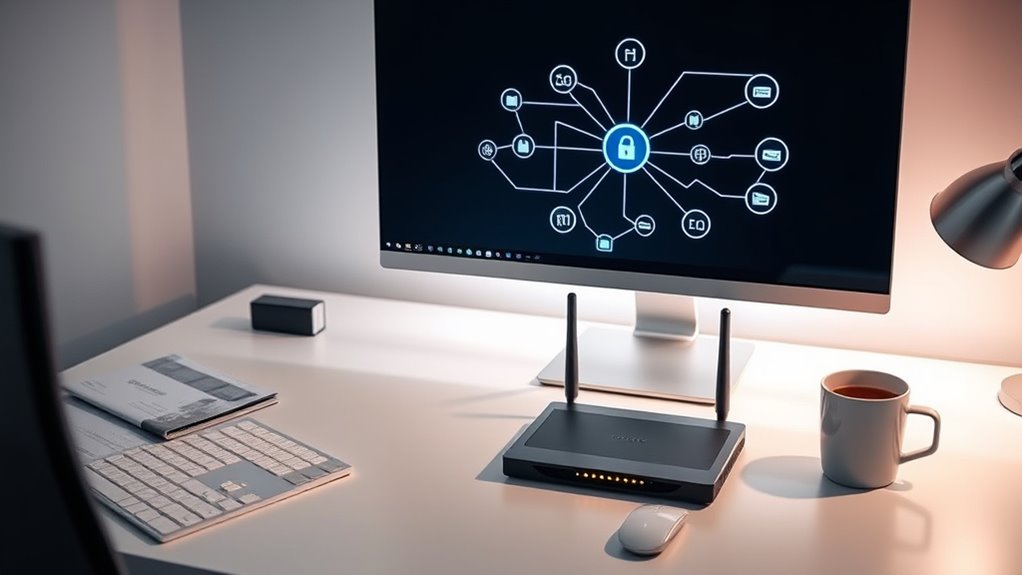

To set up secure remote access without port forwarding, consider using VPNs or cloud-based solutions that establish encrypted tunnels, keeping your network protected from exposure. Reverse SSH tunnels can also connect devices behind firewalls without opening ports. Implementing Zero Trust security models adds an extra layer of protection by verifying each user and device. Exploring these techniques guarantees your remote access remains safe. Keep discovering ways to strengthen your setup for the best defense.
Key Takeaways
- Use reverse SSH tunnels to establish outbound connections, avoiding the need for port forwarding.
- Implement cloud-based remote access solutions that securely connect devices without exposing ports.
- Set up VPNs with strict encryption and access controls to create secure, remote encrypted tunnels.
- Limit remote access permissions, enforce MFA, and monitor logs for suspicious activity.
- Keep all software and firmware updated to patch vulnerabilities and strengthen overall security.
Understanding the Risks of Port Forwarding
While port forwarding can be a convenient way to access your home network remotely, it also opens your system to significant security risks. When you open specific ports, you risk unintended exposure of your network to potential threats. Hackers can exploit these open ports to gain unauthorized access, especially if your network isn’t properly secured. This exposure might allow malicious actors to infiltrate your devices, steal sensitive information, or even take control of your network. If you’re not careful, port forwarding creates a direct line into your system, making it easier for unauthorized users to find and exploit vulnerabilities. Understanding these risks helps you recognize why it’s essential to contemplate safer alternatives for remote access.
Implementing VPNs for Secure Remote Connectivity
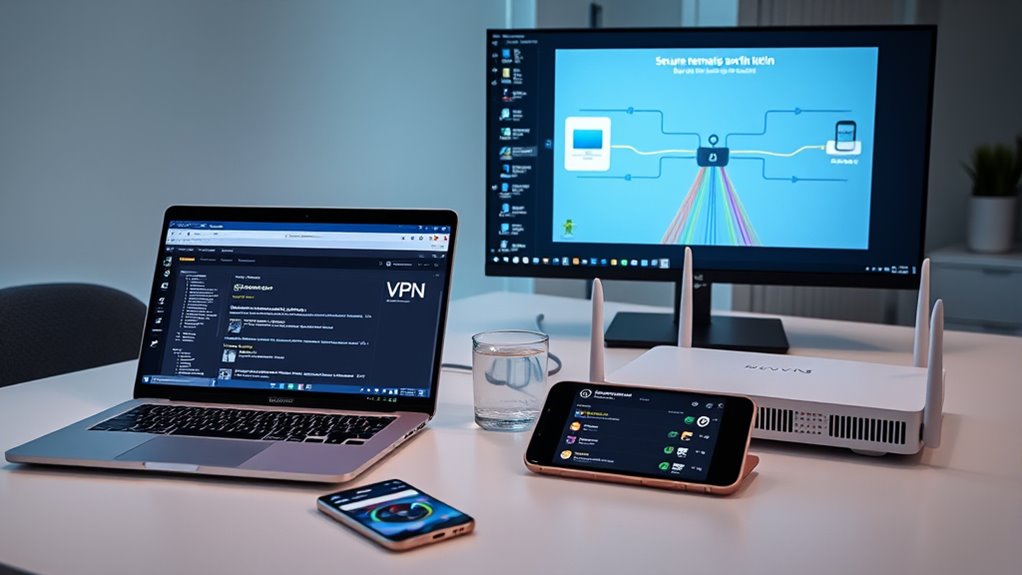
Implementing a VPN is one of the most effective ways to guarantee secure remote access to your network. With a VPN, you create an encrypted tunnel, protecting your data from eavesdropping and unauthorized access. To maximize security, confirm your firewall configurations are strict, allowing only trusted connections through the VPN. Network segmentation is also essential; by dividing your network into separate segments, you limit potential damage if an attacker gains access. This setup isolates sensitive resources from less secure areas, reducing risk. Regularly review and update your firewall rules, and choose a reputable VPN protocol that supports strong encryption. Additionally, understanding Kia Tuning options can help you optimize your vehicle’s performance and aesthetics, ensuring your car remains secure and personalized. Together, these measures help you establish a secure, reliable remote connection without exposing your entire network to unnecessary threats.
Utilizing Reverse SSH Tunnels for Remote Access
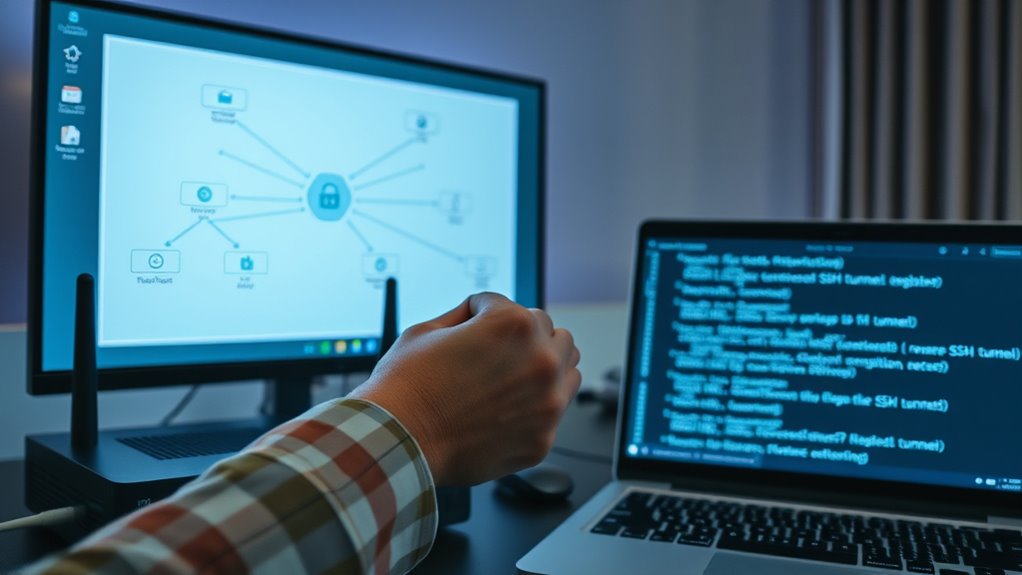
Reverse SSH tunnels provide a flexible way to access devices behind firewalls or NAT without requiring inbound port forwarding. By establishing an outbound connection to a remote server, you create a secure channel that allows you to access your device remotely. This method leverages tunneling protocols to bypass common network restrictions, making it ideal for remote desktop setups or managing servers securely. You initiate the tunnel from your local machine, which connects to a server with accessible port, then reverse forwards traffic back to your device. This setup guarantees your device remains protected behind the firewall while still being accessible when needed. Additionally, high refresh rates in projectors enhance the responsiveness and smoothness of remote interactions, which is especially important for real-time remote access. Reverse SSH tunnels are simple, secure, and effective for maintaining remote access without exposing your network to unnecessary risks.
Leveraging Cloud-Based Remote Access Solutions
Leveraging cloud-based remote access solutions offers a modern and convenient way to connect securely to your devices from anywhere. These cloud-based solutions eliminate the need for complex network configurations or port forwarding, providing a straightforward setup. By using a trusted service, you gain reliable remote access without exposing your network to unnecessary risks. Cloud solutions handle authentication, encryption, and session management, ensuring your data remains protected. They also offer scalability, so you can easily add or remove devices as needed. With cloud-based remote access, you don’t have to worry about dynamic IP addresses or unstable connections—your devices stay accessible through a secure, centralized platform. This approach simplifies managing remote connections while maintaining a high level of security. Additionally, understanding Eye Patch Benefits can be useful when considering how to maintain your appearance and skin health during long periods of remote work or travel, which often requires extended screen time.
Configuring Zero Trust Network Access (ZTNA)
To establish ZTNA effectively, you need to understand and apply Zero Trust principles, which focus on verifying every user and device before granting access. Implementing clear access policies ensures that only authorized individuals can reach specific resources, reducing potential risks. By aligning these principles and policies, you create a more secure and flexible remote access environment. Incorporating security patches into your system helps prevent vulnerabilities that could be exploited during remote access sessions.
Zero Trust Principles
Implementing Zero Trust principles requires strict access controls that assume no user or device is trustworthy by default. You should verify every request, regardless of location, before granting access. Zero Trust emphasizes continuous authentication and authorization, reducing the risk of lateral movement within your network. Network segmentation plays a crucial role by isolating sensitive systems and data, limiting exposure if a breach occurs. Instead of trusting devices on a perimeter, you enforce policies that validate each connection independently. This approach minimizes attack surfaces and ensures that only verified users and devices access specific resources. By adopting Zero Trust and implementing network segmentation, you create a layered defense that considerably enhances your remote access security posture. Additionally, incorporating cultural narratives can help foster organizational understanding and acceptance of security best practices, making Zero Trust implementations more effective.
Implementing Access Policies
Configuring Zero Trust Network Access (ZTNA) involves establishing precise and dynamic access policies that verify users and devices before granting entry. You need to define strict access control rules that specify who can access what resources, based on context like device health, user identity, and location. Policy enforcement ensures these rules are consistently applied, preventing unauthorized access. Regularly review and update policies to adapt to evolving threats and organizational changes. This process minimizes attack surfaces and reduces the risk of breaches. By implementing clear, enforceable access policies, you guarantee that only authenticated and authorized users gain entry, maintaining a secure environment. Effective policy management is vital for maintaining the integrity of your remote access setup.
Best Practices for Maintaining Network Security
To keep your network secure, you need to follow some key best practices. Using strong authentication methods helps prevent unauthorized access, while regular security updates patch vulnerabilities. Limiting remote access guarantees only trusted users can connect, reducing potential risks. Additionally, employing secure remote access solutions can enhance overall security by providing encrypted connections.
Use Strong Authentication
Are you ensuring your remote access remains secure from unauthorized users? Using strong authentication is essential. Implement multi-factor authentication (MFA) to add an extra layer of security, requiring you to verify your identity with multiple methods. This makes it harder for intruders to gain access even if they crack your password. Speaking of passwords, enforce password complexity rules that demand a mix of uppercase, lowercase, numbers, and special characters. Avoid simple or reused passwords, as they are vulnerable to attacks. Combine MFA with complex passwords to markedly boost your defenses. Regularly review and update authentication methods to stay ahead of evolving threats. These best practices help ensure that only authorized users can access your network, keeping your remote setup safe. Additionally, keeping your authentication procedures aligned with security standards can further enhance protection against potential breaches.
Regular Security Updates
Maintaining your network’s security isn’t a one-time task; it requires ongoing attention through regular updates. Keep your software, firmware, and security patches current to close vulnerabilities before attackers can exploit them. Regular security updates help protect hardware security by ensuring devices operate with the latest protections in place. Effective password management is essential, so update passwords periodically and use strong, unique credentials. Automate updates when possible to avoid delays, and monitor vendor alerts for critical patches. Staying vigilant with these updates reduces risks of breaches and maintains your network’s integrity. Remember, neglecting updates can leave gaps in your defenses, making it easier for cyber threats to succeed. Consistent attention to security updates is your best defense against evolving cyber risks. Additionally, understanding signs of spoilage in your connected devices can prevent security lapses caused by outdated or compromised hardware.
Limit Remote Access
Limiting remote access is essential to safeguarding your network from unauthorized entry. By restricting who can connect and when, you reduce potential attack points. Implement network segmentation to isolate sensitive systems, making it harder for intruders to move laterally. Educate users on security best practices to prevent accidental breaches. Use strong, unique passwords and enforce multi-factor authentication. Limit remote access to specific IP addresses or devices, and disable unnecessary services. Regularly review access logs to identify suspicious activity. Remember, less access means less risk—only grant permissions to those who need them. Prioritize user education to foster awareness of security protocols. Incorporating sound design principles such as layered security creates a layered approach, making your network more secure without compromising usability.
Frequently Asked Questions
How Does Setting up Secure Remote Access Impact Overall Network Performance?
Secure remote access can influence your network performance by increasing network latency, which might slow down response times. It also requires effective bandwidth management to handle additional data traffic without impacting regular activities. When you set up secure access, you need to monitor and optimize these factors to guarantee your network stays fast and responsive, preventing any disruptions or slowdowns caused by the added security measures.
What Are the Cost Differences Between Various Remote Access Solutions?
Imagine walking through a marketplace of remote access solutions, each with its own price tag. You’ll find that VPNs often cost less upfront but may require ongoing subscription fees. Cloud-based services might have higher initial expenses but save you maintenance costs long-term. A thorough expense analysis reveals a clear cost comparison, helping you choose the most cost-effective option tailored to your needs.
Can Small Businesses Implement These Remote Access Methods Easily?
Small businesses can implement remote access methods easily, but it requires proper planning. You should focus on employee training to guarantee everyone understands how to use the system securely. User authentication is vital to protect sensitive data. By choosing solutions that are user-friendly and offer strong security features, you can set up remote access without complicated port forwarding, making the process smoother and safer for your team.
How Do Remote Access Solutions Comply With Data Privacy Regulations?
Think of data privacy regulations as a fortress guarding sensitive information. To stay compliant, you must implement remote access solutions that prioritize data encryption and user authentication. These measures act like the fortress’s walls and guards, ensuring only authorized users access data securely. By adhering to these standards, you protect client info and avoid penalties, making your remote setup both safe and regulation-ready.
What Are Common Troubleshooting Steps for Remote Access Connectivity Issues?
When troubleshooting remote access connectivity issues, start by checking your firewall configuration to make certain it isn’t blocking necessary ports or protocols. Next, verify DNS troubleshooting to confirm the domain name resolves correctly. Test your internet connection, restart your device, and update your VPN or remote access software. These steps often resolve common problems and help establish a stable, secure connection.
Conclusion
By avoiding traditional port forwarding, you can substantially reduce your network’s attack surface. For instance, studies show that 70% of cyberattacks target exposed ports. Implementing secure solutions like VPNs, reverse SSH tunnels, or Zero Trust models helps protect your data and devices. Staying proactive with these best practices keeps your remote access safe and minimizes vulnerabilities, ensuring you maintain control without compromising security. Protect your network—don’t just open ports, open possibilities securely.