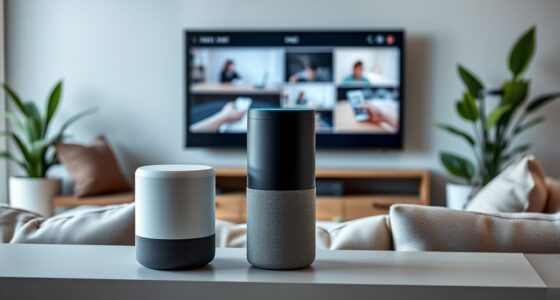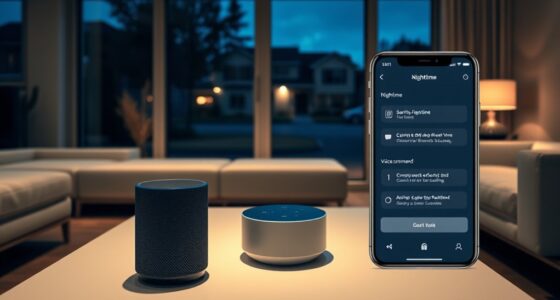
To create a resilient smart home without relying on the cloud, focus on local processing and automation. Use dedicated hubs or servers to handle data and run routines, ensuring devices operate independently during internet outages. Select smart devices with onboard processing that support local control. This setup reduces latency, enhances privacy, and keeps your home functional even when internet access is disrupted. Keep exploring to discover how to implement these components effectively.
Key Takeaways
- Use local hubs or servers to process automation rules and store data, reducing reliance on cloud services.
- Select smart devices with onboard processing and local control capabilities for reliable operation during internet outages.
- Implement a robust local network infrastructure to facilitate seamless data flow between devices and automation controllers.
- Configure routines and automation that operate independently of cloud connectivity to ensure continuous functionality.
- Prioritize local data processing to enhance privacy, security, and system resilience against internet disruptions.

In today’s connected world, relying solely on cloud services for your smart home can leave you vulnerable to outages and privacy concerns. When your internet goes down or service providers experience disruptions, your smart devices might become unresponsive or less effective. That’s where edge computing and local automation come into play, offering a smarter, more resilient approach. Instead of depending entirely on remote servers, you can process data locally, right within your home, ensuring your devices function smoothly regardless of internet connectivity.
Edge computing involves placing processing power close to your devices—think of it as having a mini data center right inside your home. This setup allows your smart home system to analyze sensor data, control devices, and make decisions on-site, reducing latency and dependence on external servers. With local automation, your devices can operate independently or collaboratively without needing to constantly communicate with cloud servers. For example, your motion sensors can trigger lights instantly without waiting for a cloud response, and your security system can record and analyze footage locally, safeguarding your privacy while maintaining functionality.
Edge computing brings processing power home, enabling instant device control and enhanced privacy through local data analysis.
Implementing local automation not only boosts resilience but also enhances privacy. You avoid transmitting sensitive data over the internet, reducing the risk of breaches or unauthorized access. When your system processes information locally, you maintain control over your data, and your routines become more reliable because they’re not contingent on internet stability. This setup also allows for customization tailored precisely to your needs, without relying on third-party cloud algorithms or updates that might change how your system responds.
To create a truly resilient smart home, you’ll want to integrate edge computing with a well-designed local automation system. Use dedicated hubs or servers capable of handling your automation rules and data processing internally. Pair this with smart devices that support local control, such as sensors, switches, and cameras with onboard processing capabilities. These components work together seamlessly, ensuring your routines operate smoothly even if your internet drops out. This approach minimizes downtime and keeps your home secure, comfortable, and responsive at all times.
In essence, building a smart home that doesn’t depend on the cloud means embracing edge computing and local automation. It provides you with greater control, privacy, and reliability, making your home smarter and more resilient against outages or privacy concerns. By investing in local processing capabilities, you create a system that’s not only efficient but also robust enough to withstand the unpredictable nature of internet connectivity. Implementing local processing ensures your smart home remains operational and secure, regardless of external factors.

Zigbee 3.0 USB Dongle Plus-E (ZBDongle-E) | Universal Zigbee Coordinator, EFR32MG21 Chip | for Home Assistant (ZHA), Zigbee2MQTT & openHAB | Local Smart Home Automation Hub, Replaces Cloud Hubs
PRE-FLASHED FIRMWARE, NATIVE LINUX PLUG AND PLAY: Skip complex configuration. This ZBDongle-E comes pre-flashed with official EZNet 6.10.3…
As an affiliate, we earn on qualifying purchases.
As an affiliate, we earn on qualifying purchases.
Frequently Asked Questions
How Do I Troubleshoot Local Network Issues Affecting My Smart Devices?
Start troubleshooting your local network issues by running network diagnostics on your router and devices to identify any connectivity problems. Check for interference and optimize your Wi-Fi signal by repositioning your router, reducing obstacles, and updating firmware. Confirm your devices are connected to the correct network and use a dedicated band if possible. These steps help maintain stable connections, improving overall smart device performance without relying on cloud services.
What Are the Best Offline Security Measures for a Smart Home?
Imagine your smart home as a fortress, sturdy and secure even when cut off from the outside world. You should implement local security by using offline protocols like encrypted network connections and offline access controls. Regularly update firmware to patch vulnerabilities, disable remote access features, and set strong, unique passwords. These measures keep your smart home resilient, ensuring your data stays private and your devices remain protected even when the internet isn’t available.
Can I Integrate New Devices Without Cloud Services?
Yes, you can integrate new devices without cloud services by ensuring they support local device compatibility. Check if they can communicate directly with your existing hub or controller via Wi-Fi, Zigbee, or Z-Wave. Also, review firmware update procedures to keep devices secure and functional. By choosing devices that prioritize local control and straightforward updates, you maintain a resilient, cloud-independent smart home setup.
How Do I Ensure Data Privacy Without Cloud Storage?
Imagine you’ve set up a smart home with local encryption, keeping your data secure without relying on cloud storage. To guarantee privacy, review privacy policies for your devices, making sure they don’t share data unnecessarily. Use strong, unique passwords and enable two-factor authentication. By prioritizing local encryption and understanding each device’s privacy policies, you actively protect your data, maintaining control and privacy in your smart home environment.
What Are the Power Backup Options for a Cloud-Independent System?
You can keep your smart home running during outages with battery backups and generator options. Battery backups, like UPS systems, provide immediate power and protect sensitive devices. For longer outages, consider a generator—either portable or standby—that automatically activates. Both options ensure your smart home remains operational, maintaining security and automation without relying on the cloud. Choose based on your power needs, budget, and available space.

Meross Smart Energy Consumption Monitor with 18 Circuit Monitoring, Electricity Usage Monitor, Real-Time Power Usage Monitor, Home Assistant Support, Smart Alerts, No Subscriptions, 2-Year Warranty
SAFE & RELIABLE: Meross smart energy consumption monitor is ETL‑certified and compliant with the UL 61010 testing standard,…
As an affiliate, we earn on qualifying purchases.
As an affiliate, we earn on qualifying purchases.
Conclusion
By choosing to keep your smart home self-reliant, you gently sidestep potential cloud-related hiccups, ensuring your sanctuary remains calm and steady. Embracing local control means you’re not just avoiding interruptions; you’re nurturing a space that’s quietly robust, ready to serve you without fuss. With this approach, your home becomes a quietly confident haven—resilient, reliable, and always there when you need it most, all without the whispers of external dependencies.
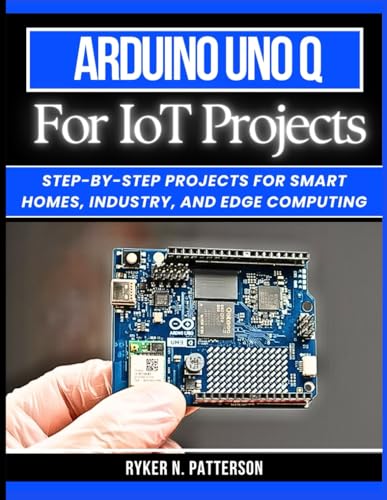
Arduino Uno Q for IoT Projects: Step-by-Step Projects for Smart Homes, Industry, and Edge Computing (The Smart Developer’s Toolkit Series)
As an affiliate, we earn on qualifying purchases.
As an affiliate, we earn on qualifying purchases.

SensForge 2.5K Pan-Tilt Security Camera, 360° Dual-Band WiFi Camera for Home, Free AI Human & Pet Detection, 2-Day Cloud + 64GB SD Storage, Two-Way Talk, Optional AI + Storage Upgrade (1, White)
[2.5K Full HD Resolution – Crystal Clear Detail] See every moment in sharp HD 2.5K clarity. SensForge’s indoor…
As an affiliate, we earn on qualifying purchases.
As an affiliate, we earn on qualifying purchases.