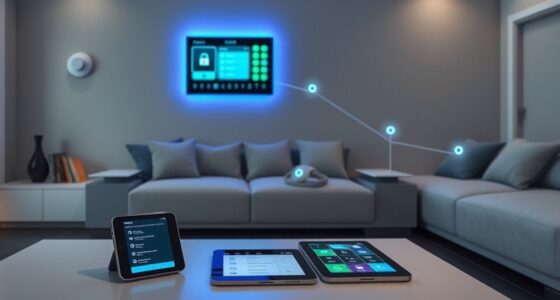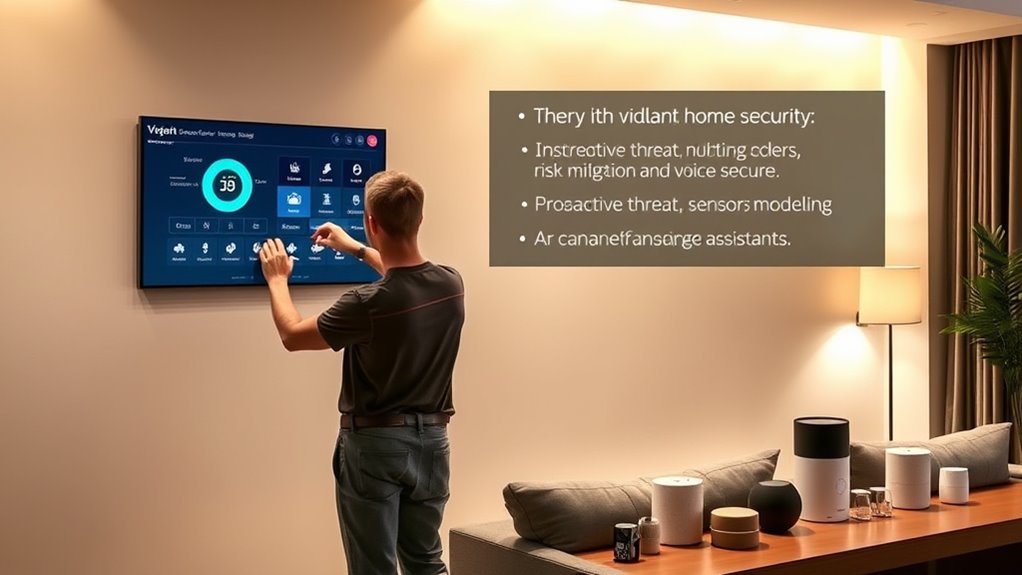

To threat model your smart home, start by identifying devices with default passwords, outdated firmware, and weak encryption, then evaluate how these vulnerabilities could be exploited. Consider how hackers might access your network, manipulate smart locks, or view private footage. Segment your devices onto a separate Wi-Fi network and regularly update firmware. Carefully review privacy settings and permissions. Taking these steps helps you pinpoint threats and build stronger defenses—continue to discover ways to protect your home effectively.
Key Takeaways
- Identify all connected devices, their functions, and security features to understand potential vulnerabilities.
- Regularly update firmware and change default passwords to prevent unauthorized access.
- Segment your smart home network from main devices to limit potential damage from breaches.
- Review and adjust privacy settings and permissions to control data sharing and collection.
- Conduct periodic security audits and monitor device activity for suspicious behavior or vulnerabilities.
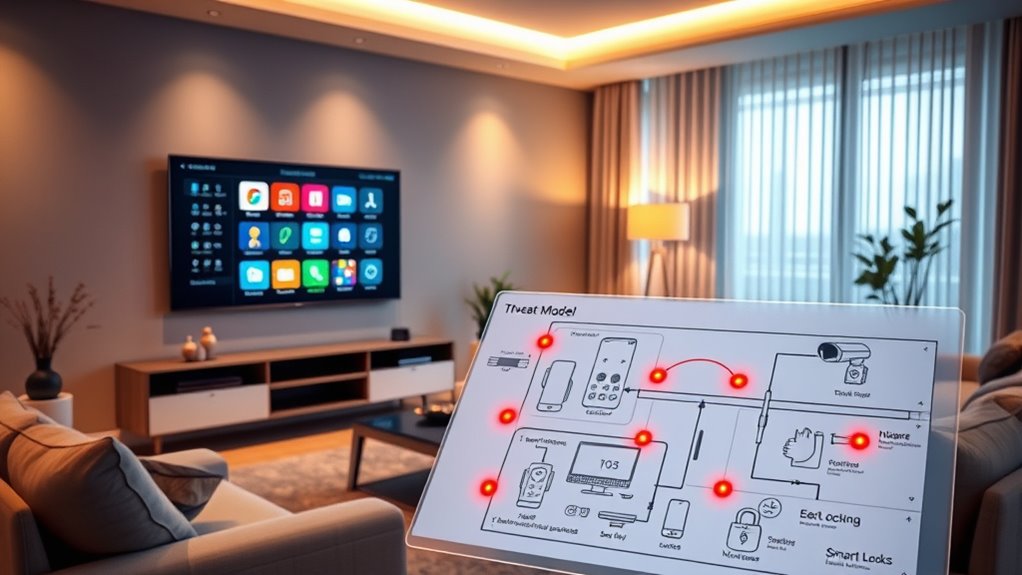
Have you ever considered how vulnerable your smart home really is? It’s easy to assume that your devices are secure simply because they’re connected to your Wi-Fi, but the truth is, many smart devices have significant vulnerabilities that could put your entire home at risk. Device vulnerabilities, such as weak default passwords, outdated firmware, or unpatched security flaws, create entry points for hackers who want to access your network. Once they gain access, your data privacy can be compromised, exposing sensitive information like your personal habits, financial details, or even security camera footage. Recognizing these vulnerabilities is the first step toward protecting yourself and your household.
Many smart devices come with default passwords or easy-to-guess PINs that users often leave unchanged, making it alarmingly simple for cybercriminals to infiltrate your system. Outdated firmware is another common issue; manufacturers release updates to patch known security flaws, but if you neglect to keep your devices current, those vulnerabilities remain open, waiting to be exploited. Additionally, some devices may have inherent security flaws due to poor design or lack of proper encryption, further increasing the risk of unauthorized access. These device vulnerabilities not only threaten your privacy but can also be used as a foothold for more extensive attacks on your entire network.
Default passwords and outdated firmware leave smart devices vulnerable to hacking and privacy breaches.
Data privacy is a major concern when it comes to smart home technology. Every device you connect, from voice assistants to security cameras, collects and transmits personal data. If these devices are compromised, hackers could access your private conversations, monitor your daily routines, or even manipulate your smart locks and alarms. That’s why it’s vital to understand what data your devices gather and how they store or transmit this information. Many devices send data to cloud servers without sufficient encryption, making it easier for attackers to intercept or access your sensitive information. Protecting your data privacy involves not only securing your devices but also regularly reviewing privacy settings and being cautious about the permissions you grant. Additionally, understanding security vulnerabilities in your devices can help you prioritize which risks to address first.
To mitigate these risks, you should take proactive steps, like changing default passwords to strong, unique ones, and enabling two-factor authentication where possible. Keep your firmware up to date to patch known vulnerabilities, and consider segmenting your network so that your smart devices operate on a separate Wi-Fi network from your personal computers and phones. Regularly auditing your devices helps you identify any suspicious activity or outdated hardware that needs replacing. Ultimately, understanding device vulnerabilities and prioritizing data privacy empowers you to create a safer, more resilient smart home environment. Being vigilant and proactive ensures that your connected home offers convenience without sacrificing security.

Bitdefender Total Security – Complete Antivirus and Internet Security Suite – 5 Devices | 2 year Subscription | PC/Mac | Activation Code by Mail
- Cross-Platform Compatibility: Protects Windows, Mac, iOS, Android
- Secure Online Banking: Dedicated browser and VPN included
- Real-Time Threat Defense: Malware, ransomware, phishing protection
As an affiliate, we earn on qualifying purchases.
Frequently Asked Questions
How Often Should I Update My Smart Home Security Settings?
You should update your smart home security settings regularly, ideally every few months or whenever firmware updates are released. Keeping firmware up to date guarantees your devices have the latest security patches. Also, practice good password hygiene by changing passwords periodically and using strong, unique ones. This proactive approach helps protect your smart home from vulnerabilities and keeps your system secure, giving you peace of mind.
What Are the Worst-Case Scenarios if My Smart Home Is Hacked?
You might think a hack isn’t that serious, but worst-case scenarios include unauthorized access to your devices, leading to privacy breaches or even physical security risks. If your smart home is compromised, attackers could disable device isolation, making it easier to control or damage your systems. Swift breach response is vital to contain damage, protect your data, and restore security. Don’t underestimate the impact—stay vigilant and prepared.
Can I Automate Threat Detection in My Smart Home?
Yes, you can automate threat detection in your smart home. By setting up automated detection systems, you can identify suspicious activity quickly. These systems monitor your devices for unusual behavior and trigger threat response actions, like alerts or device lockdowns. Automating threat detection helps you respond faster, reducing risks and keeping your smart home secure without constant manual oversight.
Are There Legal Privacy Concerns With Monitoring Smart Devices?
Like a hacker in a noir film, you might wonder if monitoring your smart devices raises legal privacy concerns. Yes, it can—privacy policies and data ownership matter. You need to make certain your devices comply with local laws and clearly understand who owns the data collected. Always review privacy policies, and consider how monitoring might impact others’ privacy. Staying informed helps protect your rights while keeping your smart home secure.
How Do I Securely Share Device Access With Family Members?
You can securely share device access with family members by setting up guest access and using permission management features on your smart devices. Assign specific permissions based on each person’s needs, and regularly review access settings to guarantee security. Avoid sharing passwords openly; instead, use dedicated guest accounts or temporary access links. This way, you maintain control while allowing trusted family members to use your smart home devices safely.

McAfee+ Premium Individual Unlimited Devices | AntiVirus Software 2026 for Windows PC & Mac, AI Scam Detection, VPN, Data Removal, Identity Monitoring |1-Year Subscription with Auto-Renewal | Key Card
- All-in-One Protection: Antivirus, VPN, Identity Monitoring
- AI Scam Detection: Automatic alerts for scams and deepfakes
- Secure VPN: Unlimited, private browsing on public Wi-Fi
As an affiliate, we earn on qualifying purchases.
Conclusion
By actively threat modeling your smart home, you reduce vulnerabilities and protect your privacy. Did you know that over 60% of smart home devices have security flaws? Staying vigilant and implementing strong defenses can prevent potential breaches. Regularly update your devices, change default passwords, and monitor network activity. Taking these steps guarantees your smart home remains a safe, secure space where technology works for you, not against you.
![Malwarebytes Premium 4.5 Latest Version Antivirus Software | 12 Months, 10 Devices (Windows, Mac OS, Android, Apple iOS, Chrome) [software_key_card]](https://m.media-amazon.com/images/I/41vut8UN1VL._SL500_.jpg)
Malwarebytes Premium 4.5 Latest Version Antivirus Software | 12 Months, 10 Devices (Windows, Mac OS, Android, Apple iOS, Chrome) [software_key_card]
- Device Compatibility: Windows, Mac, Android, iOS, Chrome
- Advanced Threat Detection: Blocks sophisticated cyber threats
- User-Friendly Interface: Easy to control and customize
As an affiliate, we earn on qualifying purchases.

Webroot Internet Security Complete Antivirus Software 2026 10 Device 1 Year Download for PC/Mac/Chromebook/Android/IOS + Password Manager, Performance Optimizer
- Lightning-Fast Antivirus: Real-time cloud-based virus and malware protection
- Identity Theft & Anti-Phishing: Protects personal info and warns of threats
- Multi-Device Compatibility: Supports PC, Mac, Chromebook, Android, iOS
As an affiliate, we earn on qualifying purchases.