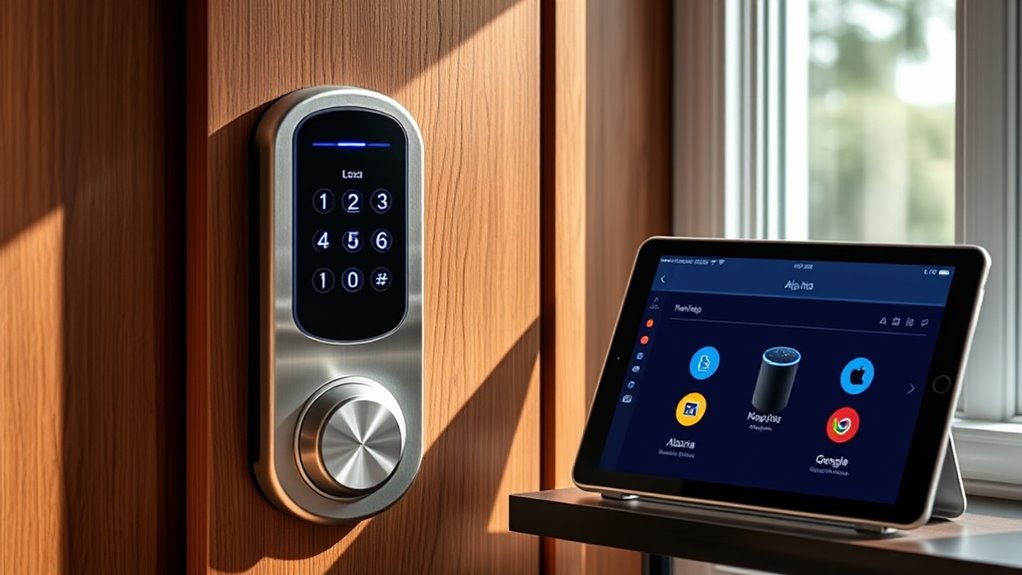

Integrating your smart lock with platforms like Alexa, Google Assistant, or Apple HomeKit lets you control access easily and securely from your devices. You can lock or open doors remotely, grant temporary or permanent access, and monitor activity effortlessly. Voice commands make managing your home more convenient, and seamless integration guarantees all your smart devices work together smoothly. Keep exploring how these platforms enhance your smart home experience and simplify your security setup.
Key Takeaways
- Verify smart lock compatibility with Alexa, Google Assistant, or Apple HomeKit before integration.
- Use the respective app or platform to connect and configure the smart lock within your smart home system.
- Enable voice control and remote access features through platform-specific settings for seamless management.
- Manage user access and permissions remotely via the platform’s app or interface for added security.
- Ensure stable Wi-Fi or Zigbee/Z-Wave connectivity for reliable operation across integrated platforms.
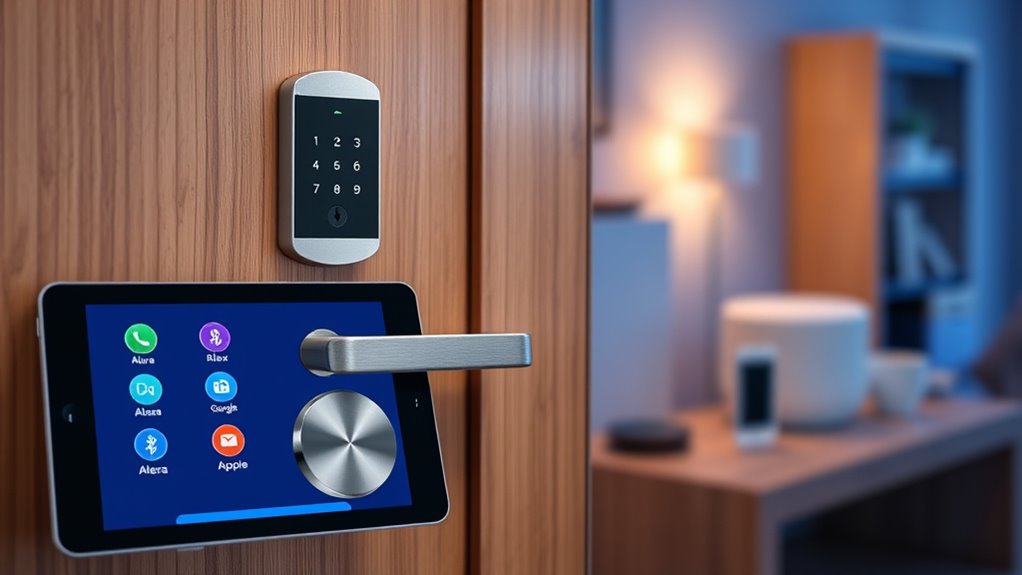
Have you ever wondered how to seamlessly control your smart lock alongside other smart home devices? Integrating your smart lock with platforms like Alexa, Google Home, or Apple HomeKit opens up a world of convenience and security. With proper setup, you can manage your lock remotely, granting access to family members, friends, or service providers without leaving your couch. Remote access becomes a breeze once your smart lock is connected to your preferred platform. You can lock or open your door from anywhere, using your smartphone or voice commands, giving you peace of mind whether you’re at work or on vacation. This level of control is especially useful for managing who enters your home and when, all from a single app or voice assistant.
User management is a critical feature that enhances the security and flexibility of your smart lock. When integrated properly, these platforms allow you to create and revoke access for different users with ease. You can assign temporary or permanent digital keys to family members, housekeepers, or guests, and monitor their activity through logs provided by the system. This means you always know who entered and when, adding a layer of accountability. User management also helps prevent unauthorized access, as you can revoke permissions instantly if someone’s access needs to be revoked or if an issue arises. This flexibility is a huge upgrade over traditional key copies, making your home safer and more manageable. Additionally, understanding the compatibility between your smart lock and home platform ensures smooth integration and reliable operation.
smart lock compatible with Alexa Google Home Apple HomeKit
As an affiliate, we earn on qualifying purchases.
As an affiliate, we earn on qualifying purchases.
Frequently Asked Questions
Can I Control Multiple Smart Locks With One Platform?
Yes, you can control multiple smart locks with one platform. Most platforms support accessory compatibility, allowing you to manage several locks simultaneously. You can also customize voice commands for each lock, making it easier to control them individually or together. Just verify your smart locks are compatible with your chosen platform, and you’ll enjoy seamless management of all your locks from a single interface.
Are Smart Locks Compatible With All Smart Home Ecosystems?
Think of smart locks as universal keys—you might need a different one for each door. Not all smart locks are compatible with every smart home ecosystem, so check compatibility first. With voice commands, you can lock or open remotely, making access seamless. However, some locks only work with specific platforms, so verify your chosen lock supports your preferred system for smooth remote access and voice control.
How Secure Are Smart Locks When Integrated With Platforms?
Smart locks, when integrated with platforms, are generally secure if they use strong encryption standards like AES and undergo regular firmware updates. These updates fix vulnerabilities and improve security over time. However, you should always enable multi-factor authentication and ensure your Wi-Fi network is secure. While no system is foolproof, following these best practices greatly reduces the risk of hacking or unauthorized access.
Do I Need a Hub for Integrating Smart Locks?
You typically don’t need a hub for integrating smart locks, as many use wireless protocols like Wi-Fi, Z-Wave, or Zigbee, which can connect directly to your smart home platform. However, some locks require a hub to enhance connectivity and manage battery life efficiently. Consider your lock’s compatibility and wireless protocol, as a hub can improve battery life and ensure a stable connection, especially with Z-Wave or Zigbee locks.
Can I Set Temporary Access Codes Through Smart Home Platforms?
Yes, you can set temporary access codes through smart home platforms. Many smart locks allow you to manage codes easily, giving you the ability to generate temporary access for visitors or service providers. You can typically do this via the app or voice commands, enabling efficient code management. This feature helps you control who enters your home and when, enhancing security and convenience without needing a physical key.
remote control smart lock for smart home
As an affiliate, we earn on qualifying purchases.
As an affiliate, we earn on qualifying purchases.
Conclusion
By seamlessly weaving your smart lock into your smart home tapestry, you turn everyday security into a symphony of convenience and control. With each integration, you’re orchestrating a harmony where technology becomes your silent guardian, always ready at your command. Embrace this digital choreography, and watch your home transform into a fortress that responds like a loyal, vigilant sentinel—intelligent, intuitive, and effortlessly connected.
voice controlled smart door lock
As an affiliate, we earn on qualifying purchases.
As an affiliate, we earn on qualifying purchases.
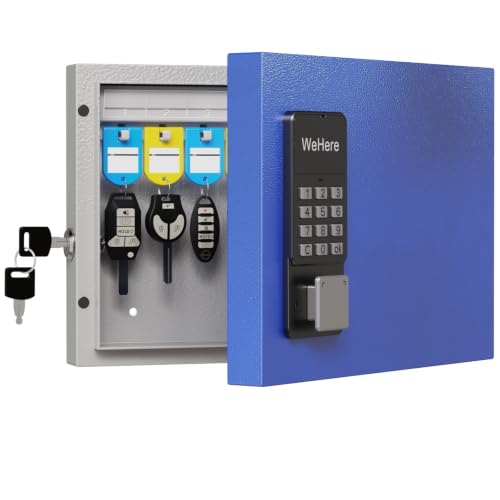
WeHere 16-Key Key Lock Box Wall Mount – Smart Key Cabinet Organizer with App, One-Time Code, Bluetooth & WiFi Unlock (Sold Separately), Key Management System for Home, School, Rental, Office
- Suitable for Small Offices and Homes: Supports multi-admin and permission control
- Activity Log Tracking: Monitor unlock history via app
- WiFi Remote Unlock: Unlock remotely with WiFi gateway (sold separately)
As an affiliate, we earn on qualifying purchases.
As an affiliate, we earn on qualifying purchases.