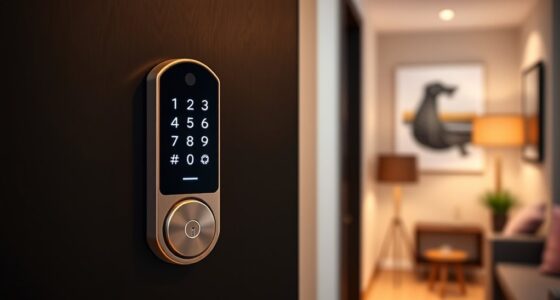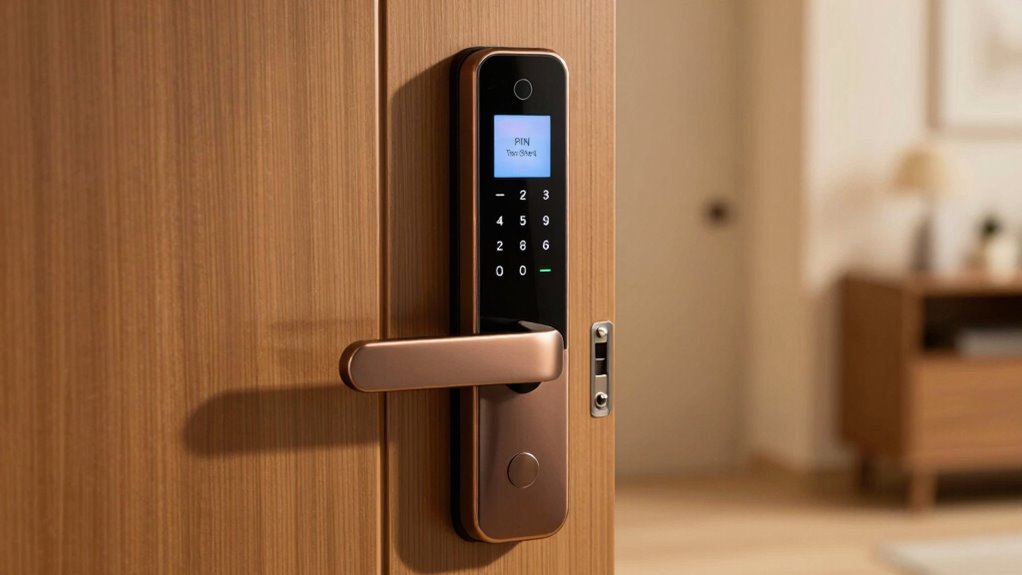

Using a PIN shorter than six digits makes your smart lock vulnerable to quick guesses and automated attacks. Common or predictable codes like “1234” or “0000” are easy for hackers to crack, putting your home at risk. To boost security, opt for at least six or more digits, and create a unique combination. Keep your lock safe by learning how to choose a stronger PIN and avoid common mistakes for better protection.
Key Takeaways
- Short PINs, especially 4-digit codes, are easier for hackers to guess or crack.
- A minimum of 6 digits is recommended for better security; longer PINs are even safer.
- Avoid common sequences like “1234” or default codes to prevent easy guessing.
- Regularly update your PIN and choose unpredictable, unique combinations for enhanced protection.
- Combining longer PINs with other security measures, such as biometrics, further reduces vulnerability.
Why Short PINs Make Your Smart Lock Vulnerable?
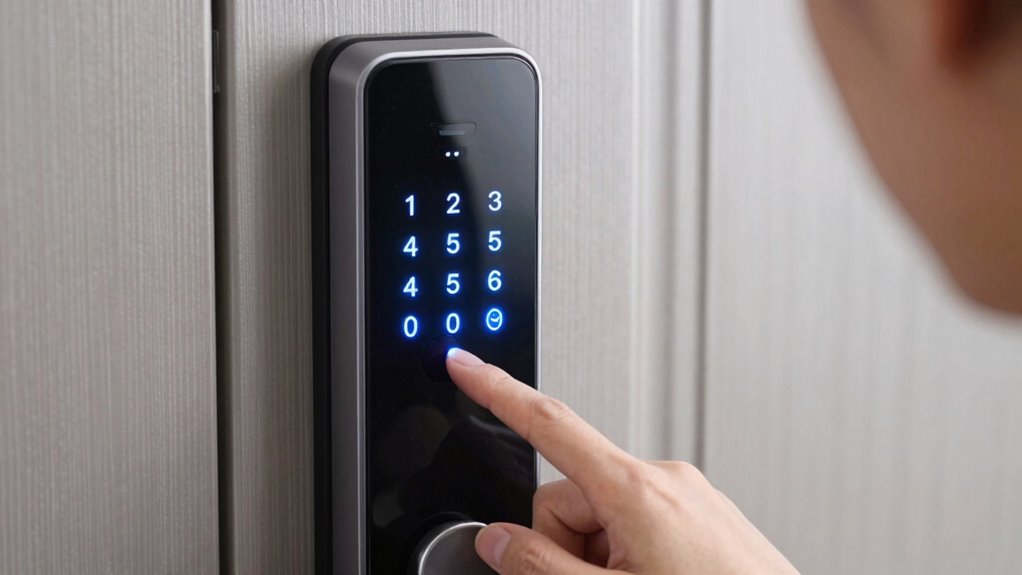
Short PINs make your smart lock more vulnerable because they are easier for hackers to guess or crack. When your PIN is simple or too brief, it becomes a prime target for lock hacking attempts. Hackers often rely on PIN guessing techniques, trying common or sequential numbers first. Short PINs reduce the number of possible combinations, making it quicker for someone to break into your lock through brute-force methods. This means your home or valuables are at greater risk of unauthorized access. Longer, more complex PINs considerably slow down lock hacking efforts, giving you better protection. Additionally, understanding password strength concepts like entropy can help you choose more secure PINs. Using security best practices can further enhance your smart lock’s defenses. Recognizing the importance of PIN length can lead to better security choices. Don’t underestimate the danger of a short PIN—upgrading to a longer one is a simple step to enhance your smart lock’s security. As a bonus, regularly updating your PIN can prevent long-term vulnerabilities and is considered a key part of security hygiene.
What Is the Recommended Minimum PIN Length for Smart Locks?

To effectively protect your smart lock from hacking attempts, it’s recommended to set a PIN that is at least 6 digits long. A longer PIN enhances security strength by making brute-force attacks more difficult. Most experts agree that a minimum of 6 digits strikes a balance between convenience and security. Some security-conscious users opt for 8 or more digits for added protection. Consider the following table to understand the impact of PIN length:
| PIN Length | Approximate Combinations | Security Strength |
|---|---|---|
| 4 digits | 10,000 | Moderate |
| 6 digits | 1,000,000 | Good |
| 8 digits | 100,000,000 | Very strong |
| 10 digits | 10,000,000,000 | Maximum security |
| 12 digits | 1 trillion+ | Nearly unbreakable |
Choosing at least 6 digits substantially boosts your security strength. Implementing strong password practices can further enhance your smart lock’s protection, especially when combined with multi-factor authentication. Additionally, understanding the importance of randomized PINs can prevent predictable combinations that hackers often exploit.
How Longer PINs Improve Your Home Security
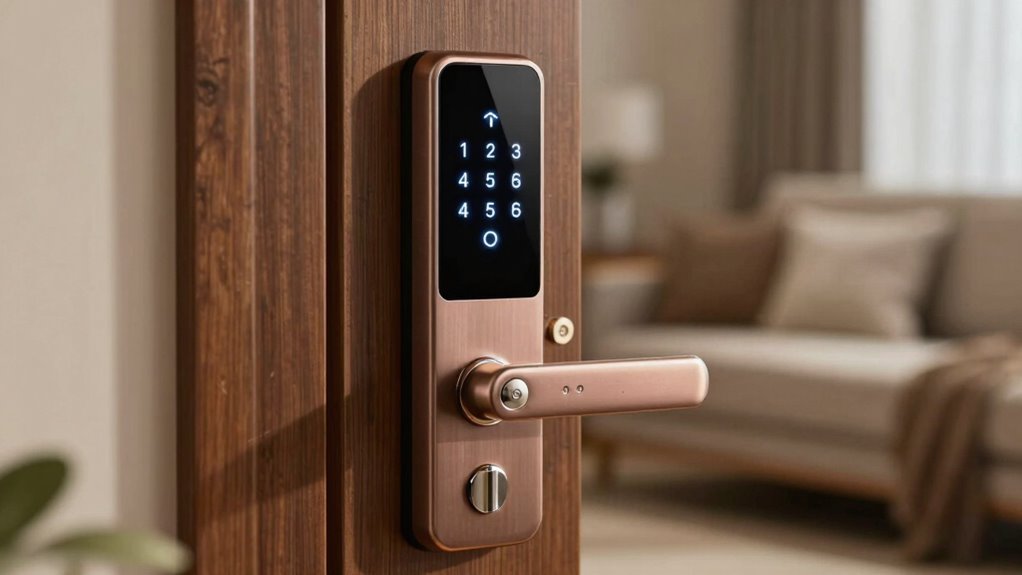
Longer PINs make your smart lock much harder for intruders to guess, especially with increased complexity. They also reduce the chances of someone cracking your code quickly. Plus, longer PINs help keep the lock itself more durable over time. Incorporating more complex combinations can further enhance your security. Additionally, a longer PIN length can make brute-force attacks significantly less feasible for attackers. Implementing these practices aligns with ownership essentials that promote safer, more reliable home security. Using a properly secured wiring setup ensures your system remains protected from tampering and electrical issues. Employing a comprehensive load‑planning approach ensures your entire security system functions reliably without overloading circuits.
Increased PIN Complexity
While a shorter PIN might be quick to enter, increasing its length makes it considerably harder for intruders to guess or crack through brute-force attacks. Longer PINs add complexity, requiring more combinations and reducing the chance of accidental or intentional breaches. To further strengthen your security, consider biometric alternatives like fingerprint or facial recognition, which add layers without complicating access. Regular smart lock maintenance ensures your device functions properly and maintains security features. Combining a longer, more complex PIN with biometric options creates a multi-layered defense, making unauthorized entry substantially more difficult. This approach not only deters intruders but also provides convenience and peace of mind, knowing your home is protected by a robust, layered security system.
Reduced Guessing Risks
When your PIN is longer, it becomes notably harder for intruders to guess or crack through brute-force methods. Longer PINs increase password complexity, making it more difficult for hackers to test all possible combinations quickly. This added complexity directly reduces the risk of successful guessing attacks. Additionally, choosing a longer PIN ensures better lock compatibility, as many smart locks support extended passcodes specifically designed to enhance security. By increasing your PIN length, you minimize the chances of someone guessing your code before you notice. Remember, most security breaches happen through simple guesswork or automated attacks that rely on shorter, less complex codes. A longer PIN considerably elevates your home security, making unauthorized access far less likely. Enhanced security features of modern smart locks further support the use of longer PINs to protect your home. Incorporating security best practices such as longer PINs is essential in maintaining a robust defense against unauthorized access. Using multi-factor authentication where available can further strengthen your overall security measures. To maximize your security, consider regularly updating your PIN to stay ahead of potential threats. Additionally, implementing security awareness can help you recognize and prevent common hacking techniques targeting PIN codes.
Enhanced Lock Durability
Using a longer PIN not only enhances security but also boosts your lock’s durability. When you choose a longer PIN, it reduces the frequency of lock maintenance needed by preventing wear from frequent input attempts. Additionally, longer PINs make user authentication more secure, decreasing the chance of unauthorized access. Here’s how:
- Less Wear and Tear: Fewer input errors mean less mechanical strain on the lock.
- Improved Reliability: A more robust PIN reduces the need for frequent repairs.
- Extended Lock Lifespan: Reduced mechanical stress prolongs overall lock durability.
- Enhanced Security: Longer PINs slow down brute-force attacks, maintaining lock integrity over time.
Deep-sky imaging techniques similarly benefit from longer exposure times, which improve overall image quality and detail.
Common Mistakes People Make When Choosing Smart Lock PINs?

Many people choose PINs that are simple sequences like “1234” or “0000,” making them easy for others to guess. Reusing common codes, such as birth years or simple patterns, also weakens your lock’s security. Avoid these mistakes to keep your home safer. Additionally, selecting a more complex PIN can significantly improve your smart lock’s security. Using secure PIN practices, such as avoiding predictable numbers, is essential for effective protection. Implementing best security practices ensures your smart lock remains resilient against potential breaches. Furthermore, considering PIN length and variety can enhance overall security by making it harder for intruders to decipher your code. Understanding digital security principles can help you choose stronger, more resilient PINs.
Using Simple Sequences
Simple sequences like “1234” or “0000” are tempting choices, but they’re among the most common and easily guessed PINs. Using these sequences weakens your digital passwords and compromises physical key access security. Avoid predictable patterns that attackers can quickly try. Instead, consider:
- Combining random digits instead of straightforward sequences
- Using a mix of numbers that don’t follow a pattern
- Avoiding repeated numbers or simple increments
- Creating a PIN that’s unique and not associated with personal info
- Detecting passive voice can help identify insecure phrasing in your writing.
Choosing complex, unpredictable codes makes it harder for intruders to crack your smart lock. Remember, easy-to-guess sequences are a major security flaw, leaving your home vulnerable. Strengthening your PIN protects both your digital passwords and physical access points.
Reusing Common Codes
Reusing common codes is a frequent mistake that weakens your smart lock security. Many people stick with default PINs or choose widely used codes like 1234 or 0000, which are easy for intruders to guess. Using a common code or default PIN makes your lock vulnerable because hackers often try these first. Instead of relying on these predictable options, create a unique, complex PIN that isn’t associated with popular combinations. Avoid the temptation to reuse the same code across multiple devices, as this increases vulnerability if one gets compromised. Remember, a strong, distinctive PIN significantly enhances your security, so don’t settle for common or default codes that make it easy for unauthorized access. Prioritize your safety by choosing a PIN that’s both long and unpredictable.
Tips for Creating a Strong, Memorable PIN

Creating a strong, memorable PIN doesn’t mean you have to pick something obvious or complex. Instead, focus on creating a code that’s unique yet easy to recall. Incorporate biometric integration where possible, like fingerprint or facial recognition, to add an extra layer of security. When managing remote access, choose a PIN that’s hard to guess but simple enough for you to remember. Consider these tips:
- Use a combination of unrelated numbers rather than common patterns.
- Mix digits that are meaningful to you but not obvious to others.
- Avoid sequences or repetitive numbers.
- Think of a memorable number sequence, like a significant date or number pattern, but modify it to be less predictable.
These strategies help balance security and memorability effectively.
How to Change or Upgrade Your Smart Lock PIN Easily
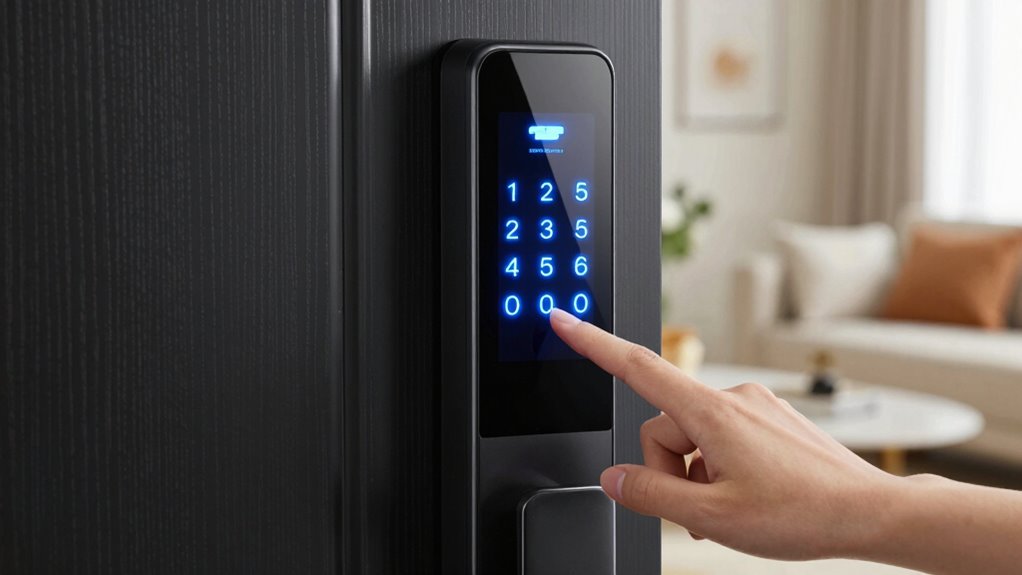
Changing or upgrading your smart lock PIN is a straightforward process that can usually be done through the lock’s mobile app or physical keypad. Start by accessing the app or keypad and following the instructions to update your PIN. Regular lock maintenance, like cleaning the keypad and checking for firmware updates, guarantees smooth operation. When changing your PIN, consider choosing a stronger, longer code to improve security. Keep in mind that frequent PIN updates can also help prolong your lock’s battery lifespan by reducing unnecessary power drain from failed attempts or glitches. Always verify the new PIN works properly before completing the process. Upgrading your PIN is a quick step that enhances your smart lock’s security without complicating your routine.
Additional Security Features to Protect Your Smart Lock
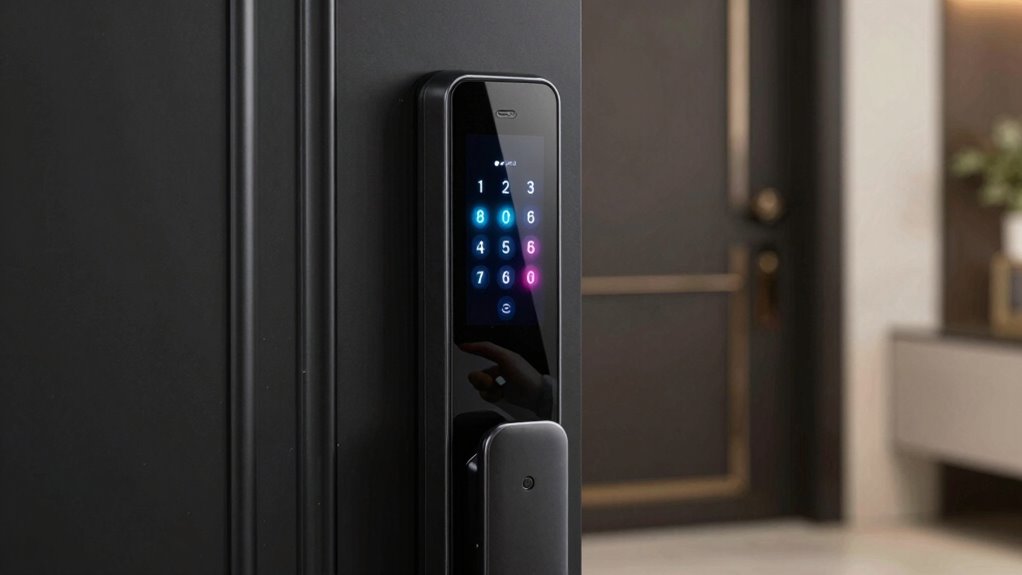
To better protect your smart lock, consider enabling additional security features that add layers of defense beyond just a PIN. These features help prevent unauthorized access even if your PIN is compromised. First, activate digital keys that are unique and difficult to duplicate. Second, set up biometric access, such as fingerprint or facial recognition, for quick yet secure entry. Third, enable two-factor authentication, requiring a secondary verification method. Fourth, restrict access times or create temporary codes for guests. These measures prevent unauthorized entry and give you more control over who can unlatch your door. Combining digital keys and biometric access boosts security considerably, making it tougher for intruders to break in. These features provide peace of mind and reinforce your smart lock’s defenses.
Why Repetitive or Simple PINs Are a Security Risk?
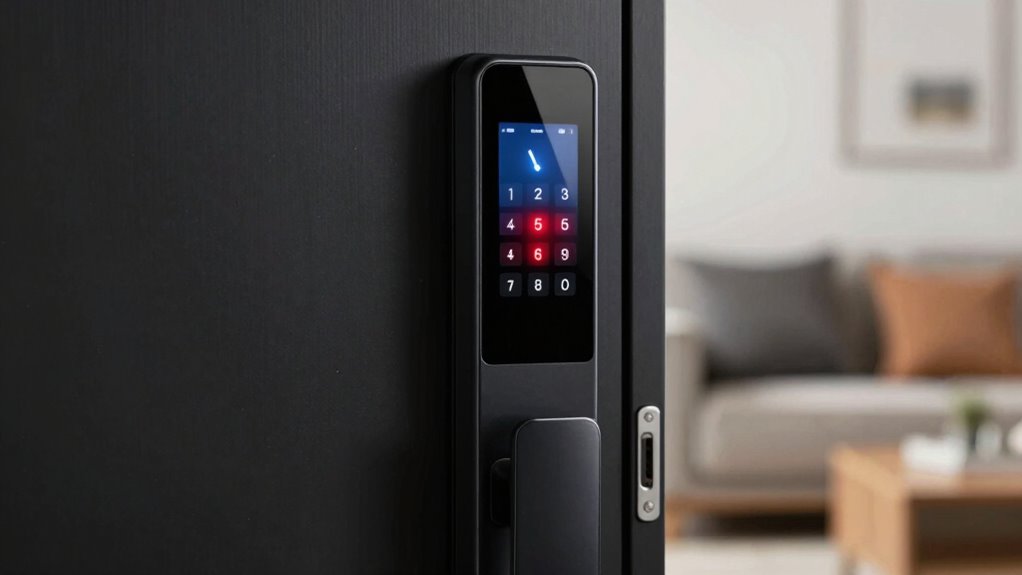
Repetitive or simple PINs pose a significant security risk because they are easily guessed or discovered through basic guessing techniques, like pattern recognition. Many people fall into predictable password patterns, such as “1111” or “1234,” which hackers can quickly try. Using these simple PINs weakens your digital security because they don’t take into account the need for complexity. Attackers often use automated tools that test common patterns, making your lock vulnerable. Avoiding repetitive and simple PINs helps prevent unauthorized access and protects your personal space. To strengthen your security, choose PINs with varied digits that don’t follow obvious patterns. This makes it much harder for someone to guess or crack your code, keeping your smart lock and digital security safer.
Simple Steps to Ensure Your PIN Is Secure and Strong

Ensuring your PIN is secure and strong starts with selecting a combination that’s difficult for others to guess. Avoid simple or repetitive numbers that make lock picking or brute force attacks easier. To strengthen your PIN, follow these steps:
Choose a unique, complex PIN and update it regularly for optimal security.
- Use a unique, non-sequential number that isn’t related to your personal info.
- Avoid common patterns like 1234 or 0000.
- Choose a PIN with at least 6 digits for added security.
- Regularly update your PIN to prevent potential breaches.
Frequently Asked Questions
Can I Set Different PINS for Multiple Users on My Smart Lock?
Yes, you can set different pins for multiple users on your smart lock. With user management features, you can customize PINs for each person, enhancing security and control. Simply access your lock’s app, navigate to user management, and assign unique PINs to each user. This PIN customization allows you to revoke access easily and monitor who enters, making your smart lock more secure and tailored to your needs.
Are Biometric Features More Secure Than PIN Codes for Smart Locks?
Biometric features are like a fingerprint in a crowd—more unique than PIN codes, but not foolproof. While they often provide better security, biometric vulnerabilities like hacking or spoofing can occur. Plus, privacy concerns arise when your biometric data is stored improperly or mishandled. Ultimately, combining biometrics with strong PINs offers the best protection, giving you both convenience and security without exposing yourself to unnecessary risks.
How Often Should I Update My Smart Lock PIN for Security?
You should update your smart lock PIN every three to six months to maintain strong password habits and improve security. Regular lock maintenance helps prevent unauthorized access and ensures your system functions correctly. Changing your PIN periodically reduces the risk of hacking or guessing, especially if you suspect your current code has been compromised. Stay vigilant and make PIN updates part of your routine to keep your smart lock secure.
Is It Safe to Use a PIN Generator App for Creating My Lock PIN?
Using a PIN generator app for your smart lock might seem convenient, but it’s like handing your door key to a hacker. These apps often lack robust security, risking your PIN’s complexity and app security. Instead, create a unique, complex PIN manually or use a trusted password manager. Remember, your smart lock’s safety depends on a strong, unpredictable PIN combined with secure app practices—don’t gamble with your home’s security!
Do Smart Locks Support Multi-Factor Authentication Options?
Yes, many smart locks support multi-factor authentication options, enhancing your security. You can combine passcode complexity with other authentication methods like biometric scans or smartphone apps. This layered approach makes it harder for intruders to access your home. Check your specific lock model to see which multi-factor options it offers, and always choose strong, unique passcodes along with additional authentication methods for maximum security.
Conclusion
Remember, a short PIN is like leaving your house door unfastened—it invites trouble in. By choosing a longer, unique PIN, you’re building a fortress around your home’s security. Don’t fall into the trap of simple or repetitive numbers; instead, craft a PIN that’s as tough as steel yet easy to remember. Strengthen your smart lock’s defenses today—because a secure PIN is your first line of defense against unwanted visitors.