
Access logs can be misleading because issues like time drift, poor synchronization, and missing events can distort the true sequence of user activities. If clocks aren’t accurately synchronized, logs may show events out of order, causing confusion during troubleshooting. Additionally, common actions like navigation or background processes often remain unlogged, creating gaps in data. Understanding these pitfalls helps you improve your logging accuracy and guarantees you interpret logs correctly—there’s more to learn about spotting and fixing these problems.
Key Takeaways
- Time drift and lack of synchronization cause logs to record events out of sequence, misleading analysis.
- Missing user actions, like navigation or background activities, create gaps that skew true activity understanding.
- Inconsistent timestamps across systems hinder accurate event correlation and causality reconstruction.
- System crashes and network issues can corrupt or incomplete log entries, reducing data reliability.
- Without proper synchronization protocols like NTP, clocks diverge, making logs unreliable for security and troubleshooting.

Philips Wi-Fi Smart Lock with Handle, Keyless Entry Keypad Door Lock with Handle, Front Door Deadbolt Set with WiFi Gateway, App Control, Fingerprint Unlock, PIN Code Unlock, Auto Locking
𝐊𝐞𝐲𝐩𝐚𝐝 𝐃𝐨𝐨𝐫 𝐋𝐨𝐜𝐤 𝐰𝐢𝐭𝐡 𝐇𝐚𝐧𝐝𝐥𝐞𝐬: Upgrade your home with Philips keyless entry door lock with handles, which enhances...
As an affiliate, we earn on qualifying purchases.
Why Access Logs Can Be Misleading: An Overview

Access logs can be misleading because they only show recorded activity, not the full context behind it. Time discrepancies often cause log inaccuracies, making it hard to determine exactly when events occurred. If your system’s clocks aren’t synchronized, logs may display incorrect timestamps, leading you to misinterpret activity timelines. Additionally, log entries can be incomplete or corrupted, especially during system crashes or network issues, further skewing the data. These inaccuracies can cause you to miss critical details or misjudge the sequence of events. Furthermore, clock drift can cause logs to record events at inconsistent times, making accurate analysis difficult, and compounding the challenge of accurate analysis. Time synchronization is crucial for maintaining reliable log data and ensuring accurate troubleshooting. When systems aren’t properly synchronized, it can lead to inconsistent timestamps, which hampers forensic investigations. Relying solely on access logs without understanding their limitations can result in faulty security analysis or troubleshooting. Recognizing these potential pitfalls helps you approach log data more critically and avoid making misguided decisions based solely on incomplete or inaccurate recordings. Incorporating proper system clock management can significantly improve log reliability and investigative accuracy.

Veise VE027-K Built-in WiFi Smart Lock with 2 Knob, Fingerprint Keyless Entry Door Lock Handle Set for Front Door, App Remote Control, Electronic Digital Keypad Deadbolt, IP65 Waterproof, Matte Black
Control from Anywhere: With integrated 2.4GHz Wi-Fi, enjoy no-hub control from anywhere. Get instant activity alerts and check...
As an affiliate, we earn on qualifying purchases.
How Time Drift Can Skew Your Log Data (And How to Fix It)
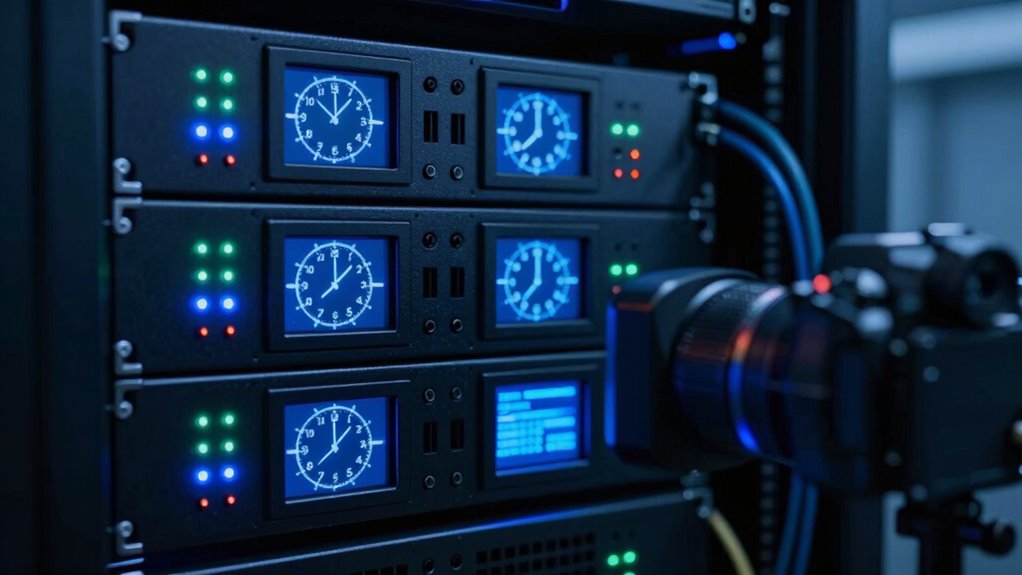
How Time Drift Can Skew Your Log Data (And How to Fix It)
Time drift can cause your logs to become misaligned, making it hard to accurately sequence events. You’ll face challenges with clock synchronization across devices, which skews your data analysis. Fortunately, applying correct time adjustments helps restore accuracy and reliability to your logs. Regularly verifying system clocks and using industry-standard synchronization protocols ensures your timekeeping remains precise over time. Additionally, implementing time drift correction techniques can proactively mitigate discrepancies before they impact your data integrity. Maintaining consistent time synchronization practices across all devices is essential for accurate event logging and analysis. Incorporating time drift monitoring tools can also help identify and resolve synchronization issues promptly.
Clock Synchronization Challenges
Even small discrepancies in clock synchronization can cause significant problems when analyzing logs. Network latency delays can make events appear out of order, while server clock drift causes individual servers’ clocks to become misaligned over time. These issues lead to inconsistent timestamps, making it difficult to reconstruct accurate sequences of events. If your servers aren’t synchronized properly, logs from different systems won’t match up, complicating investigations and troubleshooting. Variations in network latency can further exacerbate timing inconsistencies, especially when logs are collected from geographically dispersed locations. To address this, you need reliable time synchronization protocols like NTP, which help keep clocks aligned. Regularly monitoring and adjusting your system clocks minimizes drift and ensures your logs reflect an accurate, synchronized timeline.
Impact on Event Sequencing
When server clocks drift out of sync, the sequence of events recorded in your logs can become distorted, making it difficult to reconstruct what happened and when. This affects event ordering, which is vital for understanding incidents and troubleshooting issues. If timestamps are inaccurate or inconsistent, the true flow of events gets muddled, leading you to misinterpret the timeline. You might see events appear out of order or miss critical details altogether. Poor timestamp accuracy hampers your ability to identify causality and respond effectively. As a result, troubleshooting becomes more complex, and confidence in your logs diminishes. Ensuring precise event sequencing requires reliable timestamp data, which depends on synchronized clocks and consistent timekeeping practices across your systems.
Corrective Time Adjustments
As clocks drift out of sync, log entries can become misaligned, making it difficult to interpret the true sequence of events. Corrective time adjustments are essential to restore log integrity. To perform effective time correction, consider these steps:
- Synchronize all system clocks using a reliable NTP server to prevent future drift.
- Identify and compare logs from different sources to detect timestamp discrepancies.
- Apply manual or automated corrections to align timestamps, ensuring chronological accuracy.
- Document all adjustments for audit trails and future reference.
- Regularly monitor system clock synchronization to maintain accurate log timestamps.

Smart Door Handle Lock with Keypad: Yamiry Fingerprint Smart Knob - Keyless Entry Digital Lock for Front Door - Deadbolt with APP - Generate Passcode Remotely - DIY Installation
[Unlock Your Door with 6-In-1 Versatility] Experience unparalleled convenience and security with our state-of-the-art keyless entry door lock....
As an affiliate, we earn on qualifying purchases.
Understanding Log Synchronization Problems and Their Impact

Log synchronization issues occur when system logs from different sources or servers are not properly aligned in time, leading to inaccuracies in event sequencing. When time discrepancies happen, it becomes difficult to determine the true order of events, which can obscure critical security or operational insights. Additionally, clock drift can cause logs to become misaligned even when synchronization protocols are in place, further complicating analysis. Variations in system clock accuracy across devices can introduce inconsistencies that are hard to detect without proper checks. When logs are out of sync, you might see events appear out of chronological order or miss key incidents altogether. These problems are common in distributed systems where clocks aren’t perfectly synchronized. Recognizing log integrity issues is vital for maintaining trustworthy records and accurate event reconstruction. Understanding how log synchronization impacts event ordering helps you recognize why logs can sometimes be unreliable. Proper time synchronization reduces these issues and enhances log accuracy. Addressing these issues is essential for maintaining accurate records and ensuring reliable forensic investigations. Regular clock calibration can help detect and correct drift before it impacts log integrity, ensuring more trustworthy data.

Veise Fingerprint Door Lock Set, Keyless Entry Door Lock, Front Handle Set, Electronic Keypad Deadbolt with Lever Handle, 2 Keys, Auto-Locking, One-time Codes, Easy to Install, Oil Rubbed Bronze
Keyless Entry Door Lock with Handle Set: Veise Smart Door Lock features 3 unlocking methods: 20 fingerprints +...
As an affiliate, we earn on qualifying purchases.
Common User Actions That Often Don’t Show Up in Your Logs

Despite efforts to keep logs extensive, many common user actions often go unrecorded. These gaps skew your understanding of actual session time and user behavior. Here are four actions that frequently don’t show up in logs:
- Users navigating via browser back or forward buttons.
- Actions performed through browser extensions or scripts.
- Session time spent on pages without triggering server requests.
- Users leaving pages open but inactive for extended periods.
Additionally, sound environment factors and device configurations can influence how accurately sessions are tracked. For example, browser settings can also impact logging accuracy, leading to incomplete data. Variations in network conditions can cause discrepancies in session timing and event capture. These unlogged activities can lead you to underestimate how long users stay engaged or misinterpret their behavior. If you rely solely on server logs, you might miss critical insights into actual user interactions, making your data less reliable for decision-making. Recognizing these blind spots helps improve your analysis accuracy.
Spotting Mismatches Between Logs and Real User Activity

Mismatches between server logs and actual user activity often go unnoticed, yet they can profoundly distort your understanding of engagement. Look out for timestamp anomalies, such as inconsistent or out-of-sequence entries, which can hide or misrepresent user actions. Comparing logs with real-time user behavior—like live sessions or user feedback—helps reveal discrepancies. For example, if a user reports activity that isn’t reflected in the logs, or logs show activity outside expected timeframes, you’ve identified a mismatch. Tracking these inconsistencies enables you to pinpoint when logs fail to capture user actions accurately. Recognizing these gaps is vital for accurate analysis, ensuring you understand true user engagement and avoid false conclusions driven by incomplete or skewed data. Additionally, understanding time drift and synchronization issues can help you identify when logs may have been affected by technical anomalies.
Best Practices to Ensure Accurate Time Stamps in Your Logs

To guarantee your timestamps in logs are accurate, you need to implement consistent synchronization methods across all systems. This ensures timestamp accuracy and maintains log consistency. First, synchronize all servers with a reliable time source, such as NTP servers, to prevent drift. Second, configure your logging tools to record timestamps in Coordinated Universal Time (UTC) to avoid discrepancies across time zones. Third, regularly verify synchronization status and address any drift immediately. Fourth, standardize timestamp formats across all logs to facilitate accurate correlation. Fifth, monitor system clocks regularly to detect and correct drift before it impacts logs. Additionally, implementing time drift detection tools can help identify subtle discrepancies early. Properly managing system clock synchronization is crucial for maintaining accurate logs and ensuring reliable system analysis. Maintaining synchronized clocks across systems is essential for trustworthy logging. Following these practices helps you minimize errors caused by time drift or misaligned clocks. Consistent synchronization not only improves timestamp accuracy but also ensures your logs provide a trustworthy timeline for analysis and troubleshooting.
Detecting and Fixing Log Sync Issues Easily

Detecting log synchronization issues is crucial for maintaining accurate records, and doing so doesn’t have to be complex. Start by examining timestamp discrepancies across your logs; inconsistent times often indicate sync problems. Use log correlation techniques to align events from different sources, making discrepancies easier to spot. Implement automated tools that compare timestamps and flag anomalies, saving you time and reducing errors. Consistently verify synchronization with a reliable time source, like NTP servers, to prevent drift. When discrepancies are identified, adjust clocks or re-sync systems to correct the issues. By routinely monitoring for timestamp discrepancies and employing log correlation, you ensure your logs accurately reflect events, helping you troubleshoot faster and maintain data integrity. Additionally, understanding wall surfaces and finishes can aid in visualizing how physical environments might relate metaphorically to layered data or system complexity.
Handling Missing Events and Gaps in Access Data

Missing events and gaps in access data can severely impact your ability to analyze user behavior and guarantee log completeness. These gaps might obscure critical patterns or misrepresent activity timelines, leading to flawed insights. To handle these issues effectively, consider:
- Cross-referencing logs from multiple sources to identify discrepancies.
- Implementing fallback mechanisms, like secondary logging, to fill in gaps.
- Analyzing timestamps carefully to detect irregularities or time drift.
- Regularly auditing log collection processes to ensure log completeness and consistency.
Tools to Verify and Cross-Check Your Access Logs

Verifying the accuracy and completeness of your access logs requires effective tools that can automate comparison and validation processes. Log validation tools help identify time discrepancies and inconsistencies across multiple data sources, ensuring logs reflect real activity. These tools can compare your logs against synchronized timestamps from network devices or server clocks, revealing whether events are missing or misaligned. Scripts and software like ELK Stack (Elasticsearch, Logstash, Kibana), Splunk, or Graylog streamline log validation by parsing, correlating, and visualizing data. They enable you to detect anomalies caused by clock drift, sync issues, or incomplete entries. Using these tools improves your confidence in log integrity, making it easier to spot irregularities and guarantee your logs accurately reflect what’s happening on your network.
How to Interpret Logs Correctly and Avoid Being Misled
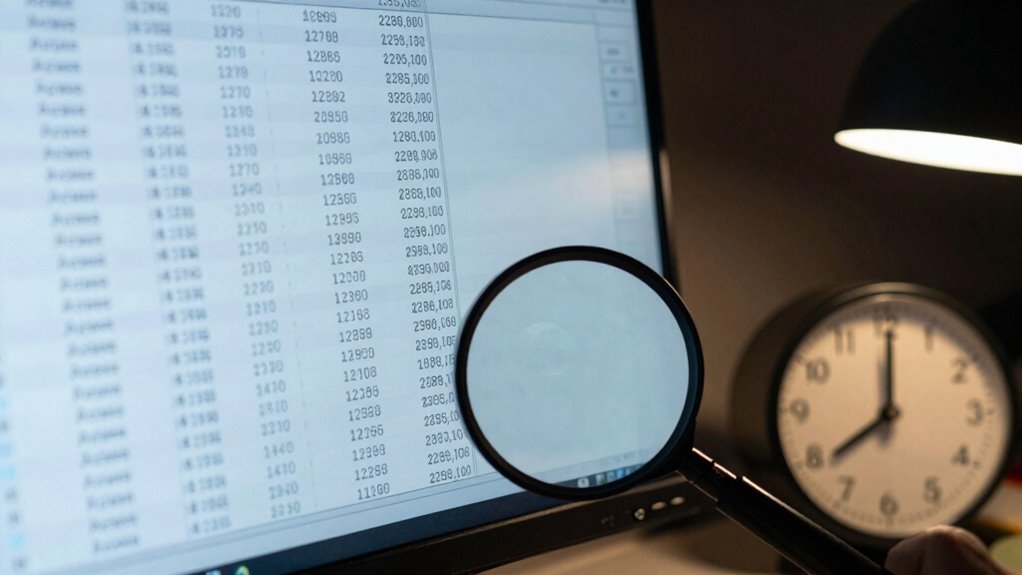
Interpreting access logs accurately requires understanding what the data truly represents and recognizing common pitfalls that can lead you astray. To avoid being misled, focus on verifying timestamp accuracy and log consistency. Misaligned timestamps can distort event sequences, so cross-check logs with synchronized time sources. Additionally, ensure logs are complete and consistent across systems, as missing entries or discrepancies can skew analysis. Here are four key steps:
- Confirm system clocks are synchronized to avoid timestamp errors.
- Cross-verify logs across multiple sources for consistency.
- Recognize that missing events may indicate logging issues, not actual activity.
- Understand the context behind each entry to interpret the data correctly.
Frequently Asked Questions
Can Access Logs Be Manipulated Intentionally to Hide Activity?
Yes, access logs can be manipulated through log tampering for intentional deception. Someone with access might alter or delete entries to hide their activity, making it seem like no suspicious actions occurred. By doing this, they can cover their tracks and evade detection. Always remember that logs are vulnerable to attack, so implementing safeguards like integrity checks and secure storage is essential to prevent log tampering and maintain accurate records.
How Do Different Time Zones Affect Log Accuracy?
Time zone discrepancies can severely impact your log accuracy, causing timestamp inconsistencies that make it hard to piece together events accurately. You might think logs reflect real-time activity, but different zones can hide or distort vital details. When logs aren’t synchronized across time zones, it’s easy to miss important actions or misinterpret their sequence, risking misjudging security incidents or operational issues. Always make certain your logs are standardized to a single time zone for clarity.
Are There Legal Implications for Inaccurate Logging?
Yes, inaccurate logging can have legal implications. If audit trails are incomplete or flawed, it can compromise data integrity, leading to potential legal disputes or penalties. You’re responsible for ensuring logs are accurate and reliable, especially during audits or investigations. Failing to maintain proper records might result in legal action, fines, or damage to your organization’s credibility. Always verify your logs to protect against these risks.
What Hardware Issues Contribute to Log Discrepancies?
Hardware issues can turn your logs into a crooked mirror, distorting reality. When the hardware clock drifts or stalls, it throws off timestamps, making events appear out of sync. Storage delays can act like traffic jams, delaying log entries and creating gaps. These issues cause discrepancies, leaving you chasing shadows instead of clear, accurate records. You need precise hardware synchronization to keep your logs truthful and reliable.
How Often Should Log Synchronization Be Verified?
You should verify log synchronization at least daily to minimize timestamp discrepancies. Regular checks guarantee that your logs stay aligned across systems, helping you catch any drift early. Depending on your environment’s activity level, more frequent synchronization—such as every few hours—may be necessary. Staying proactive with synchronization frequency helps maintain accurate, reliable access logs and prevents issues caused by time drift or missing events.
Conclusion
Remember, access logs are your window into user activity, but they can deceive you like a mirage in the desert. By understanding time drift, sync issues, and missing events, you can see through the illusion and gain real clarity. Don’t let faulty data be your blindfold—equip yourself with the right tools and knowledge. Because in the world of logs, truth isn’t just what’s recorded—it’s what you uncover behind the shadows.