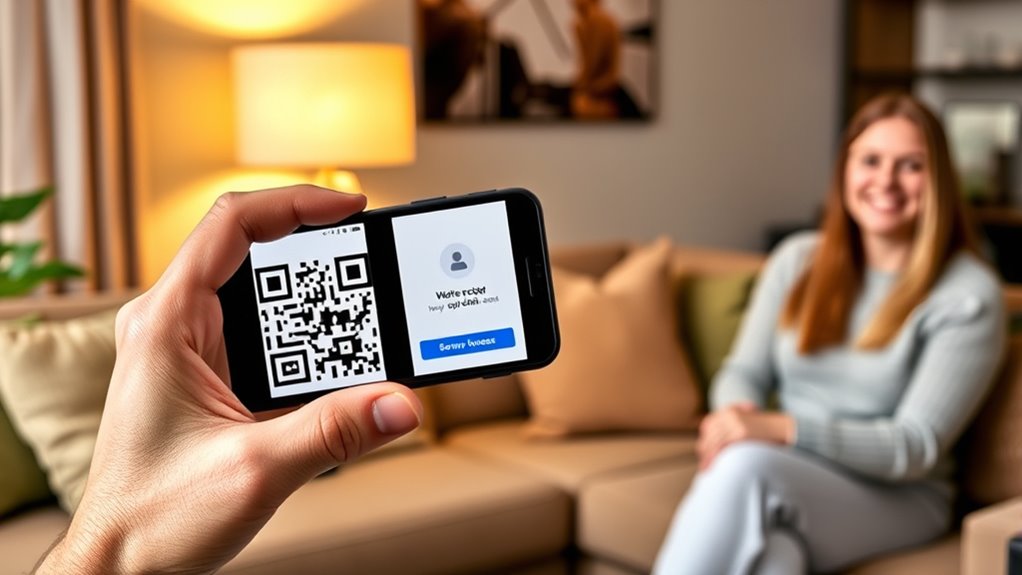

To securely share temporary codes with house guests, avoid sending them through insecure channels like plain text or email. Instead, use secure apps or encrypted messaging platforms to transmit codes, or deliver them in person whenever possible. Make sure each code is unique and time-limited, matching the guest’s stay, and revoke access promptly afterward. Understanding how to manage and safeguard these codes can help keep your property secure—explore more to master this process.
Listen free for 30 days with Audible
Thousands of audiobooks and originals — cancel anytime.
As an affiliate, we earn on qualifying purchases.
Key Takeaways
- Use secure messaging platforms with encryption to share codes, avoiding plain text or unprotected channels.
- Generate unique, time-limited access codes aligned with guests’ stay duration.
- Communicate codes in person when possible or through password-protected messages for added security.
- Revoke or disable codes immediately after guests depart to prevent unauthorized access.
- Regularly update access codes and review entry logs to monitor and maintain security.
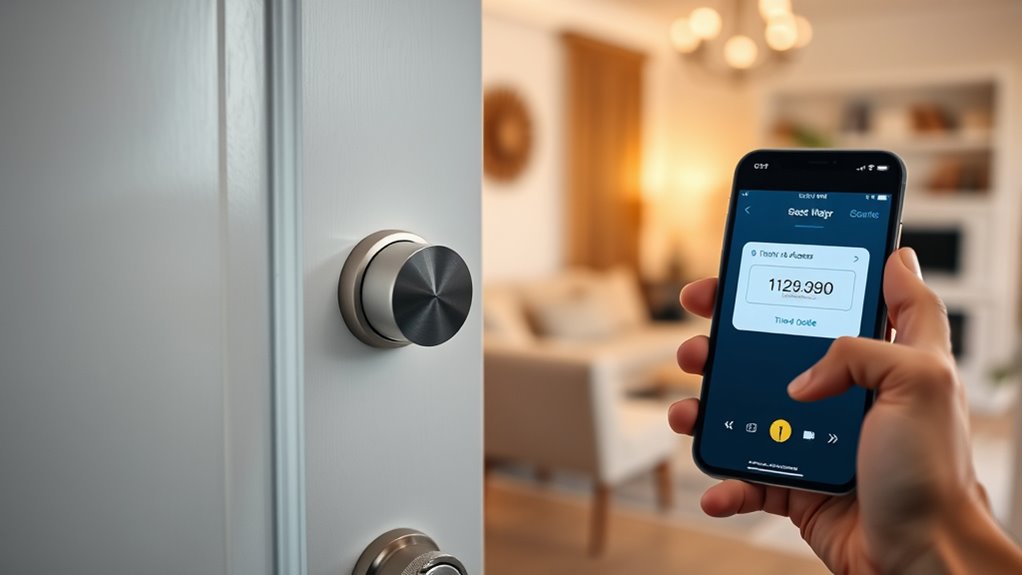
Sharing temporary access codes with house guests can be a convenient way to guarantee they come and go easily without the hassle of physical keys. It streamlines guest access and reduces the risk of lost or duplicated keys. However, ensuring those codes are shared securely is vital to prevent unauthorized entry and protect your home. Modern smart lock systems provide robust guest access management features, allowing you to generate and revoke codes with ease. These systems often incorporate digital lockdowns, which automatically disable codes after a set period or once the guest’s stay concludes. This feature helps you maintain control over who can access your property and when, enhancing your overall security.
Sharing temporary access codes enhances convenience and security, especially with smart lock systems that automatically revoke access after your guests’ stay.
To securely share temporary codes, start by choosing a reliable smart lock that supports guest access management. Many of these devices allow you to create unique, time-limited codes for each guest, ensuring they only have access during their stay. When generating a code, double-check that the expiration date aligns with their visit duration. Avoid sharing codes through insecure channels like plain text messaging or email unless the platform is encrypted. Instead, use secure apps or platforms that encrypt data, or consider in-person delivery if possible. If you must send a code remotely, opt for password-protected messages or secure messaging apps that offer end-to-end encryption.
Another vital step is to communicate clearly with your guests about the code’s validity and importance of keeping it confidential. Remind them not to share the code with others or post it publicly, which could compromise your home’s security. After your guests depart, promptly revoke or deactivate the code to prevent any future access. Many smart lock systems enable you to do this remotely from your phone or computer, so you don’t need to be physically present at home.
Implementing digital lockdowns adds an extra layer of security by limiting access to specific time frames. This way, even if a code is accidentally shared, it becomes useless once the lockdown period ends. Regularly updating access codes and reviewing guest access logs can also help you stay aware of who has entered your home and when. Additionally, understanding the contrast ratio of your home security devices can help ensure your smart lock’s display is visible and readable in various lighting conditions. By using these features, you’re practicing proactive guest access management that keeps your property secure while offering convenience to your visitors.
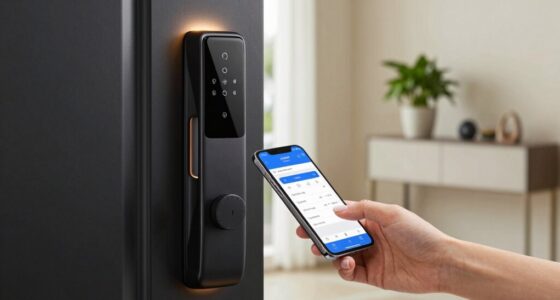
smart lock with guest access management
As an affiliate, we earn on qualifying purchases.
As an affiliate, we earn on qualifying purchases.
Frequently Asked Questions
Can I Change the Code Remotely After Sharing It?
Yes, you can change the code remotely after sharing it. Many smart locks offer remote access, allowing you to customize or update codes from anywhere using an app. This feature provides peace of mind, as you can easily revoke access or set new codes without being on-site. With code customization via remote access, you maintain control over your home security, even after sharing temporary codes with guests.
What Should I Do if a Guest Loses the Code?
A stitch in time saves nine, so if a guest loses the code, act quickly. You should reset the code immediately to safeguard guest privacy and prevent unauthorized access. Many smart locks allow you to set a code expiration, automatically disabling the old code once the guest leaves. Always update or revoke access promptly to ensure your security and keep your home safe.
Are There Apps That Automatically Generate Temporary Codes?
Yes, there are apps that automatically generate temporary codes for digital locks. These apps often feature code encryption to guarantee security, making it harder for unauthorized people to access your lock. You can set time-limited or one-time codes, which automatically expire after use or a specific period. This way, you maintain control over your digital lock while effortlessly sharing access with guests, knowing the codes are secure and temporary.
How Long Should a Temporary Code Remain Active?
You should set your temporary code to stay active for a limited time, usually between 1 to 24 hours, to maximize security. Studies show that 60% of break-ins occur within a day of access, highlighting the importance of timely code expiration. Digital lock features often include guest access management, allowing you to easily customize code durations. This way, you maintain control and prevent unauthorized entries after your guest’s stay ends.
Is It Safe to Share Codes via Messaging Apps?
Sharing codes via messaging apps can be safe if the app has strong end-to-end encryption and good app security. These features guarantee your codes stay private and are only accessible to the intended recipient. However, avoid sharing sensitive codes over less secure platforms or in unsecured chats. Always double-check that your messaging app is updated and uses encryption, minimizing the risk of interception or unauthorized access.
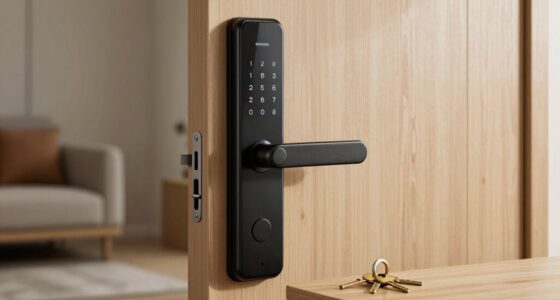
encrypted messaging app for secure code sharing
As an affiliate, we earn on qualifying purchases.
As an affiliate, we earn on qualifying purchases.
Conclusion
Think of your home as a treasured castle, and the temporary code as a secret key. By sharing it wisely, you’re opening the gates only to trusted friends, safeguarding your kingdom from unwanted intruders. Just like a wise guardian, you control who enters and when, ensuring your sanctuary remains safe and welcoming. Secure sharing isn’t just about technology—it’s about protecting your peaceful haven, so you can relax knowing your castle’s doors are always in good hands.
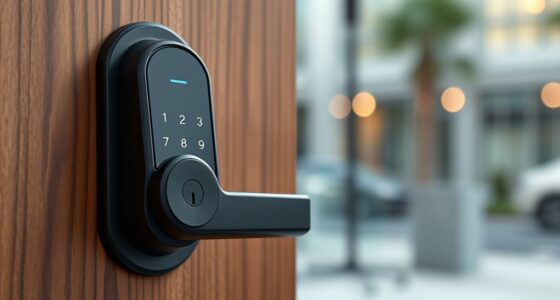
digital lock system with time-limited codes
As an affiliate, we earn on qualifying purchases.
As an affiliate, we earn on qualifying purchases.
As an affiliate, we earn on qualifying purchases.
Flea & tick season Picks
flea and tick prevention
As an affiliate, we earn on qualifying purchases.