
Performing a quick, systematic alarm test is the fastest way to spot weak coverage areas in your security system. By testing each sensor and entry point, you can see where signals are strong or weak, revealing areas that need repositioning or upgrades. Be mindful of interference from walls, furniture, or electronics that could affect response. If you want to guarantee your system covers every vulnerable spot effectively, keep exploring how to optimize your alarm setup.

Get privacy and security gear delivered free with Prime
- Fast, free delivery on millions of items
- Prime Video, Amazon Music and more included
- Member-only deals all year
Key Takeaways
- Conduct a systematic signal check at all sensors during the alarm test to identify weak coverage areas.
- Reposition sensors that fail to respond properly during testing to improve coverage.
- Ensure sensors are placed strategically near entry points and vulnerable areas for maximum effectiveness.
- Check for signal interference from thick walls, metal objects, or electronic devices that may weaken signals.
- Regularly perform alarm tests to maintain system reliability and promptly address coverage gaps.
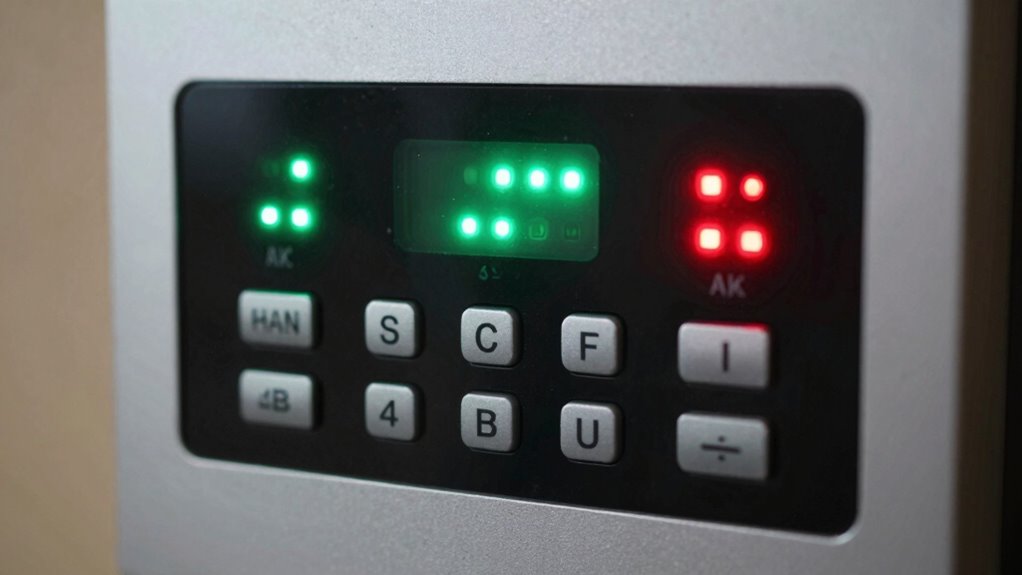
Have you ever wondered if your security alarm system is truly effective? Many homeowners assume that once the system is installed, it will reliably protect their property. However, without proper testing, you might be missing critical gaps that could compromise your safety. One simple, quick alarm test can uncover these weaknesses instantly. The key to an effective alarm system isn’t just in the components you choose but how well they’re set up and how reliably they communicate. That’s where sensor placement and signal interference come into play. If sensors aren’t positioned correctly, or if signals are obstructed or disrupted, your alarm could fail to activate when needed most.
Ensure your alarm system’s effectiveness by checking sensor placement and signal strength regularly for maximum home security.
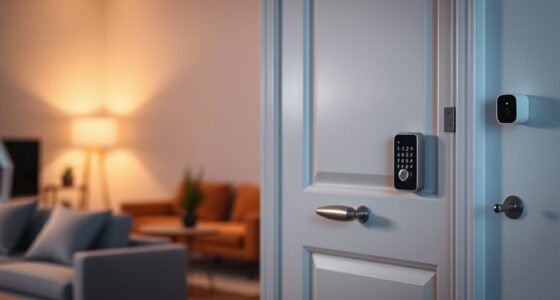
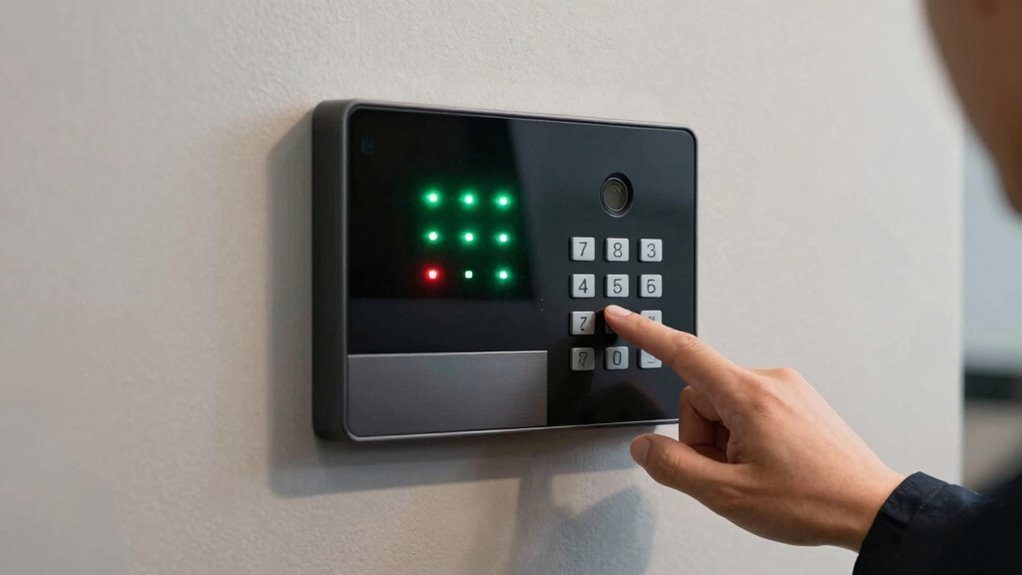
When you conduct this test, start by walking through your property and triggering different sensors manually. Pay close attention to the placement of each sensor. Sensors placed too high, too low, or behind furniture and thick walls may not respond appropriately. Sensors should be strategically located—covering entry points, windows, and vulnerable areas—to maximize coverage. Proper sensor placement improves the likelihood that the alarm will activate during an intrusion. If a sensor doesn’t respond during the test, it’s a clear sign that repositioning is necessary. Remember, even the best sensors can be rendered ineffective if they’re obstructed or placed improperly.
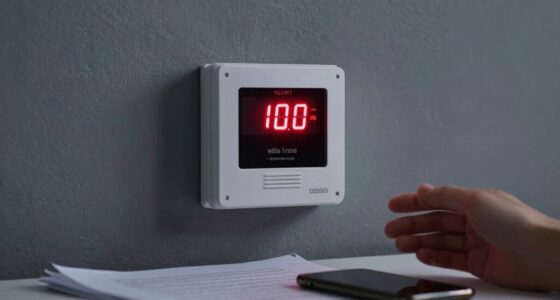
Next, consider the issue of signal interference. Wireless alarm systems depend on radio signals to communicate between sensors and the control panel. If there are sources of interference—such as thick concrete walls, large metal objects, or electronic devices like routers and microwaves—these can weaken or block signals. During your alarm test, note any areas where sensors fail to trigger or where signals seem weak. Moving sensors away from potential interference sources or upgrading to more robust wireless technology can help mitigate these issues. Sometimes, adding signal repeaters or boosters can ensure that signals reach the control panel without interruption. Ensuring your biodiversity-friendly environment minimizes electronic interference can also support more reliable signals. Conducting a systematic signal check can help identify and resolve weak points in your system’s communication. Additionally, understanding how electromagnetic interference affects wireless signals can assist in optimizing sensor placement for maximum reliability. Incorporating interference mitigation strategies can further enhance the robustness of your security system.
This quick alarm test, focusing on sensor placement and potential signal interference, is a low-cost, effective way to evaluate your system’s coverage. It doesn’t require specialized tools—just your awareness and a methodical approach. If you find weak points, addressing them promptly can make a significant difference in your overall security. You’ll gain peace of mind knowing that your alarm system is configured for maximum coverage and reliability. In the end, a simple test can save you from false alarms, missed detections, and, most importantly, protect your home and loved ones when it matters most.
wireless security sensor signal booster
As an affiliate, we earn on qualifying purchases.
As an affiliate, we earn on qualifying purchases.
Frequently Asked Questions
How Often Should I Perform This Alarm Test?
You should perform this alarm test at least once a month to guarantee your sensor placement remains effective. Regular test frequency helps identify any weak coverage or malfunctioning sensors early. Keep in mind, if you’ve recently installed or moved sensors, test more frequently until you’re confident they’re working well. This routine check helps maintain your home’s safety and ensures your alarm system responds promptly when needed.
Can This Test Cause False Alarms?
Yes, this test can cause false positives if your sensors aren’t properly calibrated. When you perform the alarm test, a miscalibrated sensor might trigger false alarms, making it seem like there’s a problem when there isn’t. To prevent this, make sure your sensors are regularly calibrated and maintained. Proper calibration helps the system distinguish between actual threats and false positives, ensuring reliable alarm performance during tests and real emergencies.
What Equipment Is Needed for the Test?
To perform this test, you’ll need a functioning alarm system, a compatible testing device, and possibly a calibration tool to verify sensors are accurate. You should also check for signal interference that could skew results, and calibration might be necessary if sensors aren’t responding properly. Ensure all equipment is properly prepared, and be cautious of external factors that could affect sensor sensitivity, guaranteeing swift, successful system safeguarding.
How to Interpret the Test Results Accurately?
To interpret the test results accurately, you should first check for false positives, which can occur if sensor sensitivity is too high, causing unnecessary alarms. Make certain the readings align with expected coverage areas, and repeat the test if needed. If an alarm triggers unexpectedly, adjust sensor sensitivity settings. Consistent results across multiple tests indicate reliable coverage, while inconsistent ones highlight areas needing sensor repositioning or calibration.
Who Should I Contact if Coverage Is Weak?
If coverage is weak, you should contact your security or alarm system provider immediately. They can help assess the problem, review emergency protocols, and suggest necessary repairs or upgrades. Additionally, coordinate with your maintenance team to review maintenance schedules and guarantee all equipment is functioning properly. Prompt action ensures your system’s reliability, keeping your property safe. Don’t delay—address coverage issues quickly to maintain effective security.
home alarm system signal repeater
As an affiliate, we earn on qualifying purchases.
As an affiliate, we earn on qualifying purchases.
Conclusion
So, next time you think your alarm system is foolproof, remember this quick test. It’s ironic how a simple alarm can expose all your hidden vulnerabilities in seconds, saving you from false confidence. You might’ve believed your coverage was solid, but a quick alarm test proves otherwise—sometimes, the smallest alarm reveals the biggest weaknesses. Don’t wait for a real breach; test it now, and enjoy the surprising clarity it brings.
As an affiliate, we earn on qualifying purchases.
security system sensor repositioning tools
As an affiliate, we earn on qualifying purchases.
As an affiliate, we earn on qualifying purchases.
Fall Picks
fall essentials
As an affiliate, we earn on qualifying purchases.