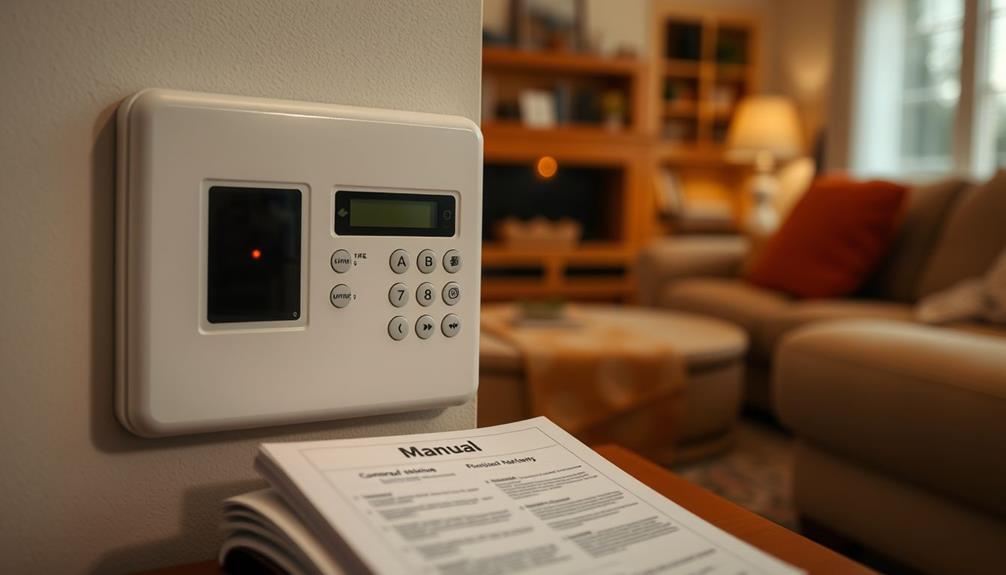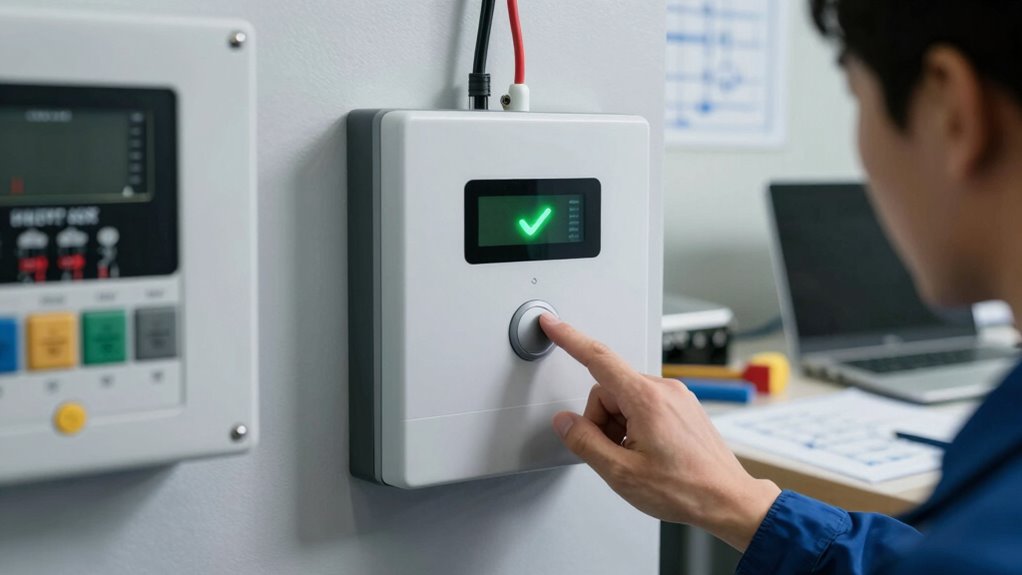

To run the backup path test, you should disable your primary communication link, like unplugging your internet or cutting power, then check if your alarm system still sends notifications and triggers alarms. Make certain backup channels, such as cellular or battery-powered options, respond correctly. Address any hardware issues immediately and verify that your emergency contacts receive alerts. This process helps guarantee your system stays reliable during failures—continue to explore how to optimize your emergency preparedness.

Get privacy and security gear delivered free with Prime
- Fast, free delivery on millions of items
- Prime Video, Amazon Music and more included
- Member-only deals all year
Key Takeaways
- Disable the primary communication method to verify the alarm’s ability to send notifications via backup channels.
- Ensure backup power sources, like batteries or generators, are functioning properly during the test.
- Confirm alarm system responds appropriately and alerts emergency contacts or monitoring services during communication loss.
- Check that remote monitoring and alert delivery systems operate correctly on backup networks.
- Regularly review and update system settings and backup configurations for reliability and security.
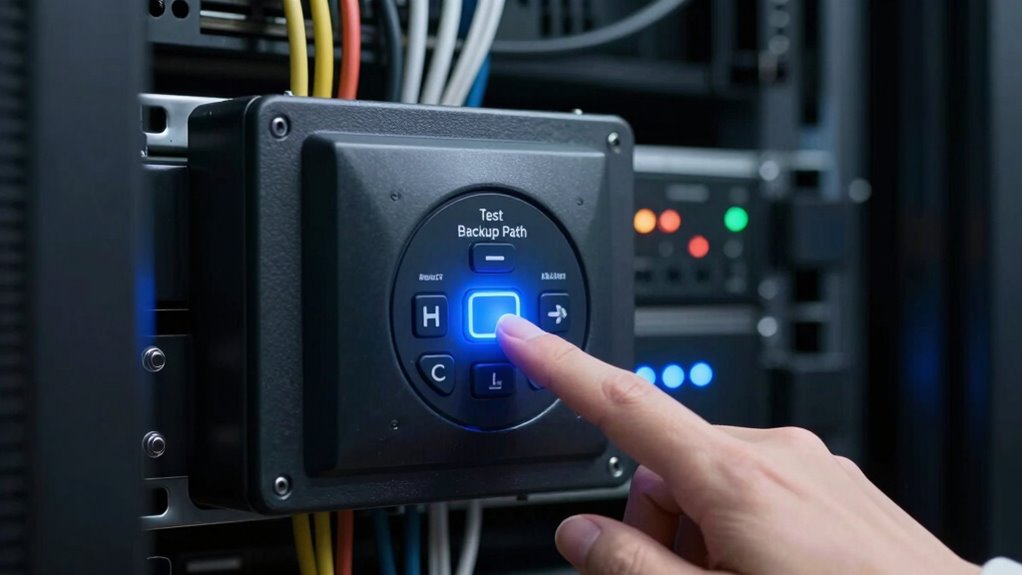
When your primary route fails, knowing how to quickly find an alternative can save you from delays and frustration. This principle applies just as much to alarm system installation as it does to everyday travel. Conducting a backup path test for your security system ensures that, during an emergency, you’re not caught off guard. It’s an essential step in emergency preparedness, allowing you to verify that your alarm system functions correctly even if your main communication line or power source is compromised. Regularly testing these backup pathways helps prevent surprises when you need them most, giving you confidence that your home remains protected no matter the circumstances.
Regularly test backup pathways to ensure your alarm system stays reliable during emergencies.
During your backup path test, you focus on verifying all alternative communication channels your alarm system employs. For example, if your primary method relies on the internet or landline, you want to ensure that cellular backup or battery-powered options are fully operational. This process involves intentionally disabling your main connection—like unplugging your internet or cutting power briefly—and then observing whether your alarm system still responds appropriately. Does it send notifications? Does it activate alarms? These are critical questions to answer. If any component fails to activate or communicate, you’ll want to address those gaps immediately, whether that means replacing batteries, upgrading hardware, or reprogramming your system.
A key part of emergency preparedness is recognizing that no single solution is foolproof. Your alarm system installation should incorporate multiple layers of security and backup options. Running a backup path test helps you identify vulnerabilities before an actual emergency occurs. It’s also an opportunity to review your system’s settings and verify that all backup options are configured correctly. If your system includes remote monitoring, test whether alerts are reaching your security provider or your mobile device. Confirm that your emergency contacts are up to date and that your system’s notifications aren’t delayed or blocked. Incorporating redundant communication channels into your system design can provide an extra layer of assurance. Additionally, familiarizing yourself with backup power sources can help ensure your system remains operational during power outages. Regularly reviewing your system documentation can also assist in troubleshooting and maintaining optimal backup configurations.
Additionally, understanding the importance of small wood stoves in emergency situations can provide an effective alternative heating source if your power goes out unexpectedly. Performing these tests regularly keeps your alarm system in top shape and guarantees your peace of mind. It’s a simple, proactive measure that can make a significant difference in how prepared you are for unexpected disruptions. Think of it as an essential part of your overall emergency preparedness plan. By confirming that backup pathways work effectively, you’re making sure that your home’s security remains intact, even when the unexpected happens. Staying vigilant with these tests means you’re always ready to respond swiftly, minimizing risks and maintaining safety for everyone inside.
As an affiliate, we earn on qualifying purchases.
Frequently Asked Questions
How Often Should I Perform the Backup Path Test?
You should perform the backup path test at least once every six months. Regular system maintenance ensures your alarm system stays calibrated and functions correctly, preventing false alarms or failures. During the test, verify backup communication paths and confirm they’re operational. Consistent testing helps identify issues early, maintaining system reliability. Remember, proper calibration and maintenance are key to keeping your alarm system effective and guaranteeing your security remains intact.
What Tools Are Needed to Run the Backup Path Test?
Think of running your backup path test as tuning a musical instrument—you need the right tools to hit the right notes. You’ll want reliable backup tools like spare batteries, communication devices, and a testing checklist. Follow testing procedures carefully, ensuring all components communicate smoothly. These tools and steps help you verify your system’s resilience, so you stay in harmony even when the unexpected strikes.
Can I Perform the Test Remotely or Only On-Site?
You can perform the backup path test remotely, but on-site verification is highly recommended for accuracy. Remote testing allows you to confirm the alarm system’s functionality without being physically present, saving time and effort. However, on-site verification ensures the backup path is fully operational under real conditions. Combining both methods provides the most thorough assessment, giving you confidence that your alarm system will work when needed.
What Are Common Issues Detected During the Backup Path Test?
Did you know that over 60% of backup path issues stem from misconfigured network settings? During your backup path test, you might detect problems like slow data transfer, network congestion, or incorrect cloud storage configurations. These issues can prevent seamless data recovery. Regularly checking your network configuration guarantees your backup path remains reliable, avoiding costly downtime. Addressing these common problems promptly keeps your data protected and accessible when you need it most.
How Do I Interpret the Test Results Effectively?
To interpret your backup path test results effectively, focus on failure analysis by identifying where signals failed or delayed. Look for patterns indicating specific issues, like wiring faults or device failures. Use troubleshooting steps such as checking connections, testing equipment, and reviewing alarm logs to pinpoint problems. If the test shows consistent failures in certain areas, address those first, ensuring your backup path is reliable and ready for emergencies.
As an affiliate, we earn on qualifying purchases.
Conclusion
Think of the backup path test as your safety net stretched beneath a tightrope walker. When you run this test regularly, you guarantee that, should the main route fail, your backup is ready to catch you. Don’t wait for a fall to discover your safety net’s holes. Keep your backup path sturdy and reliable—it’s your lifeline in a crisis, turning potential chaos into a controlled, safe landing. Stay proactive, and you’ll always have a secure fall back.
As an affiliate, we earn on qualifying purchases.
As an affiliate, we earn on qualifying purchases.
Halloween Picks
halloween
As an affiliate, we earn on qualifying purchases.