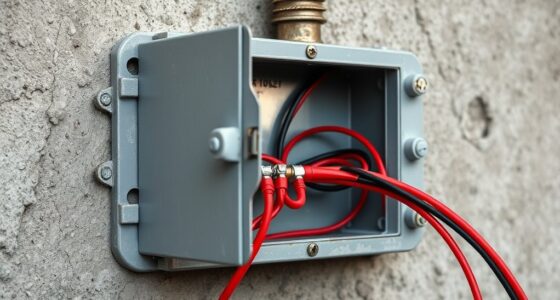

You should never ignore sensor supervision alerts because they signal issues like weak wireless connections, interference, or dead batteries that can compromise your security system. Ignoring these warnings can create blind spots, increase false alarms, and leave your property vulnerable to intruders or missed detections. Addressing these alerts promptly keeps your system reliable and secure. Staying vigilant about these signals helps prevent costly breaches or emergency responses—there’s more to learn about maintaining peak security.
Key Takeaways
- Ignoring alerts can create security blind spots, increasing vulnerability to intrusions.
- Supervision issues may lead to false alarms or missed detections, compromising system reliability.
- Unaddressed alerts risk sensor shutdowns, reducing overall security coverage.
- Neglecting alerts can result in costly emergency responses and operational disruptions.
- Regular attention ensures continuous system operation and maintains security integrity.
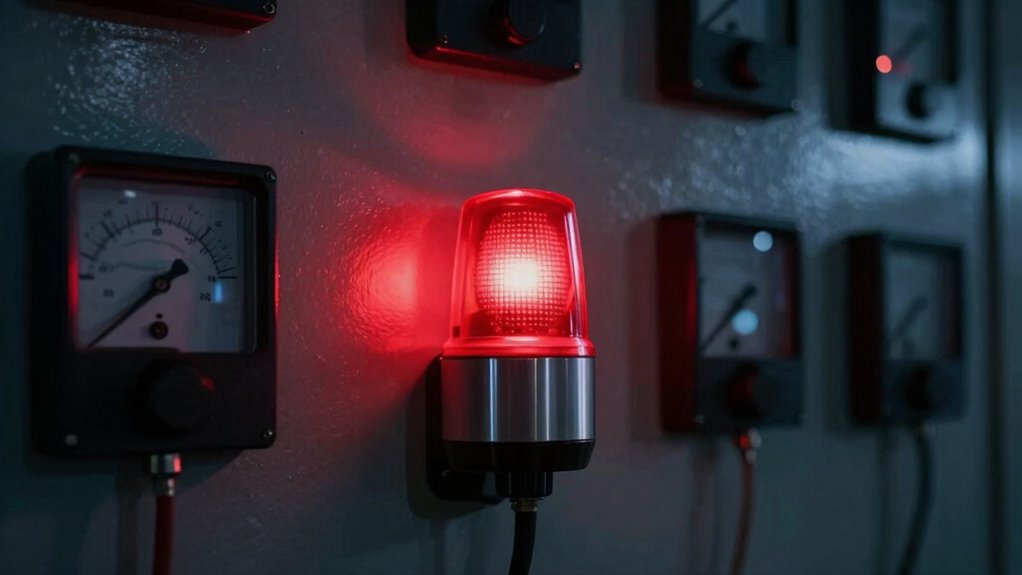
One of the most common reasons for sensor supervision alerts is issues with wireless connectivity. Wireless sensors rely on a strong and consistent connection to communicate with the central system. If the connection weakens or drops out, the system will generate an alert to let you know that the sensor is no longer actively monitoring. Ignoring these alerts can leave blind spots in your security coverage, making it easier for intruders to exploit vulnerabilities. It can also cause false alarms or missed detections, which may lead to costly emergency responses or false security breaches. Staying vigilant about these alerts ensures your system remains fully operational and responsive. Wireless signal strength is vital for maintaining reliable sensor performance and avoiding unnecessary alerts. Additionally, interference sources can disrupt wireless signals, further complicating sensor supervision.
Wireless connectivity issues can compromise your security; stay alert to keep your system reliable and effective.
Battery life is another crucial factor that can trigger supervision alerts. Many wireless sensors operate on batteries, offering flexibility in placement and ease of installation. However, when the battery starts to weaken or runs out, the sensor can’t communicate properly, and the system issues an alert. If you dismiss these warnings, you risk having sensors completely shut down at the worst possible moment. This is especially dangerous for sensors placed in high-risk areas like entry points or internal zones that require constant monitoring. Regularly checking battery status and replacing batteries promptly helps maintain continuous coverage and prevents unexpected failures. Additionally, battery management practices can extend sensor lifespan and reduce the frequency of supervision alerts. Properly managing battery replacements also helps prevent false alarms caused by low power issues.
wireless security sensor batteries
As an affiliate, we earn on qualifying purchases.
As an affiliate, we earn on qualifying purchases.
Frequently Asked Questions
How Often Should Sensor Supervision Alerts Be Checked?
You should check sensor supervision alerts at least once a month to guarantee proper sensor maintenance and alert responsiveness. Regular checks help catch issues early, preventing false alarms or system failures. Stay proactive by promptly addressing any alerts, and keep your sensors in top condition. Consistent monitoring not only maintains system reliability but also guarantees that alerts will function correctly when you need them most.
Can False Alarms Occur With Sensor Supervision Alerts?
Yes, false alarms can occur with sensor supervision alerts. Sensor reliability plays a key role in alarm accuracy, but factors like environmental interference, dust, or faulty wiring may trigger false alerts. You should regularly inspect and maintain your sensors to guarantee they’re functioning correctly. Ignoring these false alarms can lead to missed genuine alerts, compromising your security. Always address sensor supervision alerts promptly to maintain ideal alarm accuracy and system reliability.
What Are Common Causes of Sensor Supervision Failures?
Sensor supervision failures often catch you off guard, and you need to act fast. Common causes include improper sensor calibration, which can lead to false alarms or missed detections, and power supply issues that disrupt sensor operation. If these aren’t addressed promptly, your system’s reliability suffers, leaving your property vulnerable. Stay vigilant, regularly check calibration, and make certain power sources are stable to prevent these critical failures from going unnoticed.
Are Sensor Supervision Alerts Applicable to All Security Systems?
Sensor supervision alerts are applicable to most security systems, especially those that rely on sensors for detection. You should regularly perform sensor maintenance and system calibration to prevent false alarms and guarantee accurate detection. Ignoring these alerts can compromise your security, so take prompt action when they occur. Properly maintaining and calibrating your sensors helps keep your security system reliable and effective at protecting your property.
How Does Ignoring Alerts Affect Overall Security?
Ignoring sensor supervision alerts jeopardizes your security system’s effectiveness. When you dismiss these alerts, you risk missing vital signals like sensor calibration issues or false alarms, leaving vulnerabilities unaddressed. Alert customization helps you prioritize critical notifications, but only if you respond promptly. Overlooking these alerts can create gaps in your protection, making it easier for intruders to exploit weaknesses. Stay vigilant—your safety depends on it.
As an affiliate, we earn on qualifying purchases.
Conclusion
Ignoring sensor supervision alerts might seem harmless at first, but it’s like dismissing a warning light on your dashboard—you risk missing critical issues that could lead to costly damage or safety hazards. Imagine a smoke detector’s alert ignored until it’s too late; the consequences are dire. Stay proactive and address alerts promptly. Think of sensor supervision as your safety net—trust it, respond quickly, and protect your assets and loved ones from preventable risks.
As an affiliate, we earn on qualifying purchases.
As an affiliate, we earn on qualifying purchases.