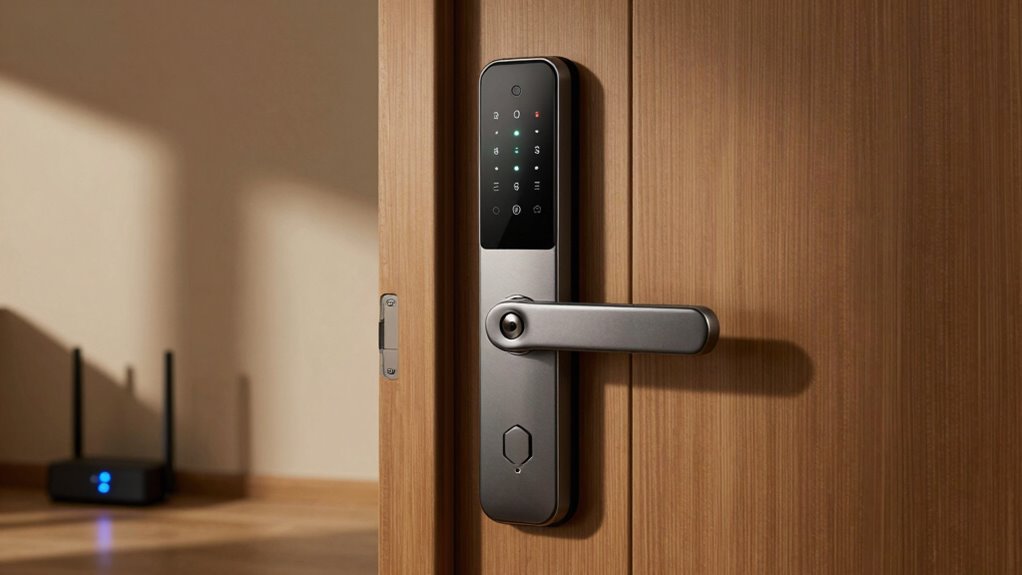

During an internet outage, your smart lock can still function if it has backup power and local access options like keypad codes, Bluetooth, or physical keys. While remote controls and cloud-based features become temporarily unavailable, core functions such as locking and opening typically continue through local control. Ensuring your lock has multiple access methods and backup power helps maintain security during disruptions. To learn about safeguarding your smart lock during outages, keep exploring these options.
Key Takeaways
- Local control methods like physical keys, keypad codes, and Bluetooth typically remain functional during internet outages.
- Backup power sources ensure the lock can still operate locally without internet connectivity.
- Remote app control and cloud-based features become temporarily unavailable during outages.
- Firmware updates and remote notifications are inaccessible until internet connectivity is restored.
- Most smart locks are designed to maintain core locking/unlocking functions offline for security.
Will My Smart Lock Still Work During an Internet Outage?
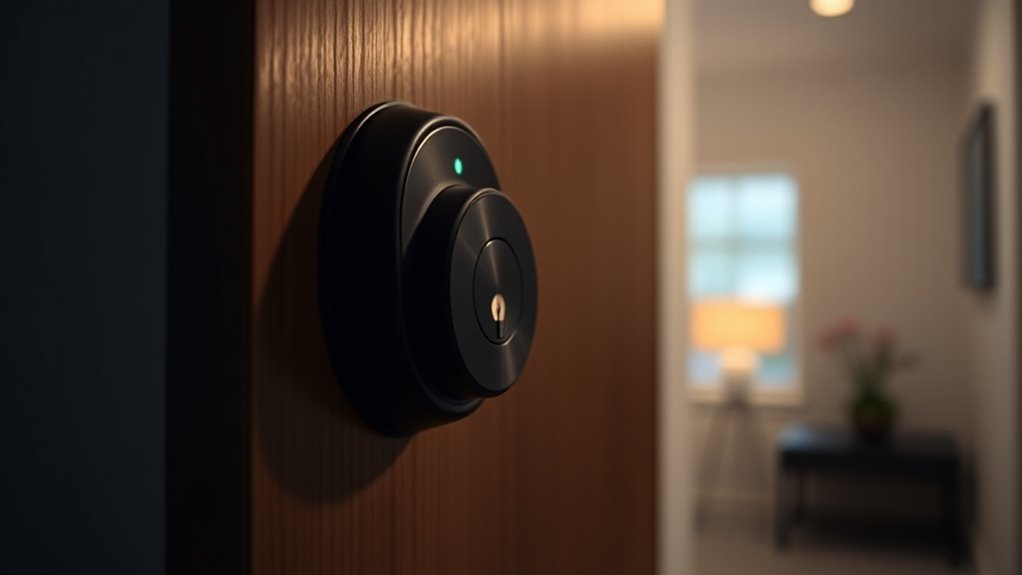
Many smart locks rely on an internet connection to function fully, but that doesn’t mean they stop working during an outage. Most models have backup power options, like batteries, ensuring you can still operate the lock if power is lost. This backup power provides local control, allowing you to lock or open your door without internet access. Some smart locks include manual keys as an added fail-safe, giving you an alternative way to gain entry. The presence of backup power means you won’t be locked out just because your Wi-Fi goes down. While internet connectivity enhances features like remote access and notifications, your smart lock’s core functions often remain available through local control and backup power sources. This makes your smart lock more reliable during outages. Understanding smart lock features can help you choose a model with the right backup options for your needs. Additionally, choosing a reliable connectivity system can ensure smoother operation during potential disruptions. Knowing how to operate your lock manually can further prepare you for unexpected issues, as some models also include manual override options to ensure access even when electronic systems fail. For added peace of mind, it’s beneficial to understand how backup power systems work and how they can keep your smart lock operational during outages.
How Do Smart Locks Operate Without Internet Access?
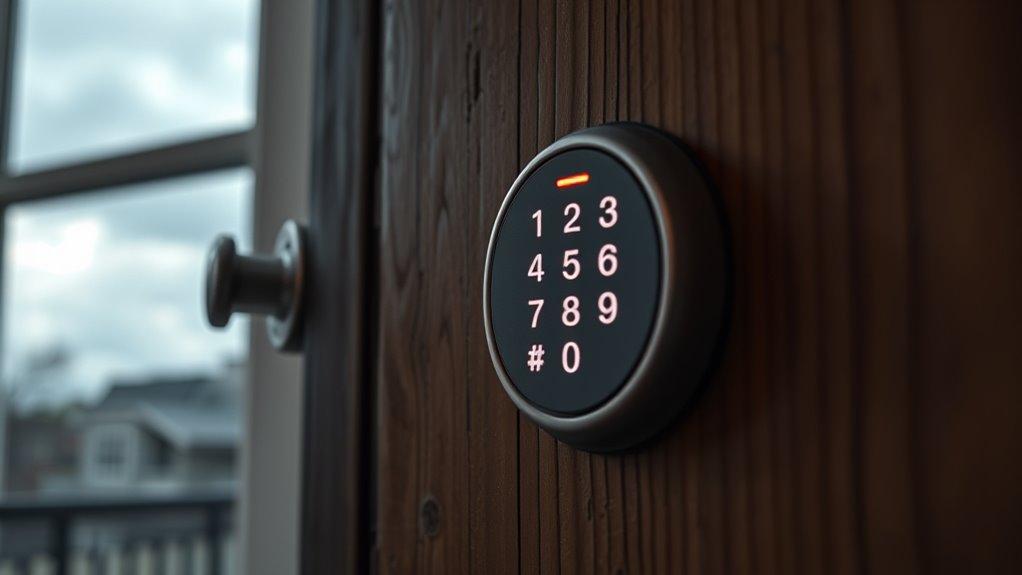
Smart locks are designed to operate independently of an internet connection by relying on local control mechanisms. With offline functionality, you can still open your door using physical keys, keypad codes, or Bluetooth connections directly to the lock. This means you don’t need Wi-Fi or cellular data for basic access. Many smart locks include a keypad or biometric options to provide local access in case of internet outages. Bluetooth-enabled locks can communicate securely with your smartphone within close range, allowing you to open without internet. Some models also have a backup power source or physical key override, guaranteeing you can always gain entry. Proper maintenance and understanding of air purifier maintenance dos and don’ts ensure the device functions properly, even during outages. Additionally, many smart locks are equipped with local control options that operate without relying on internet connectivity. These features are an essential part of smart lock design, ensuring continuous access regardless of network status. Incorporating redundant access methods into your smart lock setup further enhances reliability during outages. Ensuring your backup power is functioning optimally can prevent unexpected lock failures during power disruptions. Overall, these features guarantee your smart lock remains functional for local access, even when the internet is down.
What Features Are Limited or Unavailable When the Internet Is Down?

When the internet goes down, certain features of your smart lock become unavailable or limited, affecting its full functionality. You may lose remote control access through apps or cloud-based services, which can hinder your ability to grant or revoke permissions easily. Local security features, like keypad codes or biometric access, usually still work, ensuring you can secure your home without internet. However, some smart lock systems rely on internet connectivity for emergency access options, such as remote unlocking or notifications. During outages, these features are temporarily unavailable, so you need to depend on physical keys or local security measures. Being aware of these limitations helps you prepare for internet disruptions and maintain control over your home’s security. Navigation and mapping features may also be impacted if they are cloud-dependent, making it important to understand your device’s specific capabilities. Additionally, firmware updates that improve security or functionality might not be accessible during an outage, so keeping your device up-to-date beforehand is advisable. It’s also helpful to understand the device’s connectivity requirements to better anticipate potential issues during internet outages. Understanding the Local security features of your smart lock can provide peace of mind when internet-dependent functions are temporarily unavailable. Knowing how your device handles power outages can further help you maintain security during various disruptions.
How Can I Make Sure My Smart Lock Works During Internet Failures?

To guarantee your smart lock remains operational during internet outages, it’s crucial to incorporate backup access methods and local control options. A local backup, like a keypad or physical key, guarantees you can still unlock your door without internet. Offline control features, built into many smart locks, allow you to manage access directly through the lock itself, bypassing the need for Wi-Fi or cellular connection. Regularly test these backup options to confirm they work properly. Keep spare keys in a safe, accessible place or consider installing a lock with a built-in keypad for seamless offline control. Additionally, understanding the power source of your smart lock can help ensure continuous operation during outages. Being aware of the energy efficiency of your device can also contribute to reliable performance during extended power or internet disruptions. Also, reviewing the maintenance requirements of your smart lock can prevent unexpected failures during critical times. By setting up these features, you ensure reliable access even when the internet is down, giving you peace of mind knowing your smart lock won’t leave you stranded.
Are There Smart Locks That Work Offline Without Internet?
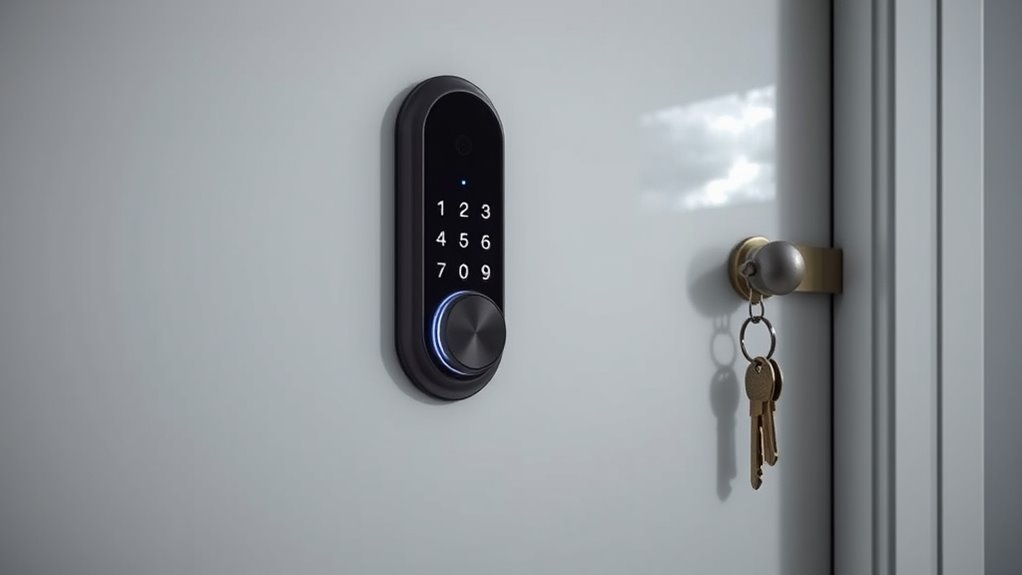
Many smart locks are designed to function without relying on an internet connection, providing reliable access even during outages. These locks often feature offline functionality, allowing you to open doors using physical keys, keypad codes, or Bluetooth connections. This backup access guarantees you’re not completely locked out if Wi-Fi or cellular service goes down. Some models store access credentials locally, so you can still operate the lock without internet. Battery-powered options also help maintain functionality during power or network failures. While these locks may lose remote control features, they ensure you can still get in when needed. If internet independence is a priority, look for a smart lock that offers robust offline functionality and backup access options to keep your home secure at all times. Additionally, understanding the history of pinball machines reveals how technological innovations might influence future smart lock designs and features. Recognizing alternative power sources is also important for maintaining operation during unexpected disruptions.
Frequently Asked Questions
Can I Still Lock and Unlock Manually During an Internet Outage?
Yes, you can still lock and open manually during an internet outage. Most smart locks allow manual locking using physical keys or a keypad, so you’re not locked out if Wi-Fi or cellular service drops. You can simply use the manual override or physical keys to secure your door. This backup guarantees you maintain control over access, even when internet connectivity is unavailable.
Do Smart Locks Have Backup Power Sources?
Smart locks often have backup power sources, like batteries, to guarantee offline security during power outages. You can still lock and unlock your door manually using the keypad or physical key, depending on the model. These power backups keep your smart lock functioning even when the main power or internet is down, providing reliable offline security. Regularly checking and replacing batteries helps maintain this critical backup and keeps your home secure.
How Long Can a Smart Lock Operate Without Internet?
Without internet, your smart lock can still operate for a limited time thanks to offline functionality and a power backup. Typically, it works for days or weeks depending on the model’s battery life and backup system. You can open it using a physical key or keypad entry. To avoid inconvenience, make sure your power backup is fully charged and check if your lock supports offline access during outages.
Are There Smart Locks That Function Exclusively Offline?
Yes, some smart locks have offline functionality, allowing you to open and lock doors without internet access. These locks often include a power backup, like batteries, so they continue working during outages. You can use physical keys or Bluetooth to operate them, ensuring security even when your internet is down. Look for models with reliable power backup and offline features to keep your home secure at all times.
Will My Access Logs Be Lost if the Internet Goes Down?
Your access logs won’t vanish during an internet outage; most smart locks retain data locally or sync once online, preventing total loss. However, if your lock relies solely on cloud storage, there’s a risk of losing recent access logs until it reconnects. This impacts data security implications, so check your lock’s access log retention policies. Ensuring local data storage or backup options safeguards your info against outages and keeps your security tight.
Conclusion
Just like a well-worn key in a lock, your smart lock can still secure your home during internet outages. Remember, it’s your trusted guardian, whether online or offline, standing firm like a lighthouse against storms. By understanding its capabilities and limitations, you guarantee peace of mind, no matter the digital chaos. Stay prepared, and your smart lock will always keep your home safe—whether the internet is shining or shadowed.