To back up your smart-home configs securely, you should encrypt backup files with strong algorithms like AES-256, store them in access-controlled locations, and restrict access to trusted users only. Avoid including sensitive secrets or credentials directly in backups, and use secure transfer channels like VPNs or SSH. Regularly review your backup security and update encryption keys to prevent leaks. Continue to explore best practices for keeping your smart-home data safe from exposure.
Listen free for 30 days with Audible
Thousands of audiobooks and originals — cancel anytime.
As an affiliate, we earn on qualifying purchases.
Key Takeaways
- Use encrypted storage solutions and secure transfer channels like SSH or VPN for backups.
- Remove or anonymize sensitive data before storing or sharing backup files.
- Limit access to backups with strong passwords, multi-factor authentication, and strict permissions.
- Regularly review backup contents to identify and eliminate exposed secrets or credentials.
- Keep firmware updated and follow security best practices to prevent vulnerabilities in backup data.
AES-256 encrypted external hard drive
As an affiliate, we earn on qualifying purchases.
As an affiliate, we earn on qualifying purchases.
Identify Common Security Risks When Backing Up Smart Home Configs

When backing up your smart home configurations, you might not realize that certain security risks can arise if you’re not careful. Firmware vulnerabilities are a common threat, as outdated or unpatched devices can be exploited if backup files expose sensitive details. Weak password management further compounds the risk; using simple or reused passwords makes it easier for hackers to access your backup data. If backups aren’t secured properly, malicious actors can retrieve configuration files, manipulate device settings, or gain control over your smart home. Always ensure firmware is up to date and use strong, unique passwords for your backup accounts. Properly encrypt and store backups in secure locations to minimize these vulnerabilities and protect your smart home from potential cyber threats. Additionally, leveraging European cloud infrastructure can enhance your data security by providing energy-efficient and compliant storage options. Implementing secure backup practices such as multi-factor authentication can further safeguard your configuration files from unauthorized access, especially when combined with regular security audits to identify potential weaknesses. Being aware of the security implications associated with backup procedures helps you maintain a safer smart home environment.
smart home backup security software
As an affiliate, we earn on qualifying purchases.
As an affiliate, we earn on qualifying purchases.
Choose the Best Storage Solutions for Secure Smart Home Backups
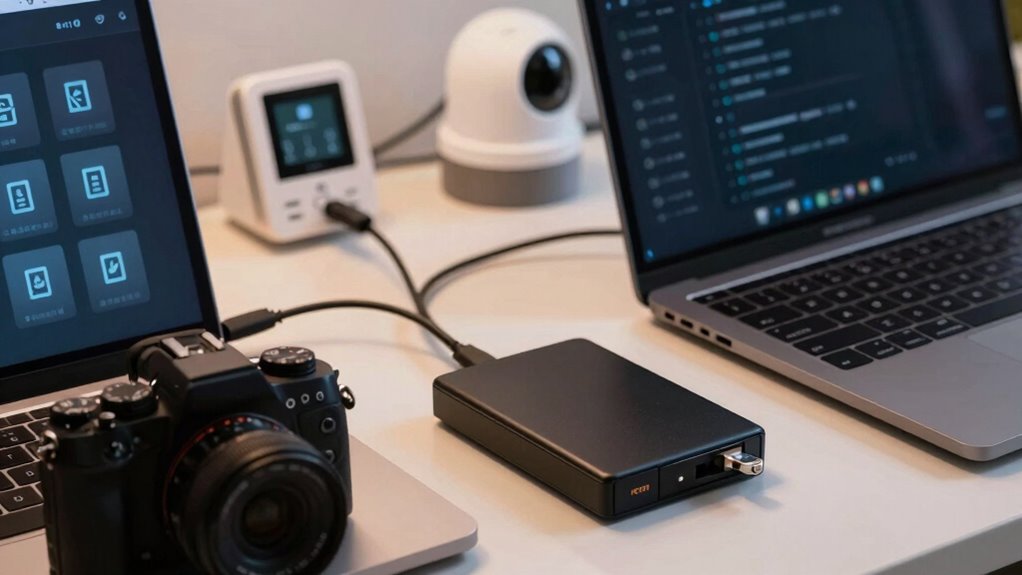
Choosing the right storage solutions is essential to keeping your smart home backups secure. Cloud storage offers convenience and remote access, but verify you select a provider with strong security measures like encryption and multi-factor authentication. Look for trusted services that prioritize privacy and offer version history to recover from potential breaches. Data redundancy is also important to ensure your backups are preserved even if one storage method fails. Physical drives, such as external hard drives or SSDs, provide offline security and control over your data. Keep these drives disconnected when not in use and store them in a safe, locked location to prevent theft or tampering. Using offline storage options can further protect your backups from cyber threats. Implementing encryption practices adds an extra layer of security to your stored data, making it much harder for unauthorized individuals to access sensitive configurations. Regularly updating your security protocols and conducting security audits can help identify and address vulnerabilities proactively. Combining both options—using cloud storage for regular backups and physical drives for offline safekeeping—gives you a balanced approach to security, accessibility, and redundancy. To further enhance your protection, consider data encryption practices that safeguard your backups from unauthorized access. Choose wisely to protect your smart home configurations from threats.
multi-factor authentication USB key
As an affiliate, we earn on qualifying purchases.
As an affiliate, we earn on qualifying purchases.
Encrypt Your Backup Data and Set Access Controls
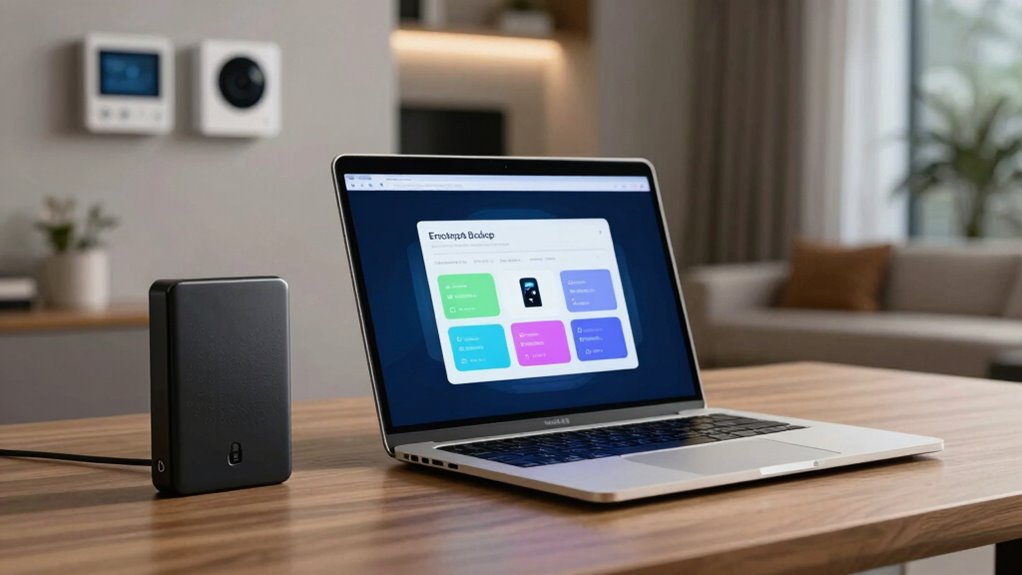
Once you’ve selected your storage solutions, protecting your backup data from unauthorized access becomes a top priority. Start by applying encryption methods to secure your backups. Use strong, industry-standard encryption algorithms like AES-256 to ensure data remains confidential even if someone gains access. Additionally, implement access control strategies to limit who can view or restore your backups. Set strong passwords and enable multi-factor authentication where possible. Organize permissions carefully, granting access only to trusted individuals. Regularly review and update these controls to prevent unauthorized exposure. Incorporating security best practices is essential for comprehensive protection. Combining robust encryption with strict access controls keeps your smart-home configurations safe from leaks, ensuring only authorized parties can access sensitive data while maintaining the integrity of your backups. Always stay informed about current security threats to adapt your defenses accordingly. Staying aware of emerging security challenges helps you proactively address potential vulnerabilities and protect your data.
secure cloud storage for smart home configs
As an affiliate, we earn on qualifying purchases.
As an affiliate, we earn on qualifying purchases.
Test Your Backup Security Before Restoring or Sharing
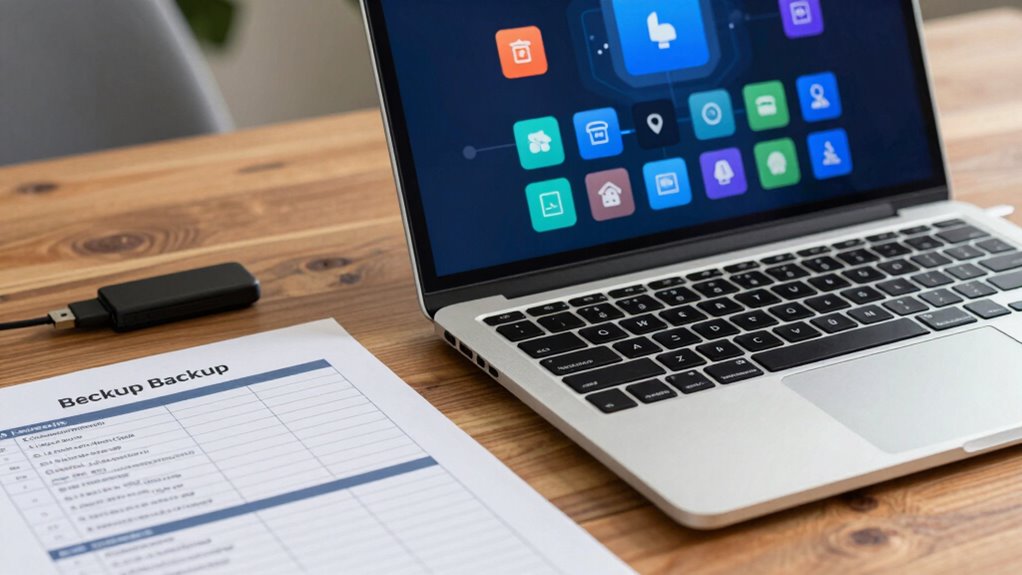
Before restoring or sharing your backups, verifying their security is vital to prevent potential breaches. Start by testing your backup files to confirm sensitive data isn’t exposed. Use strong password management practices to guarantee that your backups are protected with complex, unique passwords, especially if they’re stored in cloud services or shared with others. Automating backups through reliable backup automation tools helps reduce human error but also requires regular security checks. Verify that encryption remained intact and that no secrets are accessible without proper authorization. Consider restoring the backup to a secure environment to validate it functions correctly and that no sensitive information leaks during the process. Doing these steps minimizes risks and keeps your smart-home secrets safe before you restore or share. Additionally, understanding the regulatory considerations associated with cloud backups in Europe ensures compliance with local data protection laws. Incorporating security best practices into your backup routine is essential for maintaining confidentiality and trust. Regularly reviewing your access controls helps ensure only authorized individuals can restore or view sensitive configurations. Being aware of network security measures can further protect your backup data from interception or unauthorized access. Incorporating creative storytelling techniques into your backup strategy can also help in documenting configurations clearly and effectively, aiding future restorations and audits.
Keep Your Smart Home Backups Safe With Ongoing Privacy Practices
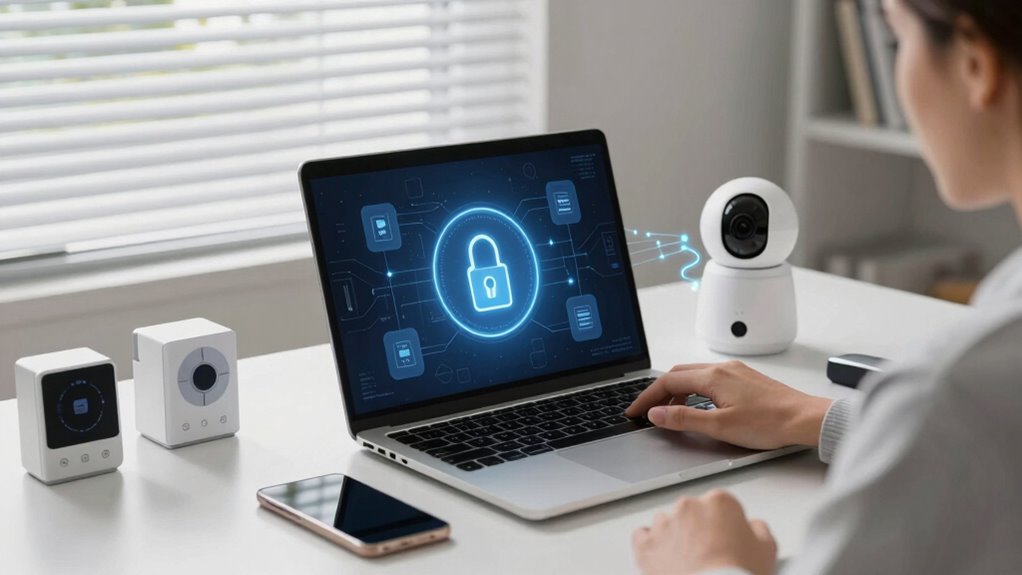
To keep your smart home backups safe over time, you need to adopt ongoing privacy practices that adapt to evolving security threats. Regularly update device firmware to patch vulnerabilities and ensure your backups stay secure. Practice strong password management by using unique, complex passwords for accounts and backup locations, and consider a password manager to keep track. Additionally, review your backup storage methods periodically—prefer encrypted and offline options to minimize risks. Always verify that backup access is limited to trusted devices and users. Staying vigilant with these habits helps prevent unauthorized access and data leaks, protecting your secrets. Implementing security best practices and staying informed about emerging threats further enhances your smart home’s privacy. Incorporate regular security audits to identify potential vulnerabilities proactively. Recognizing the importance of device security can further fortify your backup strategies. Being aware of potential attack vectors enables you to better defend your setup. By consistently applying these practices, you maintain control over your smart home’s privacy and security.
Frequently Asked Questions
How Often Should I Update My Smart Home Backup Security Measures?
You should update your smart home backup security measures whenever you perform firmware updates or notice new vulnerabilities. Regularly updating device encryption settings helps shield your data from hackers, and keeping firmware current ensures your devices have the latest security patches. Aim for monthly checks and after any significant device or app updates, so your backup remains secure and resilient against emerging threats.
Can Cloud Backups Be Completely Secure for Sensitive Smart Home Data?
Think of cloud backups as a vault guarding your secrets; while they can be secure, they aren’t foolproof. You can enhance safety with robust encryption practices and strict access controls. However, no system is entirely invulnerable. Always stay vigilant, update security measures regularly, and use multi-factor authentication. Remember, security is a journey, not a destination—trust but verify, and keep your sensitive smart home data protected.
What Are Common Mistakes That Compromise Smart Home Backup Privacy?
You often compromise smart home backup privacy by neglecting device encryption and weak access control. Failing to activate encryption leaves your data vulnerable during backups, while poor access control lets unauthorized users access sensitive configs. Always guarantee your backups are encrypted and restrict access to trusted devices and networks. Regularly update passwords and enable multi-factor authentication to prevent breaches. These steps help protect your smart home data from prying eyes.
How Do I Verify the Integrity of My Backup Files?
Think of your backup as a treasure chest—guard it well. To verify its integrity, perform checksum verification to ensure no secrets have been altered or lost. Additionally, conduct encryption validation to confirm your data remains secure and uncorrupted. These steps act as your digital security guard, keeping your smart-home configurations trustworthy and intact. Regularly checking these details guarantees your backup remains a safe, reliable vault of your smart life.
Are There Specific Tools Recommended for Secure Smart Home Backup Management?
You should use tools that support strong encryption protocols, like VeraCrypt or Cryptomator, to keep your smart-home backups secure. Automate your backups with scripts or apps like Time Machine or Duplicati, ensuring regular updates without manual effort. These tools help protect your sensitive configurations from leaks while maintaining convenience and integrity, giving you peace of mind knowing your smart-home data stays private and backed up effectively.
Conclusion
By following these steps, you’ll safeguard your smart home configs better than Fort Knox. Remember, a single overlooked secret can turn your entire setup into a security nightmare. Regularly test your backups and stay vigilant with privacy practices—your smart home’s safety depends on it. Don’t let careless mistakes become the Achilles’ heel in your security armor. With consistent effort, you’ll keep your smart home secrets safer than the crown jewels, no matter what threats lurk out there.
Fall Picks
fall essentials
As an affiliate, we earn on qualifying purchases.