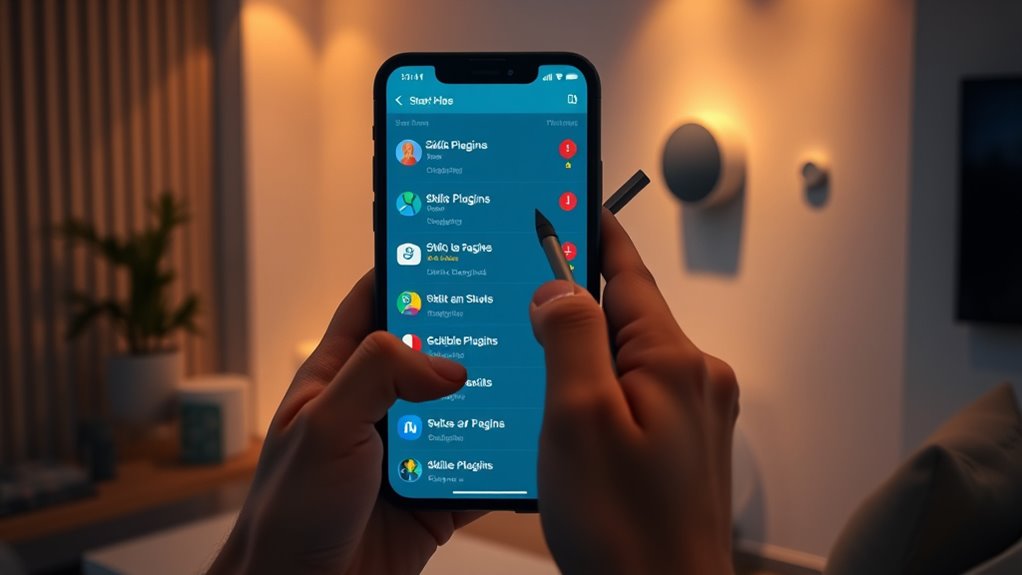

To identify and remove unwanted smart-home skills or plugins, start by reviewing the skill list in your device’s app or platform settings. Look for skills you no longer use or recognize, especially those with broad permissions or permissions you’re uncomfortable with. Disable or revoke access for these skills to improve privacy and performance. If you want to make sure your device stays secure and efficient, follow the steps below for a detailed guide.
Key Takeaways
- Review linked skills in your smart home app or platform settings to identify unused or unfamiliar plugins.
- Check each skill’s permissions and access levels to determine if they are necessary or pose privacy concerns.
- Remove or disable skills that are no longer relevant or that you no longer use regularly.
- Regularly audit your skill list to revoke permissions for skills you no longer trust or need.
- Manage skill authorizations through platform tools to maintain security and optimize device performance.

If you’ve added too many smart-home skills that no longer serve you, removing unwanted ones can simplify your device management and improve performance. Over time, your smart home ecosystem can become cluttered with skills you no longer use or didn’t fully understand when you authorized them. These unnecessary skills may also pose privacy concerns, especially if they’ve gained access to sensitive data or microphone controls. By regularly reviewing and removing these skills, you not only streamline your smart-device experience but also bolster your privacy and security.
Start by examining the list of skills linked to your voice assistant or smart hub. Look for ones you rarely use or didn’t fully understand when you authorized them. Remember, each skill requires some level of skill authorization—meaning it gets access to certain data, devices, or controls. If you’re unsure about a skill’s purpose or the permissions it has, it’s safer to remove it. This process helps prevent potential vulnerabilities or misuse of your personal information. Many smart-home platforms allow you to review and manage these authorizations easily, so take advantage of those settings to see what each skill can access.
Next, think about whether a skill is still relevant to your daily routine. If you’ve stopped using a particular smart device or service, its associated skill becomes redundant. Removing such skills reduces the risk of accidental activations or conflicts between multiple commands. Additionally, removing unused skills can improve device responsiveness, reduce background noise, and free up system resources. This results in a smoother, more reliable smart-home experience.
When removing unwanted skills, consider the privacy implications. Some skills might have been granted extensive permissions, including access to your microphone, location, or personal data. If you’re concerned about privacy, revoke their access immediately. Doing so not only limits what data these skills can collect but also minimizes potential security risks. Remember, you’re in control of your smart environment, and managing skill authorizations is a key step in maintaining your privacy.
Additionally, understanding the importance of high-quality projectors and their capabilities can help you create an optimal home cinema environment, enhancing your overall entertainment experience. Finally, after removing unwanted skills, keep an eye on your device’s performance and privacy settings. Regularly review which skills are authorized and delete those that no longer serve your needs or raise privacy concerns. This ongoing maintenance helps ensure your smart home remains efficient, secure, and aligned with your preferences. Removing unwanted skills might seem simple, but it’s a crucial step toward a smarter, safer, and more personalized home environment.
Frequently Asked Questions
Can Unwanted Skills Compromise My Home Security?
Yes, unwanted skills can compromise your home security. They might access your voice customization settings or user permissions without permission, potentially listening in or controlling devices unexpectedly. To prevent this, regularly review your smart home app for unfamiliar skills, restrict user permissions, and disable or remove any that seem suspicious. Staying vigilant helps protect your privacy and keeps your home secure from unauthorized access.
Are There Automated Ways to Detect Malicious Skills?
Automated detection is like a security guard watching over your smart home, alert for malicious skills. You can use security tools or platform features that scan and identify suspicious activities or behaviors, flagging malicious skills before they cause harm. These systems continuously monitor your devices, making it easier to catch unwanted skills early. By relying on automated detection, you reduce the risk of malicious skills slipping past your defenses.
How Often Should I Review My Smart-Home Skills?
You should review your smart-home skills regularly, ideally once a month, to maintain security awareness. Check user permissions and guarantee only trusted skills are active. This proactive approach helps you spot any unfamiliar or suspicious skills that could compromise your privacy or security. By staying vigilant and managing permissions consistently, you reduce risks and keep your smart home environment safe and secure.
Do All Smart-Home Platforms Allow Skill Removal?
Not all smart-home platforms allow skill removal, but most do support skill management features. You should check your platform’s compatibility and settings, as some, like Alexa or Google Assistant, let you easily disable or delete skills and plugins through their apps. For platforms that don’t offer straightforward removal, you might need to disable or unlink the skill, ensuring your smart home remains secure and clutter-free.
Can I Prevent New Unwanted Skills From Installing Automatically?
Yes, you can prevent new unwanted skills from installing automatically by adjusting your platform’s privacy concerns and skill permissions. Check your settings to disable auto-approval or automatic updates for skills. Review permissions before installing new skills to confirm they don’t access unnecessary data. This way, you keep control over what gets added, protecting your privacy and reducing security risks. Regularly monitor and update permissions to stay in charge.
Conclusion
Removing unwanted smart-home skills keeps your devices secure and running smoothly. Did you know that over 30% of smart-home users have unintentionally granted access to third-party skills? Regularly reviewing and deleting these skills reduces privacy risks and improves device performance. Take a few minutes to clean up your smart-home setup today—you’ll enjoy a safer, more efficient system and peace of mind knowing your privacy is protected.