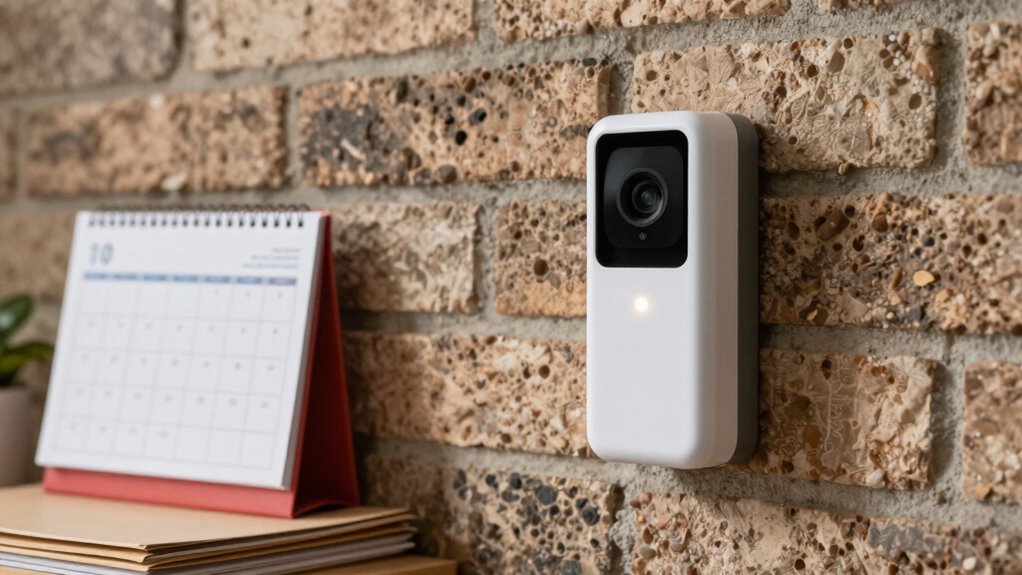

To archive important doorbell events more carefully, start by choosing a secure storage method like encrypted cloud or local drives. Regularly review and delete outdated footage to free space, and set automatic retention limits. Use strong passwords and two-factor authentication for access. Keep your footage private by balancing convenience with privacy settings, and stay informed about your system’s security features. Want to know more ways to protect and manage your footage effectively?
Key Takeaways
- Use encrypted cloud storage or secure local solutions to protect footage from unauthorized access.
- Set automatic deletion or retention policies to preserve only essential doorbell event recordings.
- Regularly review and update security settings, including passwords and two-factor authentication.
- Organize footage with clear labels and folders for easy retrieval of important events.
- Backup crucial recordings to multiple storage locations to prevent data loss over time.
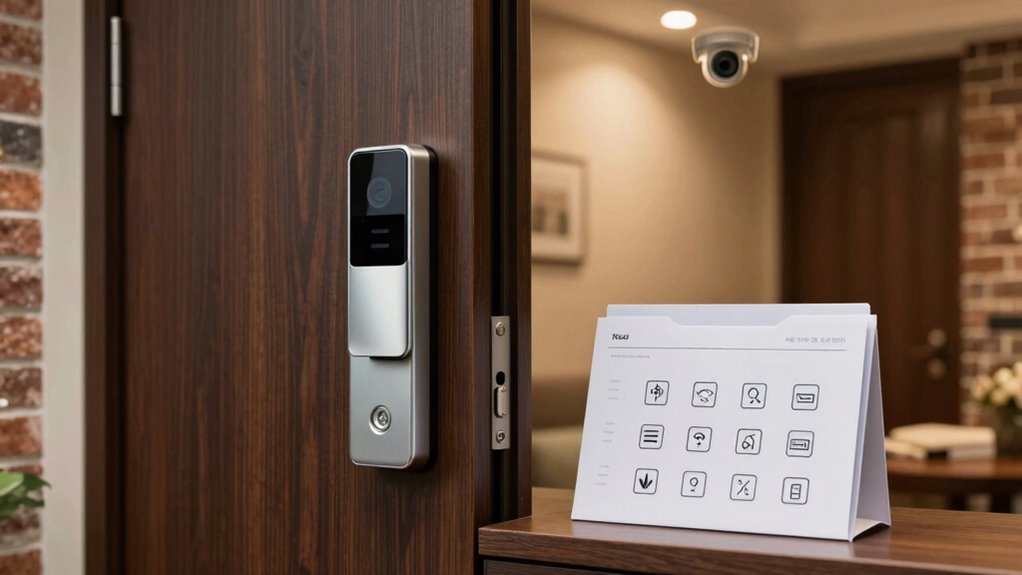
If you want to guarantee you never miss a crucial visitor or package delivery, archiving doorbell events is essential. When you’re managing multiple visitors or keeping an eye on deliveries, having a reliable system to save these moments ensures you don’t miss important details. But as you start to archive more footage, privacy concerns naturally come into play. You need to be mindful of how your recordings are stored, who has access, and what data might be vulnerable. Many modern doorbell systems offer cloud storage options, which can be convenient because they automatically back up your footage. However, you should carefully review the privacy policies of these services to understand how your data is handled and whether it’s encrypted during transmission and storage. Additionally, understanding data privacy concerns related to your chosen storage method can help you make more informed decisions about protecting your footage. Implementing encryption protocols can further enhance the security of your stored recordings.
Using cloud storage options makes it easier to access your videos from anywhere, whether you’re on your phone, tablet, or computer. These platforms often provide simple interfaces for organizing and retrieving past events, making it straightforward to find footage when you need it. Still, you should ensure your chosen provider uses strong encryption and has clear policies about data retention and sharing. Some services may keep your footage for a limited time unless you upgrade to a premium plan, so be aware of any potential costs involved. If privacy is a major concern, you might prefer local storage solutions like a dedicated network-attached storage (NAS) device or a microSD card inside the doorbell itself. These options keep your footage private and under your control, but they require a bit more effort to set up and manage. Employing secure storage practices can further safeguard your footage from unauthorized access.
When archiving important doorbell events, always consider how long you want to keep recordings and whether you need to regularly delete old footage to free up space. Many systems allow you to automate this process, either by setting retention periods or by manually deleting clips. This helps you stay organized and ensures your storage doesn’t get overwhelmed. Additionally, securing access to your footage with strong passwords or two-factor authentication adds an extra layer of protection. Whether you choose cloud storage or local solutions, being proactive about security and privacy ensures your recordings remain private and accessible only to you. It’s also beneficial to understand privacy policies related to your storage options to better protect your footage. In conclusion, understanding the data security measures of your chosen system can give you peace of mind about your footage’s safety. Regularly reviewing your security settings and staying informed about potential vulnerabilities can help prevent unauthorized access and data breaches. In the end, finding the right balance between convenience and privacy depends on your specific needs and comfort level with different storage options.

Orbitell 1080p Wireless Wi-Fi Video Doorbell Camera with Two Way Audio, Night Vision, Cloud Storage, Smart AI Motion Detection, Support 2.4GHz Wi-Fi only
AI-Powered Smart Detection: Advanced AI technology accurately identifies people while filtering out vehicles and animals, so you only…
As an affiliate, we earn on qualifying purchases.
As an affiliate, we earn on qualifying purchases.
Frequently Asked Questions
What Storage Devices Are Best for Archiving Doorbell Events?
You should choose reliable storage devices like cloud storage and local backup options. Cloud storage offers easy access and automatic backups, guaranteeing your doorbell events are safe even if your local device fails. For added security, keep a local backup on external hard drives or NAS systems, so you have multiple copies. Combining both ensures your important doorbell footage stays protected, accessible, and well-archived for future reference.
How Long Should I Keep Archived Doorbell Footage?
You should keep archived doorbell footage for at least 30 to 90 days, as most security systems automatically delete older clips. However, consider privacy considerations and legal compliance—some regions require shorter or longer retention periods. If footage involves sensitive information, limit access and delete it promptly once it’s no longer needed. Regularly review your storage policies to guarantee you’re balancing security needs with privacy laws.
Can I Access Archived Footage Remotely?
Yes, you can access archived footage remotely if your doorbell system supports remote access and uses cloud storage. With cloud storage, you can log into your security app or web portal from anywhere to view your stored footage. Make sure your device has a stable internet connection and that remote access features are enabled. This way, you can conveniently monitor important doorbell events without being on-site.
What Security Measures Protect Archived Doorbell Videos?
A stitch in time saves nine, and that’s true for your doorbell videos. Your security measures include strict privacy policies and robust encryption standards that protect your archived footage from unauthorized access. These protocols guarantee your videos stay private and secure, even if stored remotely. Always review your system’s security settings and choose providers that prioritize data protection, because safeguarding your footage is essential for maintaining your privacy and peace of mind.
How Do I Organize Archived Events for Easy Retrieval?
You should organize archived events by creating labeled folders based on dates or events. Use video compression to reduce file sizes, making storage more efficient, and store these files in cloud storage for easy access from any device. Regularly back up your data and maintain a consistent naming system to quickly locate specific doorbell events. This method guarantees your videos are well-organized, secure, and simple to retrieve whenever needed.

Digital Watchdog (DW-BJNAS10T) DW Blackjack Network Attached Storage
Digital Watchdog (DW-BJNAS10T) DW Blackjack Network Attached Storage
As an affiliate, we earn on qualifying purchases.
As an affiliate, we earn on qualifying purchases.
Conclusion
Now, imagine those essential doorbell moments as tiny treasures tucked away in a cozy digital chest, ready to be revisited anytime. By archiving carefully, you create a secure haven where your memories stay vivid and accessible, like a favorite photo album. With each saved event, you’re building a personal story, a mosaic of daily life’s small but meaningful moments. So, take a moment to organize—your doorbell’s story deserves to be preserved with care.

SANDISK 256GB High Endurance Video microSDXC Card with Adapter for dash cam and home monitoring systems – C10, U3, V30, 4K UHD, Micro SD Card – SDSQQNR-256G-GN6IA
Compatible with Nintendo-Switch (NOT Nintendo-Switch 2)
As an affiliate, we earn on qualifying purchases.
As an affiliate, we earn on qualifying purchases.
Orbitell 1080p Wireless Wi-Fi Video Doorbell Camera with Two Way Audio, Night Vision, Cloud Storage, Smart AI Motion Detection, Support 2.4GHz Wi-Fi only
AI-Powered Smart Detection: Advanced AI technology accurately identifies people while filtering out vehicles and animals, so you only…
As an affiliate, we earn on qualifying purchases.
As an affiliate, we earn on qualifying purchases.