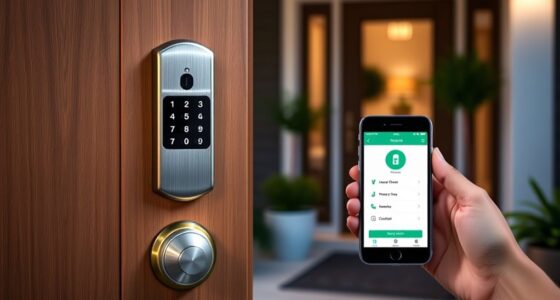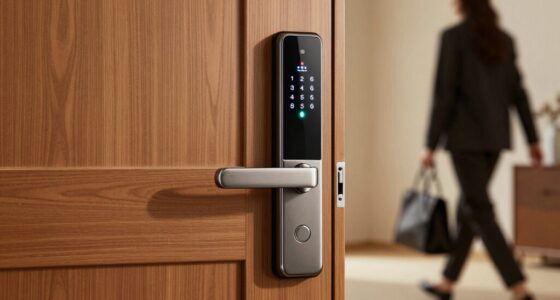
When choosing between Zigbee, Z-Wave, or Wi-Fi for your smart lock, consider your home’s existing devices, security needs, and ease of setup. Zigbee and Z-Wave offer strong security and reliable mesh networks, but compatibility varies with your ecosystem. Wi-Fi is simpler to connect and uses your existing network, but it may pose security risks if not properly protected. Exploring these protocols further will help you select the best fit for your security and convenience.
Key Takeaways
- Consider compatibility with your existing smart home ecosystem and devices for seamless integration.
- Evaluate security features and update frequency; protocols with strong encryption and regular firmware updates offer better protection.
- Weigh ease of setup—Wi-Fi is straightforward but may pose security risks without proper network safeguards.
- Z-Wave and Zigbee support mesh networking, enhancing reliability and device interoperability.
- Balance security and convenience based on your home’s security needs and the level of device compatibility required.
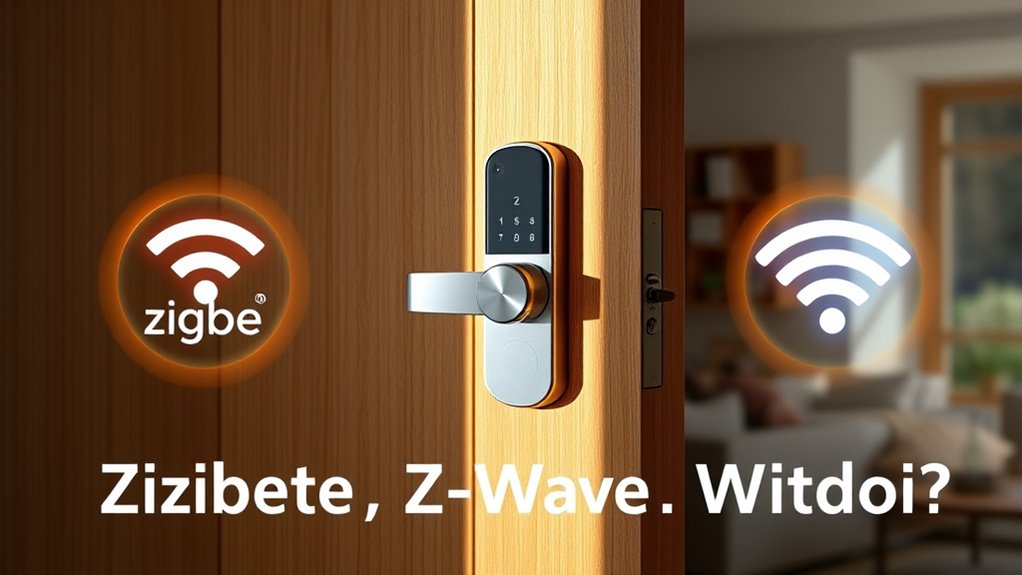
With so many smart lock protocols available, choosing the right one can feel overwhelming. You need to consider how each protocol impacts your system’s security vulnerabilities and compatibility considerations. Your smart lock isn’t just about convenience; it’s also about keeping your home secure. Different protocols have varying levels of security, and understanding these differences helps you make an informed choice. For example, some protocols may be more susceptible to security vulnerabilities like hacking attempts if they lack strong encryption. You don’t want your smart lock to become a weak point that cybercriminals can exploit. It’s essential to evaluate the security features of each protocol to guarantee your lock can withstand potential threats.
Choosing the right smart lock protocol balances security features and device compatibility for optimal home security and seamless integration.
Compatibility is another significant factor. You might already have a smart home ecosystem or specific devices you want to integrate with your lock. Not all protocols work seamlessly with every platform or device. For instance, if you use a particular smart hub or voice assistant, you’ll want to verify whether it supports the protocol your smart lock uses. Otherwise, you could face difficulties in controlling or automating your lock, which defeats the purpose of having a smart device in the first place. Some protocols are more widely supported than others, which might influence your decision if you’re looking for broad compatibility across multiple smart home devices.
Zigbee, Z-Wave, and Wi-Fi are the most common protocols, and each has its strengths and weaknesses. Zigbee is known for its low power consumption and secure mesh network, but its compatibility depends on whether your existing hub supports it. Z-Wave also creates a mesh network and tends to have better interoperability with various devices, but it may require a dedicated hub that supports Z-Wave. Wi-Fi, on the other hand, uses your existing home network, making setup straightforward, but it can be more vulnerable to security vulnerabilities if not properly secured. Wi-Fi smart locks often offer easier integration with smartphones and cloud services, but they can also be more exposed to online threats if you don’t keep your network secure.
Balancing security vulnerabilities and compatibility considerations helps you choose the protocol that fits your needs best. If security is your top priority, look for protocols with robust encryption and regular firmware updates. If seamless integration with existing devices matters most, then Wi-Fi might be your best bet, provided you implement strong network security measures. Ultimately, understanding these factors guarantees you pick a smart lock protocol that offers both peace of mind and practical functionality.

Aqara Smart Lock U100, Fingerprint Keyless Entry Door Lock with Apple Home Key, Touchscreen Keypad, Bluetooth Electronic Deadbolt, IP65 Weatherproof, Supports Apple HomeKit, Alexa, Google, IFTTT, Gray
【Apple Home and Home Key Support】The U100 is a smart door lock that is fully integrated into Apple…
As an affiliate, we earn on qualifying purchases.
As an affiliate, we earn on qualifying purchases.
Frequently Asked Questions
Can All Smart Locks Support Multiple Protocols Simultaneously?
Not all smart locks support multi-protocol compatibility, but some do. If you want protocol switching or multi-protocol compatibility, look for locks designed with that feature. These locks let you connect to Zigbee, Z-Wave, or Wi-Fi networks, offering flexibility and easier integration with your smart home system. Keep in mind, choosing a lock with multi-protocol support simplifies your setup and expands your options for future device additions.
Which Protocol Offers the Best Battery Life for Smart Locks?
Think of battery life like a marathon runner—some protocols conserve energy better than others. Z-Wave offers the best battery efficiency, consuming less power and extending your lock’s lifespan. Zigbee is also efficient, but Wi-Fi tends to drain batteries faster due to higher power consumption. So, if you want your smart lock to run longer without frequent replacements, Z-Wave is your best choice for power conservation.
Are There Security Differences Among Zigbee, Z-Wave, and Wi-Fi?
You should know that Zigbee, Z-Wave, and Wi-Fi differ in security, especially regarding encryption standards and vulnerability risks. Zigbee and Z-Wave use robust encryption, reducing your vulnerability risks, but Wi-Fi’s security depends on your network setup. Wi-Fi may be more susceptible if not properly secured since it’s more exposed. Always make certain your smart lock protocol uses strong encryption to protect against hacking attempts.
How Do Protocols Impact Smart Lock Installation Complexity?
Getting your smart lock up and running is like walking a tightrope—installation ease really varies by protocol. Zigbee and Z‑Wave usually require a hub, adding steps, while Wi‑Fi locks often connect directly, making setup simpler. Compatibility concerns can complicate things, especially if your existing devices don’t support the protocol. Consider your tech setup carefully, so you don’t bite off more than you can chew.
Can Smart Locks Switch Protocols After Installation?
Smart locks generally can’t switch protocols after installation because of protocol compatibility issues and hardware limitations. If you want to change protocols, you’ll need to replace the lock or use a compatible hub or bridge that supports multiple protocols. This can impact user convenience, so it’s best to select a protocol that fits your needs from the start. Planning ahead ensures seamless operation and fewer upgrades later on.

Kwikset HomeConnect 620 Z-Wave Long Range Enabled Keypad Smart Lock Convenient Keyless Entry, Customizable User Codes, Ring Alarm Compatible, Hub Required, Sold Separately Satin Nickel Traditional
CONVENIENT KEYLESS ENTRY: Keypad entry makes coming and going secure and simple. Easily lock and unlock your door…
As an affiliate, we earn on qualifying purchases.
As an affiliate, we earn on qualifying purchases.
Conclusion
Ultimately, choosing the right smart lock protocol depends on your home’s setup and your connectivity needs. If you want reliable, low-latency access, Z-Wave or Zigbee might be your best bet. Worried about Wi-Fi overload? Imagine your network running smoothly, with your lock working seamlessly without slowing down your internet. Whatever you choose, guarantee it fits your lifestyle—so you can confidently lock up, knowing your home is secure and connected effortlessly.

Philips Wi-Fi Door Lock, WiFi Smart Lock Keyless Entry Deadbolt for Front Door, Compatible with Alexa & Google Assistant, Remote Control, Built-in WiFi, APP Fingerprint Passcode Unlock, Auto Locking
𝐅𝐥𝐞𝐱𝐢𝐛𝐥𝐞 𝐖𝐚𝐲𝐬 𝐭𝐨 𝐔𝐧𝐥𝐨𝐜𝐤: Unlock the way you want: app, passcode, fingerprint, physical key, or voice via Alexa/Google…
As an affiliate, we earn on qualifying purchases.
As an affiliate, we earn on qualifying purchases.

eufy Security Smart Lock C220, Fingerprint Keyless Entry Door Lock, Built-in Wi-Fi, App Remote Control, Front Door Smart Lock Deadbolt, 8Months Battery, Reliable Power, IP53 Waterproof, BHMA Grade 3
8 Months Battery Life: With 8 AA batteries, Smart Lock C220 runs around 8 months. Experience ultimate convenience…
As an affiliate, we earn on qualifying purchases.
As an affiliate, we earn on qualifying purchases.