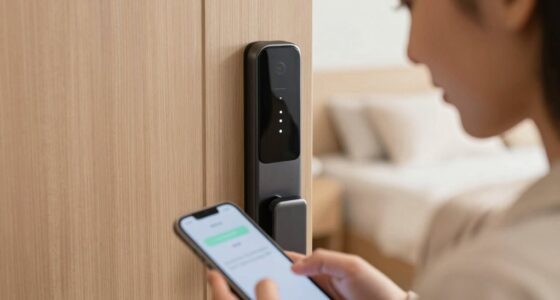

Integrating smart locks with your alarm system lets you arm or disarm your home instantly with a tap or voice command. When set up properly, these devices communicate seamlessly, providing real-time updates and enhanced security. You can automate routines, control access remotely, and get instant alerts for any activity. To make the most of this setup, guarantee your devices are compatible and configured correctly. Keep exploring to learn how to create a smooth, reliable security system that works for your lifestyle.
Key Takeaways
- Ensure both smart lock and alarm system support compatible protocols like Z-Wave or Zigbee for seamless integration.
- Configure alarm system settings to recognize smart lock status changes for automatic arming and disarming.
- Use automation routines or scenes to trigger instant alarm activation when the smart lock is engaged or disengaged.
- Regularly update firmware on both devices to maintain reliable communication and security features.
- Test the integrated setup thoroughly to confirm real-time response and adjust permissions or triggers as needed.

Philips WiFi Keypad Door Lock with Handle, Built-in WiFi, APP Remote Control, Voice & Fingerprint Unlock, Smart Locks for Front Door with Auto Lock, Digital Front Door Lock Set, Keyless Entry Deadbolt
- WiFi Connectivity: Connects directly to 2.4GHz WiFi without hub
- Remote App Control: Manage lock remotely via Philips Home Access App
- Real-Time Access Monitoring: Check lock status and access history anytime
As an affiliate, we earn on qualifying purchases.
As an affiliate, we earn on qualifying purchases.
Benefits of Combining Smart Locks and Alarm Systems

Combining smart locks with alarm systems enhances your home security by creating a seamless and proactive defense. Wireless connectivity allows these systems to communicate effortlessly, providing real-time updates and remote control. With smart locks, you can manage user access easily, granting or revoking permissions instantly without changing locks or issuing physical keys. This integration reduces the risk of unauthorized entry and offers greater flexibility when family, friends, or service providers need temporary access. Additionally, the combined system can automatically arm or disarm based on lock status, minimizing human error. You benefit from a streamlined security setup that adapts to your lifestyle, giving you peace of mind knowing your home is protected and access is tightly controlled. Incorporating wall organization systems can also help keep your entryway clutter-free, making it easier to manage keys and access points.

Kwikset HomeConnect 620 Z-Wave Long Range Enabled Keypad Smart Lock Convenient Keyless Entry, Customizable User Codes, Ring Alarm Compatible, Hub Required, Sold Separately Satin Nickel Traditional
- Keyless Entry: Secure keypad access for convenience
- Long Range Z-Wave: Extended coverage throughout your home
- Enhanced Security: S2 encryption and SmartStart technology
As an affiliate, we earn on qualifying purchases.
As an affiliate, we earn on qualifying purchases.
Choosing Compatible Smart Lock and Alarm System Components
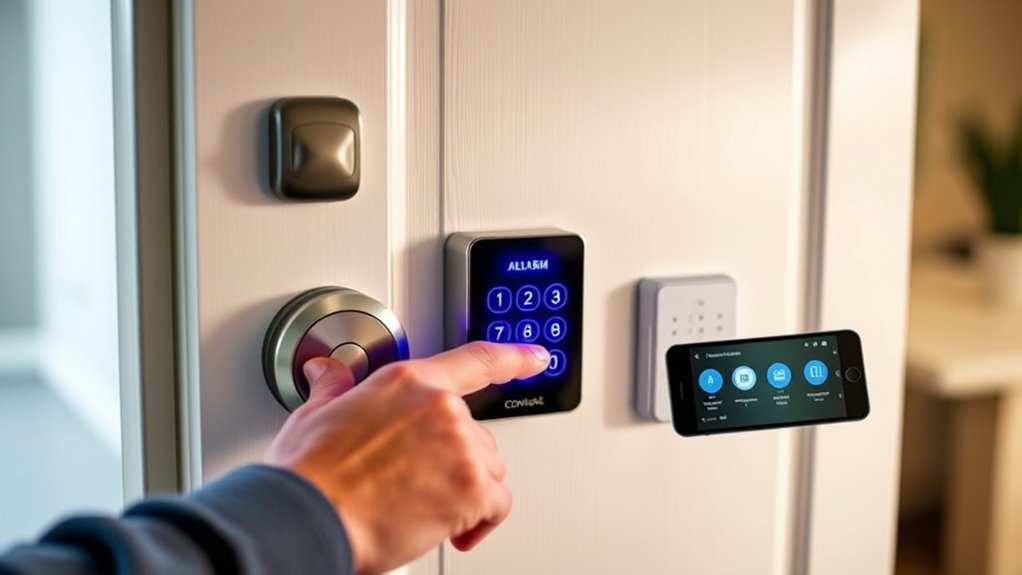
Selecting compatible smart lock and alarm system components is essential to guarantee seamless integration and reliable performance. Focus on smart lock durability to make certain your device withstands daily use and environmental factors, reducing the need for frequent replacements. Additionally, check alarm system compatibility to confirm the smart lock easily integrates with your existing or planned security setup. Compatibility issues can lead to malfunction or limited functionality, so verify that both devices support the same protocols or platforms. Opt for brands known for quality and reliable connectivity. By choosing components that are designed to work together, you’ll ensure smooth operation, quick response times, and a secure, cohesive home security system. Ensuring interoperability between devices is a key aspect of home automation and reliable security systems, helping you maximize your investment and maintain peace of mind.
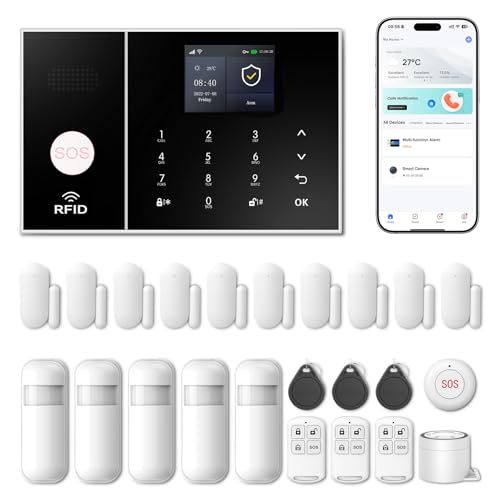
Wireless Alarm System for Home Security,24 Pcs Home Alarm System Wireless DIY Kit,WiFi+GSM/4G with Instant App Alerts NO MonthlyFees,SOS Button,App & Remote Control,Work with Alexa,for Apartment
- App Control & Customizable Sensors: Remotely control and expand system with sensors
- Voice Control & Color Screen: Supports voice commands and displays system info
- Tamper Protection & Multi-Alarm: Physical tamper-proof design with alerts and security code
As an affiliate, we earn on qualifying purchases.
As an affiliate, we earn on qualifying purchases.
Setting Up Seamless Integration Between Devices
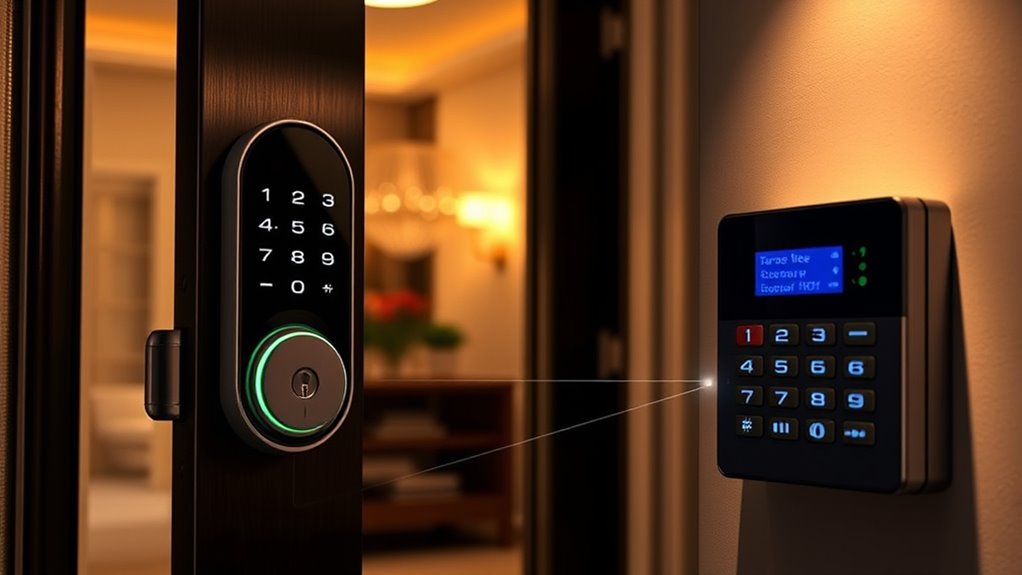
Once you’ve chosen compatible smart lock and alarm system components, the next step is to set up their integration to work smoothly together. Start by ensuring hardware compatibility; check that both devices support the same protocols or platforms, like Z-Wave or Zigbee. This guarantees seamless communication without hiccups. Next, configure the alarm system’s app or control panel to recognize the smart lock. Avoid manual key management by disabling traditional key access if possible, so the system relies on digital commands. Follow the manufacturer’s instructions carefully to connect the devices correctly. Test the connection by locking and unlocking remotely, confirming that the alarm system responds instantly. Proper setup guarantees smooth operation, enabling you to arm or disarm your system effortlessly. Additionally, reviewing your privacy policies ensures that your data sharing complies with privacy standards.

eufy Security 5-Piece Home Alarm Kit, Home Security System, Keypad, Motion Sensor, 2 Entry Sensors, Home Alarm System, Control from the App, Links with eufyCam, Optional 24/7 Protection
- Easy DIY Installation: Set up in minutes by yourself
- No Monthly Fees: One-time purchase for ongoing security
- Instant Security Alerts: Receive real-time notifications
As an affiliate, we earn on qualifying purchases.
As an affiliate, we earn on qualifying purchases.
Automating Security Routines With Smart Lock Triggers

By setting up smart lock triggers, you can automate your security routines to respond instantly to your daily habits. For example, configure your smart lock to arm your alarm system when you lock the door in the evening, ensuring your home is secure without manual intervention. Regular smart lock maintenance keeps these triggers functioning smoothly, preventing glitches that could compromise your security. Additionally, linking triggers to alarm system updates guarantees your system stays current with new features and security patches. Automating routines minimizes the risk of forgetting to arm or disarm your alarm, providing peace of mind. By fine-tuning these triggers, you create a seamless security experience that adapts to your lifestyle while maintaining ideal system performance. Incorporating routine maintenance ensures the longevity and reliability of your smart lock system.
Managing Access and Alerts Remotely
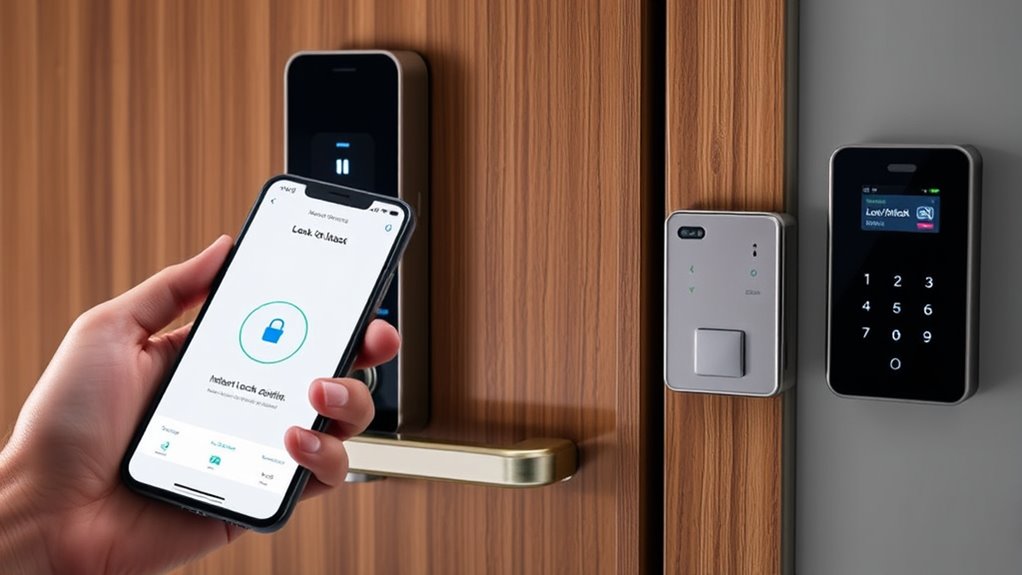
Managing access and alerts remotely allows you to control your smart locks and monitor your home from anywhere, providing greater flexibility and peace of mind. With remote monitoring, you can see who enters or exits and respond instantly to alerts. This enhances access control, letting you grant or revoke permissions on the fly. Whether you’re at work or traveling, you stay connected and in control. You can also set up notifications for specific events, keeping you informed of activity in real-time. This seamless integration simplifies managing your security system, ensuring your home remains protected without physical presence. Additionally, understanding home security systems and their features can help you optimize your setup for maximum safety. Use the table below to understand key features:
| Feature | Functionality | Benefit |
|---|---|---|
| Remote Access Control | Grant/revoke permissions | Flexibility in managing users |
| Real-Time Alerts | Instant notifications | Immediate response to events |
| Activity Monitoring | Log entries and exits | Better security oversight |
| Mobile App Control | Manage from smartphone | Convenience anytime, anywhere |
Enhancing Security Through Voice Commands and Automation
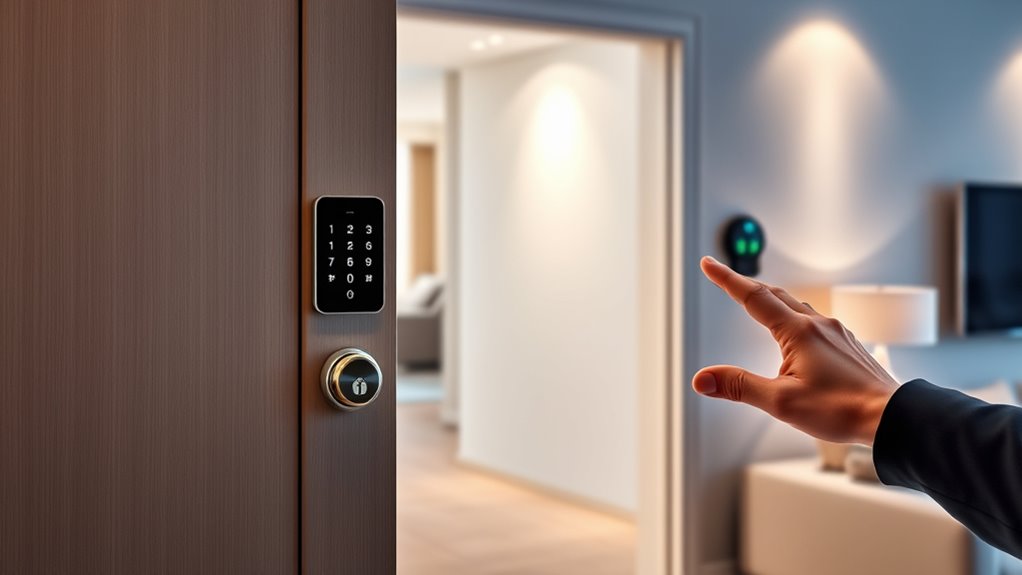
Voice commands make it easy to lock or open your doors instantly, adding convenience and security. Automating lock activation guarantees your system responds automatically when you leave or arrive, reducing the risk of forgetfulness. Together, these features help you create a smarter, more secure home environment. Incorporating essential oils into your routine can also promote a calming atmosphere, enhancing overall home safety.
Voice Command Integration
Have you ever considered how voice commands can streamline your home security? With voice command integration, you can control your smart locks and alarm system effortlessly. Customizing voice commands allows you to tailor interactions to suit your routine, making security more intuitive. Compatibility with popular smart assistants like Alexa or Google Assistant ensures seamless control across devices. By linking your systems, you can arm or disarm your alarm with just a voice prompt, enhancing convenience and safety. Additionally, integrating home automation systems can further optimize your security setup for a smarter home environment. Here’s a quick look at key features:
| Feature | Benefit |
|---|---|
| Voice command customization | Personalize commands for ease of use |
| Smart assistant compatibility | Integrate with existing devices |
| Instant control | Quick security adjustments |
| Hands-free operation | Enhance convenience and safety |
Automating Lock Activation
Automating lock activation through voice commands and smart automation systems considerably enhances your home security. With these tools, you gain seamless access control, enabling you to secure or open doors effortlessly. You can set up routines that activate locks when you leave or arrive, reducing the risk of human error. User management becomes streamlined, allowing you to assign access permissions to family members, guests, or service providers. Voice commands integrated with your smart home system make it simple to control locks remotely or automate them based on specific triggers, such as time of day or location. This automation not only strengthens security but also offers convenience, ensuring your doors are always properly secured without manual intervention. Additionally, incorporating water-resistant features in your smart locks can further improve durability and reliability in various weather conditions.
Troubleshooting Common Integration Challenges

When integrating smart locks with alarm systems, you might encounter connectivity issues or inconsistent responses, which can disrupt your security setup. One common challenge is hardware compatibility; verify your smart lock and alarm system support the same protocols or platforms to prevent communication problems. If the devices aren’t compatible, consider upgrading or using a compatible hub. Additionally, problems with user access management can cause frustration—verify that user permissions are correctly configured and synchronized across both systems. Regularly update firmware on all devices to fix bugs and improve stability. If issues persist, check your network connection and try restarting your devices. Troubleshooting these core areas helps ensure smooth integration and reliable instant arm/disarm functionality.
Frequently Asked Questions
Can Smart Locks Work Without an Internet Connection?
Smart locks can work without an internet connection through offline functionality and local control. When offline, you’ll still be able to lock or unlock your door using Bluetooth or Z-Wave, depending on your lock model. This means you won’t need Wi-Fi to manage basic access, but remote control or app features may be limited. Make sure your lock supports local control for seamless operation even when the internet is unavailable.
How Secure Are Wireless Integrations Against Hacking?
Wireless integrations can be quite secure if you prioritize strong wireless encryption and hacking prevention measures. You should ensure your smart lock and alarm system use updated protocols, like WPA3 or AES encryption, which make it harder for hackers to gain access. Regularly changing passwords and keeping firmware current also help. While no system is entirely hack-proof, these steps considerably reduce vulnerabilities, giving you peace of mind with your smart security setup.
What Is the Typical Setup Time for Integration?
The installation timeline for integrating smart locks with alarm systems varies based on setup complexity, but it typically takes a few hours to a day. You’ll need to connect the devices, configure settings, and test the system to guarantee smooth operation. If you’re comfortable with tech, it might be quicker; otherwise, professional installation can streamline the process. Overall, plan for some hands-on setup time to get everything working seamlessly.
Are There Privacy Concerns With Remote Access?
Imagine your home’s secret garden, where delicate flowers symbolize your privacy. With remote access, there’s a chance someone could sneak through unseen, risking your remote access privacy. To prevent hacking, use strong, unique passwords and enable two-factor authentication. Regular updates and secure Wi-Fi further bolster your defenses. While remote access offers convenience, staying vigilant guarantees your smart home remains a safe haven, free from prying eyes.
How Often Should Firmware Updates Be Performed?
You should perform firmware maintenance regularly to keep your devices secure and functioning smoothly. Update frequency depends on the manufacturer’s recommendations, but generally, you should check for updates at least once a month. Keeping your firmware up to date guarantees you benefit from security patches, bug fixes, and new features. Don’t skip updates, as outdated firmware can leave your system vulnerable, so stay proactive with your device management.
Conclusion
By integrating smart locks with alarm systems, you gain instant control and peace of mind. Some might worry about complexity, but with simple setup and automation, your home becomes more secure and responsive. Imagine effortlessly arming your system at night or granting access remotely—without hassle. This seamless integration not only boosts security but also saves you time and stress, making your home smarter and safer every day.