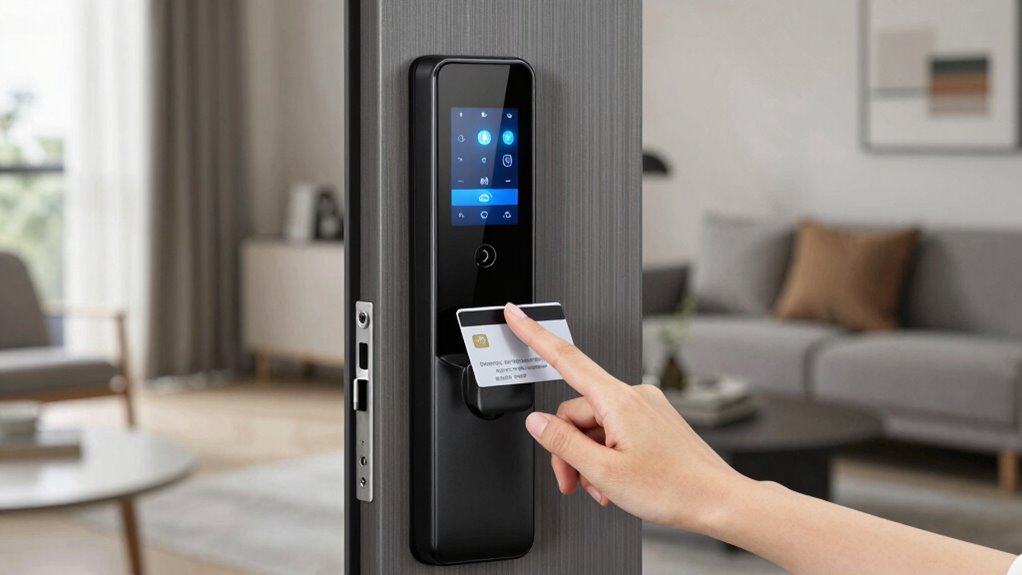
To secure your rental with temporary smart lock rules, start by getting landlord approval and choosing a model that’s easy to install without invasive wiring. Use the lock’s app to generate unique codes or grant remote access only for the needed rental period. Regularly review access logs, revoke permissions afterward, and enable security features like two-factor authentication and alerts. Following these steps will help you keep your property safe—continue exploring to learn more about best practices and security tips.
Key Takeaways
- Generate time-limited or unique access codes for temporary renters and revoke them after the rental period ends.
- Enable remote access controls to grant or disable entry instantly based on rental duration.
- Regularly review access logs for unauthorized activity and revoke outdated permissions promptly.
- Enable security features like two-factor authentication and alerts for suspicious activity.
- Remove or disable smart lock access immediately after the rental concludes to prevent unauthorized entry.
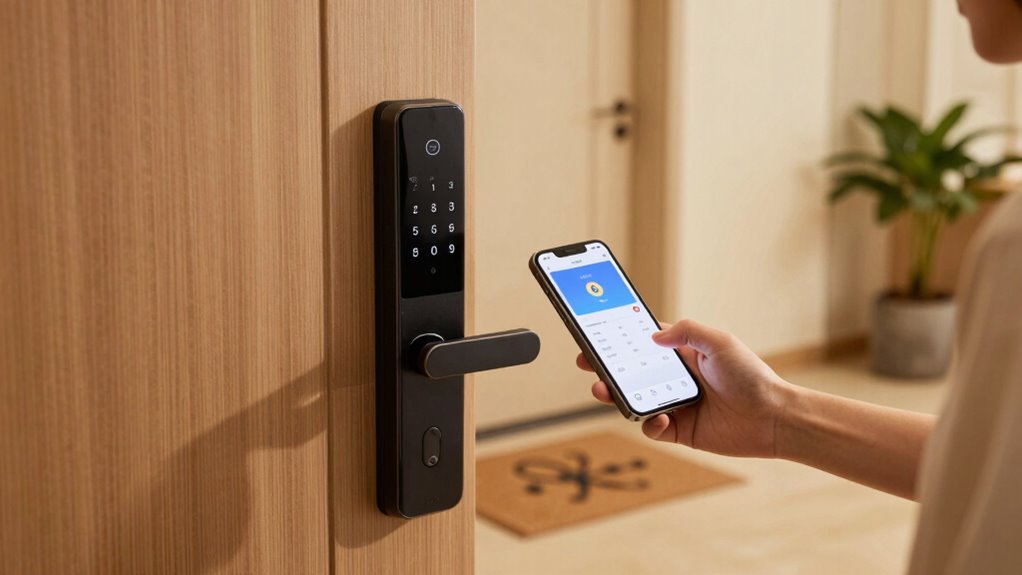
Securing a rental with temporary smart lock rules can seem intimidating, but with the right approach, it’s straightforward. When you’re trying to protect your rental, rental security becomes a top priority, especially when you’re relying on smart lock installation as a temporary solution. These locks can give you peace of mind without the need for physical keys, which can be lost or duplicated without your knowledge. The key is understanding the process and knowing how to implement a smart lock efficiently while respecting your rental agreement.
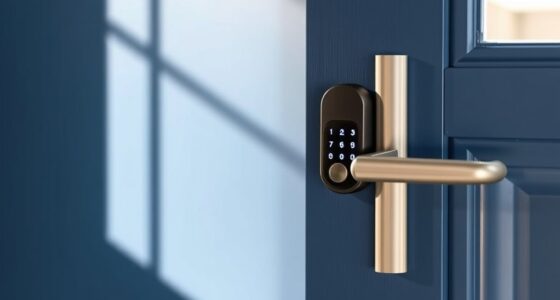
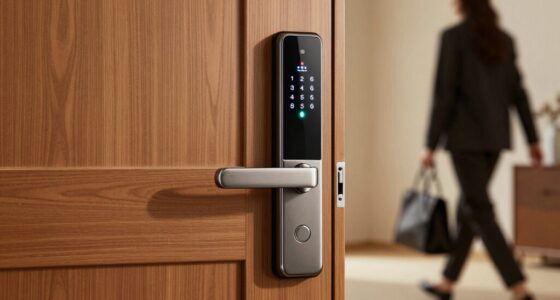
First, check your lease agreement or communicate with your landlord before installing any smart lock. Some landlords have strict policies about modifications to the property, even temporary ones. Once you have approval, you can focus on choosing the right smart lock. Look for models that are easy to install, don’t require invasive wiring, and offer temporary access options. Many smart locks allow you to generate unique codes or grant remote access to specific users, which is ideal for short-term rentals or when you only need access during certain hours.
Check lease terms and get landlord approval before installing a smart lock for temporary access.
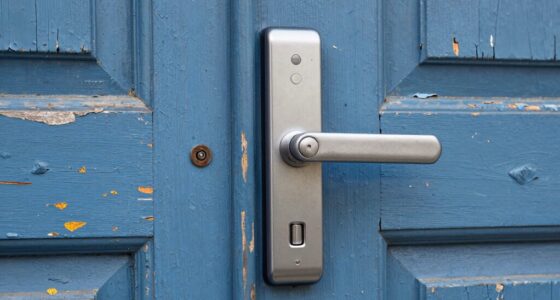
When it comes to smart lock installation, plan to do it yourself or hire a professional if needed. Most smart locks are designed for DIY installation, featuring straightforward instructions and tools included in the package. You’ll typically remove the existing deadbolt and replace it with the smart lock unit. Make sure the smart lock fits your door’s dimensions and is compatible with your existing hardware. Once installed, connect the lock to your smartphone via the corresponding app and set up user access permissions. This way, you can control who enters, when, and for how long, which is essential for temporary rental situations. Additionally, understanding the importance of smart lock security can help you choose features that enhance your safety. Knowing how to properly configure these locks and stay informed about security features can further improve your overall safety. Regularly updating your smart lock firmware and being aware of security vulnerabilities can also help prevent unauthorized access.
Managing rental security with a smart lock means staying vigilant about access. Regularly review access logs and revoke permissions when they’re no longer necessary. For added security, enable features like two-factor authentication and set up alerts for any suspicious activity. When your rental period ends, remove or disable the smart lock access remotely to make certain no one retains entry. Incorporating security best practices can help ensure your rental remains protected throughout your stay.

Philips WiFi Keypad Door Lock with Handle, Built-in WiFi, APP Remote Control, Voice & Fingerprint Unlock, Smart Locks for Front Door with Auto Lock, Digital Front Door Lock Set, Keyless Entry Deadbolt
Connect to 2.4GHz WiFi, No Hub Needed:Connect your Philips 4200 Series Wifi Door Lock Deadbolt directly to your…
As an affiliate, we earn on qualifying purchases.
As an affiliate, we earn on qualifying purchases.
Frequently Asked Questions
Can I Install a Smart Lock Without Tenant Approval?
You generally can’t install a smart lock without tenant approval, as doing so could infringe on tenant privacy and violate lease terms. Before any smart lock installation, you should seek written consent from your tenant to guarantee transparency and legal compliance. Respecting tenant privacy is essential, and open communication helps prevent disputes. Always review local laws and lease agreements to confirm what’s permissible regarding smart lock installation without prior approval.
What Are the Legal Restrictions on Temporary Smart Lock Access?
You need to verify your temporary smart lock access complies with legal restrictions on access control. Laws vary by jurisdiction, but generally, you can’t override a tenant’s right to privacy or access without proper notice. You should provide clear communication and obtain necessary permissions to stay within legal compliance. Always review local laws and lease agreements to avoid violations, and consider consulting a legal professional for guidance on managing temporary smart lock access.
How Do I Handle Lost Access Codes or Keys?
Did you know that 30% of rental issues involve lost keys or access codes? When you lose your access code or keys, act quickly. Use your smart lock’s app for access code management or contact your property manager for key replacement procedures. Always keep backup access codes stored securely. Acting swiftly guarantees your safety and keeps your rental experience smooth, avoiding unnecessary delays or security risks.
Are Smart Locks Compatible With All Rental Property Types?
Smart lock security varies, and not all rental property types are compatible. You need to check rental property compatibility before installation, as some buildings or landlords may restrict modifications. Many smart locks work well with apartments, condos, or single-family homes, but it’s crucial to verify the lock’s compatibility with your specific property. Always get landlord approval and ensure the smart lock meets security standards to avoid issues.
What Is the Backup Plan if the Smart Lock System Fails?
If your smart lock system fails, you should have an emergency access plan in place. Keep a physical spare key with a trusted neighbor or property manager for quick alternative entry. Consider installing a traditional lock as a backup or using a lockbox with a secure code. This guarantees you can access your rental easily during tech failures, providing peace of mind and uninterrupted access when needed.
remote smart lock control
As an affiliate, we earn on qualifying purchases.
As an affiliate, we earn on qualifying purchases.
Conclusion
By using temporary smart lock rules, you can confidently secure your rental without the hassle of traditional keys. Did you know that 80% of renters say smart locks make them feel safer? With features like remote access and customizable codes, you stay in control, even when you’re away. Embrace these modern security options to protect your space effortlessly and enjoy peace of mind during your stay. It’s a smarter, safer way to rent!
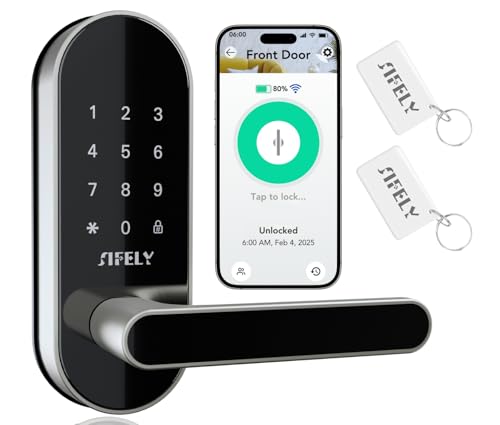
Built-in WiFi Smart Door Lock with Handle – Keyless Entry via App, Codes, Cards, Key, Voice & Remote Unlock, Auto-Lock, Access Logs, Family Sharing, Works with Alexa & Google, Great for Home & Rental
【Built-In Wi-Fi for Total Remote Control】Control your door from anywhere without a gateway. Lock/unlock remotely, manage users, schedule…
As an affiliate, we earn on qualifying purchases.
As an affiliate, we earn on qualifying purchases.
easy install smart lock
As an affiliate, we earn on qualifying purchases.
As an affiliate, we earn on qualifying purchases.