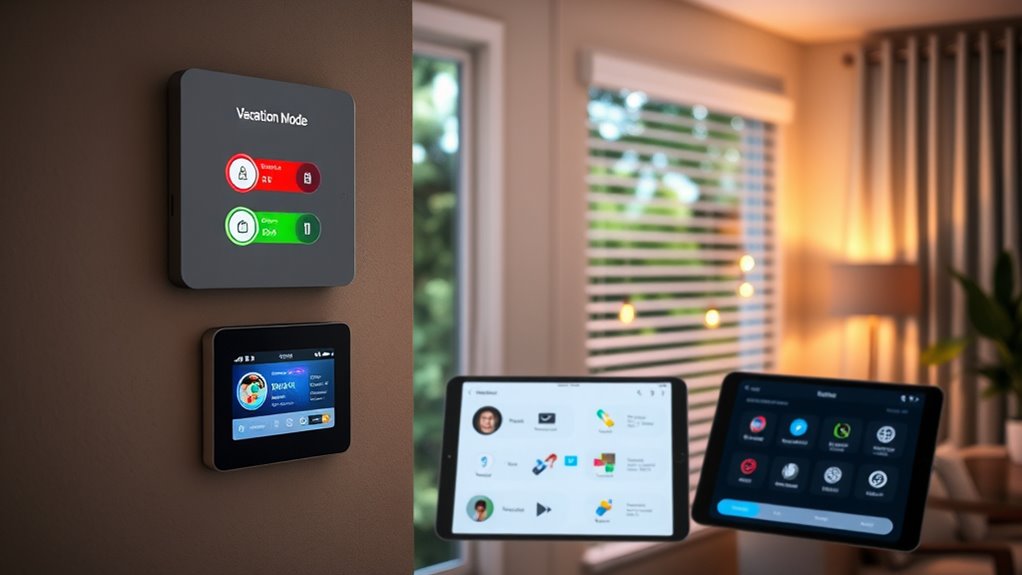

Automating vacation mode with simulated occupancy helps keep your home safe and energy-efficient while you’re away. You can remotely control smart devices like lights, thermostats, and cameras to create realistic activity patterns that deter intruders. Using secure connections and scheduled routines, you protect your home from cyber threats while maintaining a comfortable environment. If you’re interested, you’ll discover more tips on setting up effective automation to give you peace of mind during your travels.
Key Takeaways
- Program lighting and appliances to mimic daily routines, creating a realistic occupancy pattern during vacation mode.
- Schedule smart devices like blinds and fans to operate at different times, simulating presence.
- Use motion sensors and cameras to detect activity and trigger device adjustments for a natural look.
- Implement automated routines that vary lighting and device use to avoid predictable patterns.
- Integrate real-time alerts and live footage to monitor activity and ensure the occupancy simulation is effective.

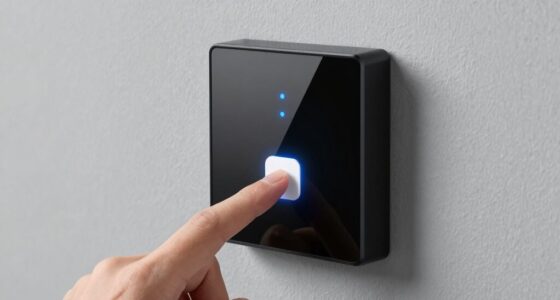
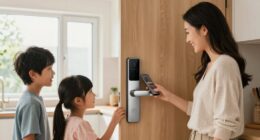
When you automate vacation mode, you can guarantee your home stays secure and energy-efficient even when you’re away. This feature allows you to create a realistic simulation of occupancy, deterring potential intruders and giving you peace of mind. With the right setup, you can control your smart devices remotely, ensuring everything operates smoothly regardless of where you are. Remote access is a game-changer, letting you adjust lighting, thermostats, and even turn appliances on or off from your smartphone or tablet. This means you can fine-tune your home’s environment to mimic your usual routines, making it less obvious that you’re away. Utilizing security protocols such as encryption and authentication further protects your system from threats. security protocols are essential when automating vacation mode. You want to make sure your system isn’t just turning lights on and off but doing so securely. Many smart home systems come with encryption and authentication features that protect your data and prevent unauthorized access. When you activate vacation mode, these protocols help ensure that only you can control your devices remotely. This added layer of security is critical because it keeps your home safe from cyber threats as well as physical intruders. Using strong passwords, two-factor authentication, and regularly updating your system’s firmware further reinforces your security protocols.
In addition, many smart security systems include cameras and sensors that can be integrated into your vacation mode. These devices can send real-time alerts if they detect movement or unusual activity, even when you’re not physically present. You can view live footage through your trusted app, giving you immediate insight into your home’s status. Setting up automated rules for these devices can save you time and effort; for example, you might program your system to turn on specific lights and activate cameras at certain times, creating the illusion of occupancy. This layered approach combines remote access capabilities with robust security protocols, making your home look lived-in and secure.
Another benefit of automating vacation mode is that it helps manage energy consumption. You can set your thermostat to maintain an ideal temperature while you’re away, saving money on energy bills. You can also schedule your smart blinds, fans, or other appliances to operate at specific times, further conserving energy. All of these actions can be managed remotely, giving you control over your home’s energy profile no matter where you are. This not only protects your home from potential break-ins but also ensures you’re not wasting electricity, which is good for your wallet and the environment.

Kasa Smart Plug Ultra Mini 15A, Smart Home Wi-Fi Outlet Works with Alexa, Google Home, No Hub Required, UL Certified, 2.4G WiFi Only, 2 Count (Pack of 1)(EP10P2) , White
Voice control: Kasa smart plugs that work with Alexa and Google Home Assistant. Enjoy the hands free convenience…
As an affiliate, we earn on qualifying purchases.
As an affiliate, we earn on qualifying purchases.
Frequently Asked Questions
How Secure Is the Automation System Against Hacking?
Your automation system’s security depends on robust encryption protocols that protect data transmissions from hackers. While cybersecurity concerns are valid, manufacturers often implement advanced encryption and regular updates to defend against vulnerabilities. To stay secure, you should keep your system firmware current, use strong passwords, and enable multi-factor authentication. Although no system is entirely hack-proof, following these best practices markedly reduces the risk and keeps your simulated occupancy automation safer.
Can I Customize Vacation Mode Settings Remotely?
Yes, you can customize vacation mode settings remotely using your app’s remote access feature. This allows you to adjust lighting, thermostat, and security settings from anywhere, giving you full control over your simulated occupancy. The system offers extensive customization options, so you can tailor the settings to match your typical routines or specific preferences. Just make certain your device has a secure internet connection to keep your controls safe from unauthorized access.
What Happens if There’s a Power Outage During Automation?
If there’s a power outage during automation, your system’s resilience depends on its backup features. Many smart home setups have battery backups or uninterruptible power supplies (UPS) that keep automation running temporarily. Without these, your automation might pause until power returns. To guarantee continued simulated occupancy, consider investing in backup power options, which enhance automation resilience and prevent gaps in your vacation mode routines during outages.
Are There Compatibility Issues With Older Smart Home Devices?
You might face some legacy compatibility issues with older smart home devices, as they may not seamlessly integrate with newer automation systems. Device integration can be tricky if your devices rely on outdated protocols or lack updates. To guarantee smooth operation, check if your legacy devices support common standards like Z-Wave or Zigbee, or consider upgrading them to improve compatibility and make automation more reliable.
How Does Automation Handle Unexpected Occupancy Patterns?
Imagine you’re away, and your automation system detects unexpected occupancy patterns, like a late-night guest. It uses occupancy prediction to identify these anomalies and adapts patterns accordingly, ensuring your home feels lived-in. This pattern adaptation helps maintain security and energy efficiency, even when behaviors differ from usual routines. So, your smart home stays responsive, seamlessly adjusting to unexpected occupancy, giving you peace of mind no matter what surprises come your way.
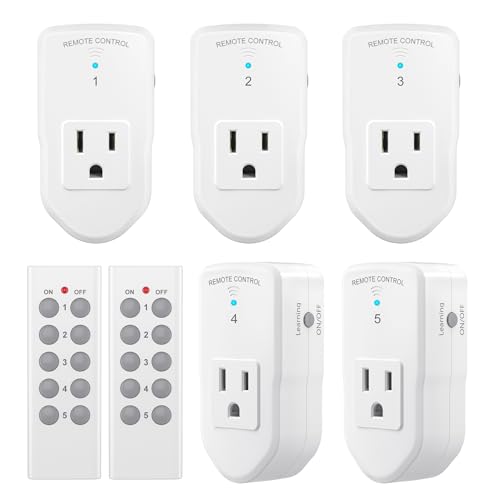
BN-LINK Wireless Remote Control Outlet Electrical Switch for Lights, Fans, Christmas Lights, Small Appliance, 100ft Long Range White (Learning Code, 5Rx-2Tx) 1200W/10A, ETL & FCC Certified
READY-TO-GO: Each BN-LINK Wireless Remote Control Outlet Kit contains everything you need to start(even the remote batteries!). Simply…
As an affiliate, we earn on qualifying purchases.
As an affiliate, we earn on qualifying purchases.
Conclusion
Think of automating vacation mode like setting a trap for a butterfly—you let the system gently take care of your home, so you can relax without worry. By automating these routines, you’re crafting a seamless dance between technology and comfort, ensuring your home appears alive and occupied even when you’re miles away. Embrace this automation as your home’s silent guardian, giving you peace of mind and more time to enjoy your travels.

Smart Bird Feeder with Camera Solar Powered, 2K HD Video, AI Bird Species Identification, Instant Arrival Alerts, Weatherproof Design for Effortless Birdwatching, Best Gift for BirdLovers, Red
Live Birdwatching, Anytime, Anywhere: Watch birds visit your bird feeder with camera in real-time with 2K HD video…
As an affiliate, we earn on qualifying purchases.
As an affiliate, we earn on qualifying purchases.
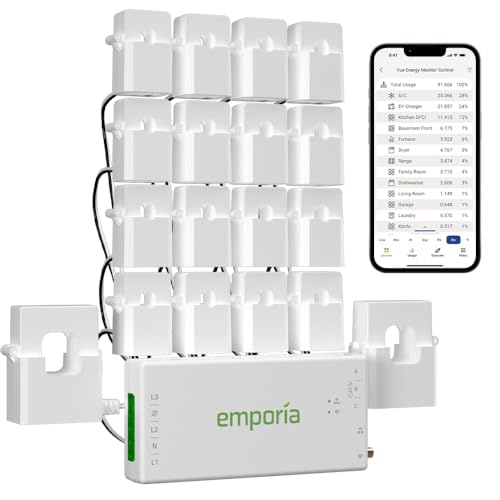
Emporia Vue 3 Home Energy Monitor – Smart Home Automation Module and Real Time Electricity Usage Monitor, Power Consumption Meter, Solar and Net Metering for UL Certified Safe Energy Monitoring
SAFETY YOU CAN TRUST WITH UL CERTIFICATION: With Emporia Energy, your home energy monitoring is safe, reliable, and…
As an affiliate, we earn on qualifying purchases.
As an affiliate, we earn on qualifying purchases.