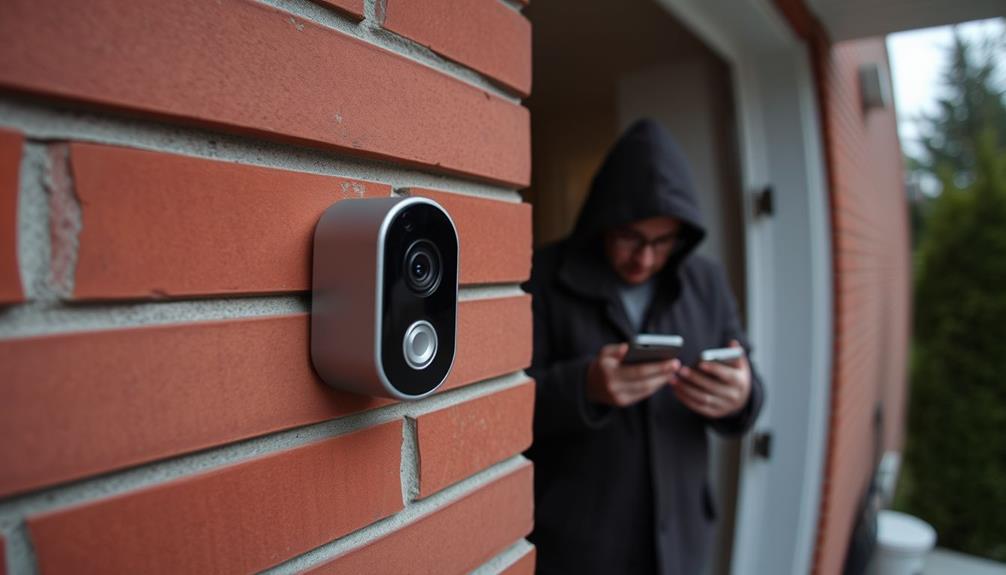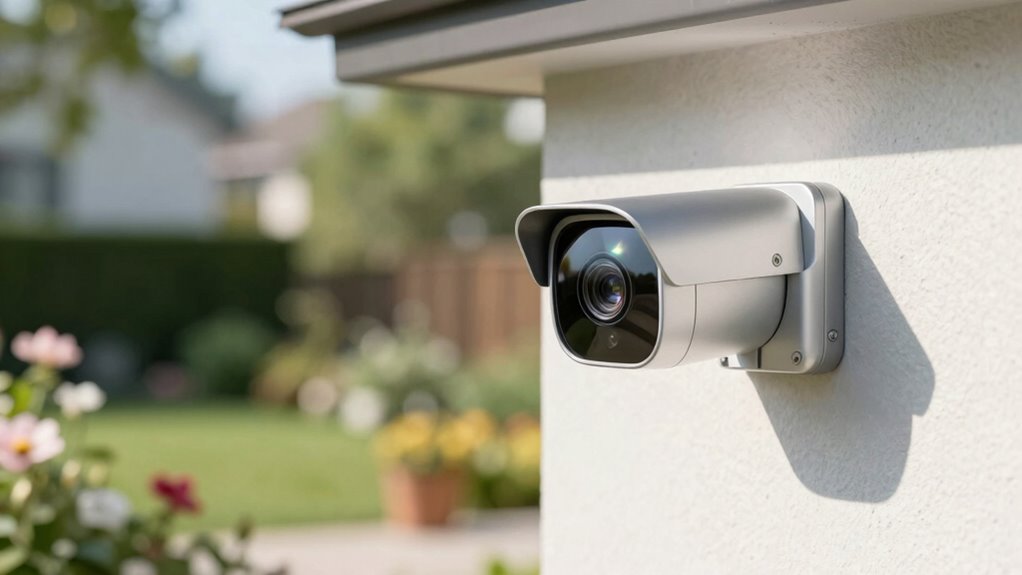

To prevent IR reflection in your Ring footage, start by positioning the camera away from reflective surfaces like glass or shiny objects and angle it downward or away from direct light sources. Clean the lens regularly and consider adding anti-reflective filters or glare shields. Using proper lighting—diffused or indirect—helps reduce glare, and adjusting camera settings can also improve clarity. If these tips aren’t enough, explore additional strategies to keep your footage clear.

Get privacy and security gear delivered free — and shop member deals
- Fast, free delivery on millions of items
- Access to Prime Big Deal Days deals on October 6–7
- Prime Video, Amazon Music and more included
Key Takeaways
- Adjust camera angles downward or away from reflective surfaces to reduce IR light bounce and glare.
- Install physical barriers or shields to block stray IR reflections from shiny objects or glass.
- Use anti-reflective filters and coatings on lenses to minimize IR glare and enhance footage clarity.
- Properly position lighting sources to avoid direct reflection into the camera lens.
- Regularly clean lenses and calibrate sensors to prevent dust, smudges, and missettings that amplify IR glare.
anti-reflective camera lens filter
As an affiliate, we earn on qualifying purchases.
As an affiliate, we earn on qualifying purchases.
What Causes IR Reflections and How They Obscure Your Security Footage

IR reflections happen when infrared light from security cameras bounces off nearby surfaces, such as glass, shiny objects, or even certain walls. This bounce can cause glare that obscures important details in your footage. To prevent this, confirm your camera’s sensor is properly calibrated; miscalibration can make it more sensitive to reflected IR light. Regularly check and adjust the sensor to improve image clarity. Additionally, lens cleanliness plays a vital role. Dirt, smudges, or dust on the lens can amplify IR reflections, making glare worse. Keep your camera lens clean and free of obstructions. Proper sensor calibration combined with a clean lens helps minimize IR reflections, guaranteeing your footage remains clear and useful even in challenging lighting conditions. Incorporating energy-efficient technology into your security system can further reduce unwanted reflections by optimizing overall performance and reducing heat-related distortions. Maintaining the correct sensor sensitivity ensures your camera detects IR light accurately without exaggerating reflections.
IR glare shield for security cameras
As an affiliate, we earn on qualifying purchases.
As an affiliate, we earn on qualifying purchases.
Common Sources of IR Glare in Home Security Cameras

Reflective surfaces near your cameras, like glass or shiny furniture, can cause IR glare that obscures footage. Additionally, sources of infrared light, such as nearby outdoor lights or certain electronic devices, may create glare issues. Identifying these common sources helps you take steps to reduce IR reflection effectively. Being aware of air quality can also influence the clarity of your security footage, as dust and pollutants may contribute to glare or haziness. Proper camera placement and regular cleaning can further minimize the impact of IR reflections on your footage, especially when combined with the use of professional services for installation and maintenance. Maintaining optimal camera positioning ensures better coverage and reduces the likelihood of IR glare interfering with your recordings. Using anti-reflective coatings on camera lenses can also significantly diminish unwanted IR reflections and improve overall image clarity.
Reflective Surfaces Near Cameras
Surfaces near your security cameras can often cause unwanted glare by reflecting infrared light directly into the lens. Reflective materials like glass windows, mirrors, or shiny metal surfaces can bounce IR light back into the camera, creating glare or obscuring footage. To prevent this, guarantee proper camera placement away from such surfaces. Regular lens cleaning helps maintain clear footage and reduces the risk of glare caused by dust or smudges that can intensify reflections. When positioning your cameras, avoid pointing them directly at windows or shiny objects. Instead, angle them to minimize reflections and improve image quality. Keeping reflective surfaces away from the camera’s line of sight and maintaining clean lenses are simple yet effective steps to prevent IR glare in your security footage. Additionally, understanding the optical properties of materials near your cameras can help you choose surfaces that are less likely to cause reflections. Selecting materials with low reflectivity can further reduce the chances of unwanted glare and improve overall footage clarity. Being aware of light reflection dynamics can also assist in making better placement decisions to avoid glare issues. Moreover, experimenting with camera angles and adjusting the position can significantly reduce the likelihood of IR glare affecting your recordings. Being mindful of environmental factors like ambient lighting can also support glare prevention efforts.
Infrared Light Sources
Many common household items and lighting setups can unintentionally produce infrared light that causes glare in your security cameras. Infrared sensors in devices like remote controls, motion detectors, and certain LED lights emit IR light, which can reflect off surfaces and create unwanted glare. Additionally, light pollution from outdoor lighting, such as floodlights or decorative LEDs, can contribute to IR interference. These sources may seem harmless but can overwhelm your camera’s IR capabilities, leading to poor image quality or false alerts. To minimize this, keep IR-emitting devices away from camera lenses and avoid excessive outdoor lighting that contributes to IR light pollution. Reducing these sources helps prevent IR reflection and improves your security footage clarity. Be aware that Gold IRA markets can also influence the security landscape by offering investment options that may include IR-sensitive equipment. Understanding the infrared light sources in your environment is essential for maintaining clear and accurate security footage. Additionally, being aware of youngsters’ engagement with technology can help you identify unintended IR emissions from modern devices used around your home. Recognizing the role of specialized dog beds, like those designed for Golden Retrievers, can also help in creating environments that reduce reflective surfaces and IR glare. Furthermore, understanding environmental IR sources can help you better control and mitigate unwanted IR reflections in your security setup.
diffused lighting for security cameras
As an affiliate, we earn on qualifying purchases.
As an affiliate, we earn on qualifying purchases.
How to Position Your Camera to Minimize IR Reflection

To minimize IR reflection, start by adjusting your camera angle so it doesn’t face reflective surfaces directly. Consider using proper lighting or anti-reflective filters to reduce glare. Small changes in positioning can make a big difference in clear, reflection-free footage. Additionally, choosing the right cables and hardware can help ensure your security system maintains optimal image quality. Ensuring your equipment is compatible with IR technology can further enhance the effectiveness of your setup. Using high-quality, well-maintained camera lenses can also reduce unwanted reflections and improve image clarity. According to the Vetted – Security Zone Info, selecting the right components is crucial for maintaining high-quality surveillance footage and preventing IR reflection issues.
Adjust Camera Angle
Adjusting your camera angle is key to reducing IR reflection in ring footage. The right positioning can prevent IR light from bouncing directly into the lens. Start by experimenting with the camera height; lower or raise it to find an angle that avoids reflective surfaces. Pay close attention to lighting placement—position lights so they don’t shine directly into the camera.
Here’s a quick guide:
| Tip | Effect |
|---|---|
| Change camera height | Reduces direct IR reflection |
| Shift camera angle | Avoids reflective surfaces |
| Adjust lighting placement | Minimizes IR bouncing into the lens |
Choose Proper Lighting
Proper lighting placement is essential for minimizing IR reflection in your ring footage. Your choice of camera placement plays a vital role in reducing glare, so position your camera at angles that avoid direct reflections from light sources or reflective surfaces. Good lighting design involves avoiding overly bright lights directly facing the camera or mirror-like surfaces that can bounce IR signals back into the lens. Instead, opt for diffused or indirect lighting that softens shadows and reduces harsh reflections. By carefully planning your lighting and camera angles, you can considerably decrease IR glare, resulting in clearer, more reliable footage. Remember, strategic camera placement combined with thoughtful lighting design is key to preventing unwanted IR reflection and maintaining ideal surveillance quality.
Use Anti-Reflective Filters
Using anti-reflective filters can substantially reduce IR glare by minimizing reflections that bounce back into the camera lens. These anti reflective filters are designed to cut down on unwanted reflections, helping you achieve clearer footage. To maximize their effectiveness, attach the filters securely to your camera lens and make certain they are clean and free of smudges. Proper positioning is also vital—angle the camera slightly downward or adjust its orientation to avoid direct reflections from nearby surfaces. Incorporate glare reduction techniques like using anti reflective filters as part of your overall setup. Being mindful of camera placement can further enhance your footage quality. This simple step can markedly improve image quality, especially in challenging lighting conditions, making sure your ring footage remains clear and free of distracting IR reflections.
As an affiliate, we earn on qualifying purchases.
Adjusting Camera Settings to Reduce IR Glare and Improve Clarity

To reduce IR glare and enhance the clarity of your ring footage, you need to fine-tune your camera settings effectively. First, check your camera resolution; higher resolution settings can provide clearer images and better detail, making glare less prominent. Adjust the IR sensitivity or exposure settings to prevent overexposure caused by IR light reflection. Consider the lens material; lenses made from certain materials can reflect IR light more than others. Switching to lenses with anti-reflective coatings or specific IR-friendly materials can minimize glare. Also, disable or adjust IR illuminators if they’re causing excessive reflection. Be mindful of lens quality, as it plays a vital role in IR light reflection and overall image clarity. Regularly inspecting your workspace setup and positioning your camera to avoid direct IR light sources can also significantly improve footage quality. By carefully configuring these settings and paying attention to lens quality, you’ll considerably improve the clarity of your footage and reduce unwanted IR reflections.
Physical Barriers and Mounting Tips to Block IR Reflections

Adjusting your camera settings can substantially reduce IR glare, but sometimes physical adjustments offer even better results. To block reflections from mirror surfaces and reflective objects, consider repositioning your camera. Mount it at an angle that minimizes direct light bouncing into the lens. Use physical barriers like non-reflective covers or shields to block unwanted reflections. Placing objects such as plants or furniture strategically can also help absorb or deflect IR light. Avoid mounting your camera directly opposite shiny surfaces or reflective objects that can cause glare. Regularly clean your camera lens and nearby reflective surfaces to prevent buildup that could intensify reflections. These straightforward physical tips can significantly improve your footage quality by reducing IR reflections caused by mirror surfaces and other shiny objects.
Camera Accessories That Help Prevent IR Glare

Camera accessories like IR filters and glare shields can be highly effective in preventing IR glare in your footage. These accessories often feature specialized lens coatings that reduce internal reflections and minimize glare caused by infrared light. Anti reflective films applied to camera lenses further block unwanted reflections, ensuring clearer images. By choosing high-quality IR filters, you can prevent infrared light from entering the lens incorrectly, reducing the chances of IR reflection. Glare shields also help by physically blocking stray IR light from reaching the lens. Combining these accessories with proper lens coatings and anti reflective films enhances your camera’s ability to capture sharp, glare-free footage. Investing in these accessories guarantees your security footage remains clear and reliable, even under challenging lighting conditions.
Troubleshooting Persistent IR Reflections and When to Call a Professional

Even with accessories like IR filters and glare shields in place, persistent IR reflections can still occur, disrupting your footage. If adjustments to your lighting design and camera placement don’t resolve the issue, it’s time to seek professional help. An expert can analyze your setup to identify subtle causes, such as reflective surfaces or improper angles, that might be causing the glare. They can also recommend specialized equipment or advanced techniques to eliminate reflections. Sometimes, the problem stems from underlying hardware issues or design flaws that require technical expertise. Don’t hesitate to call a professional when troubleshooting efforts hit a dead end. Proper lighting design and precise camera placement are essential, but complex reflections often need expert intervention to guarantee clear, glare-free footage.
Quick Tips for Clear, Glare-Free Ring Footage

Achieving clear, glare-free ring footage requires a few simple but effective strategies. First, regularly perform sensor calibration to ensure your camera captures accurate images without unnecessary reflections. Second, clean the lens with a soft, lint-free cloth to remove dust and smudges that can amplify glare. Third, adjust the camera’s angle slightly downward or away from direct light sources to minimize IR reflection. Finally, check your camera’s settings; reducing IR intensity can help prevent reflections that cause glare. Keep in mind, these quick tips make a big difference in your footage quality. By maintaining proper sensor calibration and lens cleanliness, you’ll considerably cut down on glare and IR reflections, resulting in clearer, more reliable footage.
Frequently Asked Questions
Can IR Reflections Damage My Security Camera Over Time?
IR reflections themselves won’t damage your security camera over time, but they can affect your camera’s infrared safety and image quality. Excessive IR reflection may cause glare, making footage unclear, and could potentially lead to overheating if the camera struggles to manage the light. To guarantee camera longevity, avoid direct IR reflection sources and regularly check your camera’s infrared settings, reducing the risk of damage from heat or light interference.
Are There Specific Camera Brands Less Prone to IR Glare Issues?
Some camera brands, like Hikvision and Dahua, are less prone to IR glare issues because of their better infrared sensitivity and strong reputation for quality. You should look for cameras with advanced IR technology and positive reviews on camera brand reputation. These brands tend to incorporate features that minimize IR reflection, ensuring clearer footage at night. Choosing reputable brands helps you avoid IR glare problems and get reliable security footage.
How Does Weather Affect IR Reflection in Outdoor Security Cameras?
Weather can turn your outdoor security camera’s IR reflection into a tricky mirror maze. Solar glare blazes like a spotlight, bouncing IR light and causing glare issues, while fog interference acts like a ghostly veil, diffusing IR signals and reducing visibility. Rain and snow can also distort IR performance, making it harder to capture clear footage. Prepare for these weather whims to keep your camera’s night vision sharp and glare-free.
Can Software Updates Automatically Fix IR Glare Problems?
Yes, software updates can automatically fix IR glare problems. When you install firmware upgrades and software patches on your security camera, they often include improvements to IR illumination and glare reduction algorithms. These updates optimize IR LED control, helping prevent reflections and glare in your footage. Make sure your camera’s firmware stays current, so you benefit from the latest features and fixes that enhance image clarity and reduce IR reflection issues.
What Are the Best Practices for Maintaining IR Camera Performance?
Did you know improper camera placement causes 60% of IR glare issues? To maintain IR camera performance, regularly check your IR angle and adjust it to avoid direct reflections. Make certain your cameras are positioned to minimize light bouncing into the lens. Keep lenses clean and free of dust, and test your setup at night to identify and correct glare problems promptly. Proper placement and maintenance are key to clear, effective footage.
Conclusion
Think of your camera like a lighthouse guiding ships safely home. When IR reflections cast unwanted glare, it’s like fog obscuring your light. By adjusting your setup and using the right tools, you clear the fog, allowing your security system to shine brightly. Keep tweaking and protecting your view, so your footage remains sharp and true—your personal beacon of safety, clear and unwavering in even the darkest night.
Fall Picks
fall essentials
As an affiliate, we earn on qualifying purchases.