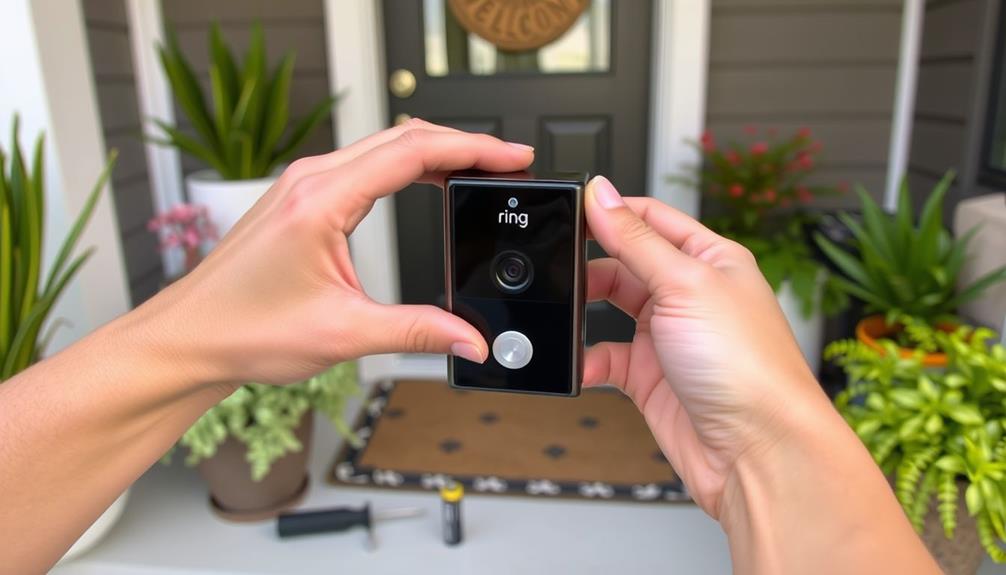
To customize your Ring’s smart alerts for better awareness, you should adjust motion detection zones and sensitivities to focus on key areas. Set your alert preferences to only receive notifications when it truly matters, like during specific times or for certain activities. Regularly review and update these settings to match changes in your routine, helping reduce false alarms. Keep exploring options, and you’ll discover how to make your alerts more relevant and manageable.
Key Takeaways
- Adjust motion detection zones to focus on critical areas and minimize false alarms.
- Customize alert preferences for push notifications, emails, or both, based on your needs.
- Set specific active alert times to avoid unnecessary notifications during certain hours.
- Regularly review and update motion sensitivity and zones as routines or concerns change.
- Create different alert profiles for various times or days to enhance awareness and security management.
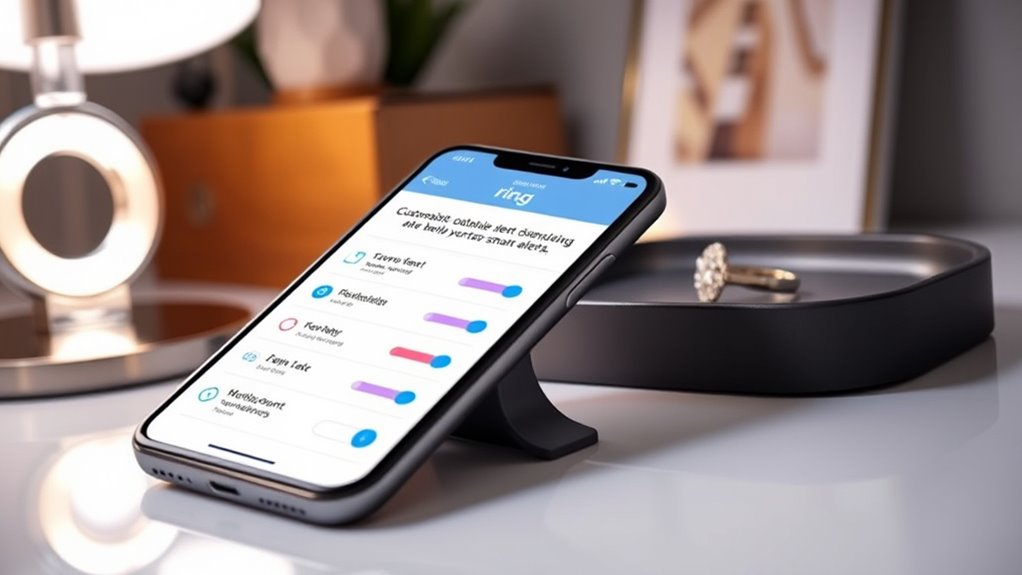
Customizing Ring’s smart alerts allows you to tailor notifications so you only receive the information that matters most to you. This feature puts you in control of your security system, ensuring you’re alerted to genuine concerns without constant distractions. The key to effective customization lies in understanding and adjusting your motion detection and notification settings. By fine-tuning these options, you can reduce false alarms and focus on important activity around your home.
Motion detection is at the heart of Ring’s alert system. It detects movement in predefined zones within your camera’s view, triggering notifications only when activity occurs where you specify. You can customize these zones to exclude areas with frequent, harmless motion—like a busy street or tree swaying in the wind—so you’re not constantly alerted for no reason. Adjusting motion sensitivity levels helps you find the perfect balance: too high, and you’ll get false alarms; too low, and you might miss important events. As you set these parameters, consider your home’s layout and typical activity patterns, ensuring your alerts are both meaningful and manageable.
Customize motion zones to reduce false alerts and focus on your home’s key areas.
Notification settings give you further control over how and when you’re alerted. You can choose to receive push notifications, emails, or both, and even set specific times when alerts are active. For example, you might want to silence notifications during work hours but be instantly alerted when you’re at home. Ring also allows you to customize alerts for different devices, so your phone, tablet, or computer only buzzes when relevant. This level of personalization prevents notification fatigue, helping you stay aware without feeling overwhelmed by constant alerts.
To optimize your experience, regularly review and update your notification preferences. As your routines change or new areas of concern emerge, tweaking your motion detection zones and sensitivity can keep your alerts relevant. Additionally, consider setting up different alert profiles for various times of day or days of the week, aligning your notifications with your lifestyle. Understanding how to optimize your security system can significantly enhance its effectiveness and your peace of mind. By actively managing these settings, you ensure that your Ring system remains a reliable, efficient tool for home security.
In essence, customizing your Ring’s smart alerts isn’t just about reducing nuisance notifications; it’s about creating a tailored security environment. Your ability to adjust motion detection and notification settings empowers you to stay informed about what truly matters. With precise control over alerts, you gain peace of mind, knowing you won’t miss critical activity while avoiding unnecessary alerts that clutter your day. This proactive approach transforms your Ring system from a generic security device into a personalized safeguard, giving you better awareness and confidence in your home’s security.
Frequently Asked Questions
Can I Customize Alerts for Multiple Ring Devices Simultaneously?
Yes, you can customize alerts for multiple Ring devices simultaneously through multi-device synchronization. This feature allows you to manage alert customization options across all your devices in one place, making it easier to personalize notifications based on your needs. By adjusting settings in the Ring app, you guarantee each device provides the right alerts, enhancing your awareness and security without the hassle of managing each device separately.
How Do I Reset Ring’s Smart Alerts to Default Settings?
Think of your Ring alerts as a symphony, where each instrument plays a part. To reset your Ring’s smart alerts to default settings, you perform an alert reset. Navigate to your device’s settings, find the alert options, and select ‘Reset to Default.’ This action clears customizations, restoring the original harmony. Your notifications will then play their intended tune, ensuring you’re back to the default settings of your smart alert symphony.
Are Smart Alerts Compatible With All Ring Security Camera Models?
Not all Ring security cameras support smart alerts, so camera compatibility varies. Before customizing alert settings, check your specific model to see if it offers alert customization features. High-end models typically support advanced smart alerts, while older ones may have limited options. To confirm you get the most out of your setup, verify your camera’s compatibility with smart alerts in the Ring app or product details.
Can I Schedule Specific Times to Enable or Disable Alerts?
Yes, you can schedule specific times to enable or disable alerts on your Ring device. This feature allows you to set scheduled alerts, giving you control over alert timing. By customizing the alert schedule, you can guarantee you’re only notified during certain hours, reducing unwanted notifications. To do this, access your Ring app’s settings, select your device, and set your preferred alert timing to match your routine.
Do Smart Alerts Support Integration With Third-Party Home Automation Systems?
Smart alerts are like a bridge connecting you to your smart home. They do support third-party integrations with popular home automation platforms, allowing you to customize your security experience. You can set up triggers and responses through these integrations, making your system more seamless and efficient. Just make certain your chosen platform is compatible with Ring, and you’ll enjoy a more integrated, smarter home where alerts work hand-in-hand with your automation devices.
Conclusion
So, after all that tweaking, you’d think you’re perfectly in the know, right? Turns out, customizing your Ring’s alerts might just make you a little too aware—constantly on edge, never missing a thing. Ironically, the more you tailor your notifications, the more you realize how much you actually want to ignore. But hey, at least now, you’re never caught off guard. Who knew that a simple alert could turn you into a perpetual alertness expert?