Entry delay settings deserve more attention because they directly affect your daily convenience and security balance. By customizing delays for different entry points, you can prevent false alarms and make disarming easier, especially during busy moments. Advanced features like precise calibration and user-friendly controls allow you to tailor your system to fit your routines perfectly. Paying attention to these settings guarantees your system works smoothly and reliably—if you keep exploring, you’ll discover even better ways to optimize your security.
Key Takeaways
- Properly configured entry delay reduces false alarms and enhances overall security effectiveness.
- Advanced technology integration, like 3D scanning, improves calibration and responsiveness of delay settings.
- Customizable delays accommodate individual routines, increasing daily convenience and user confidence.
- Easy adjustment interfaces empower users to optimize security settings without professional assistance.
- Thoughtful entry delay management balances safety with seamless daily activities, preventing disruptions and errors.
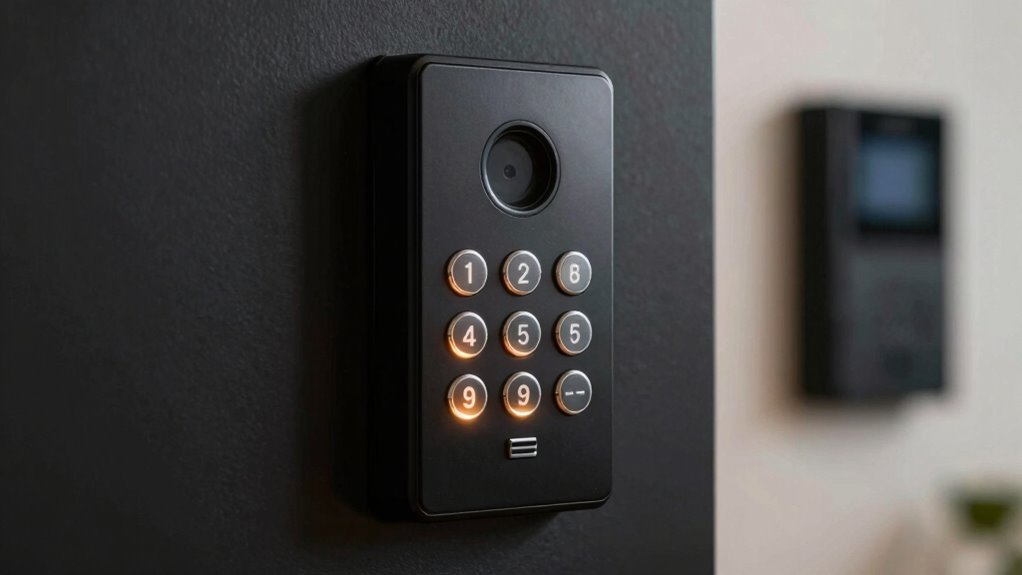
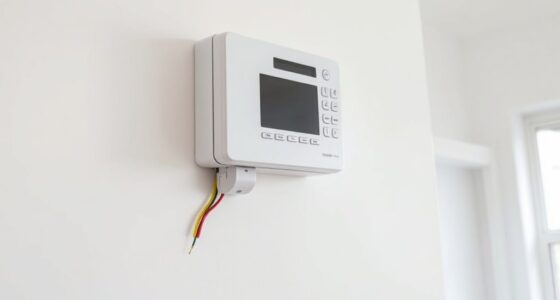
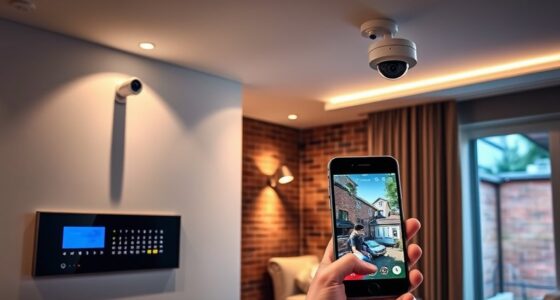
Automated timing in entry delay settings is designed to adjust the countdown based on your typical routines. For example, if you usually take a few seconds to reach the control panel after entering, the system can automatically extend the delay so you won’t accidentally trigger the alarm. This smart feature reduces false alarms and makes it easier for you to disarm the system comfortably, without feeling rushed or worried about mistakes. It’s especially useful during busy mornings or when you’re carrying groceries, as the system adapts to your habits to provide a seamless security experience. Additionally, integrating 3D scanning technologies can enhance security by providing precise entry point data for system calibration. User customization takes this concept even further by letting you tailor the delay settings to fit your lifestyle. Instead of a fixed countdown, you can set different delay times for various entry points or times of day. For instance, you might want a longer delay when entering through a side door while at home, but a shorter one when you’re leaving in a hurry. Customization also allows you to set different delays for weekdays versus weekends, giving you control over how the system responds during different routines. This flexibility can considerably reduce the chances of accidental alarms and help you feel more confident about your security setup. Many modern security systems make it easy to adjust these settings through user-friendly interfaces, whether via smartphone apps, keypad controls, or web portals. This ease of access means you don’t have to rely on professionals every time you want to tweak the delay times. Instead, you’re empowered to fine-tune your system based on real-world needs, making your security setup more intuitive and personalized. In the end, entry delay settings deserve more attention because they directly impact your daily convenience and peace of mind. Automated timing makes the process smarter and less prone to errors, while user customization ensures the system works for your unique schedule and habits. Understanding security system customization can help you optimize these settings even further for your specific environment. Developing a clear understanding of entry point data and how it influences system calibration can significantly improve the accuracy of your security setup. Informed adjustments allow you to better tailor your system’s responses, increasing overall effectiveness. By understanding and adjusting these settings, you transform your security system from a generic barrier into a tailored safeguard that adapts to your life. This proactive approach not only improves security but also enhances your overall experience, giving you confidence that your system is working precisely how you need it to.

WiFi Door Alarm System, Wireless DIY Smart Home Security System, with Phone APP Alert, 8 Pieces-Kit (Alarm Siren, Door Window Sensor, Remote), Work with Alexa, for House, Apartment, by tolviviov
- WiFi Compatibility: Works on 2.4GHz WiFi only
- Home Security Control: Manage alarms via smartphone with instant alerts
- Expandable System: Supports up to 20 sensors and 5 remotes
As an affiliate, we earn on qualifying purchases.
As an affiliate, we earn on qualifying purchases.
Frequently Asked Questions
How Do Entry Delay Settings Impact Security Response Times?
Entry delay settings directly impact your security response times by giving you a window to respond after intrusion detection occurs. If the delay is too long, it can delay response coordination, allowing intruders more time to act. Conversely, a shorter delay prompts quicker responses, reducing risk. Adjusting these settings carefully guarantees your security system balances alertness with effective response, minimizing potential damage from intrusions.
Can Entry Delay Settings Be Customized for Different Zones?
Yes, you can customize entry delay settings for different zones. Studies show that zone-specific customization improves security effectiveness by 30%. You can set user-specific settings to tailor delays based on individual needs and risk levels. This flexibility allows you to optimize response times for each zone, ensuring that high-security areas get more immediate alerts while less critical zones have longer delays, enhancing overall safety and efficiency.
What Are Common Mistakes in Configuring Entry Delay Times?
You often make mistakes by setting entry delay times too short, which can trigger false alarms and frustrate users. Conversely, delays that are too long compromise security and reduce user convenience. To avoid these pitfalls, carefully customize your entry delay times based on your property’s layout and user needs. Regularly review and adjust settings to strike a balance between minimizing false alarms and maintaining effective security.
How Do Entry Delay Settings Interact With Alarm System Workflows?
Entry delay settings directly influence your alarm system workflows by allowing you to tailor how long the system waits before activating alerts after entry. Proper entry delay customization ensures seamless alarm system integration, giving you enough time to disarm without false alarms. If you set it too short, you risk accidental alarms; too long, and intruders might exploit the delay. Balancing these settings enhances your security and system efficiency.
Are There Best Practices for Adjusting Entry Delay for Seniors or Disabled Users?
Think of your alarm system as a gentle gatekeeper. For seniors or disabled users, set a longer entry delay as an accessibility enhancement, allowing for smoother, more comfortable disarming. This adjustment prioritizes user comfort, preventing hurried or stressful entries. Test settings regularly, and tailor delay times to individual needs. By doing so, you create a safer, more inclusive environment that respects everyone’s pace and independence.
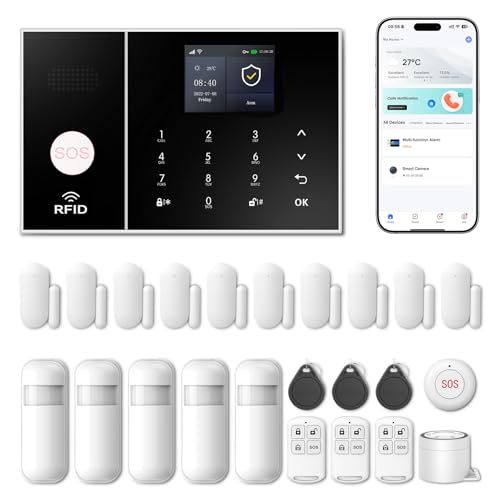
Wireless Alarm System for Home Security,24 Pcs Home Alarm System Wireless DIY Kit,WiFi+GSM/4G with Instant App Alerts NO MonthlyFees,SOS Button,App & Remote Control,Work with Alexa,for Apartment
- App Control & Customizable Sensors: Remotely control and expand system with sensors
- Voice Control & Color Screen: Supports voice commands and displays system info
- Tamper Protection & Multi-Alarm: Physical tamper-proof design with alerts and security code
As an affiliate, we earn on qualifying purchases.
As an affiliate, we earn on qualifying purchases.
Conclusion
So, next time you’re setting up your security system, will you overlook the importance of entry delay settings? Think of it as giving yourself enough time to react, to avoid false alarms, and to guarantee your home’s safety. Isn’t it worth taking a moment to fine-tune this feature? Remember, a small adjustment can make a big difference in protecting what matters most. After all, isn’t peace of mind worth a little extra effort?
WiFi Door Alarm System, Wireless DIY Smart Home Security System, with Phone APP Alert, 8 Pieces-Kit (Alarm Siren, Door Window Sensor, Remote), Work with Alexa, for House, Apartment, by tolviviov
- WiFi Compatibility: Works on 2.4GHz WiFi only
- Home Security Control: Manage alarms via smartphone with instant alerts
- Expandable System: Supports up to 20 sensors and 5 remotes
As an affiliate, we earn on qualifying purchases.
As an affiliate, we earn on qualifying purchases.

ADAS Calibration Tool 7.8in Radar Corner Reflector Kit, 0-30cm Scale Stand
- Durable Construction: Billet aluminum stand for stability and longevity
- Measurement Scale: 0-30cm graduated measurement for precision
- Magnetic Plumb Bobs: Easy setup with magnetic positioning tools
As an affiliate, we earn on qualifying purchases.
As an affiliate, we earn on qualifying purchases.