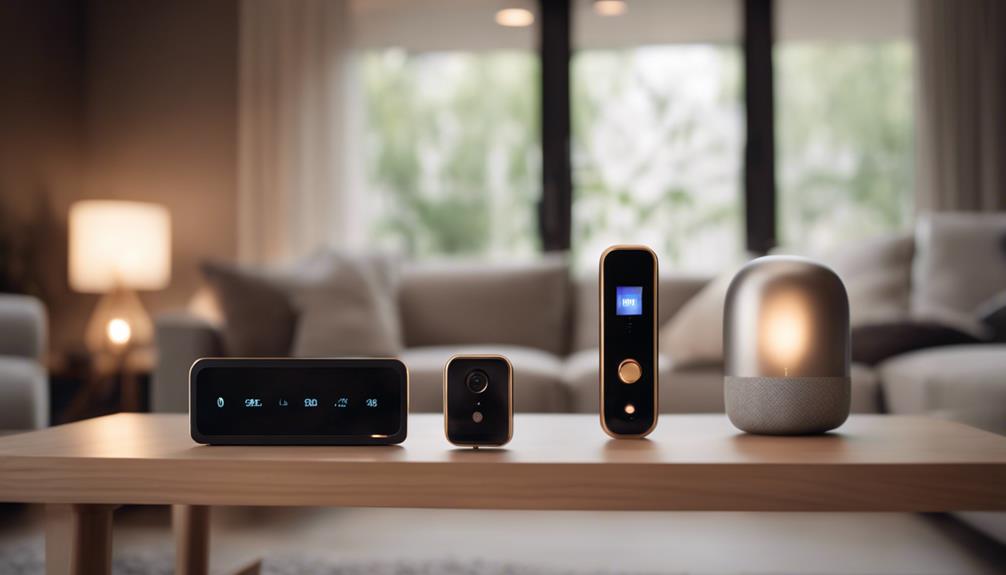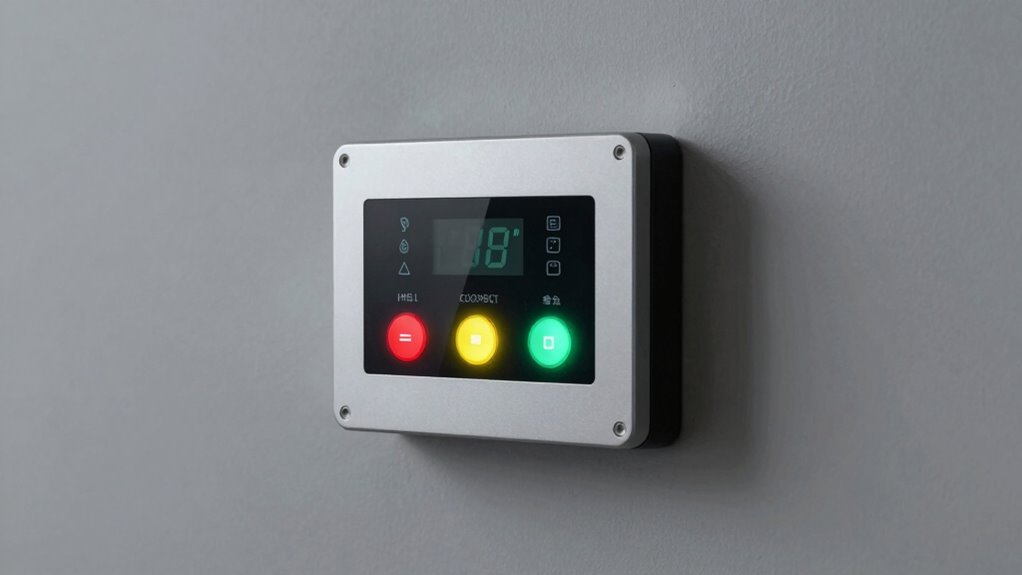

By properly configuring your alarm panel with quick-arming options, programmable shortcuts, and compatible remote controls, you can greatly reduce response times during emergencies. Using user-friendly access codes and enabling silent arming further speeds up activation and disarming. Regular maintenance and user training ensure the system works smoothly when it matters most. Keep these strategies in mind, and you’ll discover how to enhance both speed and security when seconds count.
Key Takeaways
- Proper system configuration speeds up response times during emergencies.
- Quick-arming and programmable shortcuts enable rapid system activation and disarming.
- Using proximity or fingerprint access reduces delays caused by code input.
- Regular system maintenance and testing prevent glitches that could slow response.
- Ensuring user training and updated access codes facilitate swift and secure system operation.

Setting your alarm panel correctly can considerably cut down the time it takes to arm or disarm your security system. When emergencies strike, every second counts, and the way you configure your panel can make a significant difference. One effective way to streamline this process is by implementing security system upgrades that simplify access without compromising safety. These upgrades can include features like quick-arming options, programmable shortcuts, or even remote controls, all designed to speed up operations during critical moments.
Properly configuring your alarm panel speeds up response times during emergencies, enhancing safety and efficiency.
Your user access codes play a crucial role here. Choosing codes that are easy for you to remember but hard for others to guess allows for faster disarming, especially when you’re in a rush. Avoid overly complex combinations that can slow you down or cause mistakes, which could be dangerous during an emergency. Consider setting up multiple user access codes for different family members or trusted individuals, so each person can quickly disarm the system without waiting. This flexibility ensures that in urgent situations, anyone authorized can respond promptly, reducing delays that could escalate a threat.
Adjusting your alarm panel’s settings to favor speed doesn’t mean sacrificing security. Many modern systems allow you to customize how and when they respond to different inputs, so you can prioritize rapid disarming when needed. For example, you might enable silent arming or disarming modes, which can be less conspicuous and save time if you’re in a situation where discretion is vital. Additionally, some systems offer proximity or fingerprint-based access, eliminating the need to remember or input codes altogether. These security system upgrades can be a game-changer during emergencies, allowing you to act swiftly without fumbling with keys or remembering lengthy codes. Implementing user-friendly access methods can significantly enhance your response time in critical moments. Furthermore, ensuring that your system is properly maintained and regularly updated can prevent unexpected glitches that cause delays when you need to act quickly.
Moreover, proper setup of your alarm system includes ensuring that all users are familiar with the process. Regularly updating user access codes and testing your system helps prevent delays caused by forgotten codes or technical glitches. Keep a record of who has access and review it periodically to remove any unnecessary or outdated codes. This not only maintains security but ensures that everyone authorized can access the system quickly when needed. It is also important to understand the potential vulnerabilities associated with security vulnerabilities and take proactive steps to mitigate them, ensuring your system remains both fast and secure.

Mengshen Remote Control AR04, Works with Security Alarm Z08/Z07/M64/M641/M642/M70/M701/M702
Durable and compact design
As an affiliate, we earn on qualifying purchases.
As an affiliate, we earn on qualifying purchases.
Frequently Asked Questions
How Often Should I Review My Alarm Panel Settings?
You should review your alarm panel settings at least every six months. Regularly checking alarm calibration guarantees your system responds accurately, while reviewing user permissions keeps your security tight. By staying proactive, you prevent false alarms and unauthorized access. Make it a routine to update these settings, especially after system updates or changes in personnel, so your alarm system remains reliable and effective in emergencies.
Can Multiple Users Access and Change Alarm Panel Configurations?
You can set your alarm panel to allow multiple users access and change configurations, but it’s vital to prioritize security. Imagine a lock that only opens for trusted keys—this is your configuration security. By controlling user access, you prevent unauthorized changes, ensuring the system remains reliable during emergencies. Regularly review who has access, so your alarm system stays both flexible and secure, ready when you need it most.
What Training Is Recommended for Emergency Responders on Alarm Panels?
You should undergo specialized training on alarm customization and user access management to effectively operate alarm panels during emergencies. This training helps you understand how to quickly modify alarm settings, prioritize alerts, and guarantee only authorized personnel access sensitive features. By mastering these skills, you can respond swiftly and confidently, minimizing response times and improving overall safety. Proper training ensures you’re equipped to handle alarm systems efficiently in critical situations.
Are There Safety Risks if Alarm Panel Settings Are Incorrect?
Yes, incorrect alarm panel settings can pose safety risks, leading to false alarms and possible security breaches. When settings are off, you might trigger unnecessary alerts, wasting valuable response time, or miss critical signals. This can cause responders to become desensitized or delay action, risking safety. Always double-check your panel configurations, verify proper training, and stay updated on best practices to minimize these risks and maintain a secure environment.
How Do I Troubleshoot Alarm Panel Malfunctions Quickly?
Think of your alarm panel as the heartbeat of your security system—if it stumbles, everything else follows. To troubleshoot quickly, start with alarm panel calibration to guarantee settings are precise. Then, check the battery backup; a weak or dead battery can cause false alarms or non-responsiveness. Keep these in check, and your system will stay alert and reliable, ready to spring into action when needed.

XYBkey Complete Biometric Fingerprint Security Access Control System Kit, RFID Keyboard Door Lock, Time and Attendance System, Smart Remote Control Door Opener, 600-Pound Electromagnetic Lock + ZL
Sturdy 280kg Magnetic Lock – This magnetic lock boasts a powerful 600-pound holding force, ensuring your door stays…
As an affiliate, we earn on qualifying purchases.
As an affiliate, we earn on qualifying purchases.
Conclusion
By setting up your alarm panel correctly, you’re fundamentally planting a quick escape route in your pocket for emergencies. It’s like having a trusted guide leading you through chaos, helping you respond swiftly and confidently. Don’t wait for disaster to strike — take a few moments now to customize your settings. This simple step transforms your alarm system from a mere device into a vigilant guardian, ready to save precious time when seconds matter most.

LeadSeals 500 Ntag213 NFC Tag Anti Metal NFC Tags Sticker Work on Metal NFC Stickers Adhesive Labels RFID Tags Rewritable 144 Bytes Memory Compatible with All NFC-Enabled Smartphones and Devices
【Waterproof Material & Size】 : The anti-metal NFC tag stickers is made of environmentally friendly PET. Waterproof, smooth…
As an affiliate, we earn on qualifying purchases.
As an affiliate, we earn on qualifying purchases.

eufy Keypad E10, Quick and Convenient Arming/Disarming, Covert Duress Alarm, One-Touch SOS Alert, Requires HomeBase 2, 3 or Pro
Quick and Convenient Arm and Disarm: Offers four modes for easy arming and disarming, perfect for quick access…
As an affiliate, we earn on qualifying purchases.
As an affiliate, we earn on qualifying purchases.