To plan for battery failure in your smart lock, regularly check battery levels via your app or alert notifications. Keep spare batteries on hand and set reminders for replacements based on your lock’s recommended lifespan. Consider backup power options like UPS or portable chargers to guarantee access during outages. Test backup systems periodically to confirm they work. If you follow these steps, you’ll maintain security and access—learn more about creating an effective battery failure plan below.
Key Takeaways
- Regularly monitor battery status via app alerts or indicators to detect low power before failure occurs.
- Use backup power solutions like UPS or portable banks to maintain lock functionality during outages.
- Keep physical emergency keys and override codes accessible for manual access during battery failure.
- Schedule routine inspections and timely battery replacements based on usage and manufacturer recommendations.
- Configure alert systems to notify you at specific low battery thresholds, ensuring proactive maintenance.
Why Battery Failure Is a Security Risk for Your Smart Lock
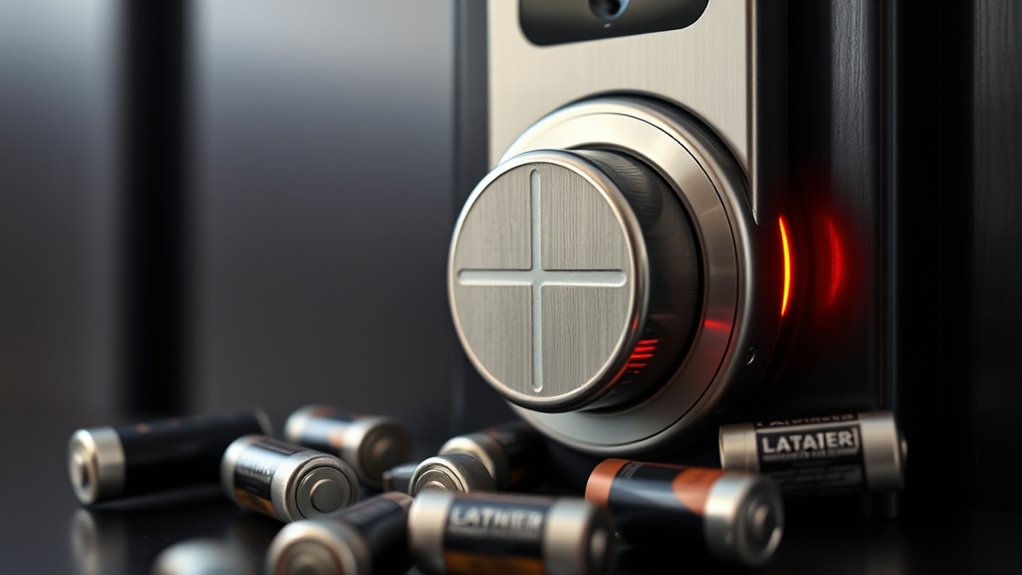
Battery failure poses a significant security risk because a dead or drained battery can leave your smart lock unresponsive, preventing you from gaining access when you need it most. Understanding battery chemistry helps you choose the right type, such as lithium-ion or alkaline, which influence power consumption and longevity. Different chemistries have varying capacities and discharge rates, impacting how long your lock remains functional. High power consumption from frequent use or advanced features can drain batteries faster, increasing the risk of failure. If you’re unaware of your lock’s power needs, you might find yourself locked out unexpectedly. Regularly monitoring your battery’s performance and selecting batteries suited to your lock’s chemistry guarantees consistent operation, reducing the security threat posed by sudden battery failure. Additionally, being aware of Vetted – wave and wind strategies can help you plan backup options to maintain security during power issues. Proper battery management practices ensure your smart lock remains reliable over time and prevent unexpected lockouts.
A thorough understanding of battery capacity and how it affects your lock’s operation can help you make informed choices and prevent failures.
Recognizing Signs of Low Battery in Your Smart Lock
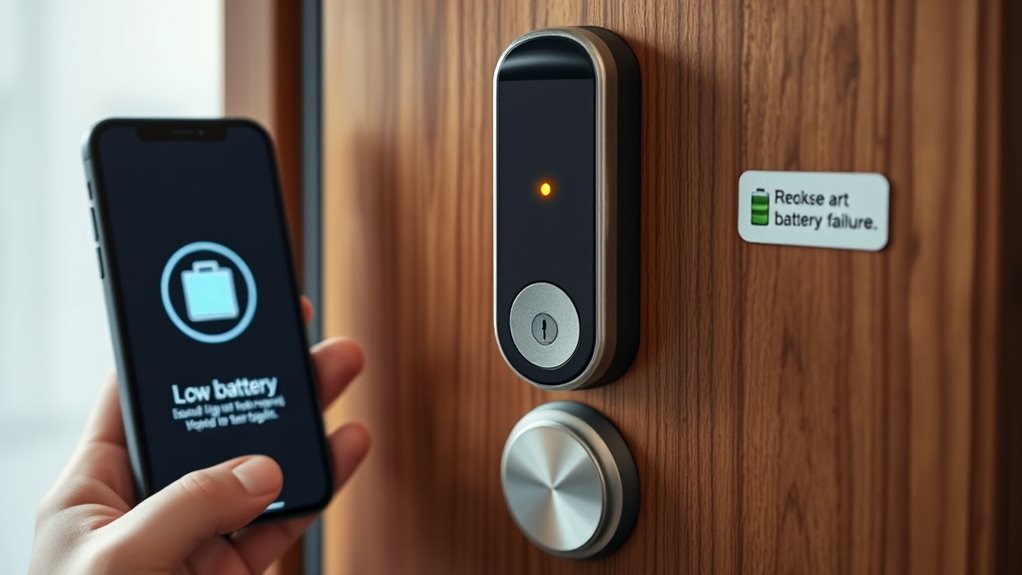
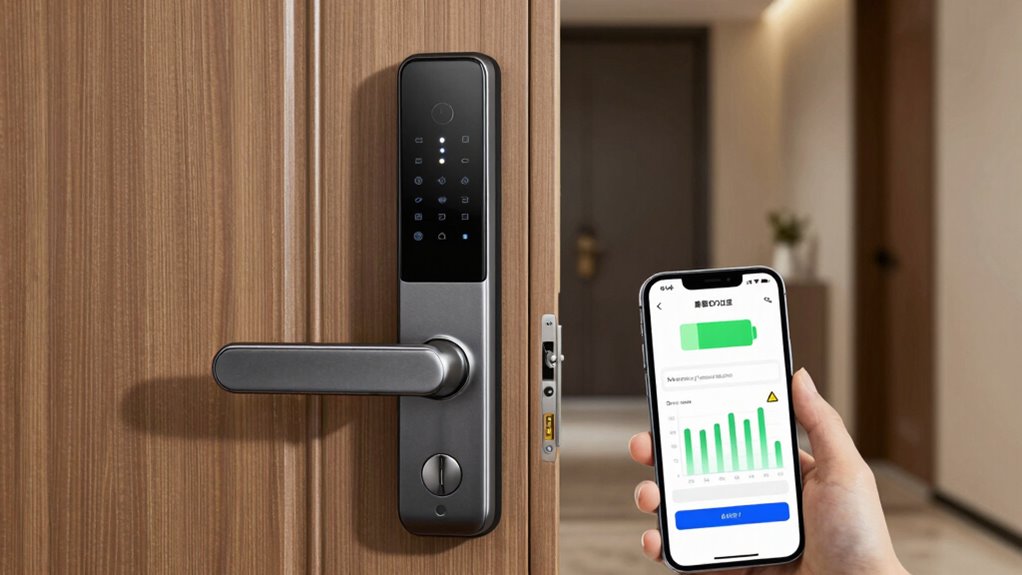
As your smart lock relies on battery power to operate smoothly, it’s important to be aware of the warning signs that indicate your batteries are running low. One clear sign is inconsistent performance, such as delayed locking or unlocking, which suggests increased power consumption. You may also notice the lock’s battery indicator flashing or displaying a low battery alert on your app. Over time, the battery lifespan decreases, making these signs more frequent. Additionally, if you find yourself replacing batteries more often than usual, it’s a sign that your lock’s power consumption has increased or the batteries are nearing the end of their effective life. Regularly monitoring your smart lock’s performance can help you maintain optimal operation and prevent unexpected lockouts, ensuring your home remains secure. Recognizing these signs early helps prevent unexpected lockouts and maintains your security. Being aware of battery life cycles and employing preventative measures can further extend your lock’s functionality and reliability. Incorporating battery health monitoring features can also alert you before complete failure occurs, adding an extra layer of preventative maintenance. Moreover, understanding power management settings can help optimize battery usage and prolong the life of your batteries. Additionally, staying informed about battery replacement intervals allows for more proactive maintenance and reduces the risk of unexpected failures.
How Often to Replace or Recharge Your Smart Lock Batteries
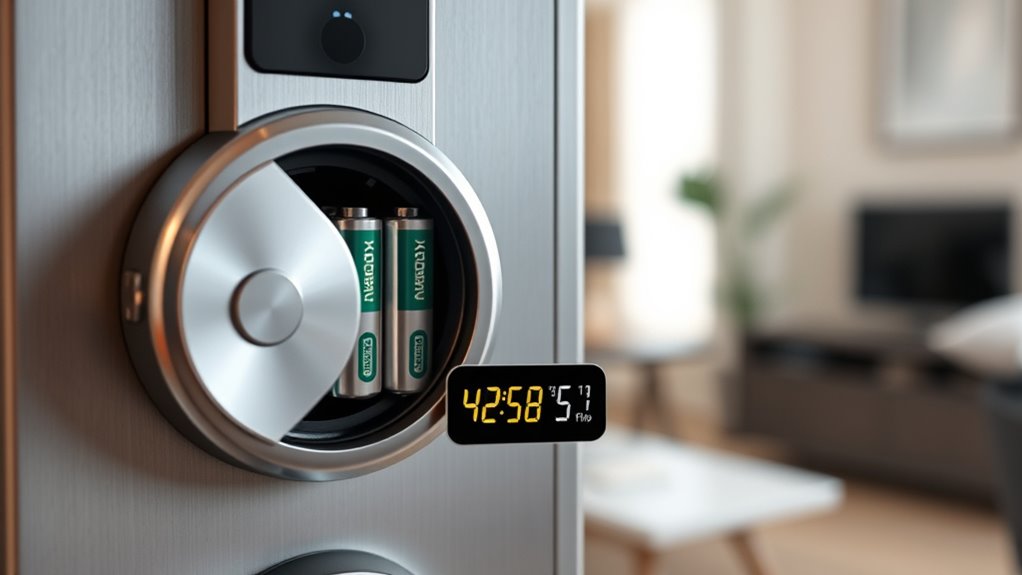
To keep your smart lock functioning reliably, it’s important to replace or recharge the batteries before they run out completely. Battery lifespan varies depending on usage and battery type, but most smart locks require replacement every 6 to 12 months. Charging frequency depends on whether your lock uses rechargeable batteries; typically, recharge every 1 to 2 months for ideal performance. Monitor your lock’s battery status regularly through its app or notifications. Here’s a quick guide:
| Battery Type | Replacement or Recharge Interval |
|---|---|
| Standard alkaline | Every 6-12 months |
| Rechargeable | Every 1-2 months, recharge as needed |
| Lithium-ion | Every 12 months or as indicated |
Keeping track ensures your smart lock stays operational without surprises. Regularly checking your battery status can help prevent unexpected lockouts or malfunctions. Additionally, understanding the battery lifespan can assist in planning timely replacements or recharges. Being aware of power management features within your lock can further optimize battery life and performance. Implementing energy-efficient settings can significantly extend your battery life, reducing the frequency of replacements.
Best Backup Power Options for Smart Lock Batteries
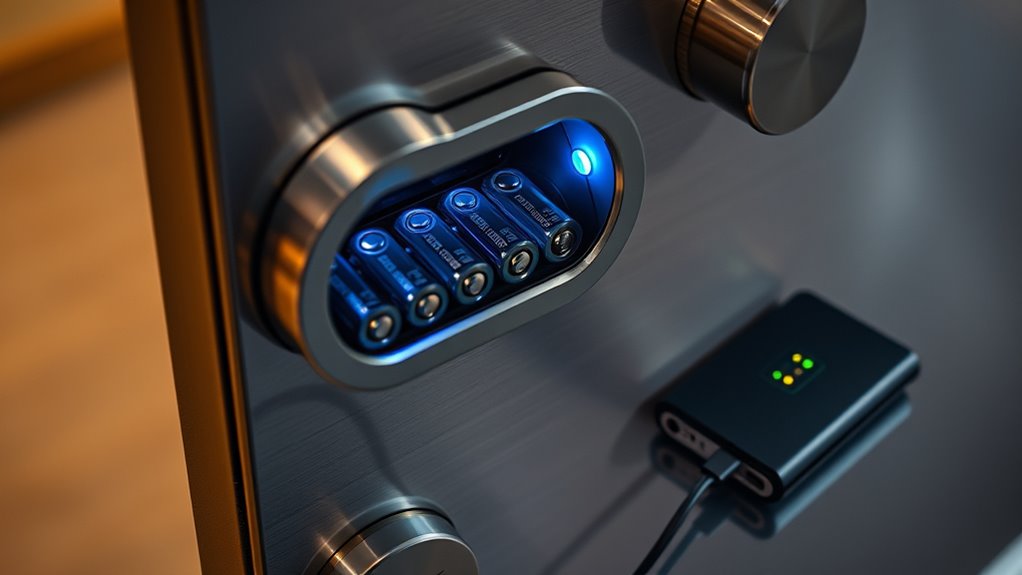
When your smart lock’s main battery fails, having a backup power source can keep you secure. Portable power banks and uninterruptible power supplies (UPS) are two effective options to think about. These solutions guarantee you can open your door even during power outages or battery failures. Additionally, choosing a backup that is safe and easy to use ensures you won’t inadvertently compromise your security or damage your device. Incorporating a backup power method with adequate capacity ensures reliable performance during emergencies. To ensure consistent operation, selecting a reliable power source tailored to your smart lock’s energy requirements is essential. Understanding your home’s electrical system can help in choosing the most compatible backup option for your smart lock. Being aware of toilet flushing mechanisms and efficiency can also inform the setup of backup power, especially in ensuring continuous operation during utility disruptions.
Portable Power Banks
Portable power banks stand out as one of the most convenient backup options for smart lock batteries. They offer flexibility and quick recharging during outages, guaranteeing your lock stays functional. When selecting a power bank, consider the battery capacity to match your lock’s power consumption needs; larger capacity banks can support longer use. A power bank with a high output ensures efficient charging without draining rapidly. To optimize performance, select a model with multiple output ports and fast charging features. Here’s a comparison:
| Model | Battery Capacity | Power Output | Features |
|---|---|---|---|
| PowerBank A | 10,000mAh | 5V/2A | Compact, fast charge |
| PowerBank B | 20,000mAh | 5V/2.4A | Multiple ports, LED indicator |
| PowerBank C | 15,000mAh | 5V/2A | Lightweight, portable |
| PowerBank D | 25,000mAh | 5V/3A | High capacity, durable |
| PowerBank E | 12,000mAh | 5V/2A | Budget-friendly, sleek |
Choose a power bank that balances capacity and power output for reliable backup. Additionally, consider the importance of battery management features to prolong your power bank’s lifespan. Staying informed about industry trends can help you select the most innovative and efficient options available, especially as portable charging technology continues to evolve. Regularly checking for software updates can enhance the overall performance and safety of your backup power solutions. Being aware of charging safety protocols also helps prevent potential hazards while using portable power sources.
Uninterruptible Power Supplies
Uninterruptible Power Supplies (UPS) provide a reliable and continuous power source for smart locks during outages, making them an excellent backup option. Many UPS units now incorporate solar recharging capabilities, allowing you to harness renewable energy and reduce reliance on traditional power sources. This eco-friendly feature guarantees your smart lock stays powered even during extended outages. When replacing batteries, consider proper battery recycling to minimize environmental impact and promote sustainability. Some UPS systems are designed to integrate seamlessly with solar recharging setups, offering a sustainable, self-sufficient backup solution. By choosing a UPS with these features, you ensure your smart lock remains functional, secure, and environmentally conscious, even when the main power grid fails.
Setting Up Battery Alerts and Notifications
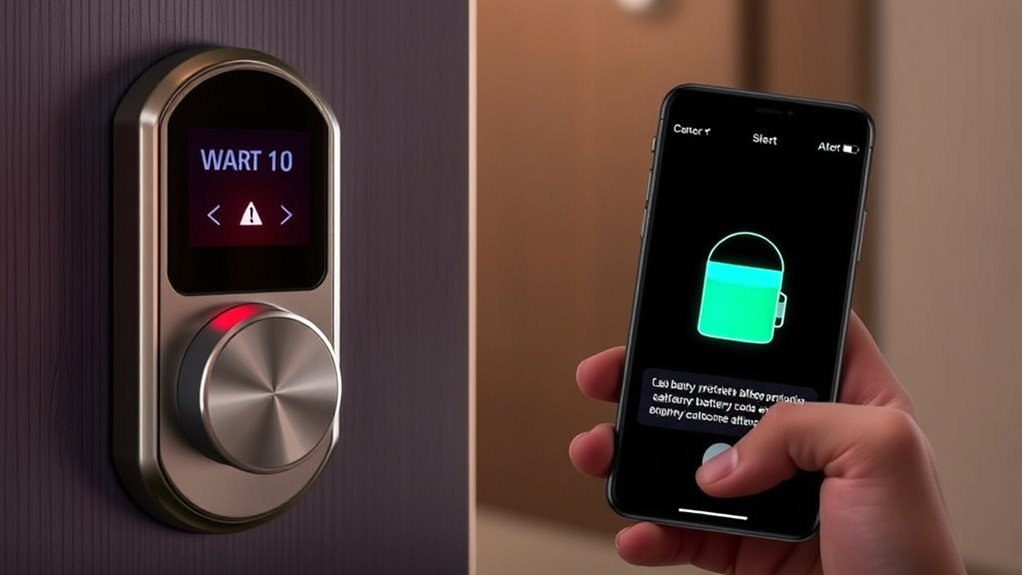
Setting up battery alerts and notifications helps you stay ahead of potential lock failures. You need to choose alert types, set appropriate notification triggers, and manage how often you receive these alerts. Doing so guarantees you get timely updates without being overwhelmed by unnecessary messages.
Choosing Alert Types
Selecting the appropriate alert types is essential to guarantee you’re promptly notified before your smart lock’s battery runs out. By focusing on battery alert customization, you can choose the most effective ways to receive notifications, such as push alerts, emails, or text messages. Consider your daily routines and preferences to assure you don’t miss critical updates. Effective notification management means selecting alert types that are attention-grabbing without becoming overwhelming or intrusive. Some systems allow you to customize how and when alerts are sent, giving you control over your smart lock’s battery monitoring. This way, you stay informed and can take action early, preventing lockouts or inconvenience due to dead batteries. Properly choosing alert types ensures reliable, timely updates tailored to your needs.
Setting Notification Triggers
To guarantee you’re alerted before your smart lock’s battery dies, it’s crucial to establish clear notification triggers. Start by evaluating your lock’s battery life thresholds—set alerts for when the battery drops to 20%, 10%, or even 5%. This notification setup ensures you receive timely reminders before failure. Check your smart lock’s app or control panel for options to configure these triggers. Many systems allow you to customize the battery life percentage that prompts notifications, giving you control over when alerts occur. Properly setting notification triggers helps you stay ahead of potential issues, avoiding lockouts or security risks. Make sure your contact preferences are up-to-date so you receive alerts via email, push notifications, or SMS, depending on your setup.
Managing Alert Frequency
Managing how often you receive battery alerts is essential to avoid notification fatigue or missed warnings. By adjusting alert frequency, you guarantee you stay informed about your smart lock’s battery lifespan without being overwhelmed. Most systems allow alert customization, so you can set thresholds that match your preferences—whether you want early warnings or only critical alerts. Regularly reviewing and fine-tuning these settings helps prevent unnecessary notifications while ensuring you’re notified in time to replace batteries. Striking the right balance keeps you proactive without causing distraction. Remember, the goal is to stay ahead of battery failure, maintaining security and convenience. With proper alert management, you’ll optimize your smart lock’s performance and avoid unexpected lockouts due to dead batteries.
Using Manual Keys as a Backup Method
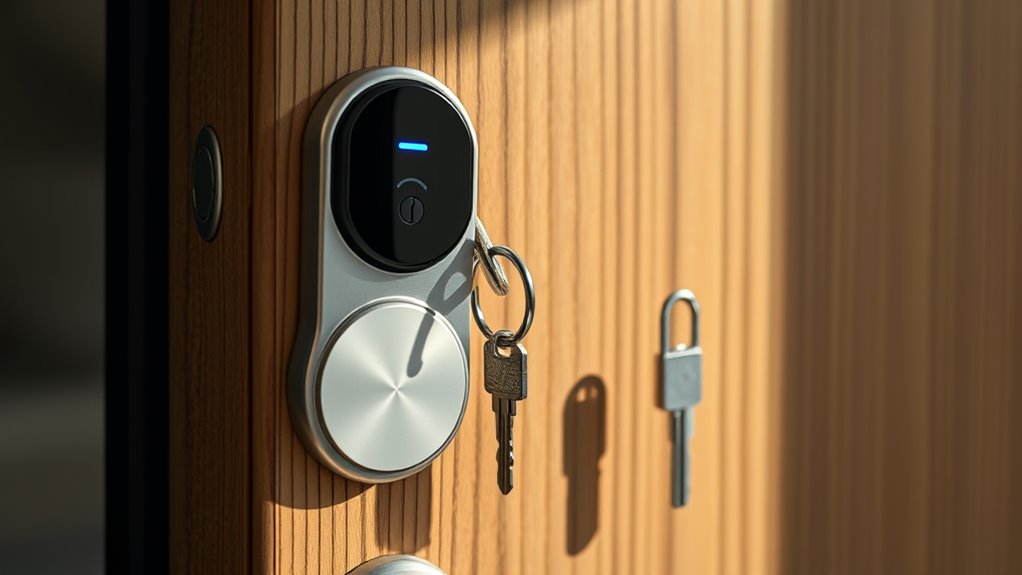
When your smart lock’s battery dies unexpectedly, having a manual key as a security backup can save the day. Manual key access provides a reliable way to open your door without power, ensuring you’re never locked out. To make this effective, consider:
Having a manual key backup ensures access during power failures or emergencies.
- Keeping the key in a secure yet accessible location
- Using a discreet key lockbox outside your door
- Sharing the backup key only with trusted individuals
- Regularly testing the manual key mechanism
- Ensuring the key fits snugly and functions smoothly
Having a manual key offers peace of mind, especially during emergencies or power failures. It’s a simple yet essential part of your smart lock’s battery failure planning, providing a dependable fallback when digital methods fail. Always treat manual keys as a core element of your security backup strategy.
How to Test Your Backup Power Systems Regularly
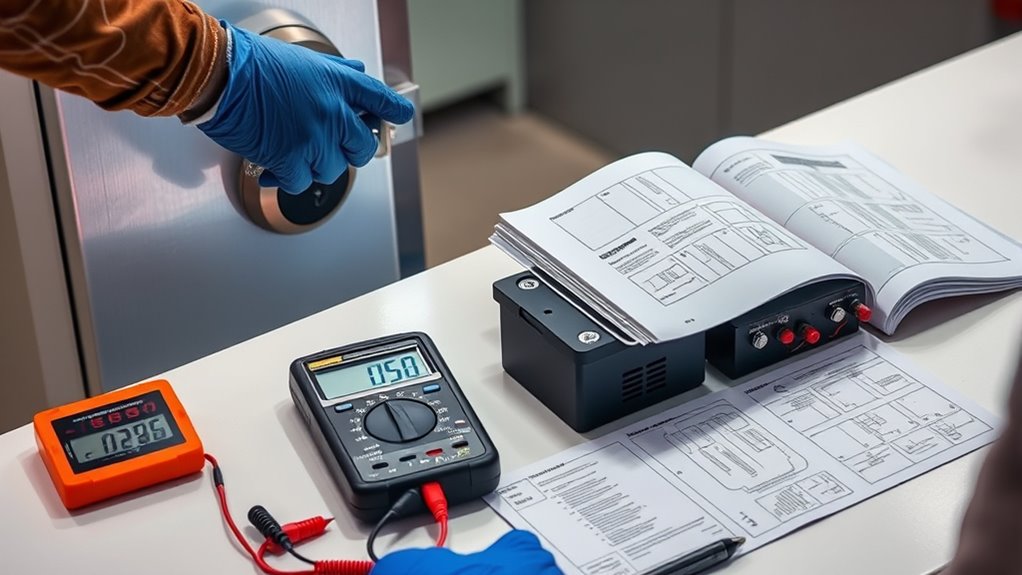
Regularly testing your backup power systems guarantees they’ll work when you need them most. Start by performing battery testing to ensure your smart lock’s backup batteries hold a charge and function properly. Check the voltage levels and look for signs of corrosion or damage. Incorporate routine power system maintenance, like inspecting wiring and connections for wear or looseness. Run manual tests or simulated power outages to verify that the backup system activates correctly. Keep a log of each test to track performance over time. If your system fails any test, replace batteries immediately or schedule repairs. Consistent testing and maintenance help identify potential issues early, avoiding unexpected failures during emergencies. Staying proactive ensures your smart lock remains reliable, even during power disruptions.
Troubleshooting Battery and Power Failures in Your Smart Lock

If your smart lock isn’t responding during a power failure or backup system tests reveal issues, troubleshooting becomes necessary to identify the root cause. Start by checking the battery’s lifespan; old or degraded batteries tend to have higher power consumption, leading to failures. Examine the battery contacts for corrosion or loose connections. Consider replacing batteries with fresh, high-quality ones if power issues persist. Verify the power input source and ensure the lock’s firmware is up to date. Use these troubleshooting steps:
- Inspect battery contacts and replace corroded batteries
- Test backup power sources for proper operation
- Monitor power consumption patterns
- Reset the lock to factory settings
- Review firmware updates for bugs affecting power management
Tips to Maximize Battery Life and Prevent Failures
Maximizing your smart lock’s battery life requires proactive measures to reduce unnecessary power drain. Regular battery maintenance, such as replacing batteries before they fully deplete, helps prevent sudden failures. Adjust your lock’s settings to optimize power consumption, like reducing unnecessary notifications or disabling features you don’t use often. Keep firmware updated, as manufacturers often release improvements that enhance energy efficiency. Avoid frequent lock/unlock cycles and use manual keys when possible to conserve battery life. Additionally, ensure the lock’s sensors and connections are clean and functioning properly, as dirt or corrosion can cause extra power drain. By practicing good battery maintenance and managing power consumption effectively, you’ll extend your smart lock’s operational life, reducing the risk of failure and maintaining reliable access.
Creating a Battery Failure Response Plan for Peace of Mind
Having a clear plan for battery failures guarantees you won’t be locked out when it matters most. You should establish emergency access procedures and perform regular battery checks to stay ahead of potential issues. These steps give you peace of mind and keep your smart lock functioning reliably.
Emergency Access Procedures
When a smart lock’s battery fails, quick and effective emergency access procedures become essential to maintain security and convenience. You should have a clear plan to regain access without compromising control over your property. Focus on secure methods that support access control and proper power management.
Consider these key steps:
- Keep a physical backup key in a secure location.
- Use a designated emergency override code if available.
- Install a low-battery alert system to anticipate failures.
- Train household members on emergency procedures.
- Have contact information for professional assistance ready.
Implementing these procedures ensures you can respond swiftly, minimizing disruption and maintaining security during power failures. Regularly review and update your emergency access plan for peace of mind.
Regular Battery Checks
Regular battery checks are a practical way to prevent unexpected lockouts and guarantee your smart lock remains reliable. By performing routine battery maintenance, you ensure the power management system functions smoothly and reduces the risk of sudden failures. Regular inspections help you identify low batteries before they cause issues, allowing you to replace them proactively. Keeping an eye on battery levels also extends the lifespan of your smart lock and maintains peak performance. Incorporate scheduled checks into your routine—monthly or quarterly—to stay ahead of potential power problems. This simple step minimizes disruptions and offers peace of mind, knowing your smart lock will operate reliably when you need it most. Proper battery maintenance is essential for a seamless smart lock experience.
Frequently Asked Questions
Can Smart Lock Battery Failures Compromise Home Security?
Yes, smart lock battery failures can compromise your home security. When batteries die, you might lose remote access, leaving you locked out or vulnerable. If firmware updates aren’t completed due to power loss, vulnerabilities could emerge. To prevent this, regularly check battery levels, keep spare batteries handy, and guarantee your lock’s firmware is up to date, so you maintain control and security even during battery issues.
Are There Environmental Factors That Affect Smart Lock Battery Longevity?
Environmental factors can subtly influence your smart lock’s battery life. Solar interference might cause minor disruptions, especially if the lock’s solar panel is exposed to intense sunlight or reflective surfaces. Humidity effects, like moisture buildup, can also gradually diminish battery performance over time. To keep your lock functioning smoothly, make certain it’s placed in a stable environment and shielded from extreme conditions. Regular checks help prevent unexpected power issues.
What Are the Legal Considerations for Using Manual Backup Keys?
You need to guarantee legal compliance and follow key access regulations when using manual backup keys. Check local laws about authorized key holders, access rights, and security requirements to avoid legal issues. Keep records of key distribution and ensure proper procedures for emergency access. Regularly review regulations to stay compliant, and inform users about backup key protocols. Doing so protects both your property and your legal standing.
How Does Temperature Impact Smart Lock Battery Performance?
Imagine your smart lock’s battery as a delicate dance partner, sensitive to thermal effects. When temperatures dip or soar, battery degradation accelerates, like ice cracking or metal warping. Cold saps energy, making batteries fade faster, while heat speeds up wear and tear. You’ll notice reduced performance or quicker failure, so keeping your lock within ideal temperature ranges can extend battery life and keep your smart lock humming smoothly.
Can Smart Locks Operate During Power Outages Without Backup Systems?
During a power outage, your smart lock can still operate if it has a backup system like a battery or mechanical key. Without backup systems, it won’t function, leaving you locked out. To guarantee continuous access, always install reliable backup solutions. Test these backups regularly, so you’re confident they work when needed. This way, you maintain security and convenience even during unexpected power outages.
Conclusion
By staying vigilant about your smart lock’s battery health, you prevent unexpected lockouts and security breaches—even if you’re caught off guard like a knight unarmed before a dragon. Regular checks, backups, and alerts keep your system running smoothly, giving you peace of mind in today’s digital age. Remember, a little preparation now can save you from a medieval dilemma later, so stay proactive and keep your smart lock powered up and secure.