To keep your security system reliable during power outages, make sure it has backup power sources like batteries, UPS units, or solar panels with battery storage. Choose devices with built-in batteries and plan regular maintenance checks to replace or recharge them. Also, use cellular or wireless backup options to stay connected even if internet or power fails. Maintaining and testing these systems regularly helps prevent vulnerabilities, and there’s more to think about to keep your security unstoppable during blackouts.
Key Takeaways
- Backup power sources like batteries, UPS units, or generators ensure continuous operation during outages.
- Devices with built-in rechargeable batteries and compatibility with solar panels enhance system resilience.
- Multiple communication carriers and wireless backups maintain connectivity despite power or internet failures.
- Regular testing and maintenance of batteries and backup systems prevent failures during power disruptions.
- Redundant power solutions and routine system checks ensure uninterrupted security coverage during outages.
Why Power Outages Can Leave Your Security System Vulnerable

Power outages can substantially weaken your security system’s defenses because many rely on consistent power to stay operational. Without electricity, cameras, alarms, and sensors may stop functioning, leaving your property vulnerable. Installing solar panels can provide a renewable backup power source, ensuring your system remains active during outages. Additionally, generator installation offers a reliable, immediate power supply when the grid goes down. These backup solutions help maintain continuous security coverage, preventing gaps that intruders could exploit. Relying solely on your main power source leaves you exposed during blackouts, so integrating backup power options is vital. Incorporating energy storage solutions can further enhance your system’s resilience against power disruptions and keep your home protected.
What Features Make a Security System Reliable During Power Outages
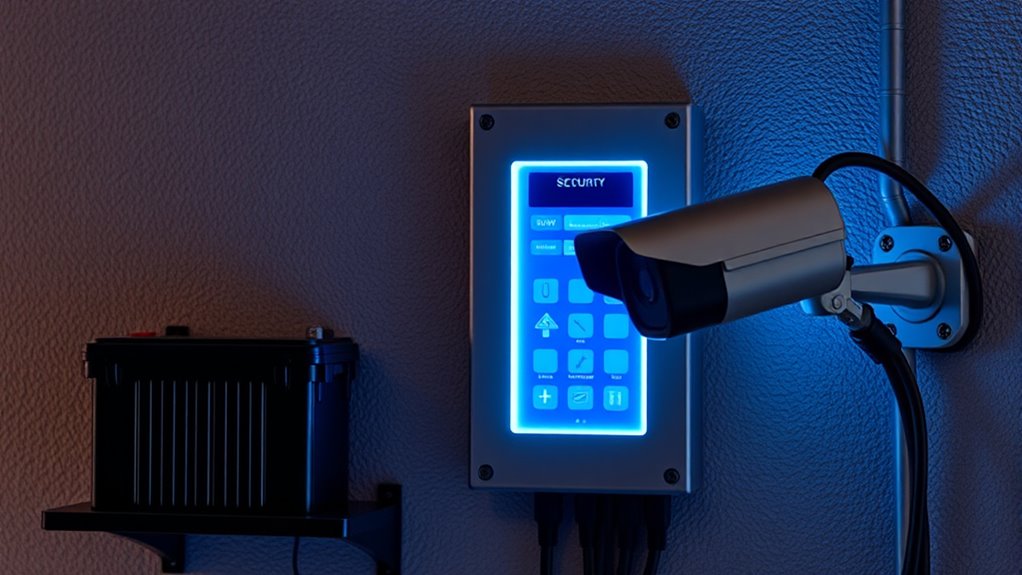
A security system’s ability to stay operational during outages depends on its built-in features and design. Key features include backup power sources, like batteries, and robust encryption protocols that protect your data even if the system is compromised. An intuitive user interface guarantees you can easily monitor and control your system during power disruptions. Additionally, systems with remote access allow you to stay connected regardless of local power status. Incorporating uninterruptible power supplies enhances reliability by providing an additional layer of backup power during outages. When selecting a system, it’s important to consider power management features that optimize energy use during outages. Understanding generator options can further improve your system’s resilience in extended outages. Proper system planning ensures your security remains effective even during long-term power failures. The table below highlights essential features:
| Feature | Purpose | Benefit |
|---|---|---|
| Backup Battery | Keeps system active during outages | Uninterrupted security |
| Encryption Protocols | Protects data from hacking | Secure information transmission |
| User Interface | Easy control and monitoring | Quick response to alerts |
| Remote Access | Manage system remotely | Flexibility during outages |
How to Choose Security Devices With Built-In Batteries
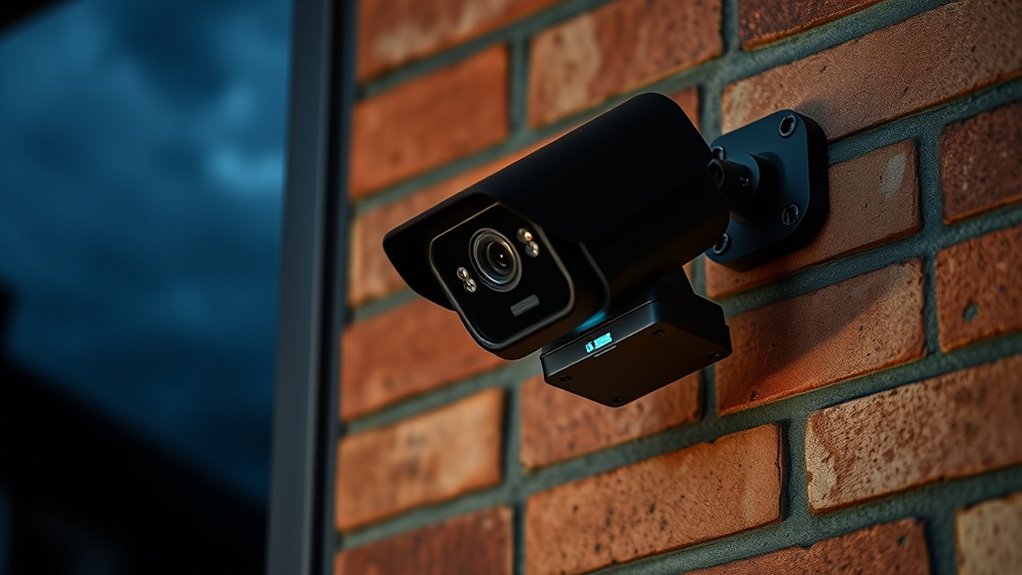
When choosing security devices with built-in batteries, you need to prioritize their capacity and reliability. Look for models that support solar panels, which can help recharge the battery during the day, ensuring continuous power. Devices with larger battery capacities can operate longer during outages, giving you peace of mind. Backup generators are also a smart addition, providing a secondary power source if the battery runs out or if sunlight isn’t available. Ensure the security system’s battery life matches your needs, especially in extended outages. A reliable device should seamlessly switch between power sources, maintaining security without interruption. Incorporating power source integration and proper system design are key to ensuring your security devices function reliably when it matters most. Combining built-in batteries with solar panels or backup generators creates a more resilient system that keeps your security intact during any power disruption. Additionally, selecting devices with high-quality batteries can significantly improve overall system dependability. Considering battery management systems can further optimize performance and longevity of your security devices.
The Best Backup Power Options for Your Security System

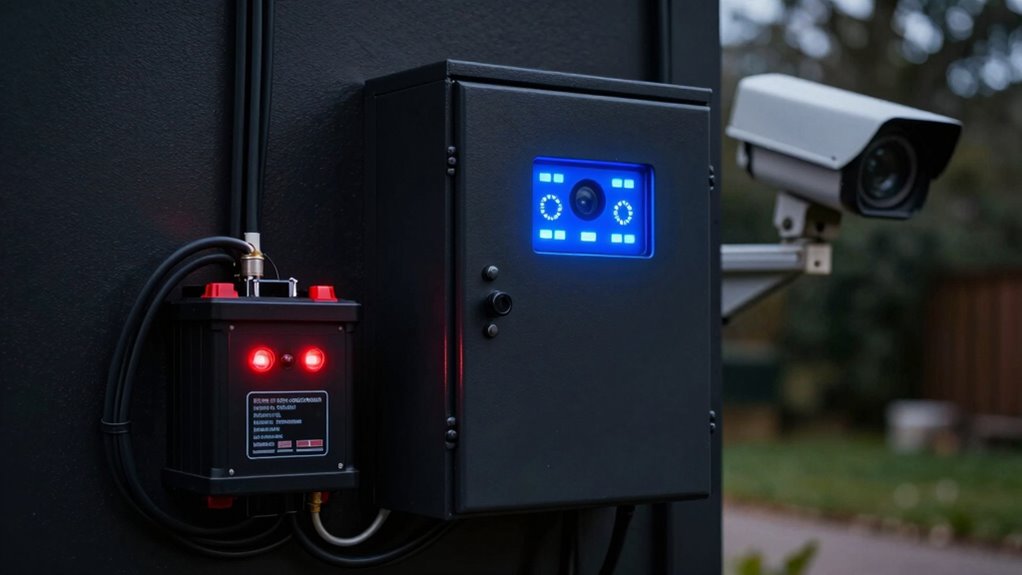
To guarantee your security system stays operational during outages, selecting the right backup power options is essential. Battery backups like UPS units or generator systems ensure continuous power. Regular battery maintenance is crucial; check batteries periodically and replace them when needed to prevent failures. Effective power management involves monitoring energy use and ensuring backups are fully charged before outages occur. Consider these options:
| Backup Power Option | Pros | Cons |
|---|---|---|
| Uninterruptible Power Supply (UPS) | Fast switch-over, dependable | Limited runtime |
| Standby Generator | Long-lasting, high capacity | Noise, installation cost |
| Solar Power with Battery Storage | Eco-friendly, renewable | Initial setup cost |
| Car Battery Backup | Cost-effective, accessible | Limited power capacity |
| Power Banks | Portable, easy to use | Short duration |
Choosing the right mix enhances your system’s reliability during power outages. Additionally, understanding power management strategies can help optimize backup performance and extend system uptime, especially when battery maintenance is properly conducted. Regularly inspecting your backup systems and keeping a maintenance schedule ensures they perform reliably when needed. Proper system monitoring can alert you to potential issues before outages occur.
How Cellular and Wireless Backup Keep Your Security System Running

Cellular and wireless backups guarantee your security system stays connected even when power is out. Their signal resilience means you get reliable alerts without interruption. Plus, wireless options are easy to install and flexible, making them a smart choice for continuous protection. Incorporating innovative backup solutions can further enhance your system’s reliability during outages. Understanding lease costs and financial considerations can help you budget effectively for ongoing security system upgrades or replacements to maintain reliability. Additionally, selecting alternative power sources like backup batteries or generators can provide extra assurance during extended outages. For example, choosing systems with high-quality weather-resistant cameras ensures durability in various environmental conditions. Integrating local automation features can also help maintain security functions independently of internet connectivity during outages.
Cellular Signal Resilience
Have you ever wondered what happens to your security system during a power outage? Cellular resilience plays a vital role in keeping it operational. Even if your Wi-Fi or landline goes down, your system relies on cellular networks to stay connected. Modern security systems incorporate signal redundancy, meaning they use multiple cellular carriers or backup pathways to ensure continuous communication. This redundancy prevents interruptions caused by network outages or interference. Cellular backup systems are designed to automatically switch to the strongest signal, maintaining a reliable connection between your alarm system and monitoring center. By prioritizing cellular resilience, your security system stays active and responsive, providing peace of mind during power disruptions. Network interference mitigation and the use of multiple carriers help your system stay connected even in challenging conditions. This seamless backup keeps your home protected when it matters most. Additionally, redundant communication pathways further enhance reliability by providing alternative routes for data transmission during outages.
Wireless Backup Advantages
When power outages strike, wireless backup systems guarantee your security remains active without interruption. The wireless advantages include reliable communication channels that don’t depend on traditional power sources, ensuring your system stays connected even during blackouts. These systems utilize cellular networks, which offer exceptional signal resilience, making them less vulnerable to interference or outages caused by weather or physical damage. Wireless backups are easy to install and require minimal infrastructure, providing quick setup and flexibility. Because they operate independently of your main power supply, they reduce the risk of downtime. This means your security system can continue monitoring, alerting, and protecting your property without gaps, giving you peace of mind knowing that your safety isn’t compromised when the lights go out.
How to Test and Maintain Your Backup Power and Connectivity

To guarantee your backup power and connectivity are ready when needed, you should regularly test your system. Check your batteries and power sources to catch any issues early. Consistent maintenance keeps your security system reliable during outages.
Regular System Testing
Regularly testing your backup power and connectivity systems is vital to guarantee they function properly when needed. Start by performing system calibration to ensure all components operate within ideal parameters, reducing the risk of failure during an outage. Keep firmware updates current, as they often include important security patches and performance improvements that enhance system reliability. Conduct periodic tests by simulating power outages to verify that backup generators activate and connectivity remains intact. Document each test, noting any irregularities or issues for prompt resolution. Regular maintenance and testing help catch potential problems early, ensuring your system’s readiness. Remember, consistent checks and updates are essential for maintaining a dependable security system that holds up during emergencies.
Battery and Power Checks
Are you confident that your backup power sources are ready to kick in during an outage? Regular battery maintenance is vital to ensure your security system stays operational when the power goes out. Check the batteries for corrosion, proper connections, and replace them if they show signs of wear or are past their lifespan. Additionally, review your power source selection to guarantee it’s reliable and suited for your needs. Use testing tools to verify that your backup batteries hold a charge and activate promptly when needed. Keep a schedule for these checks and document your results. Proper maintenance of batteries and informed power source choices are key to maintaining your security system’s reliability during unexpected outages.
Why Regular Checks Are Key to Security During Power Failures

Even during a power outage, your security system remains vulnerable if you don’t perform regular checks. Consistent maintenance routines guarantee all components function properly when you need them most. Establishing good security habits, like testing backup power supplies and verifying sensor connections, keeps your system reliable. Regular checks help you spot potential issues early, such as dead batteries or faulty wiring, before a power failure occurs. By staying proactive, you prevent surprises that could leave your property exposed. Remember, a security system isn’t just set and forget—it requires ongoing attention. Incorporating routine inspections into your security habits ensures your system remains operational during outages, giving you peace of mind that your home or business stays protected no matter the circumstances.
Frequently Asked Questions
How Long Can Backup Batteries Power a Security System?
Your backup batteries can typically power a security system for 6 to 24 hours, depending on the battery lifespan and the system’s power consumption. During a power outage, it is crucial to have batteries with sufficient capacity to cover the expected outage duration. Regularly check and replace batteries as needed to guarantee your security system remains operational, providing you peace of mind during extended power disruptions.
Are There Any Hidden Costs for Backup Power Solutions?
Yes, there can be hidden costs for backup power solutions. You should perform a thorough cost analysis to uncover potential hidden fees, such as maintenance, replacement parts, or additional batteries. These expenses might not be obvious upfront, so it’s crucial to ask providers about all charges involved. Being aware of these hidden costs helps you budget effectively and ensures your security system stays reliable during power outages without unexpected expenses.
Can Solar Panels Be Integrated Into Security Backup Systems?
Yes, solar panel integration can enhance your security backup system, but you need to verify compatibility first. Imagine a power outage striking when you least expect—your system stays active thanks to solar-powered backup options. Check if your security system supports solar integration and compatible backup solutions. With the right setup, you’ll enjoy continuous protection, even when the grid goes down, giving you peace of mind.
What Are the Best Practices for Maintaining Backup Power Devices?
To maintain backup power devices effectively, you should regularly check their batteries and guarantee they’re fully charged. Keep emergency preparedness in mind by testing your backup systems monthly, verifying that they switch on automatically during outages. System monitoring helps you catch issues early, so set up alerts for battery levels and power status. Consistent maintenance and monitoring ensure your security system stays reliable when power goes out.
How Often Should Backup Batteries Be Replaced?
You should replace your backup batteries every 2 to 3 years to keep your security system reliable during power outages. Regularly check the battery lifespan and guarantee your replacement schedule aligns with manufacturer recommendations. Think of it as tending a garden—you need to prune and renew to keep everything flourishing. By sticking to this schedule, you’ll maintain ideal power backup, ensuring your system stays active when you need it most.
Conclusion
To keep your security system steadfast during power outages, prioritize proactive planning and practical precautions. Regularly review and replenish backup batteries, test backup technology, and trust dependable cellular connections. Staying vigilant ensures your security system stays strong, signaling safety and serenity even when storms strike. With consistent checks and clever choices, you can confidently safeguard your space, securing your sanctuary through every blackout, break, and blackout. Keep your security system steady, so you’re always protected, no matter the power’s pull.