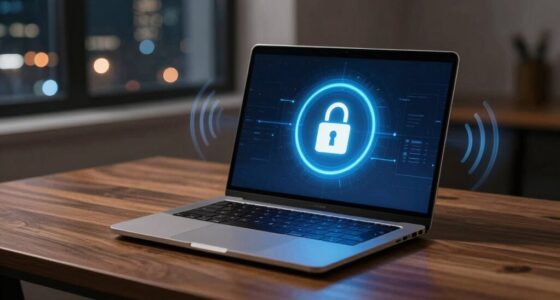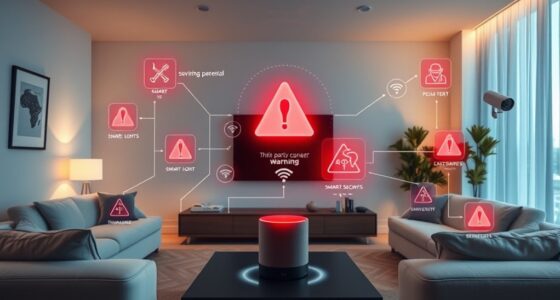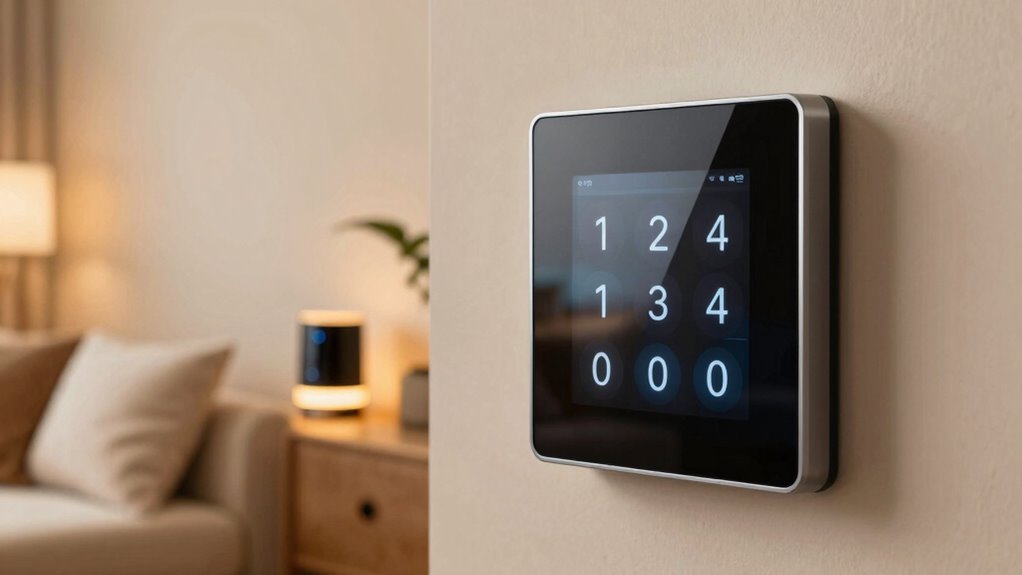
The biggest password mistake that puts your smart home at risk is using weak, easily guessable passwords. Many homeowners underestimate their importance, making devices vulnerable to hackers. Simple passwords like “123456” or familiar names can be cracked quickly, giving intruders access to private data and control over your devices. To stay protected, always create strong, complex passwords and consider additional security measures. Keep going to discover more about safeguarding your smart home effectively.
Key Takeaways
- Using simple or common passwords makes smart home devices vulnerable to hacking attempts.
- Reusing passwords across multiple devices increases the risk of unauthorized access.
- Failing to update default passwords leaves devices open to known exploits.
- Relying solely on passwords without additional security measures weakens overall protection.
- Ignoring encryption and multi-factor authentication compromises smart home privacy and security.
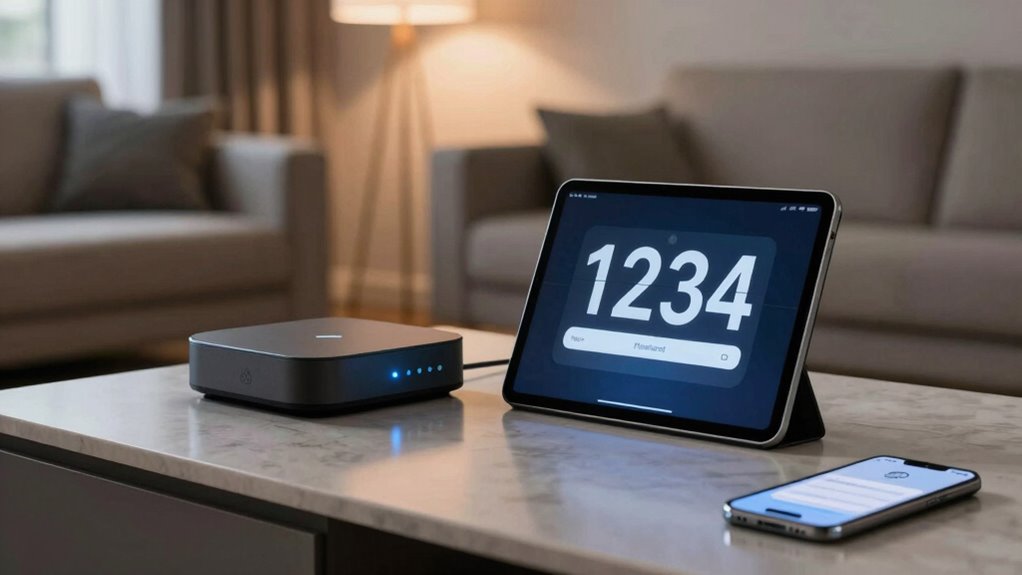
Many smart home owners underestimate the importance of strong passwords, leaving their devices vulnerable to hacking. It’s a common oversight, but one that can have serious consequences. If you’re not paying attention to password complexity, you might think a simple or familiar password is enough to protect your devices. However, hackers often exploit weak passwords that are easy to guess or crack. To truly safeguard your smart home, you need to understand the significance of creating complex passwords. A strong password combines uppercase and lowercase letters, numbers, and symbols, making it much harder for intruders to gain access. Avoid using common words, birthdays, or easily accessible personal information. Instead, consider using a passphrase—a string of random words or a sentence that’s easy for you to remember but difficult for others to predict. This added layer of complexity can greatly enhance your security. Additionally, ensuring your devices utilize device encryption can prevent intercepted data from being deciphered by unauthorized parties. Incorporating security protocols can further strengthen your defenses against cyber threats. Regularly updating your security credentials and keeping up with cybersecurity best practices can help mitigate vulnerabilities over time. Implementing multi-factor authentication can add an extra barrier against unauthorized access, even if passwords are compromised.
Strong passwords with mixed characters and passphrases are essential for protecting your smart home from hackers.
In addition to choosing strong passwords, you should also guarantee that your devices use robust device encryption. Encryption transforms your data into a scrambled format that only authorized devices and users can decrypt and access. When your smart home devices have proper encryption, even if someone manages to intercept your data, they won’t be able to interpret it. This is especially important for devices that transmit sensitive information, like security cameras, smart locks, or thermostats. Without proper encryption, your private information could be exposed, leading to potential privacy breaches or unauthorized control. Regularly reviewing and updating your security settings is also vital to stay ahead of emerging threats.
As an affiliate, we earn on qualifying purchases.
Frequently Asked Questions
How Often Should I Change My Smart Home Passwords?
You should change your smart home passwords every three to six months to stay secure. Regularly updating your passwords, especially after smart device updates, helps protect against vulnerabilities. Make sure your new passwords are complex, using a mix of letters, numbers, and symbols. Avoid reusing passwords across devices. Consistently updating and creating strong, unique passwords reduces the risk of unauthorized access and keeps your smart home safer.
Are Default Passwords for Smart Devices Secure Enough?
Default passwords are rarely secure enough for smart device security. While it might seem convenient, many hackers know these common defaults and can access your smart home easily. Always change default passwords to strong, unique ones right after setting up your devices. This simple step considerably boosts your smart home’s security, preventing unauthorized access and keeping your connected devices safe from potential threats.
Can Two-Factor Authentication Prevent Hacking?
Yes, two-factor authentication considerably enhances your smart home security. It combines biometric security, like fingerprint or facial recognition, with cloud authentication, making hacking much more difficult. Even if someone guesses your password, they’d still need your biometric data or access to the cloud authentication method. This layered approach effectively prevents unauthorized access, protecting your devices from cyber threats and keeping your smart home safer.
What Signs Indicate My Smart Home Has Been Compromised?
You’ll notice signs like strange device behaviors, unexplained activity, or slower response times, indicating your smart home has been compromised. These are common signs of smart home vulnerabilities leading to unauthorized device access. Keep an eye on your security alerts and regularly update your firmware. If devices suddenly disconnect or you see unfamiliar devices, it’s a red flag. Acting quickly can help prevent further unauthorized access and protect your home.
How Do I Securely Share Access With Family Members?
Sharing access is like passing a key to a trusted friend. You should set up dedicated user accounts for family members, ensuring you assign specific sharing permissions based on what they need. Use secure methods like encrypted apps or password managers to share login details, avoiding simple or repeated passwords. Regularly review and update access rights to keep your smart home safe while allowing your family to enjoy its convenience.

Cyber Smart: Five Habits to Protect Your Family, Money, and Identity from Cyber Criminals
As an affiliate, we earn on qualifying purchases.
As an affiliate, we earn on qualifying purchases.
Conclusion
If you overlook strong, unique passwords, your smart home becomes as vulnerable as an open book. Just like leaving your front door unsecured, weak passwords invite unwanted visitors. Take the time to create complex, distinct passwords for each device, and you’ll keep your home safer than ever. Remember, in the world of smart homes, a strong password is your best defense—think of it as a shield guarding your digital castle against intruders.
device encryption for smart home security
As an affiliate, we earn on qualifying purchases.
As an affiliate, we earn on qualifying purchases.

Ring Alarm 14-Piece Kit (newest model), Wireless smart home or business security system, expandable, easy setup, Mobile App Control, 24/7 Professional Monitoring, Alexa Compatible
- Complete 14-Piece Security Kit: Includes base station, sensors, keypads, and extender
- Easy-to-Use Keypad: Arm and disarm system effortlessly
- Expandable System: Add sensors and accessories anytime
As an affiliate, we earn on qualifying purchases.
As an affiliate, we earn on qualifying purchases.