
You can easily isolate your smart devices by creating a separate guest network or subnet on your router, keeping them away from your main devices. Use your router’s built-in features or dedicated network management tools to set specific security levels and bandwidth limits for each segment. This way, your smart devices stay secure without disrupting your everyday activities. To discover more effective steps, keep exploring how to strengthen your network security with smart segmentation techniques.

Get privacy and security gear delivered free with Prime
- Fast, free delivery on millions of items
- Prime Video, Amazon Music and more included
- Member-only deals all year
Key Takeaways
- Create separate guest or IoT networks on your router for smart devices to isolate them from main devices.
- Prioritize critical smart devices with stronger security settings while maintaining user access.
- Use router features like VLANs or network segmentation to limit smart device communication with other networks.
- Implement managed network tools to monitor device activity and quickly detect suspicious behavior.
- Regularly update device firmware and passwords to reduce vulnerabilities without disrupting normal usage.
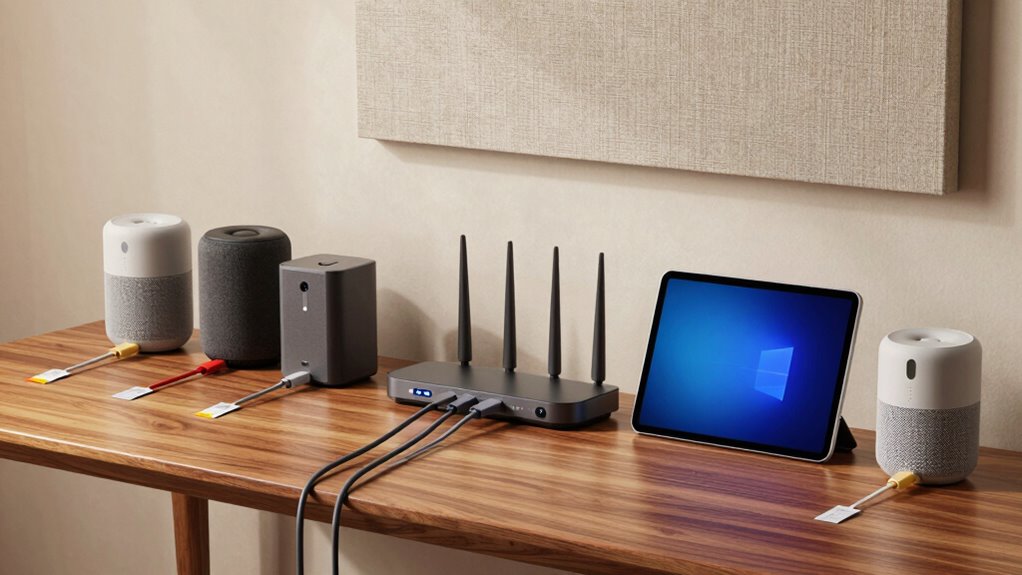
Are your smart devices leaving your home vulnerable to cyber threats? If so, it’s time to take action to isolate them effectively without making your daily routines more complicated. One of the most straightforward and powerful strategies is implementing network segmentation. This involves dividing your home network into separate segments or subnets, each with its own security settings. By doing this, you prevent a breach in one part of your network from spreading to others. For example, keep your smart home devices on a different network segment from your work computers or personal devices. This way, even if a hacker gains access to your smart device, they won’t easily access your sensitive information or other devices.
Device prioritization is another key step in securing your smart home environment. Not all devices require the same level of attention or security. Prioritize your critical devices—like your security cameras, smart locks, or home automation hubs—and make sure they’re protected with stronger passwords, updated firmware, and, if possible, additional encryption. Less critical devices, such as smart bulbs or thermostats, can be given a lower security priority, allowing you to manage resources more efficiently without compromising your entire network’s integrity. Additionally, understanding cyber threats and how to mitigate them can further strengthen your network security. Knowing the common attack vectors can help you develop more targeted defenses to protect your devices.
You can set up network segmentation with a bit of effort, using your router’s built-in features or a dedicated network management system. Many modern routers allow you to create guest networks or separate SSIDs, which you can assign exclusively to your smart devices. This keeps them isolated from your main devices, reducing the risk of an attack spreading across your entire home network. Coupled with device prioritization, you can assign specific bandwidth or security levels to different devices, ensuring that your most important devices are always protected and functioning smoothly. Incorporating network management tools and best practices can also help you monitor your network’s health and quickly respond to suspicious activity. Moreover, having a comprehensive security strategy in place can help you stay ahead of emerging cyber threats and maintain overall network health.
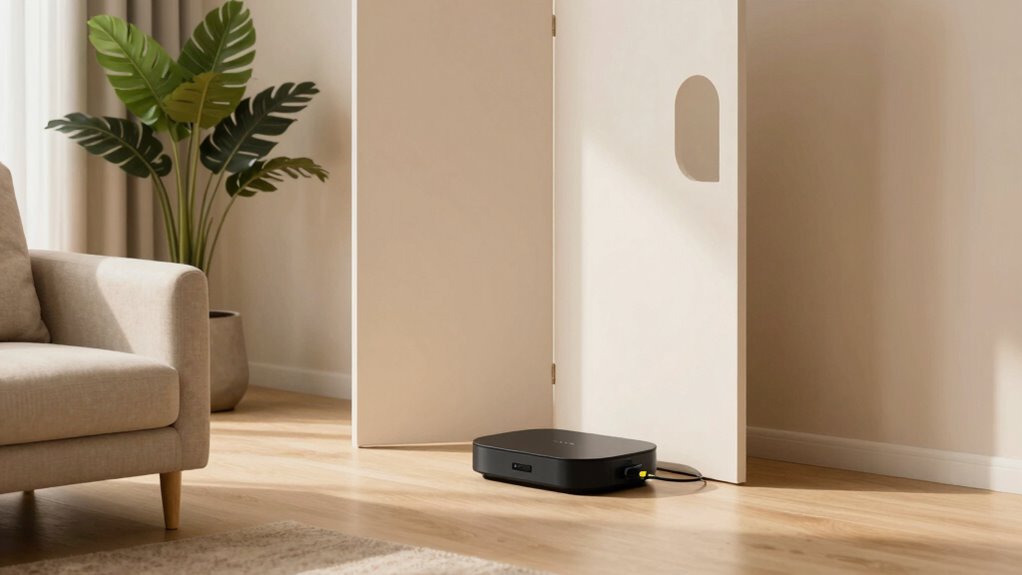
home network segmentation router
As an affiliate, we earn on qualifying purchases.
As an affiliate, we earn on qualifying purchases.
Frequently Asked Questions
What Are the Best Tools for Isolating Smart Devices?
You should use network segmentation tools like VLANs or subnetting to isolate smart devices effectively. Implement device quarantine features on your router or security system to restrict vulnerable gadgets from accessing your main network. These tools help prevent potential threats from spreading, giving you control over your smart devices without complicating your setup. By actively segmenting networks and quarantining devices, you guarantee better security while keeping your smart home functioning smoothly.
How Does Device Isolation Affect Wi-Fi Performance?
Device isolation can improve your Wi-Fi performance by reducing network congestion through network segmentation. When you isolate smart devices, they’re separated from your main network, freeing up bandwidth for your essential devices. This bandwith management prevents slowdowns and interference caused by multiple connected devices. As a result, your Wi-Fi becomes faster and more reliable, ensuring smoother streaming, gaming, and browsing experiences without compromising your smart device security.
Can Isolating Devices Improve Network Security?
Yes, isolating devices can enhance your network security. By employing network segmentation, you create separate zones for your smart devices, reducing the risk of IoT vulnerabilities affecting your main network. This approach acts like a gentle barrier, limiting potential threats while keeping your everyday connections smooth. You protect sensitive data without sacrificing convenience, turning your network into a well-guarded yet user-friendly environment.
Is It Necessary to Isolate All Smart Devices?
You don’t need to isolate all smart devices, but using device segmentation and network segmentation can considerably enhance security. Focus on isolating devices that handle sensitive data or are vulnerable to hacking, like cameras or smart locks. By segmenting these devices from your main network, you reduce risks without complicating your overall setup. This targeted approach keeps your network safer while maintaining convenience.
How Often Should I Review My Device Isolation Setup?
You should review your device isolation setup at least every six months—because, of course, technology never changes, right? Irony aside, regular checks guarantee device compatibility and maintain user convenience. As updates or new devices come in, your setup might become less effective or overly restrictive. Staying proactive helps you balance security with ease, preventing surprises that could make your smart home more complicated than it needs to be.
As an affiliate, we earn on qualifying purchases.
Conclusion
By isolating your smart devices, you considerably reduce your risk of cyberattacks—studies show that over 60% of smart device owners experience security breaches. Keeping devices on separate networks or using strong, unique passwords makes a big difference without making your life harder. Remember, taking these simple steps protects your privacy while letting you enjoy the convenience of smart technology. Stay proactive, and you’ll enjoy a safer, smarter home environment with minimal hassle.
As an affiliate, we earn on qualifying purchases.
As an affiliate, we earn on qualifying purchases.
Halloween Picks
halloween
As an affiliate, we earn on qualifying purchases.