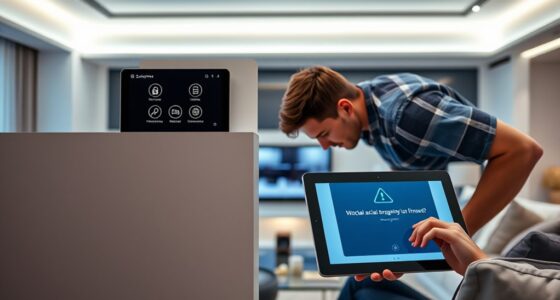
To secure your smart home with passkeys, start by choosing devices that support biometric authentication and hardware-based keys. Use your smart home app to link and manage passkeys easily, setting up biometric methods like fingerprint or facial recognition for quick access. Keep your firmware updated and regularly review your passkey settings for any unfamiliar activity. Want to learn more about simplifying your smart home security with passkeys? Keep going for practical tips and step-by-step guidance.

Get privacy and security gear delivered free with Prime
- Fast, free delivery on millions of items
- Prime Video, Amazon Music and more included
- Member-only deals all year
Key Takeaways
- Use biometric authentication options like fingerprint or facial recognition for secure, passwordless device access.
- Ensure all smart home devices support passkeys and keep firmware updated for optimal security.
- Link passkeys across devices via trusted smart home apps for seamless and secure access.
- Regularly review and update passkeys, removing unused or compromised entries to maintain security.
- Enable multi-factor authentication and strong encryption standards to protect your smart home ecosystem.
smart home biometric security devices
As an affiliate, we earn on qualifying purchases.
As an affiliate, we earn on qualifying purchases.
Understanding Passkeys and How They Protect Your Smart Home
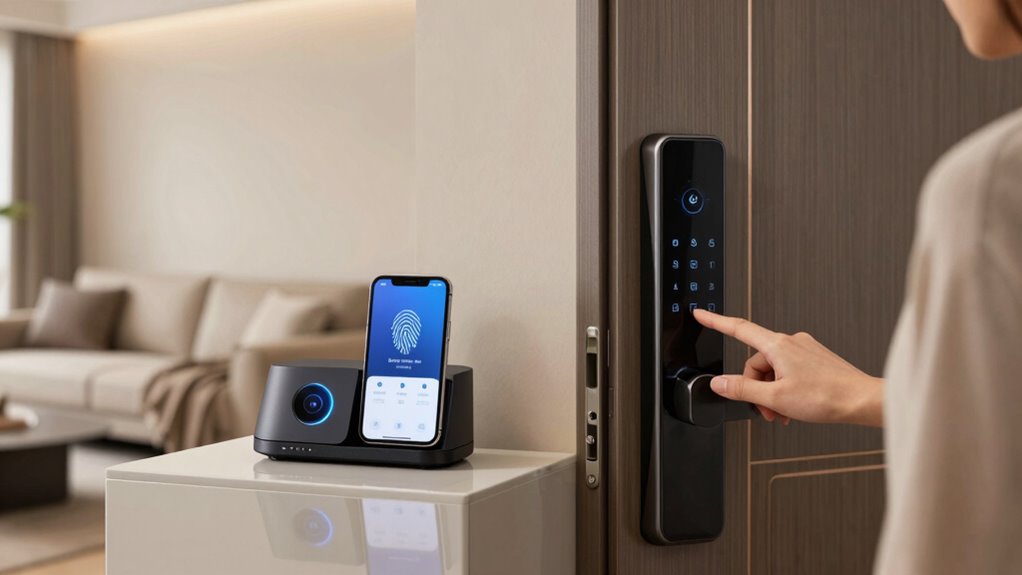
While traditional passwords can be vulnerable to theft and hacking, passkeys offer a more secure way to protect your smart home. They rely on biometric authentication, such as fingerprint or facial recognition, making it nearly impossible for intruders to access your devices without your physical presence. Passkeys enable passwordless login, eliminating the risks associated with weak or reused passwords. Instead of memorizing complex codes, you simply verify your identity through biometrics, which is faster and more convenient. This technology secures your smart home by ensuring only authorized users can control connected devices. Additionally, local automation can enhance your home’s security by reducing reliance on internet-connected systems, further protecting your privacy. Incorporating cloud security measures can also strengthen your defenses against cyber threats, ensuring your smart home remains protected. The use of secure biometric data storage is crucial to prevent unauthorized access to your personal information. Employing multi-factor authentication adds an extra layer of security, making it even more difficult for unauthorized users to gain access. With passkeys, you minimize the chances of hacking attempts and unauthorized access, providing you with peace of mind and a safer, smarter environment. New advancements in cybersecurity protocols continue to improve overall smart home safety.
passkey compatible smart home hubs
As an affiliate, we earn on qualifying purchases.
As an affiliate, we earn on qualifying purchases.
How to Choose the Best Passkey System for Your Devices
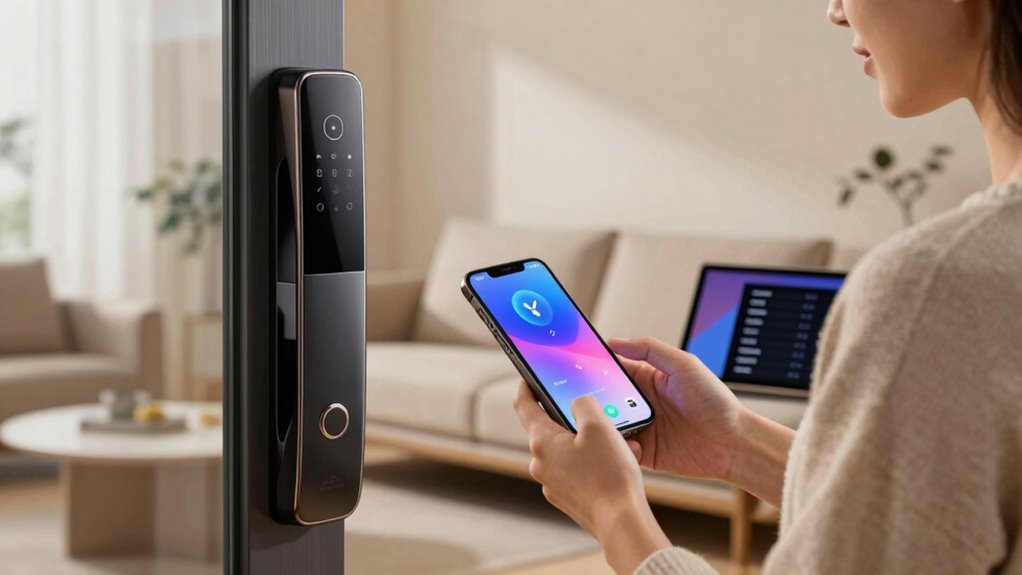
Choosing the right passkey system for your devices depends on several key factors, including compatibility, security features, and ease of use. Look for systems that support password best practices, such as unique, strong passkeys, and multi-factor authentication to add layers of protection. Compatibility ensures your devices work seamlessly without extra hassle. Security features like biometric options or hardware tokens enhance safety. Ease of use means you don’t have to juggle complex setups or remember multiple passwords. Consider the table below to compare options: affiliate disclosure
passwordless smart home security system
As an affiliate, we earn on qualifying purchases.
As an affiliate, we earn on qualifying purchases.
Setting Up Passkeys in Your Smart Home : A Simple Guide
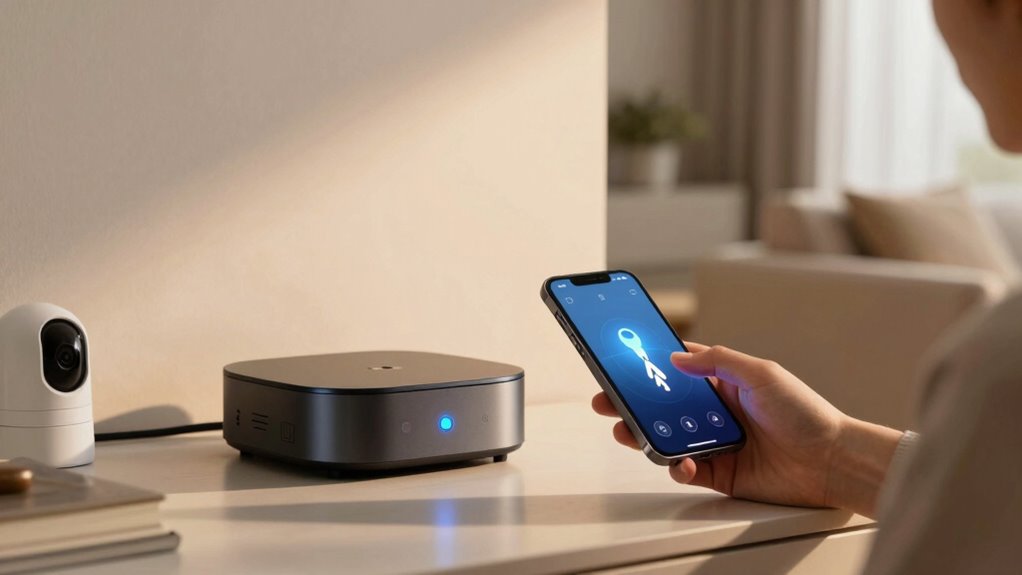
Have you ever wondered how to easily set up passkeys across your smart home devices? It’s simpler than you think. Start by ensuring each device supports biometric authentication, like fingerprint or facial recognition. Most smart home hubs allow you to link passkeys through their app, making setup straightforward. Use voice commands to initiate the process—say, “Set up passkeys” or “Enable biometric authentication” on compatible devices. This way, you won’t need complex passwords for every device, just your biometric data or a quick voice command. You can also consider security protocols that rely on biometric authentication to further enhance your system’s safety. Once set up, your passkeys securely authenticate you across your smart home environment, making access seamless and secure. Understanding biometric authentication can help you choose the right security features for your devices. Consider implementing free floating security practices to enhance overall safety. Following device-specific instructions and understanding device compatibility will help streamline the setup process. And don’t forget to keep your firmware updated to ensure you benefit from the latest security improvements. Additionally, employing encryption standards can provide an extra layer of protection for your smart home data.
smart home biometric authentication
As an affiliate, we earn on qualifying purchases.
As an affiliate, we earn on qualifying purchases.
Managing and Updating Your Passkeys for Continued Security
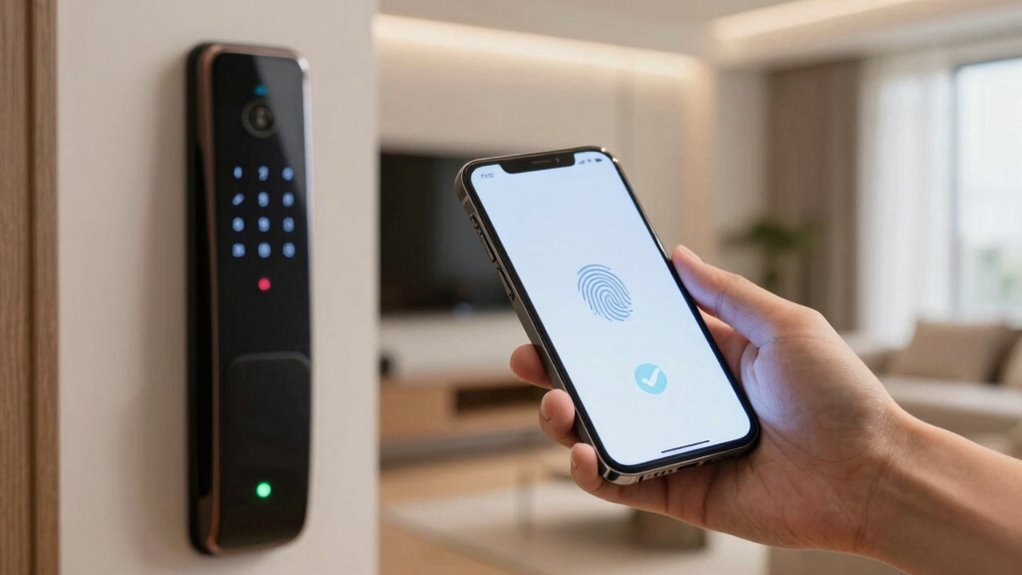
Once you’ve set up passkeys across your smart home devices, keeping them up to date is key to maintaining security. Regularly review your passkey history to identify any unfamiliar or outdated entries. This ongoing review helps guarantee that only authorized devices and users have access. Staying aware of passkey compatibility is also essential; as devices and software update, some passkeys may require revitalizing to work seamlessly. Check for firmware updates or security patches that might improve passkey functionality or add new features. Additionally, understanding security protocols can help you better grasp how to protect your system effectively. Being familiar with encryption standards can further strengthen your defenses against potential breaches. By actively managing and updating your passkeys, you reduce vulnerabilities and keep your smart home protected. Regularly consulting security best practices can help you implement comprehensive protections tailored to your system. Remember, security isn’t a one-time setup—it’s an ongoing process that adapts as technology evolves. Additionally, monitoring security updates related to your devices can help you stay ahead of potential threats and ensure your system remains resilient. Incorporating vetted security tools can also enhance your overall smart home security strategy.
Troubleshooting Passkey Problems and Maintaining Security
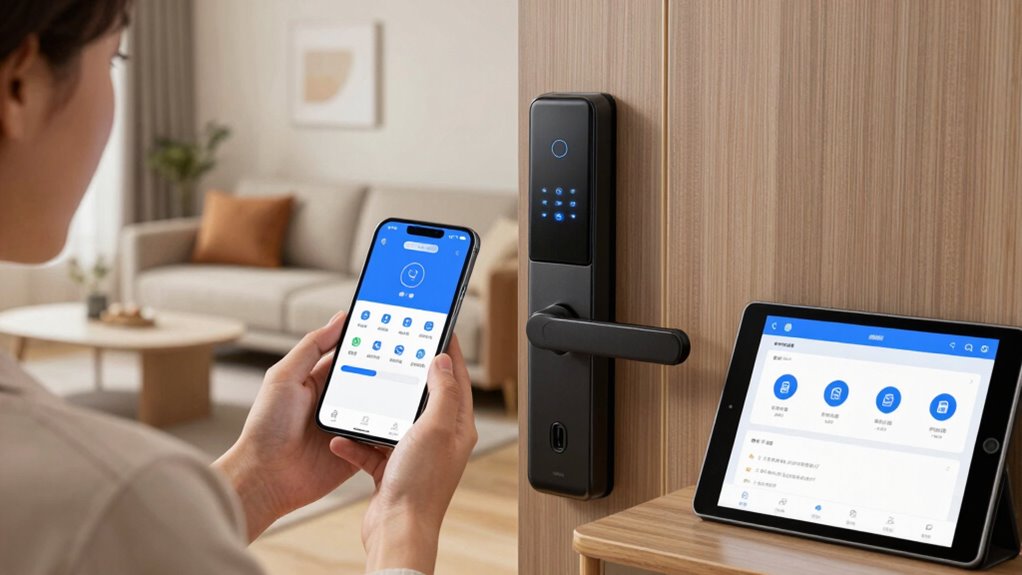
When you encounter passkey problems in your smart home, addressing them promptly is essential to maintaining security. First, verify user authentication processes to ensure your devices recognize your credentials correctly. If authentication fails, double-check that your devices are compatible with the passkey system, as outdated or incompatible devices can cause issues. Restart your devices and update their software to resolve potential glitches. Keep your passkeys secure by avoiding sharing them or storing them insecurely. If problems persist, consult your device’s support resources or reset the passkey setup. Remember, maintaining device compatibility consistently guarantees smooth user authentication, reducing the risk of security gaps. Regularly reviewing your network infrastructure helps identify potential vulnerabilities and ensures optimal security. Staying informed about hardware and software updates can help prevent vulnerabilities from emerging. Monitoring cryptid sightings and other folklore phenomena can also inspire innovative ways to enhance your smart home security systems. Incorporating security best practices into your routine can further strengthen your defenses. Additionally, employing multi-factor authentication adds an extra layer of protection to your devices. Quick troubleshooting helps keep your smart home secure without sacrificing convenience.
Frequently Asked Questions
Are Passkeys Compatible With All Smart Home Devices?
Passkeys aren’t compatible with all smart home devices yet, as device compatibility varies widely. You’ll find better ecosystem integration with newer devices that support passkeys, making setup smoother and more secure. To guarantee seamless security, check if your smart home gadgets support passkeys before purchasing or updating. Staying within a compatible ecosystem helps you manage access easily and keeps your smart home protected with the latest authentication standards.
How Do Passkeys Compare to Traditional Passwords?
You might worry that passkeys are just a fancy upgrade, but they’re actually safer than traditional passwords. Unlike passwords, which often require complex combinations, passkeys use biometric alternatives like fingerprint or facial recognition, making login easier and more secure. They eliminate the risk of password complexity issues and phishing attacks. So, you get a smoother, more secure experience without sacrificing convenience or security.
Can Passkeys Be Hacked or Stolen?
Passkeys are generally more secure than traditional passwords, but they can still be hacked or stolen through encryption vulnerabilities or social engineering risks. You should stay vigilant, avoid sharing passkeys, and keep your devices updated. Be cautious of phishing attempts that try to trick you into revealing sensitive info. While passkeys reduce many risks, no security system is completely foolproof, so staying alert is your best defense.
Do Passkeys Require Internet Connectivity to Work?
Passkeys don’t need internet connectivity to open your smart home; they work locally on your device through biometric authentication, like fingerprint or facial recognition. Imagine a vault that opens with a simple touch, protected by cloud security for backup and verification. This seamless process keeps your home secure without constant online access, giving you peace of mind knowing that your smart home relies on robust encryption and biometric methods instead of internet-dependent passwords.
What Should I Do if I Lose My Passkey Device?
If you lose your passkey device, don’t panic. First, check if your backup options, like recovery codes or linked accounts, are available. Use these to regain access and update your device recovery settings. Contact your smart home’s support team if needed. Always guarantee you have multiple backup methods in place to prevent lockouts, so you can quickly restore your access and keep your smart home secure.
Conclusion
Embracing passkeys is like planting a sturdy tree in your digital garden; they shield your smart home with roots deep in security and branches reaching for simplicity. With each step you take, you’re weaving a fortress that’s easy to tend and hard to breach. Keep your passkeys fresh and vigilant, and watch your smart home flourish like a well-guarded oasis—peace of mind grows where your defenses stand strong and steady.
Halloween Picks
halloween
As an affiliate, we earn on qualifying purchases.