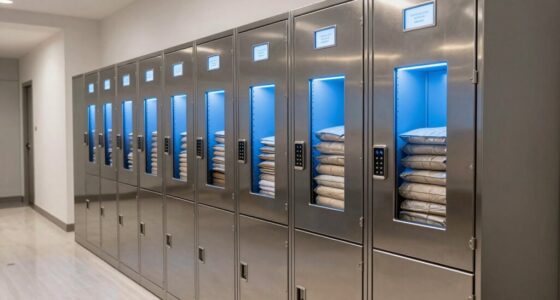
To improve security for your home-based business, use strong, unique passwords for all accounts and enable multi-factor authentication. Regularly update your software and antivirus programs to patch vulnerabilities. Encrypt sensitive data and back up info frequently to secure locations. Install security cameras and lock valuables away, limiting access to trusted family members or employees. Stay vigilant against phishing scams and suspicious links. You’ll discover more ways to strengthen your security as you continue exploring essential strategies.

Get privacy and security gear delivered free — and shop member deals
- Fast, free delivery on millions of items
- Access to Prime Big Deal Days deals on October 6–7
- Prime Video, Amazon Music and more included
Key Takeaways
- Implement strong, unique passwords and enable multi-factor authentication for all business accounts.
- Use encryption and regular backups to protect sensitive data from cyber threats.
- Restrict physical access with locks, security cameras, and restricted visitor procedures.
- Educate employees and family members on cybersecurity best practices and common threats.
- Maintain a layered security approach by combining physical security measures with updated cybersecurity protocols.
Are you confident your home business is protected against potential threats? Many entrepreneurs overlook the importance of robust security measures, leaving their operations vulnerable. To safeguard your business, you need to implement extensive cybersecurity protocols that protect your digital assets from hackers, malware, and data breaches. Start by using strong, unique passwords for all your accounts and enable multi-factor authentication whenever possible. Regularly update your software and antivirus programs to patch vulnerabilities and keep malicious threats at bay. Encrypt sensitive data to guarantee that even if it’s intercepted, it remains unreadable. Back up your data frequently to secure locations, so you can recover quickly in case of a cyberattack or hardware failure. Establish clear policies for remote work, instructing employees or family members on safe internet practices, such as avoiding suspicious links or untrusted networks. Educate everyone involved about recognizing phishing attempts and other social engineering tactics that can compromise your security. Creating a cybersecurity plan tailored to your business can help you stay organized and proactive in defending your assets. Additionally, cybersecurity awareness is essential for ensuring that everyone understands the importance of security practices and remains vigilant against potential threats.
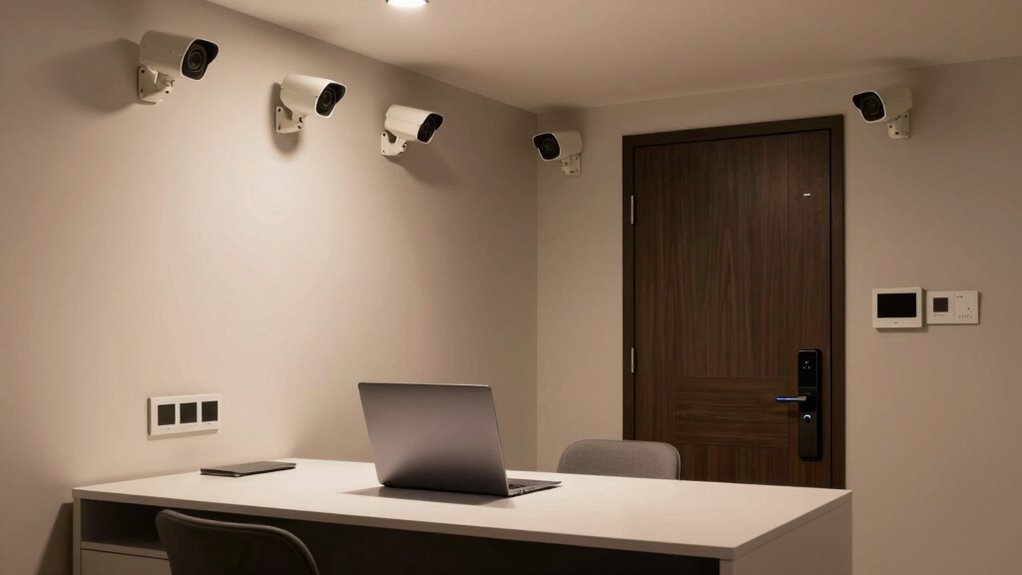
Physical access is just as critical as digital security. Your home office needs controlled access to prevent unauthorized individuals from entering your workspace and potentially stealing sensitive information or equipment. Use locks on doors and cabinets where confidential documents, hardware, or backup drives are stored. Consider installing security cameras to monitor your premises and deter intruders. Make sure only trusted family members or employees have access to your business equipment and confidential files. If you work with employees or contractors, establish procedures for granting and revoking physical access when necessary. Keep a list of authorized visitors and ensure visitors are always supervised when in sensitive areas. Additionally, protecting your hardware physically by using lockable cabinets or safes for critical equipment, especially if you have to leave your workspace temporarily, is highly recommended. Regularly reviewing and updating your physical security measures can help you identify and address vulnerabilities before they are exploited. Implementing a visitor log and security signage can reinforce the importance of restricted access and alert anyone entering your home that your business takes security seriously. Staying informed about security vulnerabilities can help you identify potential weaknesses in your physical security measures.
Balancing digital and physical security creates a layered defense against potential threats. Regularly review and update your security measures to adapt to evolving risks. By establishing strong cybersecurity protocols and controlling physical access, you considerably reduce the chances of a breach, theft, or vandalism. Remember, your home-based business’s security isn’t just about protecting your assets but also maintaining your reputation and the trust of your clients. Staying vigilant and proactive ensures that you can focus on growing your business with confidence, knowing you’ve taken the right steps to protect it from threats both online and offline.
home office security camera system
As an affiliate, we earn on qualifying purchases.
As an affiliate, we earn on qualifying purchases.
Frequently Asked Questions
How Can I Secure My Home Wi-Fi Network Effectively?
To secure your home Wi-Fi network effectively, start by enabling strong wireless encryption like WPA3 or WPA2. Change your default passwords to unique, complex ones, and regularly update your router’s firmware. Implement network segmentation by creating separate networks for work devices and personal use, reducing risks. Turn off remote management features and disable WPS. These steps help protect sensitive data and prevent unauthorized access to your network.
What Are the Best Practices for Employee Remote Access Security?
Think of remote access security as guarding a treasure chest. You should implement strong employee authentication, ensuring only authorized individuals open the lock. Use VPN implementation to create a secure tunnel, shielding data from prying eyes. Regularly update passwords, enforce multi-factor authentication, and monitor access logs. These steps keep your business secrets safe, just like a vigilant guardian protecting valuable treasures from intruders.
How Do I Protect Sensitive Client Data at Home?
To protect sensitive client data at home, you should use data encryption for all files and communications, making it difficult for unauthorized access. Regularly perform secure backups to guarantee data recovery if needed. Keep your software and security systems updated, and restrict access to authorized individuals only. Implement strong passwords and multi-factor authentication, and consider using a virtual private network (VPN) for added security when accessing client information remotely.
What Security Measures Are Recommended for Home Office Equipment?
Your home office equipment deserves fortress-level security! Start by installing physical barriers like lockable cabinets and secure storage for devices. Use strong passwords and enable two-factor authentication to protect digital assets. Regular employee training is essential—teach yourself and others about security best practices, recognizing threats, and safe data handling. These steps create a robust shield, ensuring your equipment and sensitive information stay safe from threats.
How Often Should I Update My Home Security Protocols?
You should update your home security protocols at least once a year, or more often if you experience significant changes. Conduct a security audit to identify vulnerabilities and review your access control measures to guarantee only authorized people can access sensitive areas. Regular updates help you stay ahead of new threats and maintain a secure environment for your business. Staying proactive keeps your data and equipment safe from potential breaches.
digital password manager for small business
As an affiliate, we earn on qualifying purchases.
As an affiliate, we earn on qualifying purchases.
Conclusion
By safeguarding your home-based business, you’re planting the seeds of trust and resilience. Think of your security measures as the sturdy roots holding a flourishing tree—strong, unseen, yet essential. When you invest in locks, cameras, and awareness, you’re nurturing a fortress that protects your dreams and efforts. Remember, a secure foundation allows your business to grow tall and thrive, turning your home into a sanctuary of success and peace of mind.
fireproof lockable safe for hardware
As an affiliate, we earn on qualifying purchases.
As an affiliate, we earn on qualifying purchases.
multi-factor authentication security key
As an affiliate, we earn on qualifying purchases.
As an affiliate, we earn on qualifying purchases.
Halloween Picks
halloween
As an affiliate, we earn on qualifying purchases.