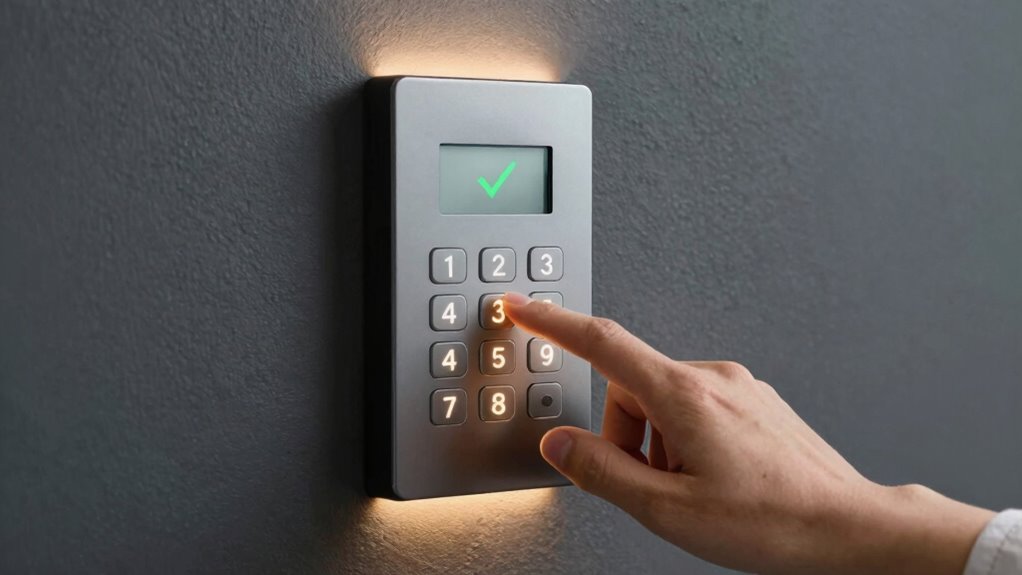
To set better temporary access codes for visitors, generate randomized, alphanumeric codes that are longer and unique for each guest. Use system features to create time-limited codes that automatically expire after their visit, reducing security risks. Avoid predictable patterns like birthdays or sequential numbers. Regularly review and update codes, revoke old ones, and monitor usage to prevent vulnerabilities. If you want to discover more ways to enhance your access control, keep exploring the options available to strengthen your system.
Key Takeaways
- Use randomized, alphanumeric codes generated automatically for increased unpredictability.
- Assign time-limited codes that expire immediately after the visitor’s scheduled access.
- Regularly review and revoke outdated or unused codes to maintain security.
- Implement system features for automatic code generation and expiration to reduce manual errors.
- Avoid predictable patterns; incorporate complex, unique codes for each visitor or visit.
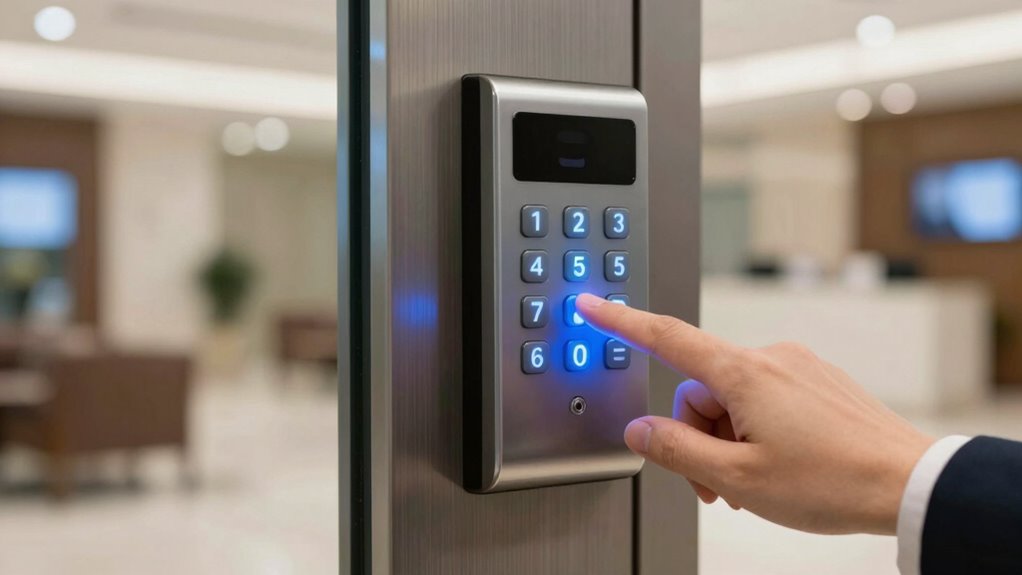
Have you ever worried that your temporary access codes might be too easy to guess or could compromise your security? If so, it’s a good idea to rethink how you set and manage those codes. Smart code customization allows you to create more complex, unpredictable codes that are difficult for visitors or intruders to crack. Instead of sticking with simple four-digit numbers, consider options like alphanumeric combinations or longer codes that change frequently. Many modern visitor tracking systems offer these features, enabling you to generate unique codes for each visitor or visit. This not only enhances security but also gives you better control over who accessed your property and when.
Using smart code customization, you can tailor access codes based on specific needs. For example, if you’re expecting a visitor for a short period, you can assign a code that expires after a set time. This way, you avoid the risk of forgotten or reused codes, which can be security holes. Some systems allow you to generate temporary codes automatically, reducing human error and ensuring each visitor gets a unique, time-limited entry. When combined with visitor tracking systems, this approach becomes even more powerful. Visitor tracking systems record who entered, when, and for how long, giving you a detailed log that’s invaluable for security and management. Secure code management is an essential aspect of maintaining your property’s safety. Additionally, understanding the importance of code complexity can help prevent unauthorized access.
Assign time-limited codes for short visits to enhance security and prevent reuse or forgotten passwords.
It’s also wise to avoid predictable patterns. Never use common sequences like 1234 or birthdays, as these are easy for potential intruders to guess. Instead, opt for randomized codes created either manually or automatically by your system. Many visitor tracking solutions include features that generate these random codes, making it harder for unauthorized individuals to access your premises. When you customize codes intelligently, you reduce the chance of duplication or reuse, which are common vulnerabilities in simple code setups. Incorporating dynamic code generation can further increase your property’s security by continuously providing new, unpredictable access credentials. Moreover, leveraging automated code updates ensures your access system remains resilient against evolving security threats. Regularly review and update your codes, as stale codes can be an easy target for intruders.
Furthermore, regularly updating and managing access codes is vital. Even the strongest codes lose effectiveness if they stay static for too long. Use your visitor tracking system to monitor access and revoke or regenerate codes as needed. This proactive approach ensures that only authorized visitors have access at the right times. Combining smart code customization with diligent management and thorough visitor tracking creates a thorough security strategy that adapts to your needs.
electronic visitor access control system
As an affiliate, we earn on qualifying purchases.
As an affiliate, we earn on qualifying purchases.
Frequently Asked Questions
Can I Customize Access Codes for Different Visitor Types?
Yes, you can customize access codes for different visitor types by using visitor categorization and code customization features. Assign specific codes based on visitor categories like vendors, delivery personnel, or guests. This way, you control access levels more efficiently, ensuring each visitor type has appropriate permissions. Customizing codes enhances security and simplifies management, making it easier to track who entered and when, all tailored to your specific visitor needs.
How Often Should I Change Temporary Access Codes?
You should change temporary access codes regularly, ideally after each visitor or daily, to protect visitor privacy. This minimizes the risk of unauthorized access if a code gets shared or compromised. Use complex access code structures that combine numbers, letters, and symbols to enhance security. Frequent updates and complex codes guarantee your visitors’ privacy stays intact, and your property remains secure, especially when managing multiple visitors or sensitive areas.
Are There Security Risks With Shared Access Codes?
Did you know that 60% of security breaches stem from weak or shared access codes? Sharing codes can indeed pose risks to visitor privacy, as it may allow unauthorized access or misuse. Implementing strict code sharing policies helps protect both your property and visitors’ privacy. Always change codes regularly, limit sharing, and use unique, time-bound codes to reduce security risks and maintain control over who enters your space.
Can Access Codes Be Set to Expire Automatically?
Yes, access codes can be set to expire automatically. You can configure your access control system to generate time-limited codes through code generation features, ensuring they deactivate after a specific period. This enhances security by limiting access duration, preventing misuse. When setting up temporary codes, always choose expiration times aligned with visitor needs, and regularly review access logs to monitor usage and maintain tight control over your premises.
What Should I Do if a Visitor Loses Their Access Code?
When a visitor loses their access code, don’t let it slip through your fingers like water. You should immediately revoke the old code and generate a new one. Use visitor verification to confirm their identity before sharing a fresh code. Send a code notification directly to the visitor’s device, ensuring they get the update securely. This quick action keeps your property safe while making sure your visitors stay verified and connected.

Generator Panel Lock 4 Corner Mount Stainless Steel with Keys for Power Generator Security and Access Control
Wide Application: This generator panel lock works seamlessly with generator sets construction machinery excavators and power distribution cabinets….
As an affiliate, we earn on qualifying purchases.
As an affiliate, we earn on qualifying purchases.
Conclusion
By following these tips, you can create temporary access codes that are as secure as a locked vault, giving you peace of mind whenever visitors arrive. Remember to customize codes, set expiration dates, and monitor usage regularly. Think of your access system as a friendly gatekeeper—welcoming guests safely while keeping unwanted visitors out. With these strategies, your visitor management becomes more reliable, making your home or business a fortress that’s both welcoming and protected.
smart lock with time-limited codes
As an affiliate, we earn on qualifying purchases.
As an affiliate, we earn on qualifying purchases.
visitor tracking system
As an affiliate, we earn on qualifying purchases.
As an affiliate, we earn on qualifying purchases.