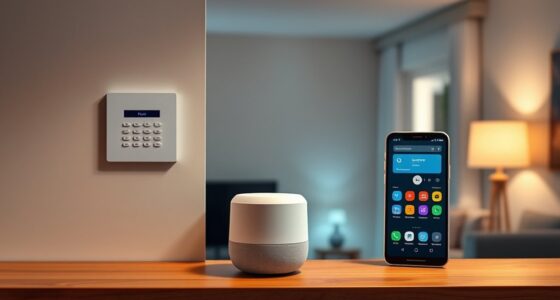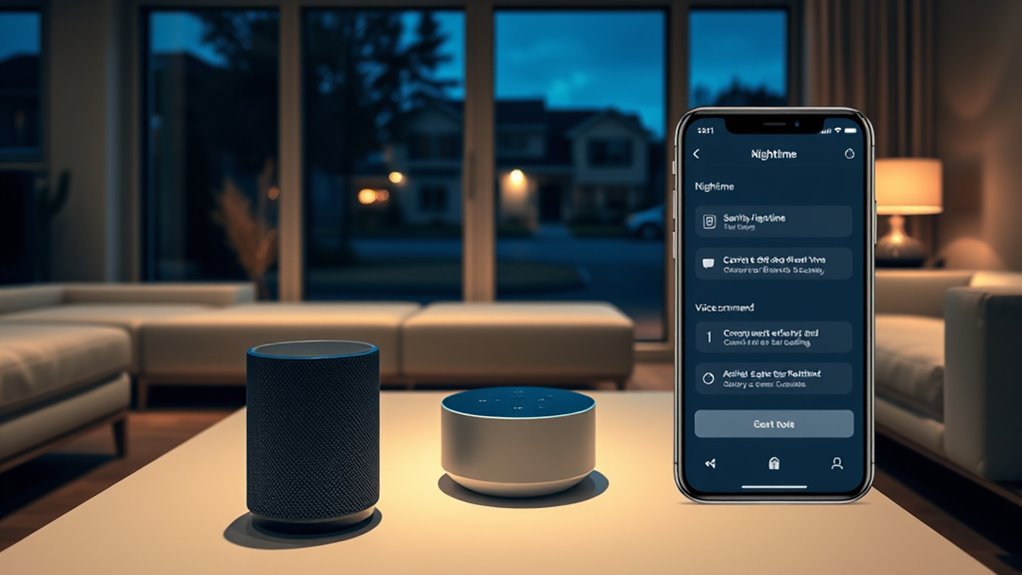

Setting up voice assistant routines can greatly boost your nighttime security by automating tasks like locking doors, activating cameras, and dimming lights when it’s time for bed. You can customize routines to suit your needs, making it easier to guarantee your home is safe while you sleep. Integrating voice commands with your smart devices creates a seamless security system. Keep exploring ways to optimize your routines for even better protection and peace of mind.
Key Takeaways
- Automate locking doors, activating cameras, and dimming lights with a single voice command for comprehensive security.
- Integrate voice assistants with smart security devices to enable seamless and hands-free security routines.
- Customize routines to include alerts, camera recordings, and status updates for enhanced nighttime monitoring.
- Ensure privacy by managing device settings, updating firmware, and using strong passwords to prevent unauthorized access.
- Regularly review and update routines to adapt to changing security needs and maintain optimal protection.
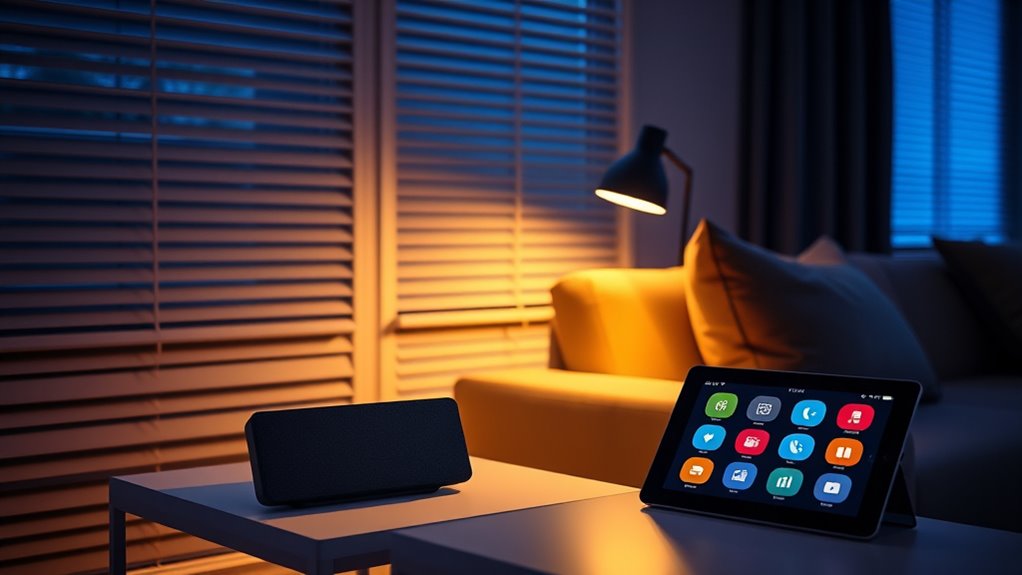
Voice assistant routines allow you to automate multiple actions with a single command, making your daily tasks more efficient. When it comes to boosting your nighttime security, these routines become invaluable tools for creating a safe and comfortable environment. By integrating your voice assistant with your smart home devices, you can set up routines that automatically activate as you prepare for bed, guaranteeing all security measures are in place without extra effort. Imagine saying, “Good night,” and having your smart locks engage, security cameras activate, and lights turn off—all seamlessly coordinated through smart home integration. This not only enhances your security but also simplifies your nightly wind-down, giving you peace of mind.
Automate your bedtime routines for enhanced security and peace of mind with smart home voice commands.
However, with the convenience of these routines comes a valid concern about privacy. When your voice assistant is constantly connected to various smart devices, there’s always a risk that sensitive information could be exposed or accessed without your permission. You might worry about hackers infiltrating your security system or unintended recordings being stored. To mitigate these privacy concerns, it’s vital to understand your device’s privacy settings. Regularly update your firmware, disable unnecessary voice recordings, and use strong, unique passwords for your accounts. Many smart home platforms also offer privacy controls that let you customize what data is stored and shared, so you can enjoy the benefits of automation without compromising your personal security. Additionally, understanding the sound design principles behind your device’s audio cues can help you identify authentic alerts from potential malicious sounds or interference.
Setting up a nighttime security routine involves more than just turning off lights or locking doors. You can include actions like activating security cameras to monitor key areas, enabling motion detectors, or even adjusting indoor climate controls for added comfort and safety. The beauty of voice assistant routines is that they allow you to customize these actions based on your preferences, making your security system more intuitive and responsive. For instance, you could program a routine that turns on outdoor cameras, locks all doors, and sends you a summary of the security status when you say, “Good night.” This hands-free approach ensures everything’s covered without the need for manual checks, saving you time and effort.
To maximize the effectiveness of your nighttime security routines, regularly review and update your device settings and routines. As your smart home ecosystem grows, so should your security protocols. Always stay informed about new features or updates that enhance privacy and security. This proactive approach helps you enjoy the convenience of voice assistant routines while maintaining control over your privacy. Ultimately, leveraging smart home integration with thoughtful routines transforms your nightly routine into a reliable safeguard, giving you peace of mind as you relax and unwind at the end of each day.

Kasa Smart Plug Ultra Mini 15A, Smart Home Wi-Fi Outlet Works with Alexa, Google Home, No Hub Required, UL Certified, 2.4G WiFi Only, 2 Count (Pack of 1)(EP10P2) , White
- Voice Control Compatibility: Works with Alexa and Google Assistant
- Easy Setup: Requires 2.4GHz Wi-Fi, simple app setup
- Scheduling Function: Set timers to automate devices
As an affiliate, we earn on qualifying purchases.
As an affiliate, we earn on qualifying purchases.
Frequently Asked Questions
Can Routines Be Customized for Different Days of the Week?
Yes, you can customize routines for different days of the week. You just need to set a weekly schedule that allows routine variability, so your voice assistant knows when to activate specific actions. This way, your security routines adapt to your changing schedule, ensuring your home stays protected no matter the day. It’s a flexible feature that helps you stay organized and secure without manual adjustments every day.
How Secure Are Voice Assistant Routines Against Hacking?
Your routines are like delicate locks—secure, but not impenetrable. Voice authentication adds a layer of protection, making it harder for outsiders to hijack your commands. Routine encryption further shields your data from prying eyes. While no system is invincible, combining voice authentication with robust encryption considerably reduces hacking risks, giving you peace of mind and a safer nighttime environment. Stay vigilant, and regularly update your security measures.
Do Routines Work When the Internet Is Down?
Voice assistant routines generally don’t work when the internet is down because they rely on online connectivity for execution. Offline functionality is limited, so your routines won’t trigger automatically or perform tasks that depend on cloud services. This means if you want routines to work offline, you’ll face routine limitations, and some security features may not activate without an internet connection. Consider local automation options for better offline security.
Can Routines Trigger Emergency Services Automatically?
Yes, routines can trigger emergency services automatically through emergency activation and automatic alerts. When you set up these routines, your voice assistant can recognize specific commands or emergency signals, then contact emergency services directly or alert designated contacts. Make sure your device is configured correctly, and check local capabilities, as some systems may require additional setup or compatible smart devices to enable seamless emergency activation for your safety.
Are There Privacy Concerns With Nighttime Security Routines?
Yes, there are privacy implications with nighttime security routines. You should be aware that these routines often involve data collection, such as audio recordings or camera footage, which could be accessed by unauthorized parties or used for targeted advertising. To safeguard your privacy, review your device’s privacy settings regularly, disable unnecessary data sharing, and ensure your voice assistant’s security features are enabled to minimize potential risks.

Smart Door Handle Lock with Keypad, Yamiry Fingerprint Knob for Front Door
- Versatile Unlocking Methods: Fingerprint, app, passcode, key fob, keys, Alexa
- Easy 10-Minute Installation: Fits most standard doors without drilling
- Reversible Handle Design: Compatible with left and right-handed doors
As an affiliate, we earn on qualifying purchases.
As an affiliate, we earn on qualifying purchases.
Conclusion
Implementing voice assistant routines for nighttime security is simple and effective. Some might worry about privacy concerns, but customizing your routines guarantees your data stays protected. With just a few voice commands, you can automatically lock doors, turn on alarms, or dim lights, giving you peace of mind. Don’t let doubts hold you back—these routines make your home safer without sacrificing convenience. Start today and transform your nightly routine into a secure, stress-free experience.

ZEEPORTE 2K Indoor Cameras for Home Security – Baby Monitor and Dog Pet Camera with Motion Detection, 2-Way Audio, Night Vision, Siren, Wired Security Camera – Works with Alexa and Google Home(2-Pack)
- Smart Motion Detection: Instant alerts for motion detection
- Two-Way Audio & Siren: Communicate and deter intruders
- 2K HD Video Quality: Clear 3MP resolution for detail
As an affiliate, we earn on qualifying purchases.
As an affiliate, we earn on qualifying purchases.
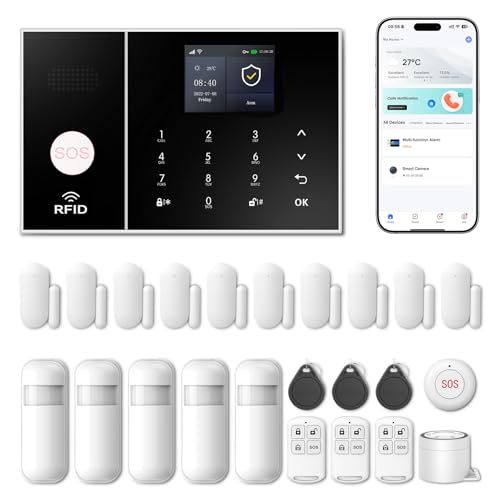
Wireless Alarm System for Home Security,24 Pcs Home Alarm System Wireless DIY Kit,WiFi+GSM/4G with Instant App Alerts NO MonthlyFees,SOS Button,App & Remote Control,Work with Alexa,for Apartment
- App Control & Customizable Sensors: Remotely control and expand system with sensors
- Voice Control & Color Screen: Supports voice commands and displays system info
- Tamper Protection & Multi-Alarm: Physical tamper-proof design with alerts and security code
As an affiliate, we earn on qualifying purchases.
As an affiliate, we earn on qualifying purchases.