When handing over smart lock ownership during a move, you should first revoke all access rights and perform a factory reset to remove personal data. Then, update the firmware and verify the new owner has their own account and access codes. Confirm the transfer by testing the lock controls and communicating securely. Following these steps helps protect your security and privacy—continue to learn how to make the process seamless and safe.

Get privacy and security gear delivered free — and shop member deals
- Fast, free delivery on millions of items
- Access to Prime Big Deal Days deals on October 6–7
- Prime Video, Amazon Music and more included
Key Takeaways
- Reset the smart lock to factory settings and update firmware to remove previous owner data securely.
- Revoke all old access permissions and delete user profiles before transferring ownership.
- Confirm the new owner has a verified account and understands how to set up and manage the device safely.
- Use secure communication methods to share new access codes or setup instructions with the new owner.
- Test the lock with the new owner’s access to ensure proper functionality and complete the ownership transfer securely.
As an affiliate, we earn on qualifying purchases.
Why Transferring Smart Lock Ownership Is Important
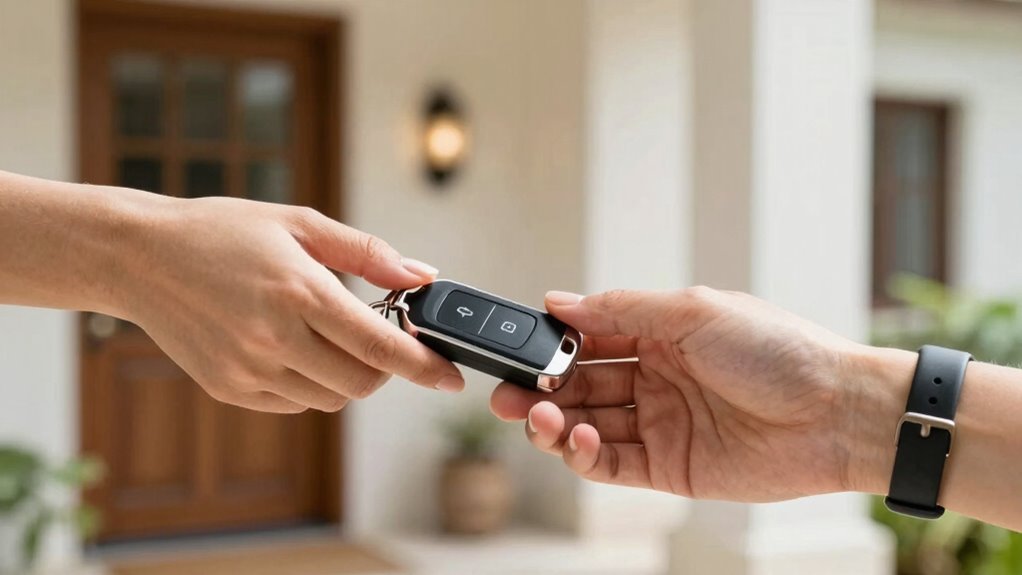
Have you ever considered what could happen if you don’t transfer smart lock ownership when you move or sell your property? Failing to do so can lead to serious security concerns, as the new owner might not have access, or previous keys could still be linked to your account, risking unauthorized entry. It also raises privacy considerations, since your personal data and access logs could remain connected to your account, exposing sensitive information. Properly transferring ownership ensures only the current resident controls the lock, reducing risks of theft or unwanted access. It also helps protect your privacy, preventing former owners from tracking activity or accessing personal details. Additionally, understanding smart lock features can help you better manage and secure your smart home devices. Being aware of security protocols related to smart devices can further enhance your peace of mind when managing access. To ensure a seamless transition, always review the ownership transfer process provided by your smart lock manufacturer. Familiarizing yourself with access management settings can also facilitate a smoother ownership change. Moreover, understanding the privacy policies associated with your smart lock can help you stay informed about how your data is collected and used.
As an affiliate, we earn on qualifying purchases.
How to Prepare Your Smart Lock for Transfer
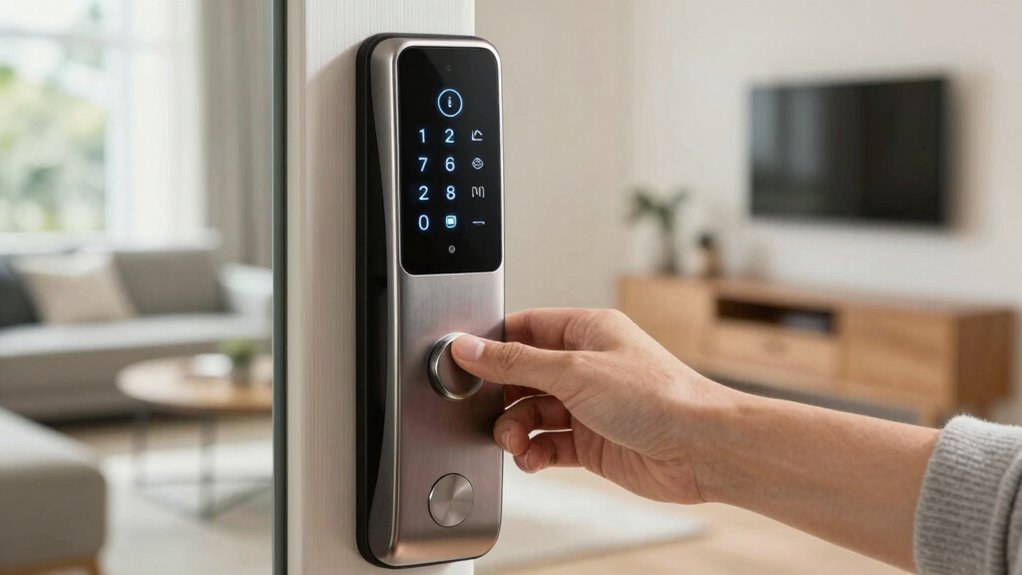
Before transferring your smart lock to a new owner, it’s essential to prepare the device to guarantee a smooth and secure handover. Start by checking for any available firmware updates, as these often include security patches that protect your device and data. Updating the firmware ensures the lock runs the latest security protocols. Additionally, review the device’s encryption protocols to confirm they’re current, safeguarding your access data from potential breaches. Resetting or backing up your settings before the transfer can prevent any personal information from remaining on the device. Ensuring your smart lock is running on the latest firmware and encryption standards helps establish a secure foundation for the new owner and minimizes potential vulnerabilities during the handover process. Device security practices are crucial to maintaining privacy and protecting against unauthorized access during and after the transfer. Incorporating proper security measures can further enhance the safety of your device during this process. Always verify that your device’s authentication protocols are up to date to prevent unauthorized access after the transfer. Additionally, understanding and implementing security best practices can provide extra protection during the ownership transfer process, especially when considering end-user credentials and access control settings.
smart lock access management app
As an affiliate, we earn on qualifying purchases.
As an affiliate, we earn on qualifying purchases.
How to Remove Your Access and Reset the Lock
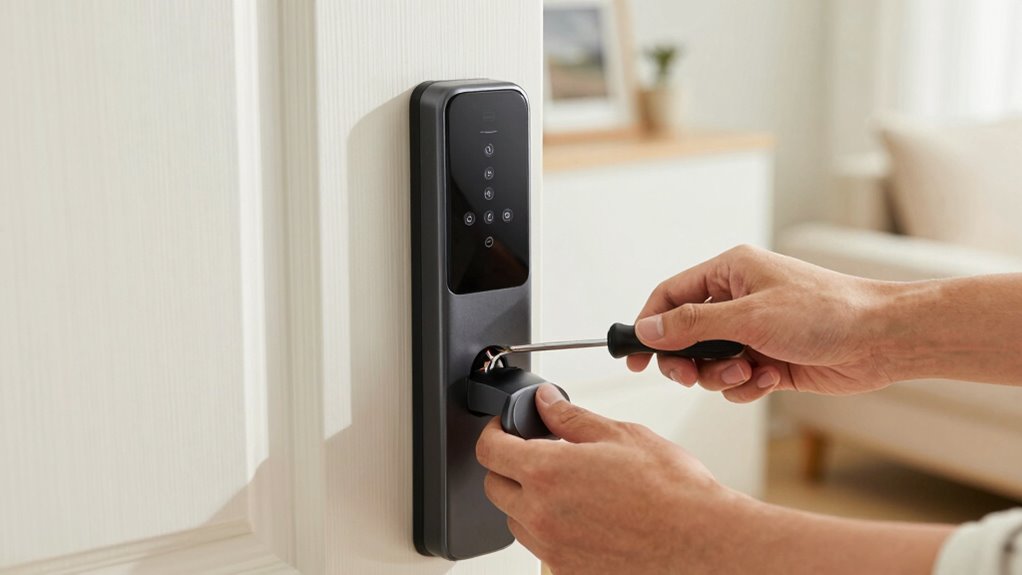
To guarantee your smart lock is fully prepared for transfer, you need to remove your access rights and perform a reset. This process ensures all user authentication data and security protocols are cleared, preventing unauthorized access. First, access the lock’s app or control panel, then navigate to user management. Remove your credentials and any temporary codes. Next, perform a factory reset following the manufacturer’s instructions to restore default settings. This resets the lock’s security protocols, erasing all custom configurations. It’s also advisable to update firmware to ensure the lock has the latest security features before transfer. Properly managing digital security is essential to protect your property. Here’s a quick overview:
| Step | Action | Purpose |
|---|---|---|
| Remove access | Delete your user profile or code | Prevent future access |
| Reset the lock | Factory reset through app or buttons | Clear all settings and data |
| Confirm reset | Follow prompts to finalize | Guarantee lock is clean for new owner |
| Test functionality | Lock and unlock to verify reset | Confirm reset completed properly |
Additionally, consulting your specific smart lock’s security features can help ensure no residual data remains.
As an affiliate, we earn on qualifying purchases.
How to Transfer Ownership on Your Smart Lock Platform
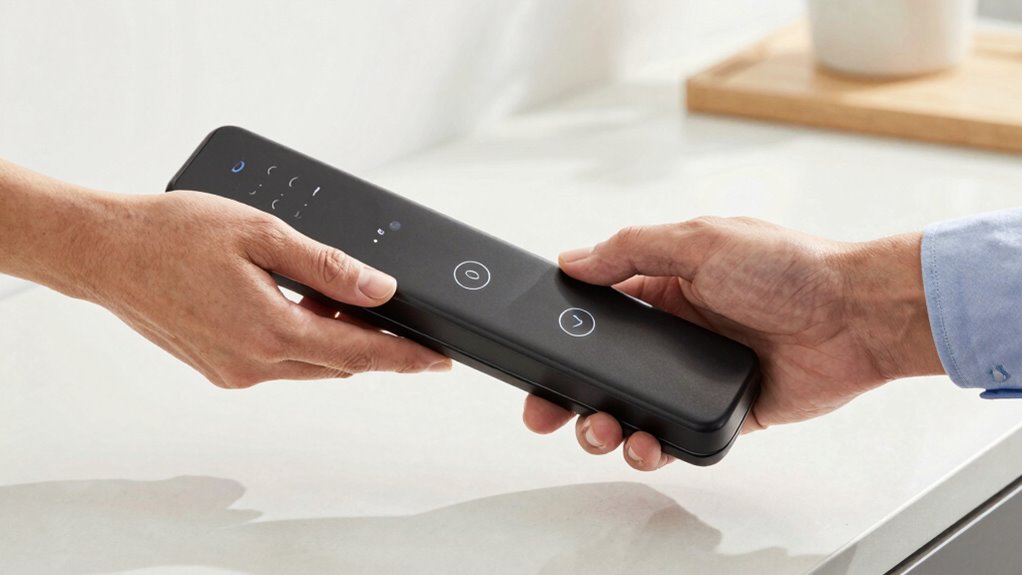
Transferring ownership on your smart lock platform involves updating access permissions and ensuring the new owner has full control. You’ll need to remove your old rights and grant access to the new user seamlessly. Once completed, confirm the ownership change to avoid any security issues. Properly managing this process is essential to prevent unauthorized access, especially as nanotechnology advances could influence future security devices. Additionally, understanding digital security best practices can help safeguard your smart lock during and after the transfer.
Access Authorization Transfer
When you’re ready to transfer ownership of your smart lock, the process typically involves accessing your platform’s settings and following a few straightforward steps. First, confirm the new owner has an account on the same smart lock platform. You’ll need to update the access code or revoke your current access, then grant the new owner full control. If your lock supports key duplication, remove any duplicated keys or digital keys associated with you. This guarantees you no longer have access once the transfer is complete. Verify that the new owner can set up their own access credentials and manage permissions. Always double-check that the transfer is complete by testing access rights. This way, you safeguard your security and ensure a smooth transition of ownership.
Removing Old Owner Rights
Before completing the ownership transfer, it’s essential to remove your access rights from the smart lock platform. This step helps protect your digital security and addresses privacy concerns. Failing to do so could leave you vulnerable to unauthorized access or data leaks. Double-check that your account no longer has control over the lock. Use the platform’s settings to revoke permissions or transfer ownership officially. Ensuring proper art care during this process supports a secure and responsible handover. Additionally, reviewing security protocols related to smart home devices can help prevent potential vulnerabilities. Being aware of digital asset management best practices can also inform safer handling of connected devices. To further enhance security, consider enabling multi-factor authentication on your accounts. Here’s a quick overview:
| Action | Purpose |
|---|---|
| Remove your account access | Protects digital security |
| Revoke shared permissions | Ensures privacy concerns are addressed |
| Confirm complete removal | Avoid future security risks |
Removing old owner rights ensures a smooth, secure transition.
Confirming Ownership Change
Once you’ve removed your access rights, the next step is to confirm that the ownership transfer has been successfully completed on your smart lock platform. This guarantees your digital security remains intact and that the new owner has proper control. Log into the platform and verify the user list to see if your access has been revoked and the new owner’s rights are active. Many platforms send confirmation notifications once ownership changes are processed, so check for those updates. Perform user verification by asking the new owner to attempt access or check their account status. Confirming this step prevents unauthorized access and guarantees the transition is complete. Additionally, understanding digital security best practices can help you protect your data during such transfers. Taking these measures helps you maintain digital security and peace of mind during the ownership handover.
How to Communicate the Change to the New Owner
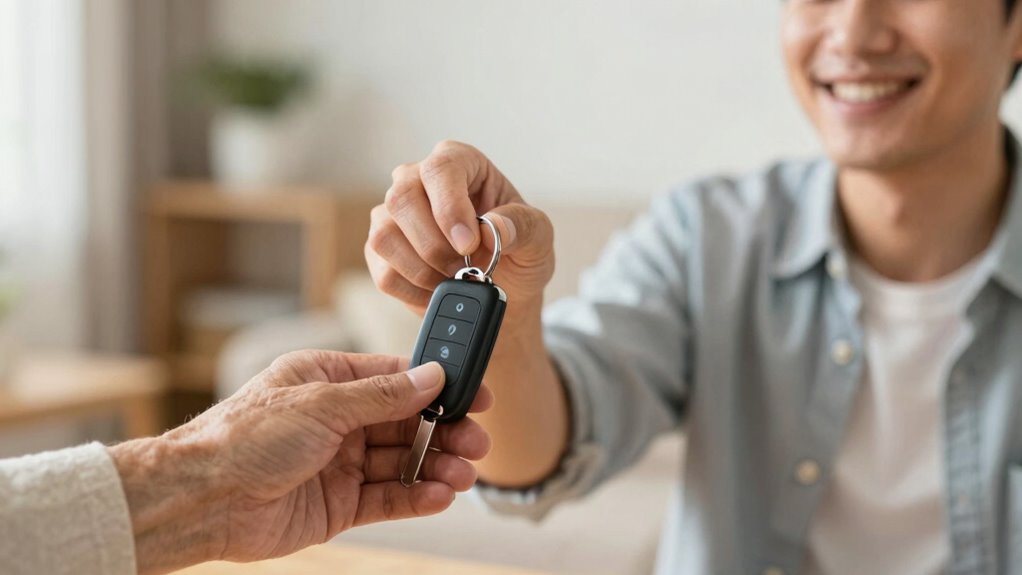
Clear communication is essential when transferring ownership of a smart lock. To protect personal privacy, choose a secure communication method, such as encrypted messaging or a direct phone call. Avoid sharing sensitive details through unsecured channels like email or social media. Be clear about the change in ownership and provide instructions for resetting or reprogramming the lock if necessary. Confirm that the new owner understands how to access and control the device safely. It’s important to document this exchange, perhaps with a signed statement or receipt, to ensure both parties are on the same page. Effective, secure communication minimizes misunderstandings and protects your personal information during the handover process. Proper handover procedures help ensure a smooth transfer and reduce security risks.
How to Test the Lock After Transfer
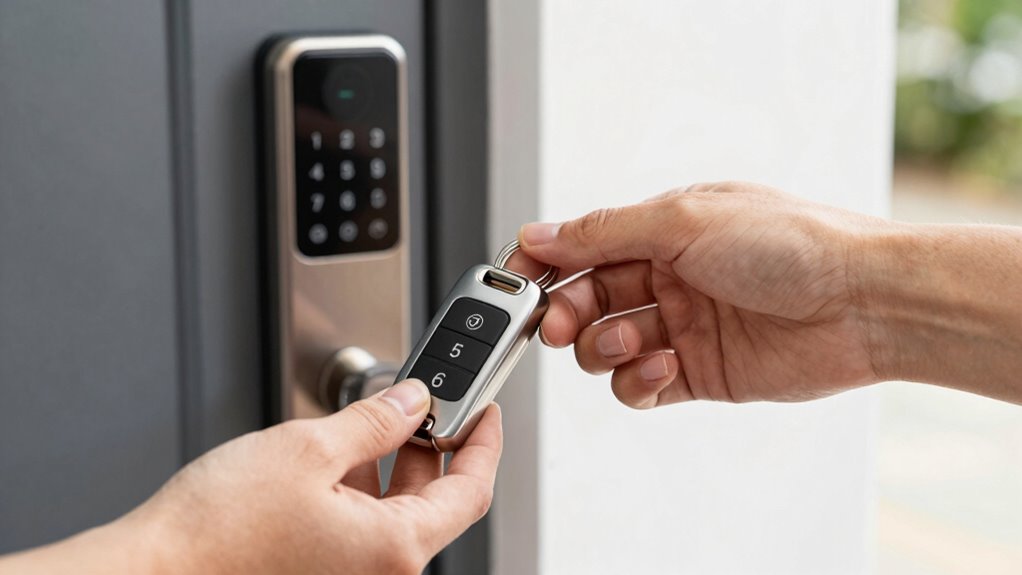
After transferring ownership of the smart lock, it’s essential to test its functionality to make sure the new owner can access and control it properly. Start by asking the new owner to use their access code or key to open the door. Confirm that the lock responds correctly and that the code grants entry without issues. Next, check the lock calibration—ensure it locks securely and unlocks smoothly. Test any app controls or voice commands if available. If the lock has multiple access methods, verify each one works as intended. If any problems arise, troubleshoot by re-calibrating the lock or resetting the access code. This step guarantees the new owner can use the lock confidently and guarantees the transfer was successful. Additionally, understanding lock calibration helps ensure the lock functions properly and securely after transfer. It’s also helpful to review the safe operating procedures to prevent future issues and maintain optimal performance. Recognizing the importance of security settings can further enhance the safety and reliability of the smart lock after transfer.
Common Mistakes to Avoid During Transfer
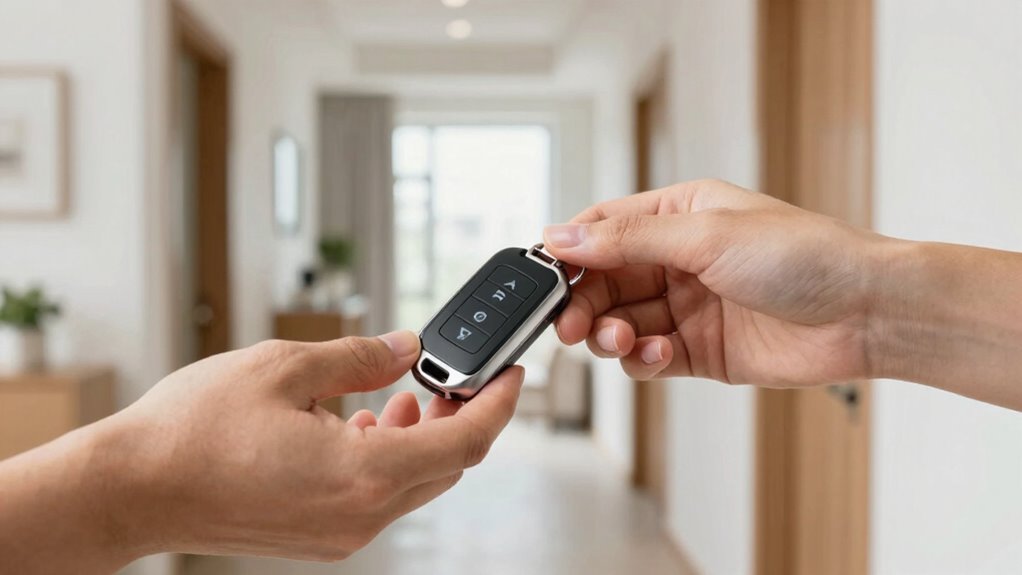
Transferring ownership of a smart lock can seem straightforward, but overlooking common mistakes can lead to access issues or security vulnerabilities. One mistake is failing to revoke your access properly, which could allow unauthorized access if you forget to remove your credentials. Never assume that deleting user profiles or changing codes alone is enough—double-check that all previous access is revoked. Also, avoid neglecting to update the lock’s firmware or app permissions, as outdated software can be vulnerable. Losing track of keys or digital access credentials during the transfer increases the risk of unauthorized access later. Ensure all keys, codes, and digital keys are securely transferred and properly disabled afterward. Skipping these steps can leave your property exposed or cause confusion for the new owner.
Tips for a Smooth, Secure Smart Lock Transfer
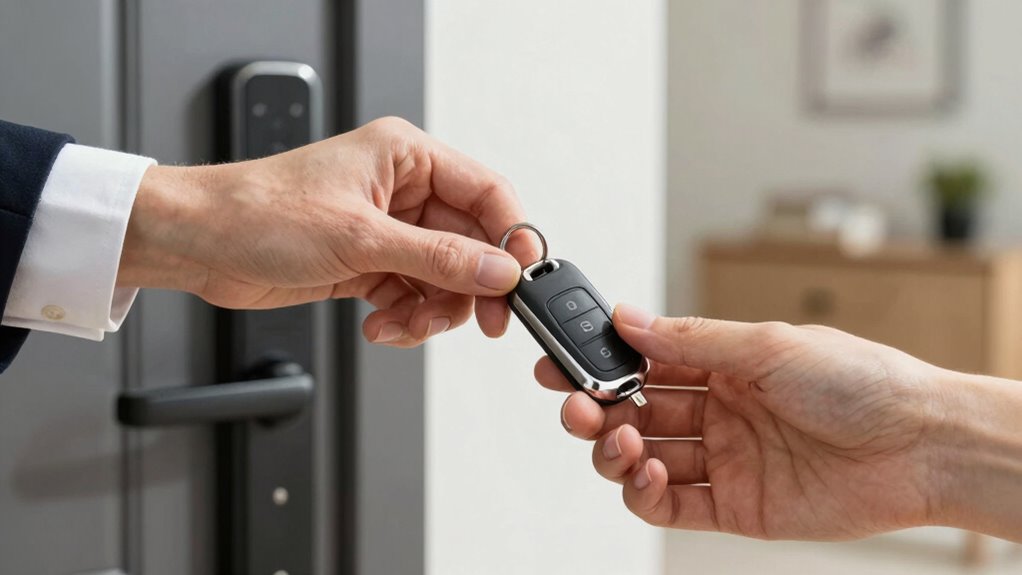
To guarantee a smooth and secure transfer of your smart lock, start by preparing a detailed checklist of all access credentials, including keys, codes, and digital keys. This assures you don’t overlook any access points and maintains control over digital security. Next, review and revoke your access rights before handing over control. Use the following table to organize your access control details:
| Access Type | Credential Details |
|---|---|
| Physical Keys | Number and location |
| Digital Codes | Reset and share securely |
| Digital Keys | Transfer via app or platform |
Double-check that all previous access is revoked and that the new owner understands how to manage digital security settings. This process minimizes risks and ensures a seamless, secure transfer.
Frequently Asked Questions
Can I Transfer Ownership Remotely or Only in Person?
You can typically perform a remote transfer of smart lock ownership if the device and app support it. Many smart locks allow you to transfer ownership through the app without needing to be physically present. However, some models still require an in-person transfer to guarantee security. Check your specific smart lock’s features to see if a remote transfer is possible, or prepare for an in-person handover if needed to keep everything secure.
What Security Measures Should I Take During the Transfer Process?
During the transfer process, you should take security precautions by changing the lock’s access rights and removing your credentials first. Verify the new owner’s identity before sharing any codes or access. Use secure communication channels, like encrypted messages, to transfer any sensitive information. Double-check that your previous access is revoked, ensuring only the new owner can control the smart lock, safeguarding your property.
How Do I Handle Ongoing Access Permissions After Transfer?
After transferring ownership, you should update the access control settings to restrict or grant permissions as needed. Make sure the new owner sets up their own security protocols, like strong passwords or biometric access. Remove your access rights entirely to prevent unauthorized entry. Regularly review the access logs to monitor activity, ensuring ongoing security and accountability for both parties. This keeps your smart lock secure during and after the transfer.
Are There Legal Considerations When Transferring Smart Lock Ownership?
Yes, there are legal considerations when transferring smart lock ownership. You should verify compliance with privacy laws, as smart locks often store personal data that needs protection. Check if data encryption is used to secure access logs and user information. It’s wise to document the transfer process and obtain written consent from all parties involved. This helps prevent disputes and ensures your transfer respects privacy concerns and legal requirements.
What Should I Do if the Smart Lock Malfunctions During Transfer?
Think of your smart lock as a trusted guard dog; if it malfunctions during transfer, don’t panic. You should perform technical troubleshooting first—check batteries, reset the device, or reconnect it. If issues persist, follow backup procedures by providing the new owner with manual keys or temporary access codes. This way, you guarantee a smooth handover without risking security or leaving everyone locked out.
Conclusion
Transferring your smart lock ownership securely guarantees peace of mind for both you and the new user. Remember, over 60% of smart lock owners have experienced security concerns due to improper transfers. By following the right steps and communicating clearly, you can avoid common mistakes and make the process seamless. Prioritize safety and trust in your smart home technology—it’s worth the effort to protect your property and loved ones.
Fall Picks
fall essentials
As an affiliate, we earn on qualifying purchases.