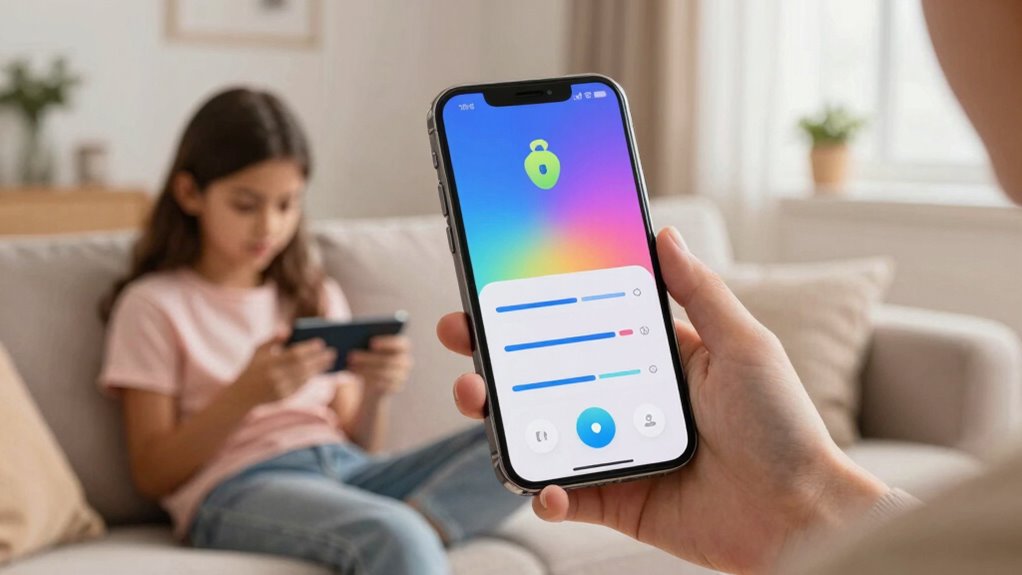

To set up smarter lock rules for kids and teens, start by establishing clear boundaries for device use during meals and late at night. Use smart lock features to enforce automatic locking at designated times and restrict access based on location, like only at home or trusted places. Involve your kids in rule-setting for better cooperation, and regularly review and adjust these rules as they grow more responsible. To learn how to create effective rules that balance safety and independence, keep exploring helpful strategies.
Key Takeaways
- Program smart locks to unlock only at trusted locations like home or friends’ houses for safety and independence.
- Schedule automatic device locking during mealtimes, late nights, or designated rest periods to promote healthy habits.
- Involve children in setting rules to foster understanding and cooperation around device access boundaries.
- Regularly review and adjust lock rules based on maturity and responsible device usage.
- Use location-based restrictions to prevent access in unfamiliar or unsafe environments.
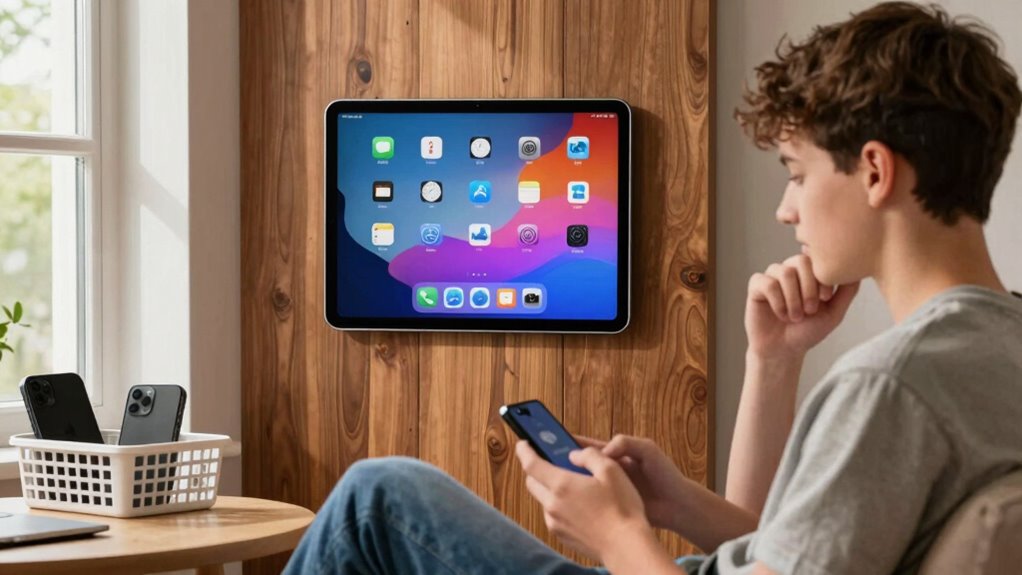
Setting up smart lock rules for kids and teens can help you balance safety with independence, ensuring they have access when needed while maintaining control over their digital security. When you implement these rules thoughtfully, you create a structure that supports responsible device use without feeling overly restrictive. Parental monitoring plays a key role here, giving you real-time oversight of your child’s digital activities while respecting their growing need for autonomy. By setting clear digital boundaries, you teach your kids how to navigate technology responsibly, fostering trust and understanding rather than suspicion or control.
Start by establishing specific rules about when and where your child can access their devices. For example, you might decide devices are off-limits during family meals or after a certain hour at night. These boundaries don’t just limit screen time—they help your child develop healthy habits and ensure they get enough rest. Use your smart lock features to enforce these boundaries automatically, so devices lock or become inaccessible during designated times. This reduces the temptation to bypass rules and helps your child learn self-discipline.
Set device access rules during meals and late at night to promote healthy habits and teach self-discipline.
Next, consider customizing access based on location. Many smart locks can be programmed to unlock only at certain places, such as your home or a trusted friend’s house. This way, you can control when and where your teen’s device is usable, further reinforcing boundaries around digital safety. It’s a practical way to prevent unsupervised access in unfamiliar environments, giving you peace of mind while your teen gains more independence. Incorporating digital boundaries can also help teach responsible online behavior in conjunction with physical boundaries. Additionally, understanding digital safety and how to implement it effectively is essential for guiding your child’s online experiences. Moreover, being familiar with cybersecurity best practices can further protect your child’s personal information.
Another important aspect is transparency. Make sure your child understands why these rules are in place—whether to protect their privacy, keep them safe online, or ensure they get enough sleep. Involving them in the process, perhaps by discussing potential rules and listening to their input, fosters cooperation and respect. When they understand the purpose behind digital boundaries, they’re more likely to follow them willingly. Additionally, understanding biodiversity and its significance can be a helpful way to teach responsible environmental awareness alongside digital responsibility. Recognizing the importance of digital literacy can empower your child to navigate online spaces safely and confidently.
Regularly review and adjust these rules as your teen matures. As they demonstrate responsibility, you might loosen restrictions gradually, giving them more control over their devices. Conversely, if you notice issues like excessive screen time or risky online behavior, tighten restrictions temporarily. Using parental monitoring tools integrated into your smart lock system allows you to track usage patterns, providing insight into how your child interacts with their devices. This ongoing oversight helps you make informed decisions about which boundaries need reinforcement or relaxation.
Ultimately, setting up smarter lock rules isn’t about control but about guiding your kids towards responsible digital habits. By combining parental monitoring with well-defined digital boundaries, you help them develop independence safely—empowering them to use technology wisely while you maintain oversight.

KIZZHISI Fingerprint Child Proof Door Lock, Refrigerator Lock with Fingerprint & Door Locks for Kids safety, for Door Lock, Cabinet Locks and Window Locks, Strong Adhesive No Drilling (Black)
Fingerprint Unlock Refrigerator Lock:Our fridge locks for kids uses intelligent fingerprint recognition for unlocking, eliminating the need for…
As an affiliate, we earn on qualifying purchases.
As an affiliate, we earn on qualifying purchases.
Frequently Asked Questions
Can Smart Lock Rules Be Overridden by Parents?
Yes, as a parent, you can override smart lock rules through parental control settings. These controls give you the authority to adjust access restrictions, allowing you to open doors or change rules when necessary. Smart locks are designed with safety and flexibility in mind, so you can temporarily override restrictions for emergencies or special occasions, ensuring your kids and teens stay secure while giving you peace of mind.
How Do I Handle Forgotten Access Codes?
If you forget your access code, don’t panic. You can typically perform access code recovery by following the lock’s reset procedures, which often involve pressing a reset button or using a master key. Check your lock’s manual for specific instructions. Once reset, you’ll be able to set a new code. Always keep a backup of your codes in a safe place to avoid future lockouts.
Are Smart Locks Secure Against Hacking?
You might be surprised, but smart locks can be secure if you focus on hacking prevention. While security vulnerabilities exist, manufacturers often include encryption and multi-factor authentication to protect against hacking. To keep your smart lock safe, regularly update firmware, use strong passwords, and choose reputable brands. When you take these precautions, you reduce the risk of unauthorized access, making your home safer without worrying about hacking threats.
Can Multiple Users Have Different Access Times?
Yes, multiple users can have different access times with smart locks. You can customize user access schedules, allowing each person to open the door only during specified hours. This schedule customization helps you control who enters and when, providing added security and flexibility. By setting different access times for kids, teens, or visitors, you guarantee that everyone has appropriate permissions based on their needs and safety considerations.
What Should I Do if the Lock Malfunctions?
If your lock malfunctions, don’t panic—imagine a hero with an emergency manual and a battery backup ready to save the day! First, use the emergency manual to open it manually. If the lock still won’t cooperate, check the battery backup to guarantee power. If issues persist, contact the manufacturer’s support team. Keep these backup options handy, so you’re prepared for even the most dramatic lock malfunctions!

Tookie Metal Timer Lock, 99 Hours Max Timing Lock, USB Rechargeable Timer Padlock with LCD Display, Multi-Function Micro Electronic Timer Lock, Heavy Duty Metal Time Out Padlock(Black)
Improved Sleep Quality: reduce the time of looking at mobile phones, fall asleep early, improve sleep quality, enhance…
As an affiliate, we earn on qualifying purchases.
As an affiliate, we earn on qualifying purchases.
Conclusion
Now that you know how to set up smarter lock rules, the real challenge begins—trusting your teens to respect these boundaries. Will they see your effort as guidance or feel restricted? The choices you make now could shape their independence and responsibility for years to come. Stay vigilant, communicate openly, and remember—sometimes, the toughest decisions lead to the greatest growth. Are you ready to navigate this new chapter together?

Huglock – The Snap-On Door Lock Kids Can't Reach or Defeat – No Tools or Adhesives Required – Works With Door Knob, Lever or Handle – Childproof Safety Locks are Toddler, Baby and Child Proof (1 Pack)
COMPATIBILITY REQUIREMENTS – Designed for interior doors only. Not compatible with exterior or garage doors. Fits standard interior…
As an affiliate, we earn on qualifying purchases.
As an affiliate, we earn on qualifying purchases.

Habit Control. Smart Lock – App-Controlled Access for Snacks, Food & Alcohol – 3-in-1 Modes: Timer, Schedule & Simple Lock – for Refrigerators, Cabinets, Drawers, Cupboards – Support Better Habits
BUILT-IN VIRTUAL TEST LOCK: Explore the full functionality of the Habit Control app with a virtual lock before…
As an affiliate, we earn on qualifying purchases.
As an affiliate, we earn on qualifying purchases.