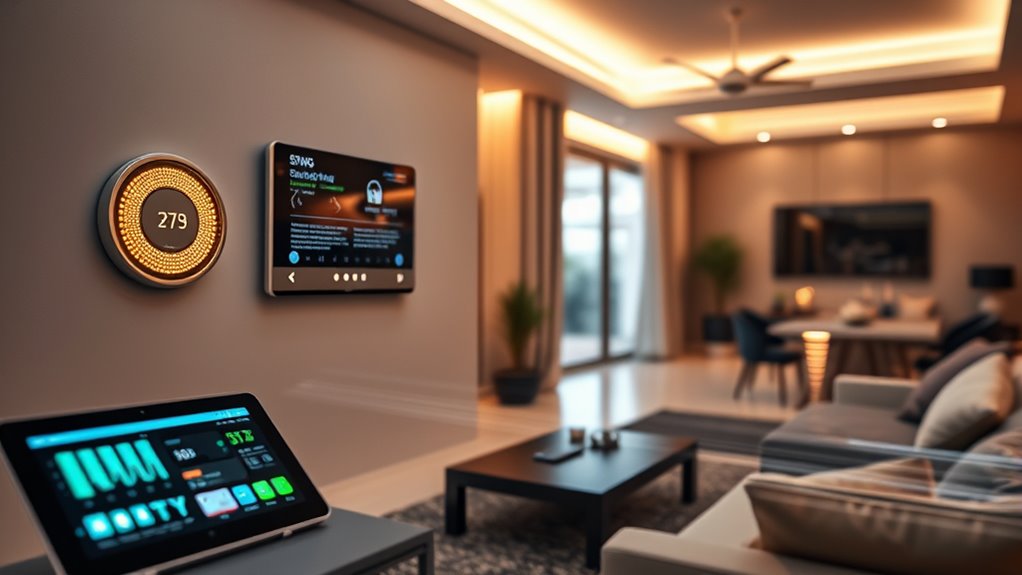

To minimize latency in your smart home, use edge computing to process data locally, reducing delays. Optimize your network hardware with the latest Wi-Fi standards, position routers centrally, and add mesh extenders for better coverage. Prioritize critical devices with QoS settings and reduce interference by switching to the 5 GHz band and choosing less congested channels. Incorporating AI-enhanced security can further boost system efficiency and responsiveness—discover more ways to improve your smart-home setup below.
Listen free for 30 days with Audible
Thousands of audiobooks and originals — cancel anytime.
As an affiliate, we earn on qualifying purchases.
Key Takeaways
- Implement edge computing by processing data locally to reduce delays and improve responsiveness.
- Use routers supporting Wi-Fi 6 and position them centrally to ensure strong, consistent signals.
- Enable QoS settings to prioritize critical devices and traffic for faster device responses.
- Minimize interference by using the 5 GHz band and adjusting network channels to prevent congestion.
- Incorporate AI-driven security and network management for adaptive, resilient systems that optimize performance.
Minimizing latency in smart-home communications is essential for ensuring seamless and responsive device interactions. When your smart devices respond instantly, your home feels more intuitive and efficient. To achieve this, leveraging edge computing plays a crucial role. Edge computing involves processing data closer to where it’s generated—right within your smart home—reducing the need to send information to distant servers. This local data handling minimizes delays caused by long-distance network travel, resulting in faster response times for commands and data exchanges. By deploying edge devices like local hubs or controllers, you improve overall system responsiveness, making interactions smoother and more natural.
Using edge computing enhances smart home responsiveness by processing data locally for faster, more natural device interactions.
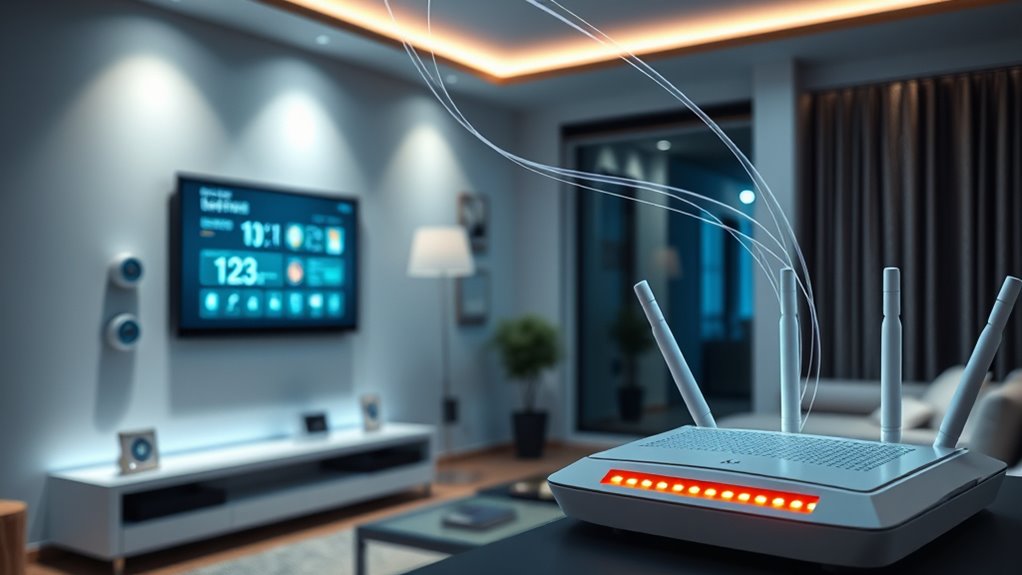
Alongside edge computing, network optimization is vital. Your Wi-Fi network can be a bottleneck if not properly configured, leading to delays and dropped connections. To optimize your network, start by ensuring your router supports the latest standards, such as Wi-Fi 6, which offers higher speeds and better handling of multiple devices. Position your router centrally in your home to minimize signal loss, and consider adding range extenders or mesh networks to eliminate dead zones. These steps help maintain consistent connectivity, which is essential for low-latency communication between your smart devices.
Another effective strategy is prioritizing traffic for smart-home devices through Quality of Service (QoS) settings. By assigning higher priority to critical devices—like security cameras or smart locks—you ensure they receive the necessary bandwidth to operate without lag. This prevents other network activities, like streaming or downloads, from interfering with the responsiveness of your smart home ecosystem. Keeping your firmware updated is equally important; manufacturer updates often include performance improvements and security patches that reduce latency and prevent disruptions.
Additionally, minimizing interference from other wireless devices can greatly improve latency. Devices such as cordless phones, microwave ovens, or neighboring Wi-Fi networks can cause signal interference, slowing down communication. Using the 5 GHz band, which is less congested than 2.4 GHz, can help mitigate these issues. Regularly scanning your environment for interference sources and adjusting your network channels ensures a cleaner signal, leading to more reliable and faster device responses. It is also worth noting that advancements in AI Security research contribute to creating more resilient and adaptive smart-home systems that can better respond to changing network conditions.
In essence, combining edge computing with strategic network optimization creates a robust foundation for low-latency smart-home communications. By processing data locally and fine-tuning your network settings, you reduce delays and enhance your home’s automation experience. This approach not only makes your devices more responsive but also provides a more secure and stable environment, giving you peace of mind that your smart home is operating at peak performance.
As an affiliate, we earn on qualifying purchases.
Frequently Asked Questions
How Does Network Congestion Impact Smart-Home Latency?
Network congestion increases smart-home latency because it overloads your bandwidth, making data transfer slower. When multiple devices compete for the same bandwidth, delays happen. To combat this, you should focus on bandwidth management, prioritizing critical devices, and interference mitigation, decreasing signal interference from other wireless devices. These actions help ensure your smart-home devices communicate efficiently, minimizing latency and keeping everything running smoothly.
Can AI Optimize Smart-Home Communication Protocols?
Yes, AI can optimize smart-home communication protocols by leveraging edge computing and protocol optimization. You benefit from AI-driven adjustments that reduce latency, process data locally, and streamline device interactions. AI analyzes network traffic in real-time, dynamically adapting protocols to avoid congestion and improve efficiency. This guarantees your smart devices communicate faster and more reliably, providing a seamless smart-home experience with less delay and better performance.
What Are Emerging Technologies Reducing Latency in Iot?
You might not realize it, but emerging technologies like edge computing and quantum networking are revolutionizing IoT latency. Edge computing brings processing closer to your devices, reducing delays considerably. Meanwhile, quantum networking promises ultra-fast data transfer with minimal lag, transforming your smart home experience. These innovations are quietly shaping a future where your smart devices respond instantaneously, opening new possibilities and efficiency you never imagined.
How Do Different Smart Devices Prioritize Communication?
You see that different smart devices prioritize communication through device prioritization, which makes certain that critical devices get faster responses. They use various communication protocols like Zigbee, Z-Wave, or Wi-Fi, which help manage data flow efficiently. Devices with higher priority, like security cameras or alarms, send signals first, while less urgent devices wait. This system guarantees smooth, responsive smart-home interactions, minimizing delays and improving overall performance.
Are There Security Trade-Offs When Minimizing Latency?
Did you know that reducing latency can sometimes increase security risks? When you minimize latency, encryption overhead and authentication delays often decrease, which might seem good. However, rushing these processes can weaken encryption or skip thorough authentication, creating vulnerabilities. So, yes, there are security trade-offs. You need to balance fast communication with robust security to keep your smart home safe without sacrificing performance.
As an affiliate, we earn on qualifying purchases.
Conclusion
By implementing these strategies, you can turn your smart home into a finely tuned orchestra, where every device responds in perfect harmony. Minimizing latency isn’t just about faster reactions; it’s about creating a seamless experience that feels as smooth as silk. So, take these tips to heart, and watch your smart home become a well-oiled machine, delivering instant gratification at your command. After all, in the world of smart homes, every millisecond counts.
QoS network prioritization device
As an affiliate, we earn on qualifying purchases.
As an affiliate, we earn on qualifying purchases.
As an affiliate, we earn on qualifying purchases.
Fall Picks
fall essentials
As an affiliate, we earn on qualifying purchases.