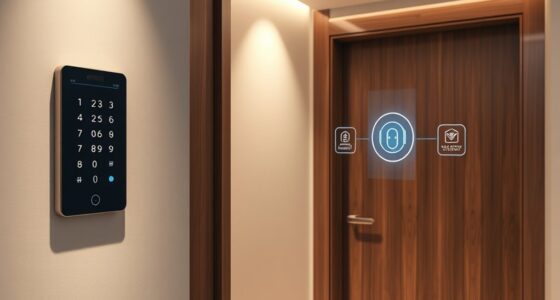
To combine lights, locks, and sensors without chaos, start by choosing a compatible central hub that simplifies device management and guarantees smooth communication. Set clear automation rules so your devices work together seamlessly, like opening a door automatically turning on hallway lights. Proper sensor placement improves security and response time. Regularly synchronize your devices, update firmware, and maintain a reliable network. Keep these tips in mind, and you’ll create a smooth and secure smart home; explore more for detailed guidance.
Key Takeaways
- Use a compatible central hub to unify device control and ensure seamless communication.
- Set clear automation rules to coordinate lights, locks, and sensors effectively.
- Position sensors strategically near entrances and common areas for accurate detection.
- Synchronize device settings and regularly monitor performance to prevent conflicts.
- Maintain a strong network infrastructure and keep firmware updated for stable connectivity.
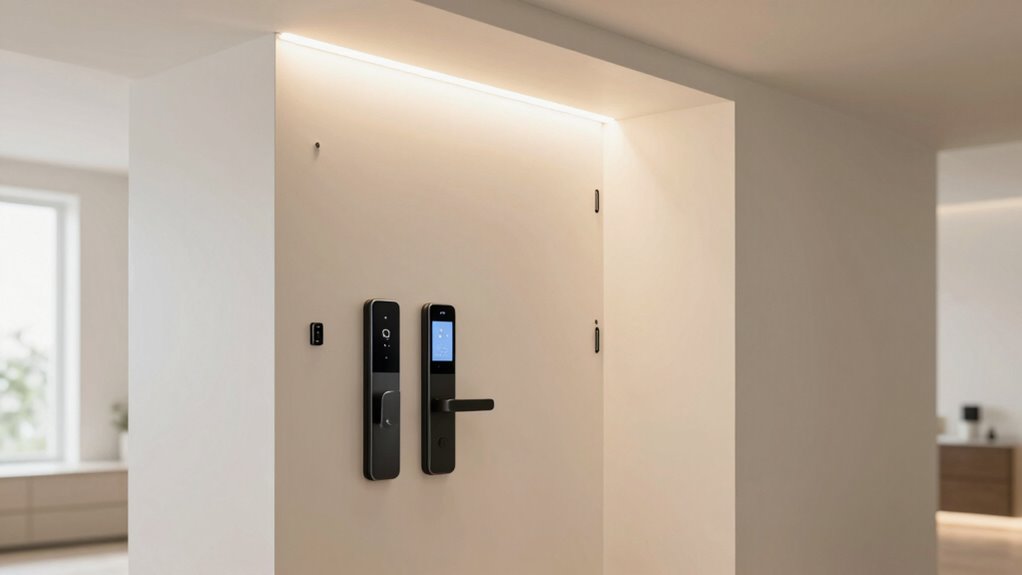
Integrating lights, locks, and sensors into a smart home system can seem overwhelming, but with a clear plan, you can guarantee everything works seamlessly without chaos. The key is understanding how to coordinate your devices effectively and confirming your smart home integration is smooth. When you focus on security system coordination, you create a reliable network where each component communicates efficiently, reducing the risk of conflicts or failures. Start by choosing a central hub or platform compatible with all your devices, so everything can connect in one place. This makes managing your smart home easier and guarantees your lights, locks, and sensors work in harmony.
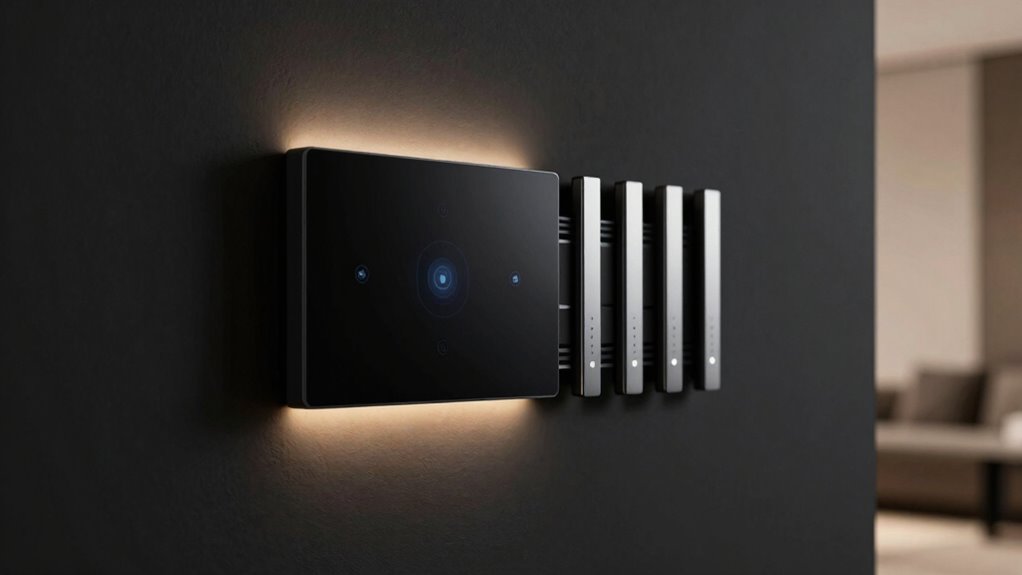
Coordinate your smart devices through a compatible central hub for seamless, harmonious home automation.
Next, prioritize device compatibility. Not every smart device plays nicely together, so double-check that your lights, locks, and sensors are compatible with your chosen hub. This prevents frustration down the line and minimizes the need for complex troubleshooting. Once connected, you want to set clear automation rules that govern how devices interact. For example, you might program your smart lock to trigger your hallway lights to turn on when you unlock the door. These automations streamline daily routines and boost your home’s security.
Security system coordination is essential here. When your sensors detect movement, they should communicate with your locks and lights to activate appropriate responses, like turning on lights or alerting you to unusual activity. Make sure your sensors are positioned correctly—door sensors near entrances and motion detectors in common areas—to maximize coverage without false alarms. Integrate these sensors into your security system so that alerts are precise, and responses are swift. Proper integration also involves device synchronization, ensuring all components work together smoothly and reliably. Additionally, establishing consistent device settings helps prevent conflicts and ensures predictable automation responses. This coordination helps you maintain safety while avoiding false triggers that could cause chaos or desensitize you to real threats. Regularly monitoring device performance is also crucial to catch any issues early and keep your system functioning optimally. To support all these functions effectively, a strong network infrastructure is vital, providing stable connectivity across your devices. Furthermore, understanding the importance of a robust network infrastructure guarantees that all devices remain connected and responsive, minimizing disruptions.
Regular updates and testing are indispensable. Keep your system’s firmware current to fix bugs and improve device compatibility. Periodically test automations to ensure they’re functioning correctly, particularly after updates. Clear naming conventions for your devices and routines also help you manage your system more efficiently, avoiding confusion when you need to make adjustments. Remember, the goal is simplicity and reliability, not complexity that leads to chaos.
smart home central hub compatible with lights locks sensors
As an affiliate, we earn on qualifying purchases.
As an affiliate, we earn on qualifying purchases.
Frequently Asked Questions
How Do I Troubleshoot Connectivity Issues Between Devices?
To troubleshoot connectivity issues between devices, start by checking device compatibility to guarantee they work together smoothly. Next, look for signal interference from other electronics or Wi-Fi networks that could disrupt communication. Restart your devices and update their firmware or software for peak performance. Keep your Wi-Fi strong and close devices to the router if needed. These steps help maintain reliable connections and prevent chaos in your smart setup.
What Security Protocols Should I Follow for Smart Home Devices?
Think of your smart home as a fortress—you need strong walls to keep it secure. Follow strict encryption protocols to protect data, making it unreadable to outsiders. Make certain each device authenticates itself properly before connecting, like a guard verifying identities. Regularly update firmware and use strong, unique passwords. By doing so, you build a resilient shield around your smart home, keeping intruders at bay and your digital life safe.
Can I Integrate Third-Party Apps With My System?
Yes, you can integrate third-party apps with your smart home system. Check if your devices support third-party compatibility or app integration, which allows you to expand functionality easily. Many systems are designed to work seamlessly with popular automation platforms, so you can connect different brands and services. Just make certain you follow the manufacturer’s instructions and keep your apps updated to maintain security and stability in your smart home setup.
How Do I Update Firmware Safely?
To update your firmware safely, first perform a firmware backup to preserve current settings. Next, check for updates through your system’s app or dashboard. Schedule the update during a low-activity period to minimize disruption. Make certain your device stays connected to power and a stable internet connection throughout the process. Follow the on-screen instructions carefully, and avoid interrupting the update to prevent potential issues or device malfunctions.
What Are the Best Practices for User Access Management?
Think of user access management as a well-guarded castle. You set clear user roles and assign appropriate access levels, ensuring each person only sees what they need. Regularly review permissions, especially after staff changes, and use strong, unique passwords. Keep security tight by enabling multi-factor authentication. This way, you control who enters, what they can do, and keep your system safe from chaos or unauthorized access.
automated home security system sensors and locks
As an affiliate, we earn on qualifying purchases.
As an affiliate, we earn on qualifying purchases.
Conclusion
By seamlessly integrating lights, locks, and sensors, you create a smarter, more secure home. Remember, a well-connected system reduces false alarms by up to 50%, according to recent studies. Keep your setup simple and organized, and test regularly to avoid chaos. With the right approach, you’ll enjoy a safer, more efficient space without the headache of constant troubleshooting. Embrace smart tech wisely, and your home will work harmoniously for years to come.
smart lighting and lock automation kit
As an affiliate, we earn on qualifying purchases.
As an affiliate, we earn on qualifying purchases.
Wi-Fi mesh network for smart home devices
As an affiliate, we earn on qualifying purchases.
As an affiliate, we earn on qualifying purchases.