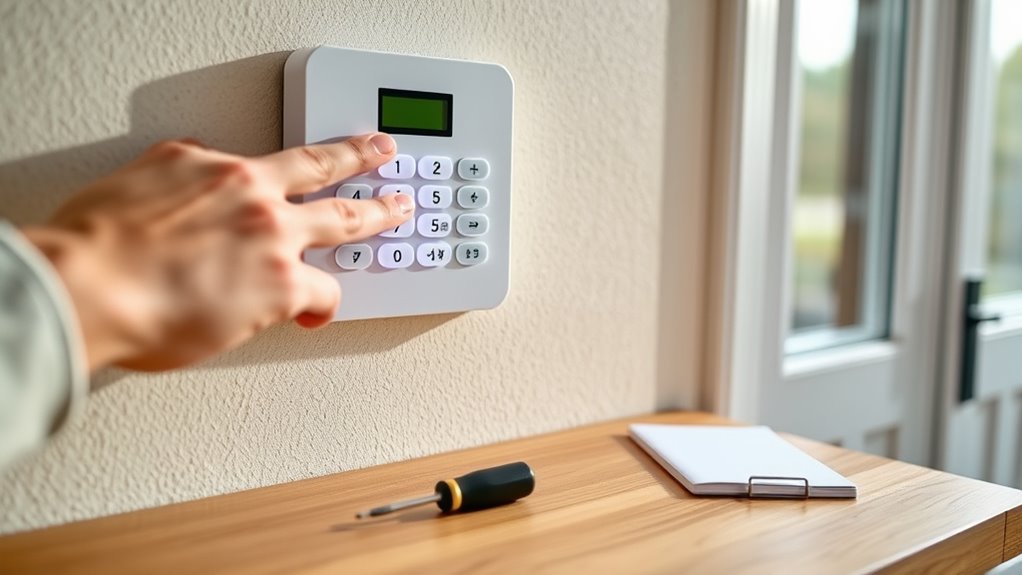

To test your alarm system regularly without false calls, start by notifying your monitoring service to prevent unnecessary alarms. Arm your system and trigger sensors by opening doors or moving within detection zones to confirm they activate correctly. Check and calibrate sensors if needed, and replace batteries annually for consistent power. After testing, reset the system and make certain all functions operate smoothly. Keep in mind that following proper steps can help you avoid false alarms – learn more about each step for stress-free testing.
Key Takeaways
- Arm the alarm system before testing to accurately verify sensor responses.
- Use gentle triggers like opening doors or walking through detection zones to avoid false alarms.
- Regularly inspect and clean sensors to prevent dust or obstructions from causing false triggers.
- Check and maintain backup batteries to ensure system reliability during power outages.
- Follow the system’s manual for calibration procedures and schedule professional calibration if needed.
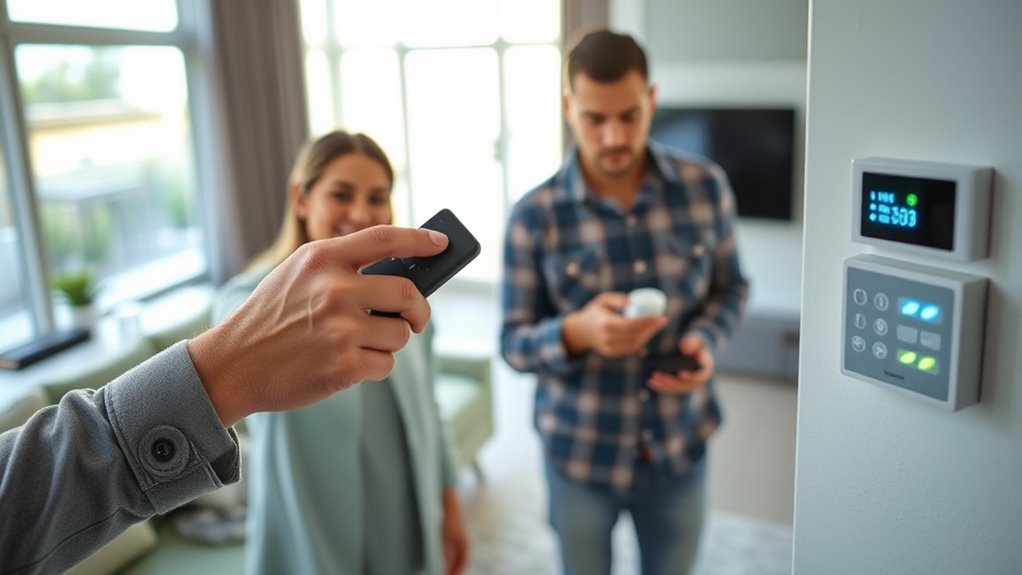
Ever wonder if your alarm system is working properly? It’s a common concern, but regular testing can give you peace of mind. To start, make sure your sensors are correctly calibrated. Sensor calibration is crucial because over time, environmental factors or dust can throw off their accuracy. If your sensors aren’t properly calibrated, they might trigger false alarms or fail to respond when needed. You can check calibration by visually inspecting sensors for dirt or obstructions and then testing them by gently triggering their detection zones. For example, if you have motion sensors, walk through their range to verify they activate as expected. If a sensor isn’t responding correctly, consult your system’s manual for calibration instructions or consider professional calibration to ensure it’s precise. Regular testing also helps you identify and address potential issues before they compromise your security.
Next, focus on battery maintenance. Batteries power many alarm components, and weak or dead batteries can cause false alarms or prevent your system from activating when it should. Regularly check the status of your backup batteries—typically, your alarm panel will provide a warning if they need replacement. It’s a good idea to replace batteries at least once a year, even if no warning signals appear. When testing your system, always ensure batteries are fresh; this guarantees your alarm functions reliably during power outages or emergencies. To test, remove the battery and observe whether the alarm panel signals a low-battery warning. Replacing old batteries promptly keeps your system ready and reduces false alarms caused by power issues.
When you perform a system test, start by arming the alarm and then intentionally trigger sensors to verify they respond correctly. For example, open doors or windows fitted with contact sensors, or move within the detection zones of motion sensors. If the alarm doesn’t activate, double-check sensor calibration and battery status first. Sometimes, a sensor may need repositioning or cleaning to improve detection accuracy. While testing, listen for any unusual signs—such as delayed responses or false triggers—that might indicate calibration or power issues. Incorporating routine maintenance into your security checks ensures your system remains reliable over time.
Frequently Asked Questions
Can I Test My Alarm System Remotely?
Yes, you can test your alarm system remotely using your alarm app. Most modern systems offer remote testing features, allowing you to verify functionality without being physically present. Simply open the app, select the remote testing option, and follow the prompts. This way, you can make certain your alarm system works correctly, avoid false calls, and maintain security while staying conveniently connected from anywhere.
How Often Should I Schedule Alarm Tests?
To keep your alarm system in top shape, you should schedule tests at least once every three to six months. Regular alarm calibration and sensor maintenance are key to ensuring reliability. Skipping these checks might seem harmless, but it can lead to false alarms or missed detections. By staying consistent, you maintain peace of mind and avoid unnecessary disturbances, keeping your home protected without the risk of false calls.
What Tools Do I Need for Testing?
To test your alarm system effectively, you’ll need basic testing equipment like a test key, a remote control, or a test alarm button. Follow proper testing procedures by simulating an intrusion or triggering the alarm manually to guarantee it responds correctly. Make sure to consult your alarm’s user manual for specific instructions. Regular testing with appropriate tools helps you verify system functionality without causing false alarms or calls.
How Do I Reset the Alarm After Testing?
Imagine the alarm’s siren fading into silence as you calmly perform the alarm reset. After testing procedures, locate your control panel and press the reset or silence button. You might need to enter a code, so keep your keypad handy. This clears any alerts and restores your system to normal. Remember, following proper alarm reset steps guarantees your system remains ready without false alarms, keeping your home secure and your mind at ease.
What Are Signs of a Malfunction During Tests?
During tests, watch for malfunction indicators like inconsistent sensor responses or delayed alerts. If your alarm triggers false alarms or fails to activate when expected, these are signs of a fault. Also, listen for unusual noises or weak signals, which might indicate sensor issues. Address these issues promptly to prevent false alarms and ensure your system functions correctly during emergencies. Regular testing helps catch problems early.
Conclusion
Regularly testing your alarm system is essential for ensuring your safety and avoiding costly false calls. By following proper procedures, you can confidently verify your system’s functionality without triggering unnecessary alerts. Remember, many assume testing disrupts their daily routine, but with a scheduled, controlled approach, you can maintain security seamlessly. Staying proactive not only protects your property but also keeps your peace of mind intact, proving that responsible testing is both simple and effective.