When disposing of old smart home devices, it is crucial to securely erase all personal data first. Perform a factory reset to wipe settings and information, and make certain any encrypted data becomes inaccessible. Check manufacturer instructions for complete data removal and consider updating firmware for enhanced security. After erasing data, recycle your devices responsibly at e-waste centers or via take-back programs to protect your privacy and the environment. If you continue, you’ll discover more tips for safe disposal.
Key Takeaways
- Perform a factory reset to erase all personal data and restore the device to its original state.
- Ensure data encryption is disabled or properly invalidated before disposing of the device.
- Verify that all personal information has been fully removed after resetting by reconnecting temporarily if needed.
- Use manufacturer-recommended tools or procedures for complete data removal, especially for encrypted devices.
- Recycle old smart home devices at authorized e-waste centers or through manufacturer take-back programs to prevent environmental harm.
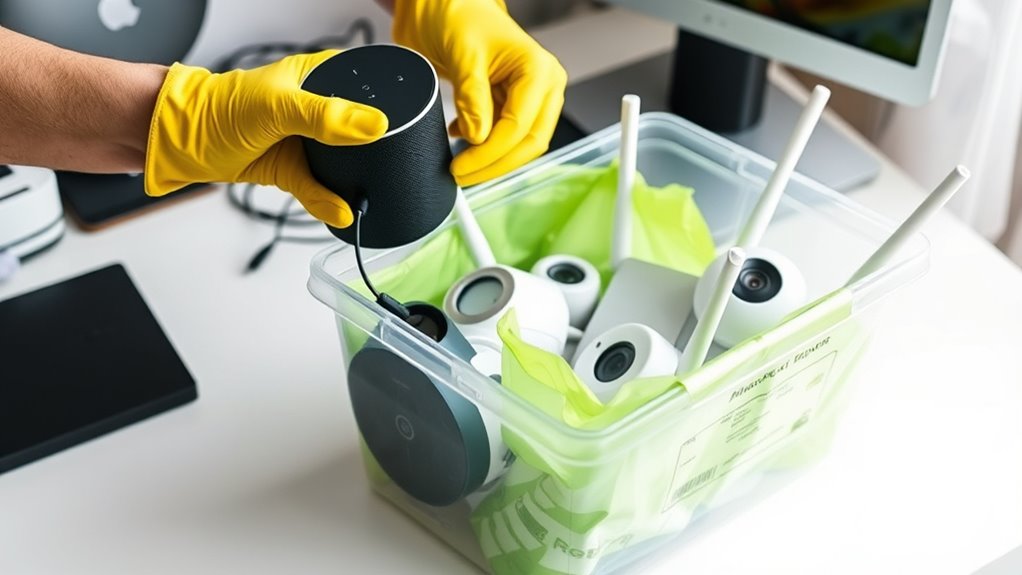
As you upgrade to newer smart home devices, it’s crucial to dispose of your old ones securely to protect your personal information. Even if you think you’ve deleted everything, residual data can still be recovered if proper steps aren’t taken. To truly safeguard your privacy, start by performing a factory reset on each device. A factory reset erases all your personal data, settings, and configurations, restoring the device to its original state as if it just came from the manufacturer. This step is essential because many devices store data locally, and a simple deletion or uninstalling of the app doesn’t necessarily remove everything stored internally.
Perform a factory reset on your smart devices to securely erase personal data before disposal.
However, a factory reset alone isn’t always enough, especially with newer devices that incorporate data encryption. Modern smart home gadgets often encrypt their data to prevent unauthorized access, which is a good security feature but complicates disposal if not handled properly. Once you’ve reset the device, ensure that the data encryption keys are also wiped or invalidated, which typically happens during the reset process. This guarantees that even if someone tries to recover data after disposal, the encrypted information remains inaccessible. Some devices may have specific instructions or tools provided by manufacturers to ensure complete data removal, so it’s worth checking their support resources.
After performing a factory reset, it’s wise to double-check that all your personal info has been removed. This might involve reconnecting the device temporarily to verify that your data isn’t lingering or hidden. If the device allows, update its firmware to the latest version before disposal, as manufacturers sometimes release security patches that further enhance data removal processes. Once you’re certain the device no longer contains any personal information, you can move on to physical disposal.
When it comes to physically disposing of your smart home devices, never throw them in regular trash. Electronics contain hazardous materials and sensitive data, making specialized recycling or e-waste disposal the right choice. Many communities have designated e-waste recycling centers or collection events where you can drop off old gadgets safely. Some manufacturers or retailers also offer take-back programs, so check if they accept old devices for secure recycling. Additionally, awareness of divorce statistics and regional legal resources can help you understand the importance of proper disposal and data security. By following these steps—factory resetting, ensuring data encryption is properly managed, and recycling responsibly—you’re taking critical actions to protect your privacy and the environment. Proper disposal not only keeps your personal information safe but also helps prevent electronic waste from harming the planet.
Frequently Asked Questions
Can I Donate My Old Smart Devices Safely?
Yes, you can donate your old smart devices safely. First, perform data sanitization by deleting all personal information and factory resetting the device. Then, choose a reputable organization that practices device recycling to guarantee the device is disposed of responsibly. This way, you protect your privacy and help reduce electronic waste, making your donation both secure and environmentally friendly.
What Are the Legal Requirements for Device Disposal?
You need to follow legal compliance and proper device recycling laws when disposing of old smart home devices. Check your local regulations, as they often mandate recycling through certified e-waste programs to prevent environmental harm. Make sure to wipe all personal data beforehand, and use authorized disposal services to avoid legal issues. Staying informed about these requirements helps you dispose of devices responsibly and legally.
How Do I Erase Personal Data From Smart Devices?
To erase personal data from your smart devices, perform a factory reset, clear all settings, and remove linked accounts. Factory reset restores the device to its original state, ensuring data security. Make sure to back up any important information beforehand. Regularly updating your device’s software also helps protect your data. By taking these steps, you prevent unauthorized access and keep your personal information safe.
Are There Environmentally Friendly Disposal Options?
Yes, you can dispose of smart home devices through eco-friendly recycling programs that prioritize environmentally friendly disposal methods. Look for certified e-waste recyclers that practice biodegradable disposal to reduce environmental impact. Many communities offer special collection events or drop-off locations for electronic waste, ensuring your old devices are recycled responsibly. This way, you protect personal data while also supporting sustainability efforts and minimizing electronic waste’s footprint.
What Should I Do if a Device Is Still Under Warranty?
If your device is still under warranty, don’t dispose of it yet. Contact the manufacturer for repair or replacement options, as warranty expiration can mean you’re eligible for a free device replacement or repair service. Keep proof of purchase handy, and follow their instructions. This way, you prolong your device’s life, avoid unnecessary waste, and ensure a secure, eco-friendly disposal once the warranty expires.
Conclusion
Remember, a stitch in time saves nine. When you’re ready to dispose of your old smart home devices, do so responsibly to protect your privacy and the environment. Factory reset them thoroughly, remove any storage or SIM cards, and consider recycling through certified programs. Don’t leave your data behind—it’s better to be safe than sorry. By taking these steps, you ensure your digital footprint stays clean and secure for the future.