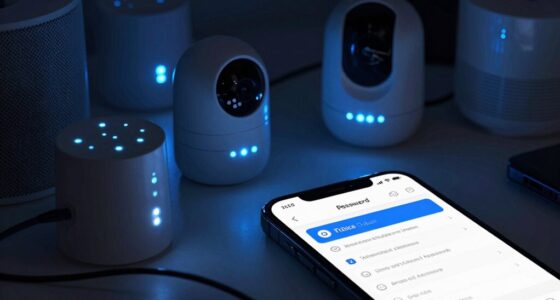
Your smart camera account is a prime target for hackers because it grants access to your private spaces and often has weak security. To keep it safe, change default passwords, enable two-factor authentication, and regularly update firmware. Watch for suspicious activity like unknown devices or alerts. If your account’s been compromised, acting quickly can stop further breach. Keep your security measures strong—stay informed to better protect your home and privacy.
Key Takeaways
- Immediately change your password to a strong, unique one and enable two-factor authentication to prevent unauthorized access.
- Regularly review account activity logs for suspicious login attempts or unfamiliar devices.
- Keep your device firmware and app updated to patch security vulnerabilities that hackers may exploit.
- Avoid sharing login details and be cautious of phishing emails asking for your credentials.
- Segment your home network and use secure Wi-Fi with encryption to limit attackers’ access to your smart camera.
Why Your Smart Camera Account Is a Top Target for Hackers
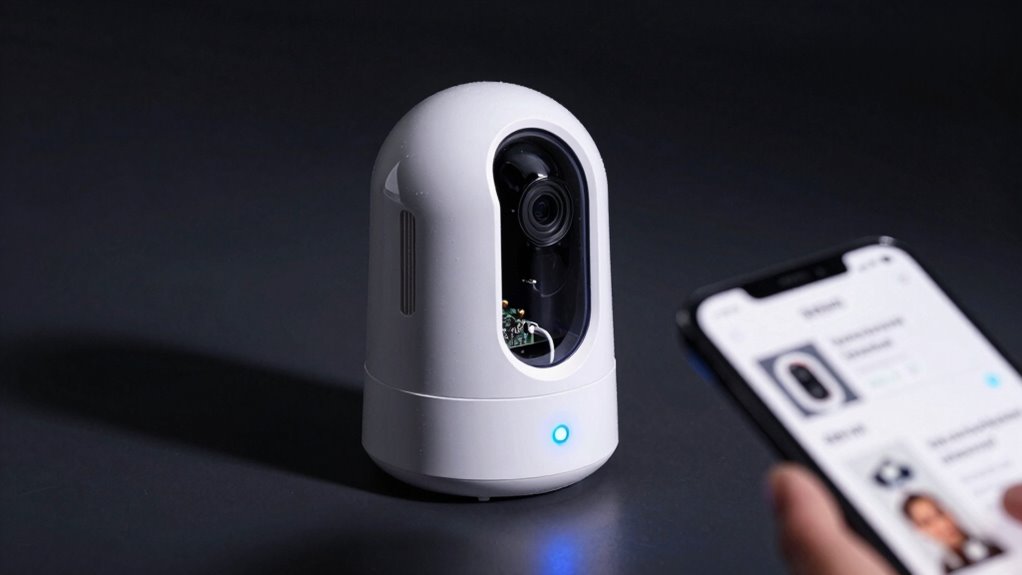
Smart camera accounts are prime targets for hackers because they often have weak security measures and hold access to your personal space. Outdated camera firmware can create vulnerabilities, making it easier for cybercriminals to exploit known flaws. Hackers also target user permissions, especially if you haven’t set strong, unique passwords or limited access rights. When permissions are too broad, unauthorized individuals can gain control over your camera. Many users overlook regularly updating firmware or reviewing permissions, leaving their devices exposed. Regular firmware updates are essential to patch security flaws and protect your devices from emerging threats. Hackers know that these cameras connect directly to your home network, so gaining access can give them a window into your private life. Strengthening your security by updating firmware and managing user permissions is vital to protect your camera and your privacy. Additionally, understanding contrast ratio helps you recognize how image quality could be compromised if your camera’s display isn’t optimized, which can also be a security concern if the video feed isn’t clear. Being aware of security best practices can further help you defend against potential threats and ensure your devices remain protected, especially when considering network segmentation to isolate your smart devices from other critical systems. Implementing multi-factor authentication adds an extra layer of protection beyond just passwords, making unauthorized access much more difficult.
How to Recognize If Your Smart Camera Account Has Been Hacked

If your smart camera account has been compromised, you’ll likely notice unusual activity that you can’t explain. Check for hacking indicators like unfamiliar login locations or devices accessing your account. You might also see strange alerts or notifications about activity you didn’t initiate. If the camera’s video feed becomes suddenly unavailable or you notice new users connected to your account, it’s a sign that your camera privacy has been breached. Additionally, unexpected emails or messages from your camera provider may point to hacking attempts. Being aware of these signs helps you recognize if your account has been hacked so you can act quickly to protect your privacy and prevent further intrusion. Regularly reviewing your account activity and security settings is crucial in maintaining your security, especially considering the importance of securing your smart device from potential threats. Staying informed about nanotechnology advances can also help you understand emerging security solutions for smart cameras and other connected devices.
What Immediate Steps Should You Take If Your Account Is Compromised?
If you notice your account has been compromised, act quickly to secure it. Change your password right away to prevent further access, and enable two-factor authentication for added protection. Taking these steps immediately can help limit the damage and keep your footage safe. Additionally, review your device’s security settings to ensure no unauthorized changes have been made security best practices. Be sure to stay informed about cybersecurity threats that could target your smart camera accounts to better protect your personal information. Regularly updating your firmware can also help patch vulnerabilities and strengthen your overall security device updates, especially as European cloud innovation emphasizes the importance of secure and sustainable cloud solutions.
Change Your Password Immediately
When you discover your camera account has been compromised, changing your password immediately is essential to protect your data and regain control. Use strong, unique passwords that are hard to guess, and avoid reusing old ones. This is where good password management comes into play—consider using a password manager to generate and store complex passwords securely. Educate yourself on creating resilient passwords and recognizing phishing attempts that might lead to breaches. Once you’ve changed your password, double-check your account details for any unauthorized changes. Remember, swift action minimizes damage and helps prevent further access. Regularly updating passwords and practicing user education are crucial steps to keep your smart camera account secure and out of reach from intruders.
Enable Two-Factor Authentication
After changing your password, adding an extra layer of security can prevent further unauthorized access. Enabling two-factor authentication (2FA) makes it considerably harder for hackers to breach your account, even if they have your password. It also addresses privacy concerns by ensuring only you can access your camera feeds. To activate 2FA, check your camera’s security settings and follow the prompts to link your account to a mobile authenticator app or receive SMS codes. Remember to keep your firmware updated, as outdated software can introduce vulnerabilities. Regularly review your account activity logs for suspicious activity. These steps collectively strengthen your security, making it more difficult for attackers to exploit your smart camera system. Staying organized and proactive helps you better manage your device security and privacy.
How to Create a Strong Password and Enable Two-Factor Authentication for Your Smart Camera Account
Creating a strong password and enabling two-factor authentication are essential steps to protect your smart camera account from unauthorized access. Use unique, complex passwords that combine uppercase and lowercase letters, numbers, and symbols. Practice good password management by avoiding reuse across accounts and consider using a password manager to securely store your credentials. When creating your password, rely on robust encryption techniques to enhance security. Additionally, understanding account security best practices can further safeguard your information. Implementing multi-layered security measures can significantly reduce the risk of breaches. Incorporating the use of encryption methods ensures your data remains protected during transmission and storage. Utilizing security protocols can further strengthen your defenses against cyber threats. Once your password is set, enable two-factor authentication to add an extra layer of protection. This typically involves receiving a code on your mobile device or email, making it much harder for intruders to access your account even if they have your password. Taking these steps guarantees your account remains private and secure against potential threats. Incorporating regular security updates can help keep your defenses current against evolving cyber threats.
Best Practices to Keep Your Smart Camera Account Secure Long-Term

To keep your smart camera account secure over the long term, it’s essential to stay vigilant and maintain good security habits. Regularly update your passwords and use unique, complex ones for each device. Enable device encryption whenever possible to protect your data from unauthorized access. Also, consider using a password management tool to keep track of your login credentials safely. Limit access to your account by reviewing authorized devices periodically. Keep your camera firmware and app updated to patch security vulnerabilities. Avoid sharing your login details, and stay cautious of phishing attempts targeting your account. Implementing these best practices helps prevent unauthorized access and ensures your smart camera remains a safe, reliable part of your security system. Incorporating protective styling benefits into your security approach can further enhance your device’s safety.
What to Do When You Can’t Log Into Your Smart Camera Account Again
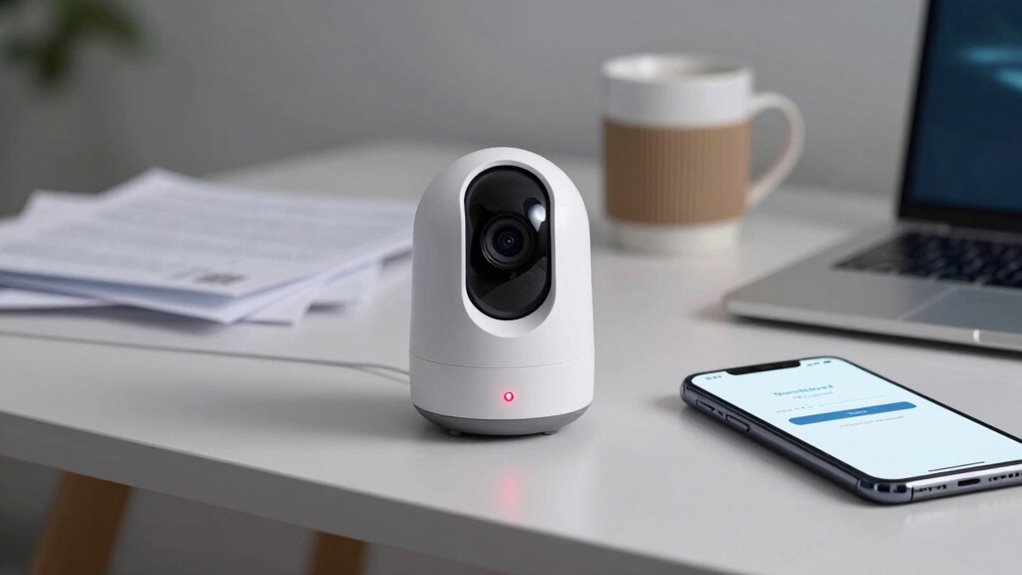
When you can’t log into your smart camera account, start by verifying your account credentials to guarantee they’re correct. If that doesn’t work, try resetting your password using the available options. These steps can often resolve login issues quickly and get you back in.
Verify Account Credentials
If you’re unable to log into your smart camera account, the first step is to verify that you’re entering the correct credentials. Double-check your username and password to confirm there are no typos. Use password management tools to securely store and retrieve your login details, preventing simple mistakes. Confirm that your account hasn’t been locked or suspended through account verification processes. Keep in mind that sometimes, browser autofill can fill in outdated info, so manually entering credentials helps. To avoid future issues, regularly update and manage your passwords. This way, you reduce errors and enhance security. Remember, verifying your credentials is essential before trying other recovery steps, ensuring your account remains protected and accessible. Additionally, understanding how digital distractions can impact your focus may help you stay attentive during the login process. Being aware of common security issues can also prepare you to recognize potential threats and better safeguard your account. Staying informed about security zone info can help you implement better protection measures for your devices.
Reset Password Options
Sometimes, despite verifying your credentials, you still can’t access your smart camera account. Resetting your password is often the best step forward. Start by using the “Forgot Password” link, which guides you through a secure process. Remember, effective password management and understanding device encryption help protect your account during resets. If you encounter issues, check your email for reset instructions or security alerts. Be cautious of phishing scams—only use official links. Understanding device encryption is crucial for maintaining your account’s security during resets. Additionally, familiarizing yourself with password recovery procedures can streamline the process if problems arise. Here’s a quick comparison:
| Option | What to Expect |
|---|---|
| Email Reset | Sends a link to your registered email for quick password change. |
| Security Questions | Requires answering questions to verify identity. |
| Two-Factor Authentication | Uses a code sent to your device for added security. |
| Device Encryption Reset | Resets password while maintaining device encryption protocols. |
| Contact Support | Direct help if other options don’t work. |
How to Prevent Future Hacks and Keep Your Home Safe

To keep your smart camera secure from future hacks, you need to take proactive steps to strengthen your home network and device settings. IoT vulnerabilities are common, but you can reduce risk by enabling data encryption on your devices. Regularly update firmware to patch security flaws and prevent exploitation. Use strong, unique passwords for your camera accounts and Wi-Fi network. Additionally, consider segmenting your network so your smart devices are isolated from your main devices. This limits hackers’ access if one device is compromised. These measures create multiple layers of security, making it harder for intruders to breach your system. Staying vigilant and proactive is key to maintaining a safe and secure home environment.
Common Mistakes That Make Your Smart Camera Account Vulnerable
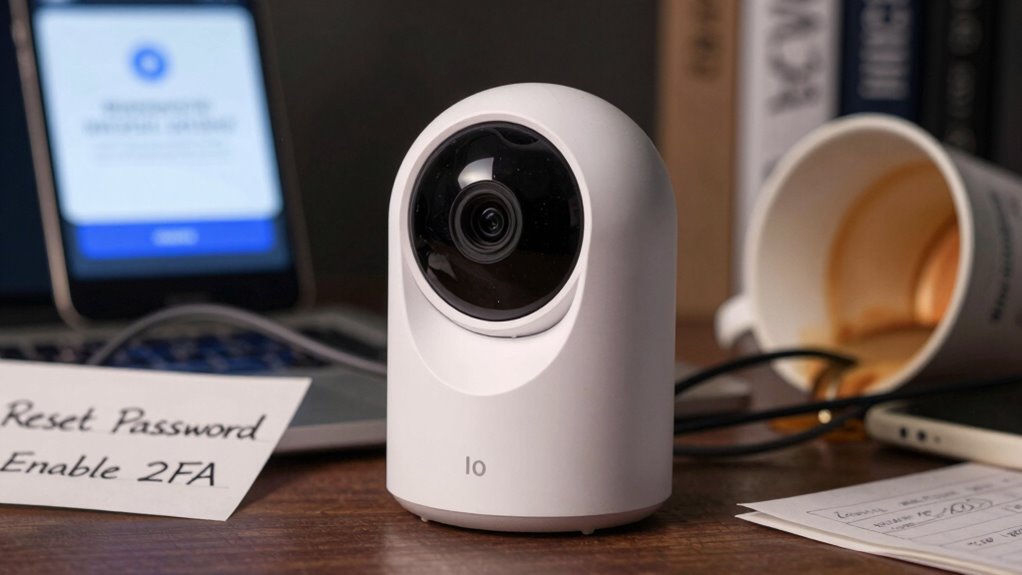
Many users unknowingly weaken their smart camera security by making simple yet costly mistakes. One common error is reusing passwords across multiple accounts, making it easier for hackers to access everything if one is compromised. Additionally, connecting your camera to unsecured Wi-Fi networks leaves it vulnerable to interception. Avoid these pitfalls by choosing unique, strong passwords and securing your Wi-Fi with encryption. Be cautious about sharing login details or using default credentials. Here’s a quick comparison:
| Mistake | Risk | Solution |
|---|---|---|
| Password reuse | Account hacking | Use unique, complex passwords |
| Unsecured Wi-Fi | Data interception, hacking | Secure Wi-Fi with WPA3 encryption |
| Default passwords | Unauthorized access | Change default credentials immediately |
Taking these steps keeps your smart camera safer from attacks.
Why Securing Your Smart Camera Account Protects Your Privacy and Gives You Peace of Mind
Securing your smart camera account is essential because it directly safeguards your privacy and personal space. Without proper security, you’re vulnerable to privacy concerns like unauthorized access and spying. Hacking prevention becomes a priority to keep your footage private and prevent malicious actors from controlling your camera. When your account is protected, you gain peace of mind, knowing that your home and loved ones are safe from intrusion. To strengthen your security, consider:
- Using strong, unique passwords for your account
- Enabling two-factor authentication to add an extra layer of protection
- Regularly updating your device’s firmware to patch security flaws
Frequently Asked Questions
Can Hackers Access My Smart Camera Without My Account Credentials?
Yes, hackers can access your smart camera without your account credentials if they exploit vulnerabilities. They often target weak passwords or bypass security through poor camera encryption. To protect yourself, use strong, unique passwords and guarantee your camera’s firmware is up to date. Good password strength and robust camera encryption make it much harder for intruders to gain unauthorized access and keep your privacy secure.
What Signs Indicate My Smart Camera Has Been Tampered With Physically?
If your smart camera has been tampered with physically, look for signs like physical damage such as scratches or loose parts, and listen for unusual noises like clicking or buzzing. You might notice the lens moved or missing, or wires disconnected. These signs indicate someone might have tried to access or alter your device. Regularly inspect your camera and secure it to prevent unauthorized tampering.
Are Third-Party Apps Safe to Use With My Smart Camera?
Third-party apps can pose risks to your smart camera’s security. Always check app permissions—they should only access essential features. Be cautious of third-party risks, like malware or unauthorized access, which can compromise your camera’s privacy. Only download apps from trusted sources, regularly update them, and review permissions to make certain you’re not granting unnecessary access. Staying vigilant helps protect your camera from potential threats and keeps your footage secure.
How Often Should I Update My Smart Camera’s Firmware?
Think of your smart camera’s firmware like the engine of a car—it needs regular tuning to run smoothly and securely. You should update your firmware whenever security patches are released, typically every few months. These updates fix vulnerabilities and enhance features, protecting your device from threats. Skipping updates is like ignoring warning lights; it puts your camera at risk. Stay vigilant, and update promptly for peak security and performance.
Is It Necessary to Disconnect My Smart Camera During Public Wi-Fi Use?
Yes, you should disconnect your smart camera during public Wi-Fi use to address public Wi-Fi concerns. Public networks are less secure, making your camera vulnerable to hacking. To protect your device, use camera disconnection strategies like turning it off or disconnecting from the network. This simple step helps prevent unauthorized access and keeps your footage safe while you’re on public Wi-Fi.
Conclusion
Remember, your smart camera account is like a fortress guarding your home’s secrets. Just as the Trojan Horse hid danger behind a friendly face, hackers disguise their threats to breach your defenses. Stay vigilant, strengthen your passwords, and enable two-factor authentication. By doing so, you’re not just protecting a device—you’re safeguarding your peace of mind, ensuring your digital gates remain secure, and keeping unwanted intruders at bay, just like a vigilant sentinel guarding a castle.