
In shared homes, securing your home office is essential because multiple people access the space, raising risks of theft, hacking, and accidental data exposure. Outdated software, weak Wi-Fi passwords, and unattended devices can all become entry points for cybercriminals. Establishing clear security protocols, locking devices, and setting up strong passwords protect your sensitive information. Staying vigilant is key, and if you keep exploring, you’ll discover practical ways to improve your shared home office security even further.

Get privacy and security gear delivered free with Prime
- Fast, free delivery on millions of items
- Prime Video, Amazon Music and more included
- Member-only deals all year
Key Takeaways
- Shared homes increase the risk of device theft, tampering, and unauthorized access, making security measures essential.
- Multiple users can inadvertently compromise Wi-Fi or device security without proper protocols.
- Sensitive work data is more vulnerable to exposure when household members are unaware of security best practices.
- Physical security is harder to maintain, elevating the need for locking devices and secure storage.
- Clear communication and shared security protocols help prevent breaches and ensure collective responsibility.
Sharing a home can complicate your home office security, but with the right strategies, you can protect your work and personal information effectively. When multiple people share the same space, the risk of data breaches or unauthorized access increases, especially if you don’t prioritize personal device safety and secure Wi-Fi networks. Your devices—laptops, smartphones, tablets—are vulnerable to theft, hacking, or accidental exposure if not properly protected. Keeping software updated, using strong passwords, and enabling two-factor authentication are simple yet powerful steps to safeguard your devices. Remember, unsecured or outdated software can serve as an open door for cybercriminals.
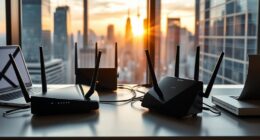
Similarly, your Wi-Fi network plays an essential role in maintaining security. Many shared homes have Wi-Fi networks that are poorly secured or default passwords, making them easy targets for intruders. Securing your Wi-Fi network with a complex, unique password and enabling encryption protocols like WPA3 can markedly reduce the risk of unauthorized access. It’s also wise to create a separate guest network for visitors, so they don’t have access to your primary devices and files. This separation helps prevent accidental or malicious interference with your work data.
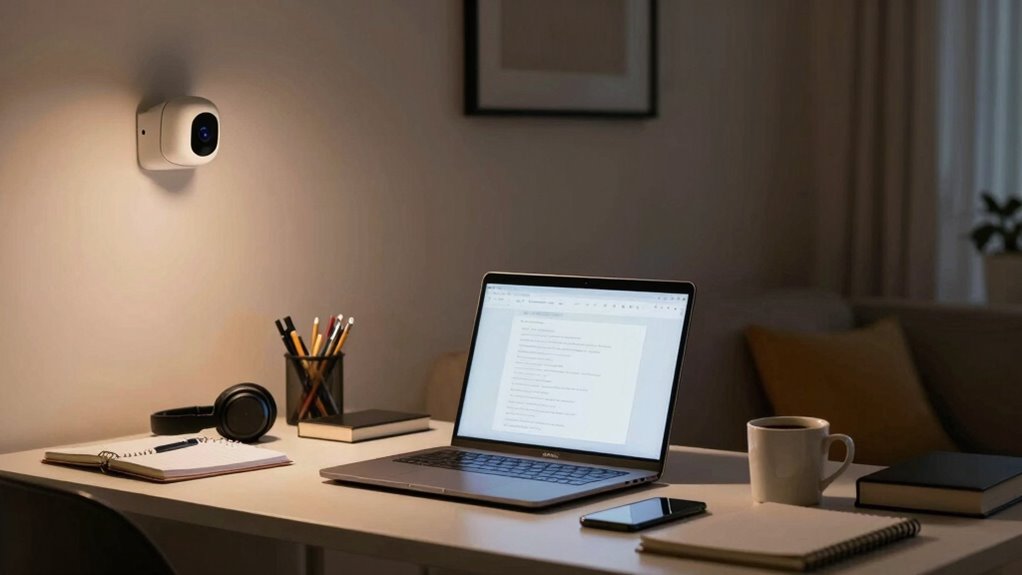
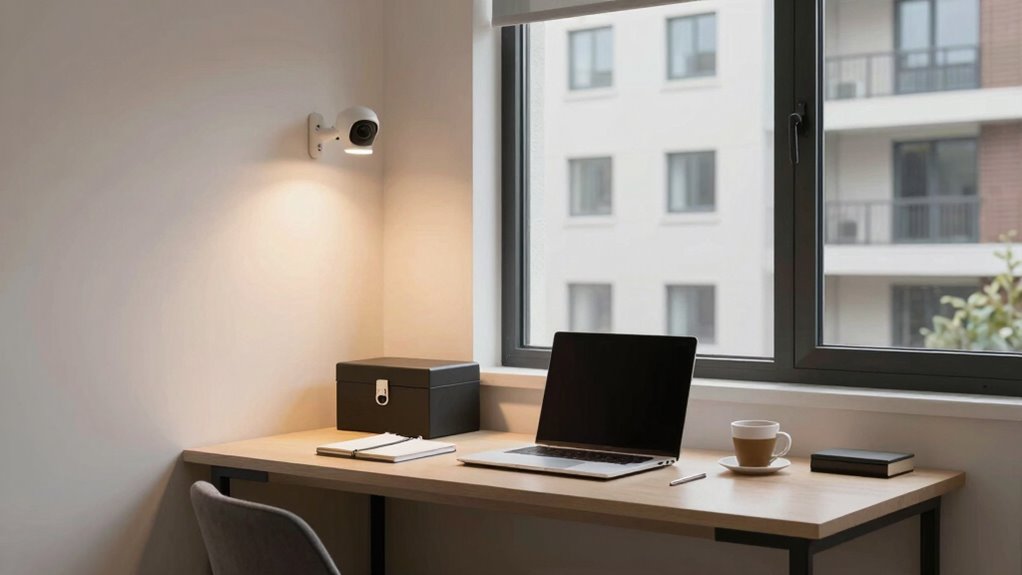
In shared living situations, you’re also vulnerable to physical security breaches. Devices left unattended or easily accessible can be stolen or tampered with. Always lock your devices when not in use, and consider investing in security features such as biometric login or remote wiping capabilities. These steps guarantee that even if someone gains physical access to your device, they won’t be able to misuse your information. Additionally, being aware of the cybersecurity risks associated with shared environments can help you stay proactive in protecting your digital assets. Incorporating physical security measures, like locking cabinets or safes for sensitive devices, can further enhance your security. Being aware of the security of connected devices can help you identify potential vulnerabilities before they are exploited.
Another important aspect is your digital footprint. Be cautious about what you share online, especially on social media. Information about your work or personal routines can be exploited by cybercriminals or malicious neighbors. Use privacy settings to restrict who can view your posts and avoid sharing sensitive details that could identify your work habits or home address. Additionally, understanding how biodiversity and conservation impact our digital environment can help you stay aware of broader online security concerns.
Finally, communicate clearly with your housemates or family members about security boundaries. Set rules for device use, data sharing, and internet access to minimize accidental leaks or breaches. When everyone understands the importance of digital security, it becomes easier to maintain a safe environment for your home office.
As an affiliate, we earn on qualifying purchases.
Frequently Asked Questions
How Do I Secure My Personal Files in a Shared Home Office?
To secure your personal files in a shared home office, start by encrypting your files with personal file encryption tools. Use secure cloud storage services that offer strong encryption and access controls. Always set strong, unique passwords and enable two-factor authentication. Additionally, log out of accounts when not in use and keep your devices updated. These steps help protect your sensitive information from unauthorized access.
What Are the Best Lock Options for Shared Workspace Doors?
Looking to keep your workspace private? Opt for a smart lock with biometric access, which offers a seamless, high-tech solution. These locks allow you to open with your fingerprint or a secure code, making unauthorized entry nearly impossible. They’re easy to install and manage, giving you peace of mind in shared environments. With a smart lock, you control access effortlessly, ensuring your work area stays private and protected at all times.
How Can I Prevent Unauthorized Access to My Home Office?
To prevent unauthorized access to your home office, you should control remote access and implement visitor management. Use strong, unique passwords and enable two-factor authentication for your devices and network. Keep a visitor log and restrict access to trusted individuals. Regularly update your security software and consider smart locks or security cameras. These steps help you monitor who enters and guarantee only authorized people can access your workspace.
Are There Specific Security Apps Recommended for Shared Home Offices?
You must prioritize security apps like Virtual Private Networks and Biometric Authentication in your shared home office. These tools are your digital fortress, blocking out intruders and safeguarding sensitive data. Virtual Private Networks hide your online activity, while Biometric Authentication ensures only you access your devices. Don’t settle for less—think of these apps as your personal security guards, making your workspace virtually impenetrable against any threat.
How Do I Handle Shared Device Security and Data Privacy?
You handle shared device security and data privacy by setting clear boundaries for virtual collaboration, like using separate user accounts and strong passwords. Regularly update your devices and security software, and encrypt sensitive files stored in cloud storage. Be cautious when sharing access, and always log out after use. This approach protects your data, maintains privacy, and guarantees everyone in the shared home stays secure.
As an affiliate, we earn on qualifying purchases.
Conclusion
Think of your shared home office as a delicate garden. Just as you’d protect your plants from pests and harsh weather, you need to safeguard your digital space from threats. When everyone tends to the garden, it thrives. But if one neglects their part, weeds can take over. By staying vigilant and sharing security duties, you guarantee your shared home office remains a safe, flourishing environment for all your work and creativity to grow.
As an affiliate, we earn on qualifying purchases.
secure storage safe for documents
As an affiliate, we earn on qualifying purchases.
As an affiliate, we earn on qualifying purchases.
Evergreen bestsellers Picks
bestsellers
As an affiliate, we earn on qualifying purchases.