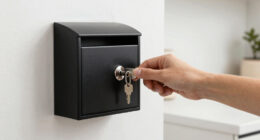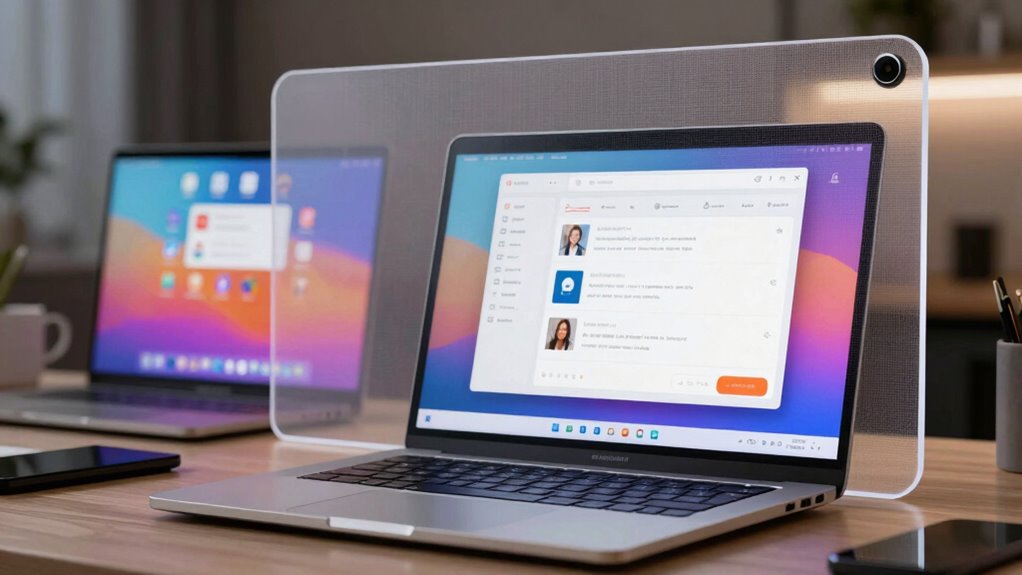
If you set your privacy zones too broad or neglect to customize them, you risk exposing sensitive personal information to strangers or malicious apps. Default settings often give a false sense of security, leaving you vulnerable if you don’t actively manage and review these boundaries regularly. Overlooking proper access controls and privacy configurations can easily lead to data leaks or security breaches. Keep your boundaries tight, and you’ll better protect your digital life from unnecessary exposure — learn how to guard your privacy more effectively.
Key Takeaways
- Failing to properly configure or restrict privacy zones can accidentally expose sensitive information to unintended viewers.
- Overlooking or neglecting to customize default privacy settings increases the risk of revealing personal data.
- Not actively managing privacy boundaries allows vulnerabilities and potential data leaks to persist.
- Relying solely on platform defaults without tailoring privacy zones leaves sensitive areas overly exposed.
- Inadequate access controls within privacy zones enable strangers or malicious actors to view private information.

Have you ever overlooked the importance of properly setting your privacy zones online? It’s a common mistake that can leave you vulnerable to unnecessary exposure. When you don’t carefully define your privacy boundaries, sensitive information can become accessible to unintended audiences. This often happens because people assume that default settings or vague privacy controls will keep their data safe. But in reality, neglecting to tailor your privacy zones can lead to a serious breach of your personal information.
One crucial aspect of safeguarding your online privacy is implementing strong data encryption. Encryption transforms your data into an unreadable format, ensuring that even if someone gains access, they can’t interpret your information without the proper decryption keys. Many don’t realize that without proper encryption, your messages, files, and personal details are at risk of interception. Relying solely on the platform’s default security isn’t enough; you need to actively encrypt your data to keep prying eyes out. Understanding encryption methods can significantly enhance your privacy measures.
Implement strong data encryption to protect your messages, files, and personal details from interception and unauthorized access.
Alongside data encryption, access control plays a vital role in maintaining privacy. Access control allows you to specify who can see or modify your information. If you leave your privacy zones too broad, you’re essentially giving access to anyone—strangers, hackers, or even malicious apps. By carefully setting access controls, you limit visibility to only those you trust. For example, you can restrict social media posts to friends or colleagues, or configure app permissions to prevent unnecessary data sharing. Overlooking this step is one of the biggest privacy zone mistakes, as it leaves your personal data open to exploitation.
Many people make the false assumption that privacy settings are enough to protect them. However, privacy zones are only as strong as your configuration. A careless setup can inadvertently expose your location, contact info, or even financial details. It’s important to understand how privacy controls work and to review them regularly to ensure they are still aligned with your privacy goals. Additionally, being aware of data encryption methods can significantly reduce the risk of data breaches. Implementing encryption practices and regularly updating your privacy settings ensures your defenses remain robust against evolving threats. Regularly reviewing your privacy zones helps you stay ahead of potential vulnerabilities.
In essence, the privacy zone mistake isn’t just about where you draw the line—it’s about actively managing and securing those boundaries. You need to understand that data encryption and access control aren’t optional; they’re fundamental tools to keep your digital life private. When you neglect these measures, you risk leaving too much visible and vulnerable. Incorporating best privacy practices into your routine is essential to maintaining a strong privacy stance. By taking control of your privacy zones and implementing strong safeguards, you protect yourself from unnecessary exposure, keeping your personal world safer and more private.
data encryption software for personal privacy
As an affiliate, we earn on qualifying purchases.
As an affiliate, we earn on qualifying purchases.
Frequently Asked Questions
How Can I Identify if My Privacy Zone Is Too Visible?
You can identify if your privacy zone is too visible by paying attention to your privacy awareness. If others can easily see into your designated zone or if it exposes sensitive information, it’s a sign of high zone visibility. You should test your setup by observing from different angles or asking a trusted friend to check. If they notice more than you intend, it’s time to enhance your privacy measures.
What Tools Are Best for Customizing Privacy Zones Effectively?
You should use tools like adjustable camera placement and lighting adjustments to customize privacy zones effectively. Position your camera at angles that limit unwanted visibility, ensuring it captures only what you need. Adjust lighting to reduce glare and shadows that could reveal too much. These tools work together to create precise privacy zones, helping you control what’s visible and what stays hidden. Consistently fine-tune your setup for maximum privacy protection.
Are There Privacy Zone Mistakes Common Across All Device Types?
Yes, common privacy zone mistakes happen across all device types, especially with poor camera placement and inadequate lighting adjustments. You might accidentally expose too much by not positioning cameras to avoid private areas or by neglecting to adjust lighting for clear images, which can reveal sensitive details. Always review your privacy zones regularly, guarantee cameras are properly placed, and make lighting adjustments to keep private spaces protected across all devices.
How Often Should I Review and Adjust My Privacy Zones?
You should review and adjust your privacy zones regularly, ideally every few months, especially after updates or changes in your device or usage habits. During these reviews, guarantee your data encryption remains strong and that your settings reflect current activities. Always seek user consent before modifying privacy zones, and stay informed about new privacy features or risks. Frequent adjustments help protect your sensitive information from unintended exposure.
Can Privacy Zone Settings Impact Device Performance?
Yes, your privacy zone settings can impact device performance. Adjusting camera sensitivity might reduce processing load, making your device run smoother. Also, enabling data encryption guarantees your footage stays secure without slowing down system operation. When you fine-tune privacy zones, you prevent unnecessary data collection, which can improve overall camera responsiveness. Just remember, overly restrictive zones might limit surveillance effectiveness, so find a balance that maintains both privacy and performance.
privacy zone management tools
As an affiliate, we earn on qualifying purchases.
As an affiliate, we earn on qualifying purchases.
Conclusion
Remember, a privacy zone is only as good as its boundaries. Don’t fall into the trap of leaving too much visible—otherwise, you’re inviting unwanted eyes to peek in. It’s like the saying goes, “A little caution goes a long way.” By carefully designing your privacy zone and respecting its limits, you protect your space and peace of mind. Keep your boundaries clear, and you’ll enjoy the privacy you deserve, no matter what.
app permissions control device
As an affiliate, we earn on qualifying purchases.
As an affiliate, we earn on qualifying purchases.
personal information privacy protection
As an affiliate, we earn on qualifying purchases.
As an affiliate, we earn on qualifying purchases.