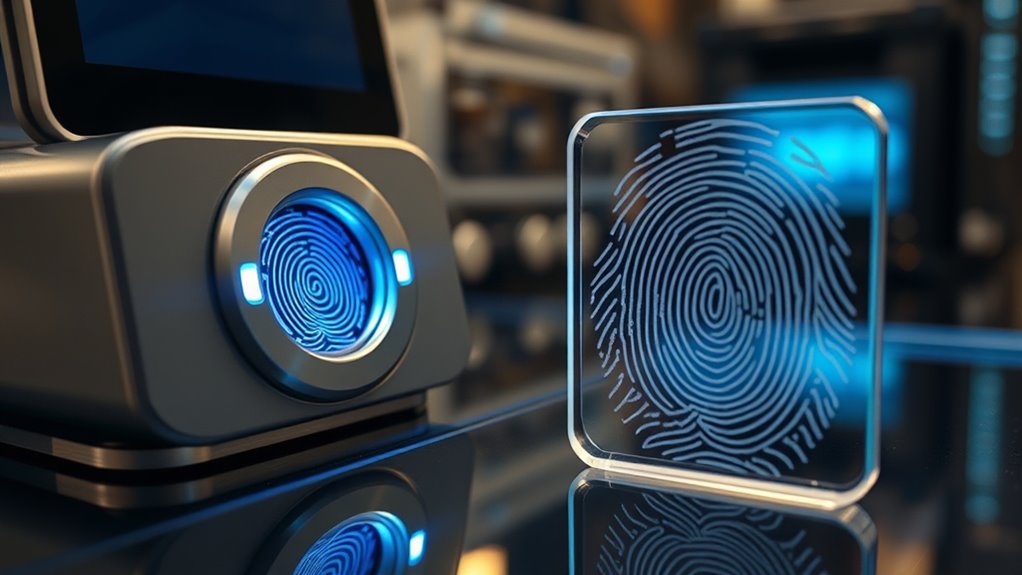
Manufacturers combat fingerprint cloning by integrating advanced anti-spoofing techniques like capacitive sensors, ultrasonic imaging, and liveness detection measures that identify real skin from fake copies. They analyze fingerprint texture, pulse, and skin properties to spot fakes. Regular improvements in algorithms and new sensor technologies make cloning increasingly difficult. To stay secure, biometric systems continuously evolve with innovative features. If you want to discover more about how these methods stay ahead of attackers, there’s plenty more to explore.
Key Takeaways
- Manufacturers implement advanced fingerprint sensors that detect pulse, sweat, and skin properties to distinguish real fingerprints from fake copies.
- Multi-layered security features, such as liveness detection and anti-spoofing algorithms, are integrated to identify cloned fingerprints.
- Use of optical, capacitive, and ultrasonic sensors enhances fingerprint verification accuracy and counteracts cloning attempts.
- Continuous AI-based updates analyze fingerprint patterns to detect anomalies and prevent spoofing or cloning.
- User education and regular device firmware updates help maintain security against evolving fingerprint cloning techniques.
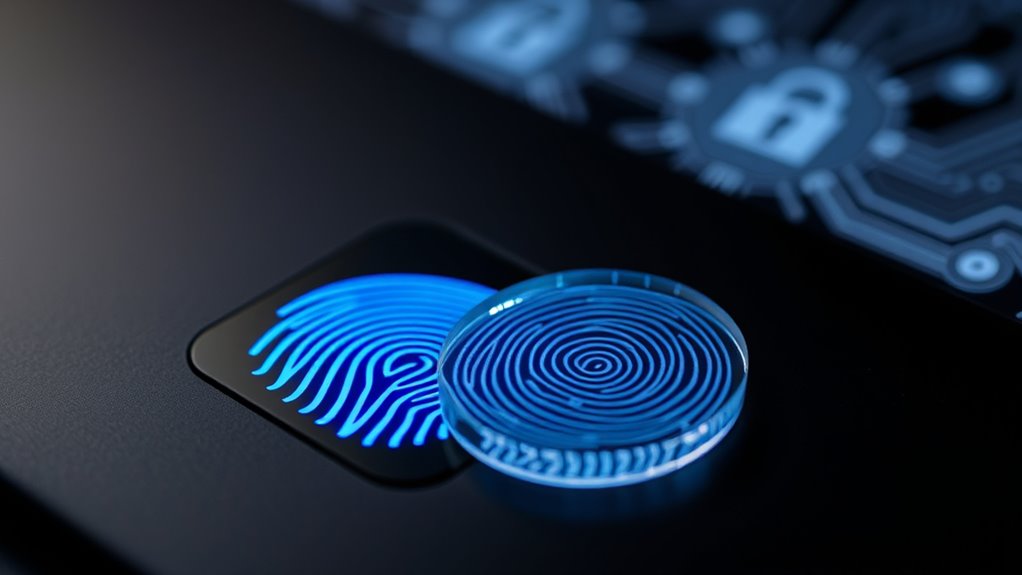
Biometrics spoofing occurs when someone tricks a biometric system into recognizing a fake or altered trait as genuine, potentially granting unauthorized access. As technology advances, so do the methods used by malicious actors to bypass security measures. One common target is facial recognition, which relies on analyzing facial features to verify identities. Attackers might use photos, masks, or even 3D models to deceive these systems. If the facial recognition system isn’t equipped with anti-spoofing measures—like liveness detection—it can be fooled into granting access to impostors. Similarly, voice authentication, which verifies a person’s identity through voice patterns, faces its own risks. Hackers may use recordings, synthesized voices, or voice mimicking techniques to impersonate legitimate users. Without proper safeguards, voice-based systems can be deceived, leading to security breaches.
Biometric spoofing tricks systems with fake traits, risking unauthorized access without anti-spoofing safeguards.
Manufacturers are actively developing and implementing countermeasures to defend against spoofing attempts. For facial recognition, this includes integrating liveness detection, which prompts users to perform specific actions—like blinking or turning their head—to confirm they are real and present. Some systems analyze the texture of the face or use infrared sensors to distinguish between a live face and a photograph or mask. These measures considerably reduce the chances of successful spoofing. For voice authentication, advancements involve analyzing the unique characteristics of a person’s voice, such as pitch, tone, and speech patterns, while also detecting signs of playback or synthetic voices. Voice liveness detection may require users to speak specific phrases or respond to prompts, ensuring the voice is live and not a recording. Additionally, the integration of digital sound synthesis techniques can be used to create more sophisticated testing scenarios for voice verification systems.
Manufacturers aren’t solely relying on one method; they’re combining multiple layers of security to improve reliability. Multi-factor authentication, which combines facial recognition with fingerprint scans or voice authentication with a PIN, offers a more robust defense. Additionally, ongoing research explores artificial intelligence and machine learning algorithms that can detect subtle anomalies indicative of spoofing attempts. This continuous evolution in technology aims to stay ahead of increasingly sophisticated spoofing techniques.
While no system can be entirely foolproof, these innovations make it markedly harder for attackers to succeed. As a user, understanding these measures helps you appreciate the effort behind securing your digital identity. Knowing that manufacturers are consistently refining biometric security systems reassures you that your data and access points are better protected than ever before. Overall, the fight against biometric spoofing is ongoing, but with smarter technology and vigilant development, the likelihood of unauthorized access through spoofing diminishes each day.
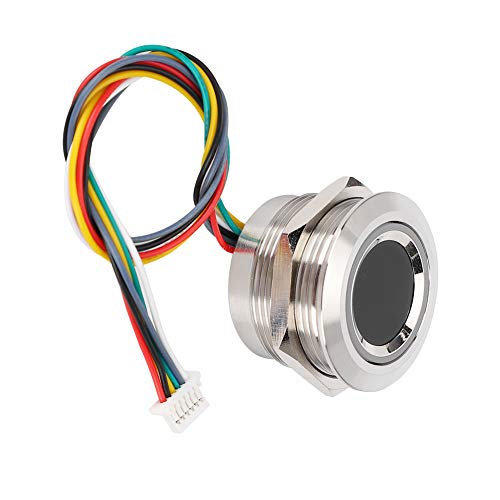
Capacitive Fingerprint Module for Safety Box Access Control Assistance
☂In a Wide Range of Applications, Can Be Embedded in Various Final Products, Such As: Access Control, Auxiliary,…
As an affiliate, we earn on qualifying purchases.
As an affiliate, we earn on qualifying purchases.
Frequently Asked Questions
What Are the Latest Biometric Spoofing Techniques Currently Identified?
You should be aware that attackers now use fake fingerprints created through mold cloning, which can bypass some biometric systems. They often craft detailed molds from materials like silicone or gelatin, then use these to fool fingerprint scanners. These sophisticated techniques highlight the importance of advanced anti-spoofing measures. Manufacturers are continually updating their systems to detect fake fingerprints and prevent successful mold cloning attempts, but staying vigilant is essential.
How Do Manufacturers Detect Advanced Fingerprint Cloning Methods?
Imagine a bank detecting a sophisticated fingerprint clone. You, as a manufacturer, use advanced sensors that analyze skin elasticity and pulse during authentication. You regularly calibrate sensors to identify anomalies and stay ahead of cloning techniques. Additionally, you educate users on proper fingerprint placement, reducing false attempts. This combination helps you spot advanced fingerprint cloning methods effectively, ensuring security while maintaining user convenience.
Are There Biometric Systems Resistant to All Spoofing Attempts?
No biometric system is completely resistant to all spoofing attempts, but some come close. You can rely on multispectral sensors, which analyze fingerprint details across multiple wavelengths, making clones less effective. Additionally, behavioral biometrics—like how you hold your device or type—add extra layers of security. These combined methods make it markedly harder for imposters to spoof your identity, though no system guarantees absolute protection.
What Are the Legal Implications of Biometric Spoofing?
Imagine your biometric data as a delicate lock, and spoofing as a sneaky intruder trying to pick it. If caught, you face serious legal penalties, including fines or even criminal charges. Beyond legal risks, spoofing raises privacy concerns, exposing personal information. You must understand that unauthorized biometric use jeopardizes your rights, and authorities take these violations seriously, emphasizing the importance of respecting privacy laws and ethical boundaries in biometric security.
How Often Should Biometric Security Systems Be Updated?
You should update your biometric security systems regularly, ideally every 3 to 6 months, to guarantee biometric maintenance stays effective. Frequent security updates help patch vulnerabilities, especially as spoofing techniques evolve. Staying proactive reduces the risk of fingerprint cloning and other spoofing attacks. Make it a routine to review and upgrade your system’s software, hardware, and security protocols consistently, so your biometric data remains protected against emerging threats.

Kensington VeriMark™ Gen2 USB-A Fingerprint Key Reader – Windows Hello & Windows Hello for Business, Tap and Go, Anti-Spoofing (K64704WW)
Match-in-Sensor Advanced Fingerprint Technology: Combines excellent biometric performance and 360° readability with anti-spoofing technology. Exceeds industry standards for…
As an affiliate, we earn on qualifying purchases.
As an affiliate, we earn on qualifying purchases.
Conclusion
As you navigate the world of biometric security, remember that manufacturers are constantly innovating to combat fingerprint cloning—like a modern-day knight defending against digital dragons. While spoofing techniques evolve, staying informed and using multi-layered security measures can help you stay a step ahead. Don’t forget, even in this digital age, a simple fingerprint remains both your greatest asset and vulnerability. Keep your defenses sharp, or risk falling prey to the very technology designed to protect you.

Fingerprint Reader Biometric Authentication – DigitalPersona URU4500 USB – Fingerprint Scanner – Original HID Brand
New replacement old Red Logo Digital persona URU4500, HID , USB reader. Original HID Brand
As an affiliate, we earn on qualifying purchases.
As an affiliate, we earn on qualifying purchases.

Yubico – YubiKey Bio C (FIDO Edition) – Basic Compatibility – Multi-Factor authentication (MFA) Security Key and passkey, Connect via USB-C, Biometric, FIDO Certified – Protect Your Online Accounts
FIDO-ONLY FUNCTIONALITY: Supports FIDO2 (passkeys) and FIDO U2F protocols for passwordless and second-factor authentication. Does not support OTP,…
As an affiliate, we earn on qualifying purchases.
As an affiliate, we earn on qualifying purchases.