Audit logs on smart locks store details like who accessed your lock, when, and how, including device communication, timestamps, and access methods. They also track system performance, firmware updates, and location data to help you monitor activity and detect suspicious behavior. Keeping these logs secure with encryption and access controls is essential for privacy. To learn more about what these logs mean for your security, keep exploring.
Key Takeaways
- Audit logs store access events, including timestamps, user identities, and access methods, crucial for security monitoring.
- They record device status, firmware updates, and performance data to ensure system health and troubleshoot issues.
- Access logs help detect unauthorized activity and support incident investigation by reconstructing event sequences.
- Protecting log data through encryption, access controls, and anonymization is essential to prevent privacy breaches.
- Proper management of audit logs balances security, privacy, and user trust, making them vital yet sensitive security tools.
smart lock audit log viewer
As an affiliate, we earn on qualifying purchases.
As an affiliate, we earn on qualifying purchases.
Types of Data Recorded in Smart Lock Logs
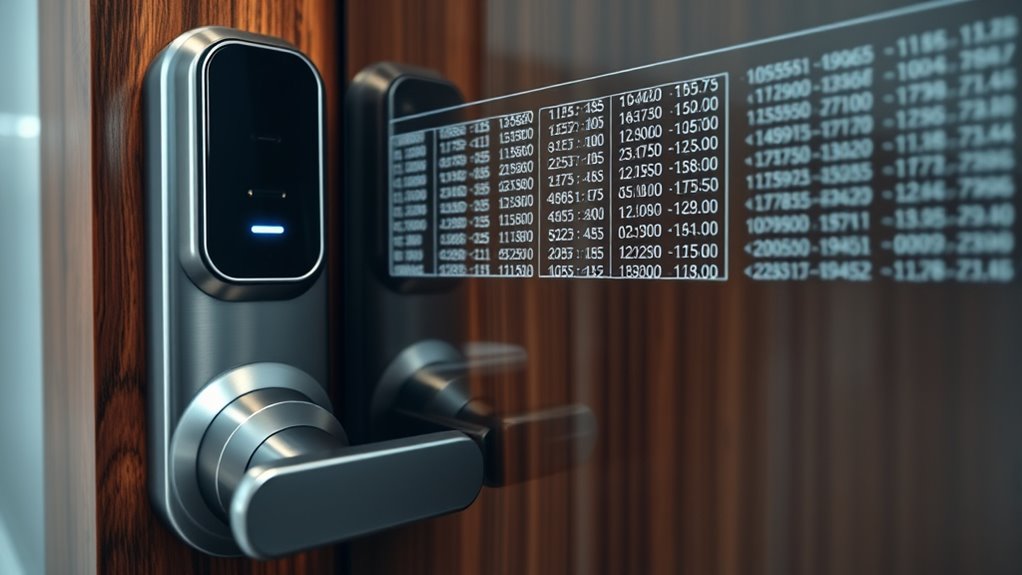
Smart lock logs record a variety of data points to track access and guarantee security. One key data type is device integration information, which shows how your lock communicates with other smart home devices, ensuring seamless operation. Firmware updates are also logged, providing a record of when your lock’s software was last updated, helping identify potential security vulnerabilities or bugs. Additionally, logs may include timestamps of lock and open events, user identification, and access methods, such as keypad or app commands. This data helps detect anomalies and unauthorized access attempts. By tracking device integration and firmware updates, you get a clearer picture of your smart lock’s health and security status, enabling proactive management and safeguarding your home effectively. Understanding data privacy is also crucial to ensure your personal information remains protected while using smart locks.
smart lock security monitoring device
As an affiliate, we earn on qualifying purchases.
As an affiliate, we earn on qualifying purchases.
User Activity and Access History

Tracking user activity and access history is essential for maintaining your home’s security. When someone uses your smart lock, the system logs details like who accessed it, when, and for how long. To respect user privacy, many smart lock systems require user consent before recording this data. Additionally, data anonymization is often employed to protect identities, especially when logs are reviewed for security audits or troubleshooting. By anonymizing user information, you limit exposure of personal details while still maintaining useful access records. This balance of user consent and data anonymization helps you monitor activity effectively without compromising privacy, making your security system both responsible and reliable. Implementing secure data storage practices further ensures that sensitive information remains protected from unauthorized access.
smart lock firmware update tracker
As an affiliate, we earn on qualifying purchases.
As an affiliate, we earn on qualifying purchases.
System Status and Device Performance Data
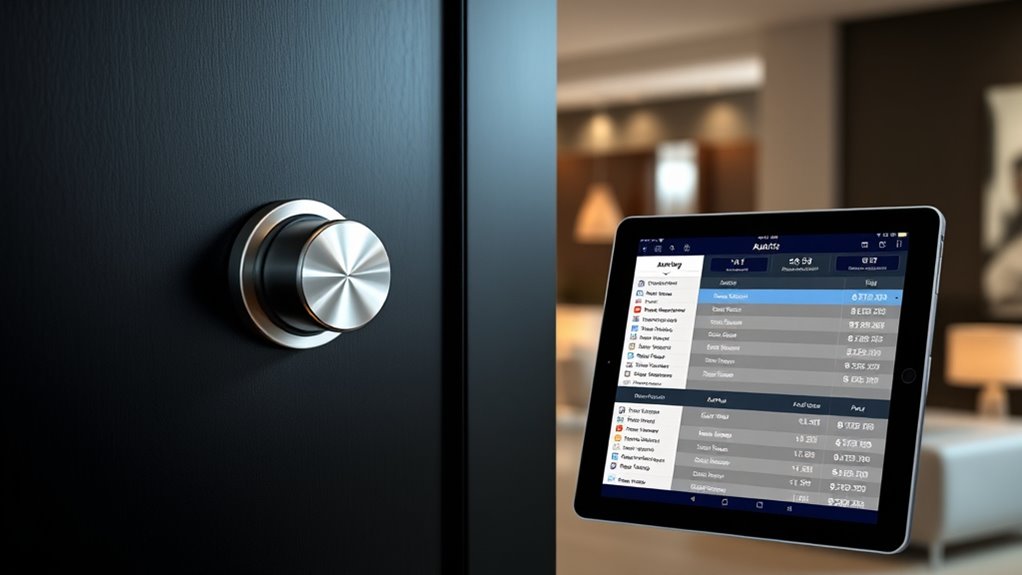
Monitoring system status and device performance data is essential for guaranteeing your smart lock operates reliably. This data helps you track hardware diagnostics, identify potential issues early, and maintain smooth functionality. Regularly reviewing system status can alert you if firmware updates are needed to patch vulnerabilities or improve features. It also provides insight into battery levels, connectivity strength, and overall device health. By keeping an eye on hardware diagnostics, you can prevent unexpected failures and extend the lifespan of your lock. This proactive approach guarantees your smart lock remains secure and operational. Collecting and analyzing this data is vital for optimal device management, giving you confidence that your smart lock performs as expected at all times. Recognizing angel numbers can also offer spiritual reassurance and guidance, further enhancing your understanding of device performance and your personal connection to technology.
smart lock access history log
As an affiliate, we earn on qualifying purchases.
As an affiliate, we earn on qualifying purchases.
Location and Access Point Information
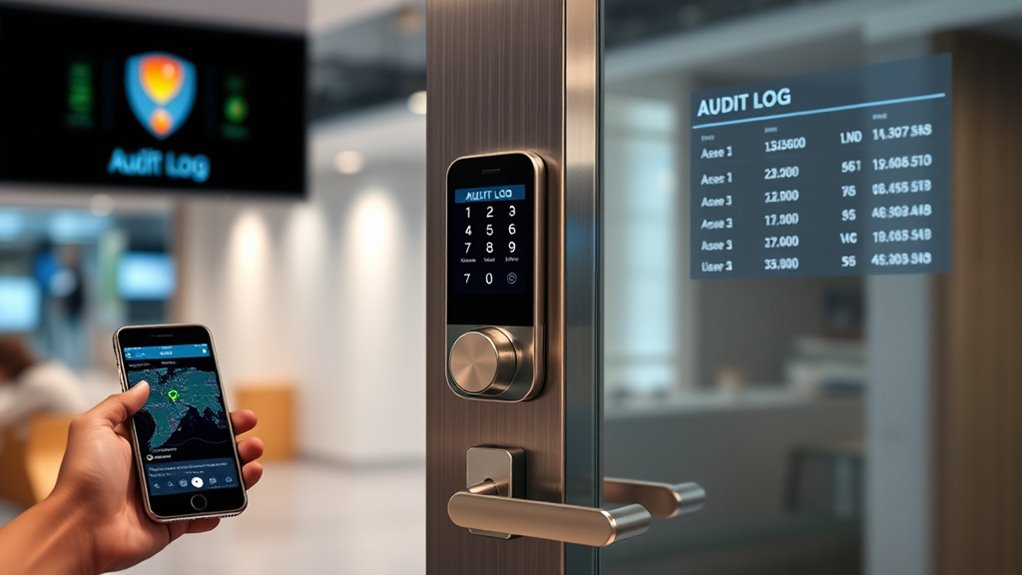
Understanding the location and access point information of your smart lock is crucial for managing security and access control effectively. Audit logs often include geolocation analysis, showing the physical location where access was granted or attempted. This data helps you verify whether access occurred at expected times and places, reducing unauthorized entries. Access point mapping visually represents where your smart lock is installed, providing a clear overview of all entry points. By analyzing this information, you can identify patterns, detect anomalies, and enhance your security measures. Knowing exactly where your lock is and how it’s being accessed allows you to make informed decisions about user permissions and potential vulnerabilities, ensuring your property stays protected. Additionally, understanding how audit logs function can help you better interpret the data and improve your overall security strategy.
Timestamps and Event Sequencing
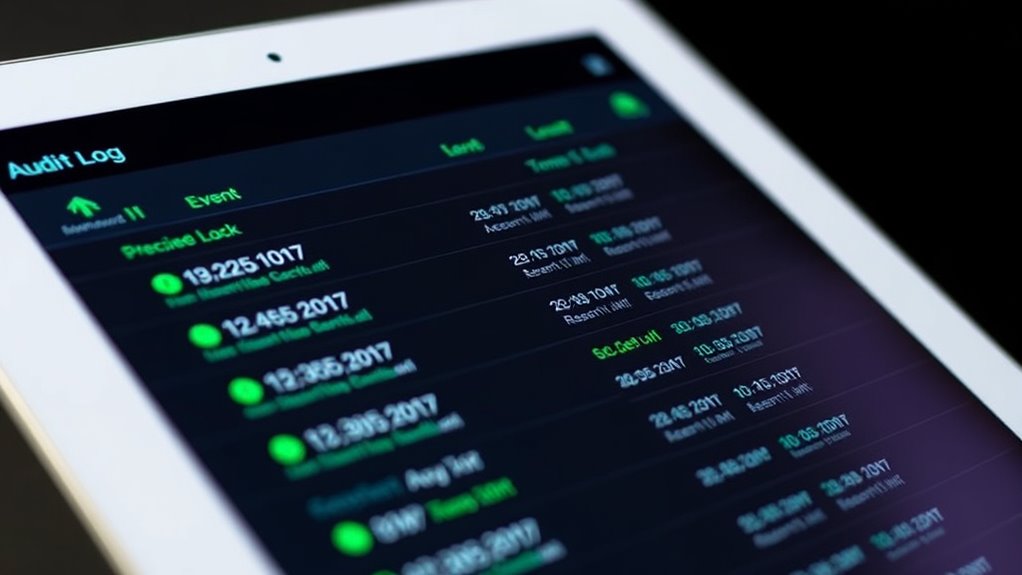
Timestamps and event sequencing are crucial for establishing a clear timeline of all access activities involving your smart lock. They help you understand the exact time each event occurs, creating a reliable time sequence of who entered or exited and when. Accurate timestamps ensure the event order is preserved, making it easy to trace any unauthorized access or suspicious activity. Without precise date and time data, it’s challenging to assess security incidents or verify user actions. Properly recorded timestamps allow you to reconstruct events in chronological order, providing a detailed and accurate record. This clarity is indispensable for security audits, investigations, and maintaining trust in your smart lock system. In short, timestamps and event sequencing are the backbone of effective audit logs. Additionally, high refresh rates in projectors can improve the clarity of fast-moving images, which is important for immersive viewing experiences.
Authentication Methods and Credentials Used

How do you verify that only authorized users gain access to your smart lock? Typically, smart locks use various authentication methods, including biometric authentication such as fingerprint or facial recognition, to confirm identities accurately. Credential management plays a vital role here, as it controls who has access and how their credentials are stored and updated. Some systems rely on PIN codes or passphrases, while others use digital keys or smartphone apps. These credentials are logged in audit trails, helping you track access attempts and verify authorized use. Strong credential management ensures that outdated or compromised credentials are revoked promptly, enhancing security. Combining biometric authentication with effective credential management creates a robust barrier against unauthorized access. Additionally, understanding audit log data helps in reviewing access history and detecting suspicious activities.
Data Sharing and Storage Policies
Effective data sharing and storage policies are essential to protect your smart lock’s access information from unauthorized use or breaches. When working with third-party collaborations, it’s crucial to understand how your data is shared and who has access. Confirm that partners adhere to strict data retention policies, deleting logs and information when no longer needed. Clear policies define how long data is stored, minimizing the risk of unnecessary exposure. Transparency about data sharing practices helps you make informed decisions and maintain control over your private information. Regularly review these policies to verify they align with your privacy preferences and legal standards. By establishing and enforcing robust data sharing and storage policies, you safeguard your smart lock system against misuse and protect your personal information. Ensuring your data practices comply with privacy standards is vital for maintaining user trust and security.
Security and Privacy Implications
When audit logs record your access, there’s a risk that sensitive data could be exposed or misused. To protect your privacy, smart lock providers implement strategies like encryption and access controls. Understanding these security measures helps you stay aware of how your data is kept safe. Additionally, Paint Sprayer Reviews and buying guides can offer insights into security features and best practices for safeguarding your information.
Data Access Risks
While audit logs are essential for tracking access to smart locks, they also introduce significant security and privacy risks. If these logs aren’t properly protected, malicious actors could exploit vulnerabilities through remote hacking, gaining unauthorized access to sensitive data. Weak security measures, such as unencrypted logs, make it easier for hackers to intercept and misuse information. Data encryption plays a fundamental role in safeguarding logs, ensuring that even if attackers access the data, they can’t easily decipher it. Without robust encryption and access controls, your audit logs could become a vulnerability, exposing personal details and access history. Protecting these logs is indispensable to prevent unauthorized data access and safeguard your privacy and security. Additionally, understanding the importance of creative practice can help develop innovative solutions to enhance security measures in digital systems.
Privacy Preservation Strategies
To preserve privacy and enhance security, implementing robust strategies for managing audit logs is essential. You should use strong encryption protocols to protect log data both at rest and during transmission, preventing unauthorized access. Regularly updating encryption methods guarantees ongoing security against emerging threats. Additionally, obtaining explicit user consent before collecting or storing audit logs respects privacy rights and promotes transparency. Limiting access to logs only to authorized personnel reduces the risk of data breaches. Anonymizing or pseudonymizing sensitive information within logs further safeguards user identities. Incorporating access controls ensures that only trusted individuals can view or modify the logs, strengthening overall security. Combining these measures helps you maintain a balance between security and privacy, ensuring that audit logs serve their purpose without compromising user trust or exposing sensitive data unnecessarily.
Frequently Asked Questions
How Long Are Audit Logs Retained by Smart Lock Systems?
You might wonder how long your smart lock’s audit logs are maintained. Typically, these logs are preserved according to the system’s data retention policies, which vary by manufacturer. Many systems store logs for a few months to a year to balance security and user privacy. It’s important to review your provider’s policies to understand how they protect your data and ensure your privacy isn’t compromised over time.
Can Users Access or Export Their Own Log Data?
They say “knowledge is power,” and that’s true with your smart lock logs. You can often access or export your own log data, supporting user privacy and data portability. Check your system’s settings or app; many platforms let you view, download, or share your logs. Doing so guarantees you stay in control of your data, maintaining transparency and peace of mind about who accessed your home and when.
What Encryption Methods Protect Stored Audit Logs?
You might wonder how your audit logs stay secure. Smart lock systems typically use robust encryption protocols like AES-256 to protect stored audit logs. These encryption methods ensure data confidentiality by converting your log data into unreadable code, making it difficult for unauthorized users to access or tamper with your information. By employing such secure encryption protocols, manufacturers help keep your audit logs safe and private.
Are Audit Logs Legally Admissible in Disputes?
Did you know that over 60% of legal disputes now consider digital evidence? Audit logs from smart locks are generally admissible if they meet legal standards, like authenticity and chain of custody. However, privacy concerns and legal compliance play vital roles. You must guarantee logs are accurate, unaltered, and properly stored to be used effectively in disputes, helping you protect your interests while respecting privacy laws.
How Do Manufacturers Ensure Log Data Integrity?
You want to know how manufacturers ensure log data integrity. They often implement robust security measures aligned with manufacturer compliance standards, like encryption and secure storage. These practices help prevent data tampering, guaranteeing logs remain accurate and trustworthy. Regular audits and tamper-evident technologies further reinforce data integrity, giving you confidence that the audit logs are reliable and have not been altered, which is vital for dispute resolution and security.
Conclusion
Just as a diary reveals your secrets, your smart lock logs disclose your movements and habits. While they offer security and convenience, they also remind us of the delicate balance between safety and privacy. Protecting this data is like guarding a treasure—once lost or mishandled, trust is broken. Stay vigilant and informed, for in safeguarding your digital keys, you’re preserving your peace of mind in an increasingly connected world.