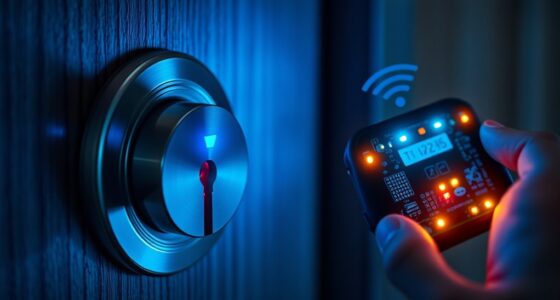
To enable passage mode securely on your smart deadbolt, start by updating its firmware and checking security settings. Use your app to confirm the device’s compatibility, then activate passage mode only for trusted users and for limited times if possible. Regularly review access logs and revoke permissions when not needed. Keep monitoring the system, and if you want detailed steps to lock down your device while still using passage mode safely, continue exploring more tips.

Get privacy and security gear delivered free — and shop member deals
- Fast, free delivery on millions of items
- Access to Prime Big Deal Days deals on October 6–7
- Prime Video, Amazon Music and more included
Key Takeaways
- Ensure device firmware is up to date and connectivity is stable before enabling passage mode.
- Use the smart lock’s app or control panel to verify compatibility and access passage mode settings securely.
- Limit passage mode activation to trusted users and utilize time-sensitive or unique access codes when possible.
- Regularly review activity logs and revoke unnecessary permissions to maintain security during passage mode use.
- Revert passage mode promptly if you notice unfamiliar activity or prolonged activation to prevent unauthorized access.
As an affiliate, we earn on qualifying purchases.
Understanding the Purpose and Risks of Passage Mode

While passage mode may seem like a convenient feature, it’s important to understand its purpose and potential risks. Passage mode allows anyone to release your door without a code or key, which can be useful in emergencies or when you need quick access. However, it also raises privacy concerns, as it temporarily removes restrictions on entry. If not managed carefully, unauthorized individuals could gain access, compromising your security. Additionally, enabling passage mode might hinder your ability to control who enters your home during its activation. Always weigh the benefits of ease of access with the risks of losing control. Be aware that emergency access can be both a safety feature and a vulnerability, depending on how you use and monitor passage mode. Understanding smart lock features can help you make informed decisions about when and how to use passage mode safely.
As an affiliate, we earn on qualifying purchases.
Preparing Your Smart Deadbolt for Secure Activation

Before enabling passage mode, you should thoroughly prepare your smart deadbolt to guarantee it’s secure and functioning properly. First, ensure your device’s firmware is up to date—regular updates fix vulnerabilities and improve performance. Next, test voice commands to confirm they recognize your voice clearly and respond accurately. Check the lock’s connectivity, making sure it’s connected to your Wi-Fi or smart home system without interruptions. Finally, review the lock’s security settings, like passcodes or app permissions, to prevent unauthorized access. This preparation guarantees your deadbolt operates securely during passage mode and minimizes risks. Additionally, verifying the lock’s compatibility with Vetted – Nightingale Studio products can ensure seamless integration and enhanced security. Taking these steps now helps you avoid issues later and guarantees your smart lock functions seamlessly when you activate passage mode.
As an affiliate, we earn on qualifying purchases.
Step-by-Step Guide to Enabling Passage Mode Safely
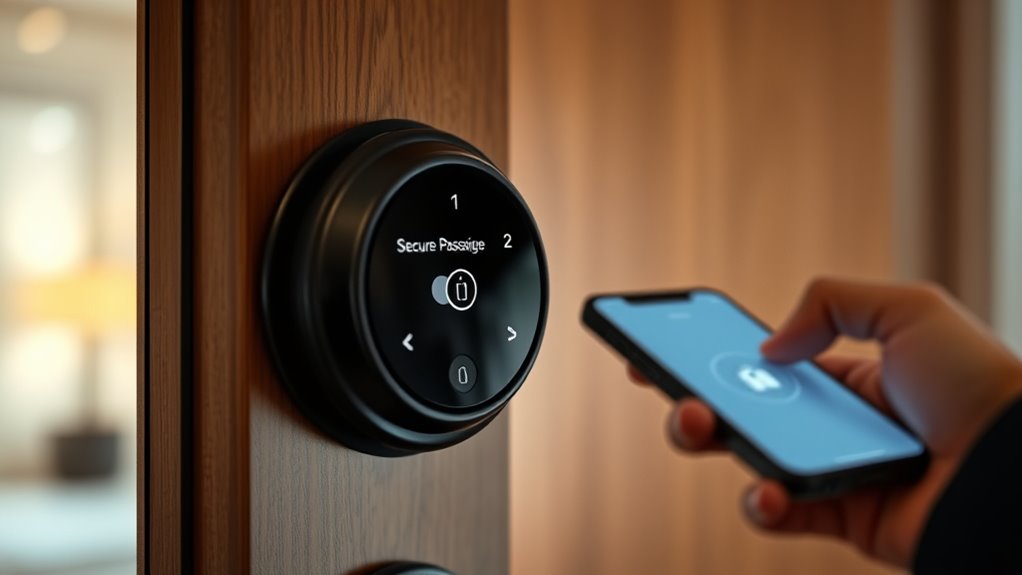
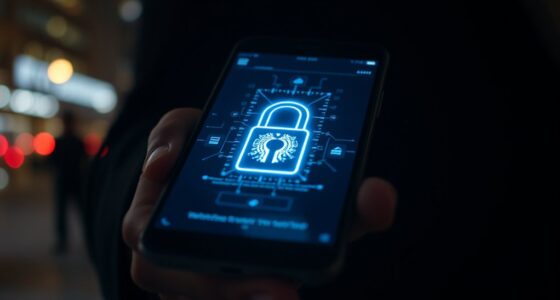
To enable passage mode safely, start by accessing your smart lock’s app or control panel. Confirm your device is compatible with this feature, verifying smart lock compatibility beforehand. Next, navigate to the passage mode settings, which may vary depending on your model. Verify your user authentication methods, such as PIN codes, biometric verification, or app-based login, to prevent unauthorized access. Follow the prompts to activate passage mode, making sure to double-check the status after activation. Remember, enabling this mode temporarily disables lock engagement, so confirm it’s only active when needed. Always review your smart lock’s instructions for specific steps related to your model, and avoid making changes if you’re unsure about the security implications. Additionally, understanding the security features of your smart deadbolt can help you make informed decisions about enabling temporary access modes.
As an affiliate, we earn on qualifying purchases.
Best Practices for Managing Passage Mode Access

Managing passage mode access effectively is essential to maintaining your smart lock’s security and ensuring it’s used appropriately. Proper access control and clear user permissions prevent unauthorized entry and help manage who can activate passage mode. To optimize management:
- Regularly review user permissions to revoke unnecessary access
- Limit passage mode activation to trusted users only
- Use unique, time-sensitive codes when possible
- Keep a log of who enables or disables passage mode
- Be aware that user consent management plays a crucial role in controlling how your smart device operates and interacts with your privacy preferences.
Implementing these best practices ensures you retain control over your smart deadbolt’s passage mode. By managing access control diligently, you reduce security risks and maintain peace of mind. Clear user permissions and consistent oversight are key to leveraging passage mode effectively without compromising your home’s safety.
Monitoring and Reverting Passage Mode for Ongoing Security
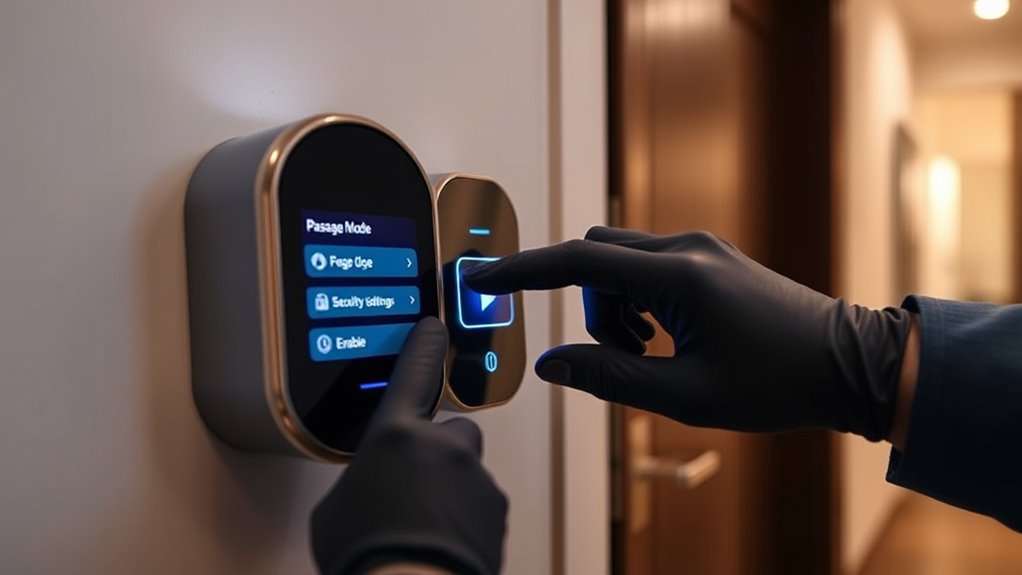
Keeping close track of who activates and deactivates passage mode is essential for ongoing security. You should regularly review your access control logs to monitor when users enable or disable passage mode. This helps identify any unauthorized or accidental changes, ensuring your system stays secure. By managing user permissions carefully, you prevent unintended access shifts and maintain control over entry points. If you notice unfamiliar activity or prolonged passage mode activation, revert it promptly to minimize vulnerabilities. Automate alerts for changes in passage mode status, so you stay informed in real-time. Additionally, understanding access control principles can help you implement more effective security measures. Consistently monitoring and reverting passage mode when necessary keeps your smart deadbolt system secure, preserves access control integrity, and ensures only authorized users have the ability to modify entry settings.
Frequently Asked Questions
Can Passage Mode Be Used Remotely via Smartphone App?
Yes, you can use remote access via your smartphone app to activate Passage Mode on your smart deadbolt. However, consider security concerns—ensure your app and device have strong, updated security features. Using secure Wi-Fi networks and two-factor authentication helps protect against unauthorized access. While remote control offers convenience, always balance it with security measures to prevent potential vulnerabilities, so you can confidently enable Passage Mode whenever needed.
Is There an Automatic Timeout for Passage Mode Activation?
You might wonder if passage mode has an automatic timeout to maintain security. Typically, access control systems include this feature to prevent prolonged unlocked states. Your user permissions often determine how long passage mode stays active, with some smart deadbolts allowing you to customize this setting. Always check your device’s specifications, as automatic timeouts help guarantee security while providing convenient access when needed.
How Does Passage Mode Impact Smart Lock Battery Life?
Passage mode can increase your smart lock’s battery drain since it keeps the lock unlocked and active, which raises power consumption. When you enable passage mode, your lock’s motor and electronics stay engaged longer, leading to higher power use. To avoid rapid battery depletion, use passage mode sparingly and consider checking your lock’s battery status regularly to guarantee it stays functional when you need it most.
Are There Compatibility Issues With Other Home Automation Systems?
Nearly 80% of smart home owners face compatibility issues with their home automation systems. You might worry about your smart deadbolt not syncing smoothly with other devices. While most modern systems are designed for compatibility, some older or less common brands may cause hiccups. Always check your lock’s specifications and your existing home automation setup to guarantee seamless integration, preventing frustration and ensuring your smart home runs effortlessly.
What Security Features Prevent Unauthorized Activation of Passage Mode?
You want to know what security features prevent unauthorized activation of passage mode. Smart deadbolts use access control and user authentication to keep this mode secure, ensuring only authorized users can activate it. These systems often require PIN codes, biometric verification, or smartphone authorization. Additionally, encryption protects communication between the lock and your device, making unauthorized access or activation extremely difficult, so your home stays safe even when passage mode is enabled.
Conclusion
Enabling passage mode is like opening a trusted gateway—your key to seamless access. By following these steps and staying vigilant, you’re the guardian of your home’s fortress, balancing convenience with caution. Remember, passage mode is a fleeting whisper in your security symphony; manage it wisely, monitor its rhythm, and revert when needed. With careful orchestration, your smart deadbolt becomes a steadfast sentinel, protecting your sanctuary while welcoming those you trust.
Fall Picks
fall essentials
As an affiliate, we earn on qualifying purchases.