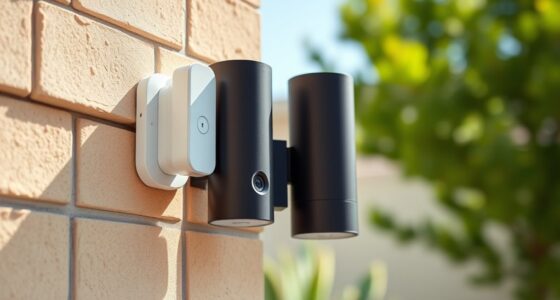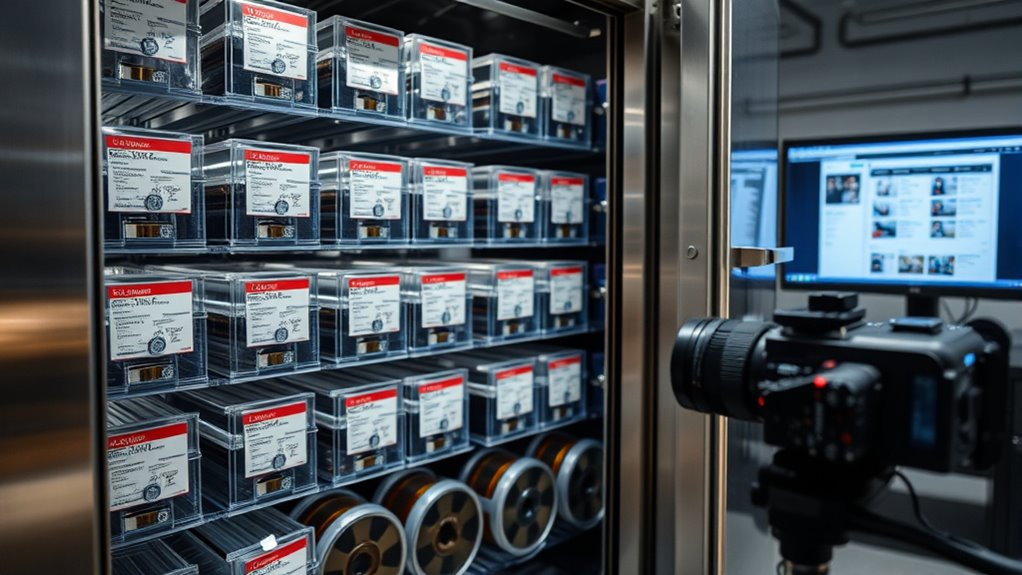

To archive important Ring footage long-term, start by choosing the right storage method. Use Ring’s cloud plans for manageable periods, but also export key videos to your local device for more control. Consider external drives or NAS systems for secure backup and easy access. Organize your files with clear labels and secure them with encryption and access controls. If you want detailed steps, keep exploring how to safeguard and manage your footage effectively.
Key Takeaways
- Regularly export essential footage from Ring and save it to secure local or external storage devices.
- Use encryption during transfer and storage to protect sensitive footage.
- Organize files with clear folder structures and metadata tags for easy retrieval over time.
- Implement backup solutions like RAID or cloud backups to prevent data loss.
- Review and update storage methods periodically to ensure long-term accessibility and security.

Seagate Portable 2TB External Hard Drive HDD — USB 3.0 for PC, Mac, PlayStation, & Xbox -1-Year Rescue Service (STGX2000400)
Easily store and access 2TB to content on the go with the Seagate Portable Drive, a USB external…
As an affiliate, we earn on qualifying purchases.
As an affiliate, we earn on qualifying purchases.
Understanding the Importance of Proper Storage for Ring Footage
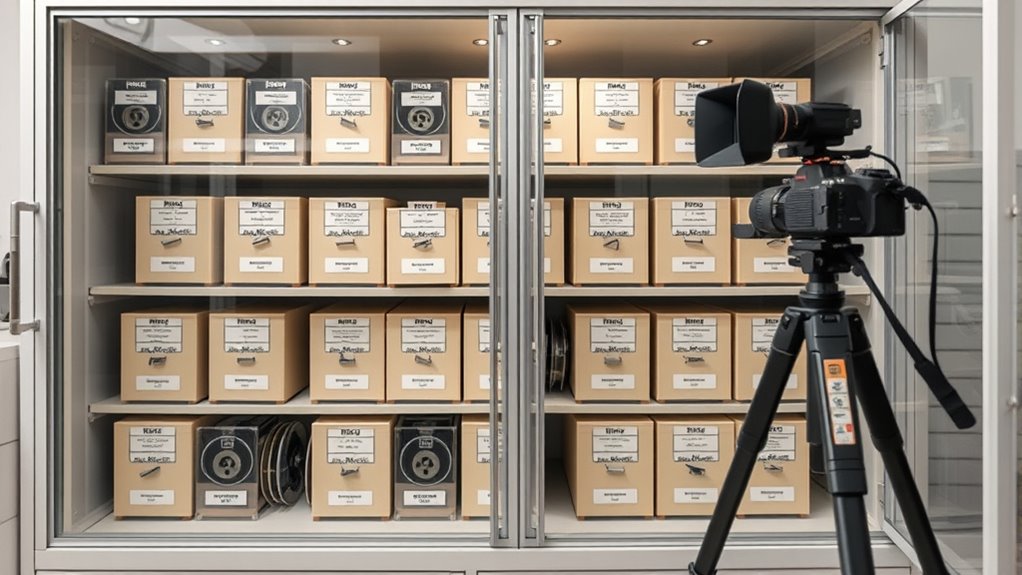
Proper storage of Ring footage is essential to guarantee that your recordings remain accessible, secure, and unaltered over time. When managing footage, you must consider privacy concerns to protect personal information and ensure that sensitive data isn’t exposed or misused. Legal compliance is also critical; storing footage in accordance with local laws helps you avoid fines and legal issues. Using secure, organized storage methods prevents tampering and assures the integrity of your recordings. Properly archived footage can be easily retrieved when needed, whether for personal review or legal purposes. Neglecting these aspects risks losing valuable evidence or violating privacy rights. Additionally, implementing proper storage techniques can help maintain the quality and longevity of your recordings. Ultimately, effective storage practices safeguard your recordings, uphold legal standards, and respect everyone’s privacy.
NAS storage system for surveillance footage
As an affiliate, we earn on qualifying purchases.
As an affiliate, we earn on qualifying purchases.
Utilizing Ring’s Built-in Cloud Storage Options Effectively

To make the most of Ring’s built-in cloud storage, you need to understand how its subscription plans work and how to access your footage efficiently. Different plans offer varying storage durations and features, so choose one that fits your needs and budget. Be aware of privacy concerns, as storing footage in the cloud involves trust in Ring’s data security measures. To maximize benefits, regularly review your footage and manage storage settings. Here’s a quick overview:
| Subscription Plan | Storage Duration | Key Features |
|---|---|---|
| Basic | 60 days | Motion alerts, sharing |
| Plus | 180 days | Extended storage, discounts |
| Pro | 365 days | Long-term storage, premium |
Understanding these options helps you store footage securely while safeguarding your privacy. Additionally, AI security technologies are increasingly integrated into surveillance systems to enhance threat detection and ensure data protection.
encrypted external SSD for video backup
As an affiliate, we earn on qualifying purchases.
As an affiliate, we earn on qualifying purchases.
Exporting and Saving Footage Locally on Your Devices

While cloud storage offers convenience, exporting and saving footage directly to your devices gives you immediate access and control over important recordings. This method helps address privacy concerns by keeping sensitive footage locally instead of relying solely on third-party servers. To guarantee your data remains secure, use devices and applications that support data encryption during transfer and storage. When exporting footage, choose secure folders and avoid sharing files through unsecured channels. Regularly update your device’s software to protect against vulnerabilities. Saving footage locally allows you to review recordings quickly without internet dependence and reduces the risk of unauthorized access via cloud breaches. Additionally, implementing proper backup strategies ensures your footage remains safe over the long term. Keep in mind, though, that maintaining proper backups and secure storage practices is essential for long-term safety and privacy.
video organization software for security footage
As an affiliate, we earn on qualifying purchases.
As an affiliate, we earn on qualifying purchases.
Using External Storage Solutions for Long-Term Archiving
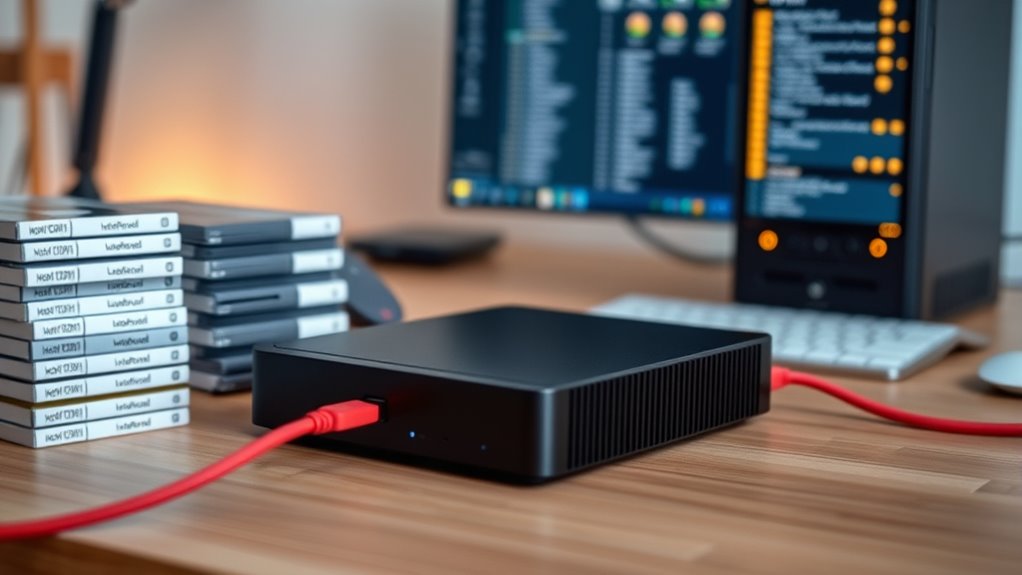
Using external storage solutions for long-term archiving offers a reliable way to preserve important footage without relying solely on cloud services. External drives, NAS devices, or dedicated servers allow you to store large amounts of data securely and affordably. These options support remote access, so you can view or transfer footage from anywhere, providing flexibility and convenience. Implementing data redundancy—such as RAID configurations or regular backups—ensures your footage remains safe even if one storage device fails. This approach minimizes the risk of data loss and guarantees long-term preservation. Additionally, selecting storage devices with high contrast ratio compatibility can enhance your ability to access and view footage clearly over time. By choosing external storage solutions, you gain control over your footage, reduce dependency on internet connectivity, and enhance your overall archiving strategy. It’s a practical, scalable way to safeguard your important Ring camera recordings.
Organizing and Managing Archived Footage for Easy Retrieval

To find your footage quickly, you need effective categorization strategies. Using clear labels and organized folders makes the search process smoother. Additionally, leveraging search and retrieval tools can save you time when accessing specific recordings.
Categorization Strategies for Files
Effective categorization is essential for managing archived ring footage so you can find what you need quickly. Start by using metadata tagging to label files with descriptive information, such as date, location, or event type. This makes searching more efficient later on. Organize your files within a clear folder hierarchy, grouping footage logically—by day, camera, or incident. Consistent naming conventions help maintain order and reduce confusion. Combining metadata tags with a well-structured folder system ensures you can navigate your archive easily. Regularly review and update your categories to reflect new footage or changing storage needs. Additionally, incorporating organized file management practices can further enhance retrieval efficiency. By implementing these strategies, you’ll streamline access, reduce retrieval time, and keep your long-term storage organized and manageable.
Search and Retrieval Tools
Organizing and managing your archived footage with the right search and retrieval tools can markedly cut down the time it takes to find specific clips. Using metadata tagging, you assign descriptive keywords to each file, making searches faster and more accurate. Automated indexing systems analyze footage and categorize it automatically, reducing manual effort. Imagine a spreadsheet-like interface where each clip is linked with tags such as date, location, or event. Incorporating specialized software designed for Water Parks footage can further enhance your organization by providing tailored features for your specific needs.
Best Practices for Ensuring Data Security and Integrity

Ensuring data security and integrity begins with implementing strong access controls and authentication measures. You should restrict who can view or modify your archived footage, using role-based permissions to limit access to authorized personnel only. Encryption protocols are essential; they protect your data both at rest and during transfer, preventing unauthorized interception or tampering. Regularly update your security measures to address emerging threats and vulnerabilities. Maintain audit logs to track access and changes, enhancing accountability. Back up your data securely in multiple locations to prevent loss from hardware failure or cyberattacks. Additionally, understanding the shelf life of grape juice can inform how long you can securely store digital footage before review or maintenance is needed. By combining rigorous access controls with robust encryption, you guarantee your long-term storage remains secure and unaltered, preserving the integrity of your critical Ring footage over time.
Frequently Asked Questions
How Long Can Ring Footage Be Stored Securely?
You can store Ring footage securely for as long as your cloud storage plan allows, typically from 30 days to several months. To guarantee security, use encryption methods provided by Ring and your cloud service. Keep in mind, long-term storage might require a subscription plan that offers extended or unlimited video history. Regularly review your storage options and encryption settings to protect your footage effectively.
What Formats Are Best for Long-Term Video Archiving?
When choosing formats for long-term video archiving, prioritize digital preservation and file format compatibility. Use widely supported formats like MP4 with H.264 or H.265 codecs, ensuring your files remain accessible over time. Avoid proprietary formats that may become obsolete. You should also consider lossless formats like MOV or AVI for critical footage, as they preserve quality and enhance future accessibility, making your archived Ring footage reliable for years to come.
Can Archived Footage Be Easily Transferred Between Devices?
Transferring archived footage between devices depends on format compatibility and transfer methods. If you use common formats like MP4 or MOV, you’ll find it easier to move files across different systems. To guarantee smooth transfers, opt for reliable methods like USB drives, external hard drives, or cloud services. Always verify that the devices support your chosen format, so your footage transfers seamlessly without any compatibility issues.
Are There Legal Restrictions on Storing Surveillance Footage?
You should be aware that privacy laws and data retention policies may restrict how long you store surveillance footage. Depending on your jurisdiction, there could be legal limits on retaining footage, especially if it involves sensitive or personal information. Always check local regulations to ensure you’re compliant. Storing footage without regard to these rules could lead to legal issues, so understanding these restrictions helps you avoid potential penalties.
How Often Should Archived Footage Be Reviewed or Checked?
Imagine a security breach due to overlooked footage—this highlights the need for proper review frequency. You should review archived footage periodically, at least every six months, to guarantee its integrity and relevance. Following storage best practices, regular checks help confirm footage remains accessible and uncorrupted. For critical or sensitive data, consider more frequent reviews, like quarterly, to stay ahead of potential issues and maintain reliable records.
Conclusion
By carefully choosing how you store your Ring footage, you guarantee your memories stay safe and accessible whenever needed. Embrace the balance of modern convenience and diligent organization, allowing your important moments to rest peacefully in trusted vaults. With thoughtful management and secure practices, your long-term archive becomes a quiet guardian of your peace of mind, quietly preserving what matters most. In this gentle dance of care, your footage remains a steadfast part of your story.