
To migrate smoothly from traditional locks to smart locks, first check if your existing hardware is compatible or if you need adapters. Remove the old lock carefully and follow the manufacturer’s installation instructions for your chosen smart lock. Test all access methods, including keypad and app, and update firmware for security. Keep a backup key handy in case of technical issues. For more tips on ensuring a seamless changeover, explore the details below.
Key Takeaways
- Verify smart lock compatibility with your existing door and key mechanism before purchase.
- Remove the traditional lock and prepare all tools needed for a smooth installation process.
- Follow manufacturer instructions carefully to ensure proper fit and secure mounting of the smart lock.
- Test all access methods—keypad, app, key fob—and program digital keys for users.
- Keep a backup key and update firmware to maintain security and facilitate future troubleshooting.
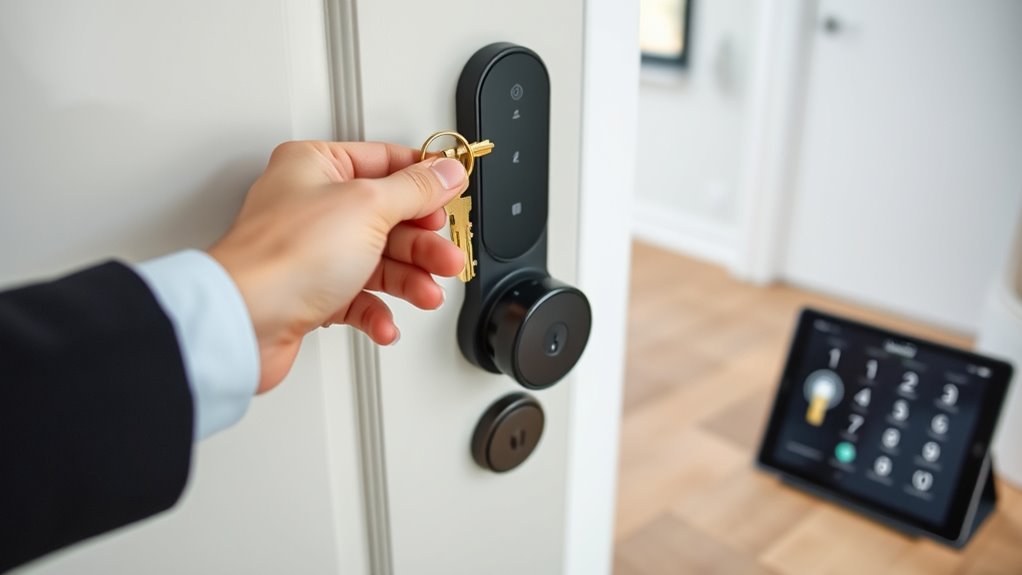
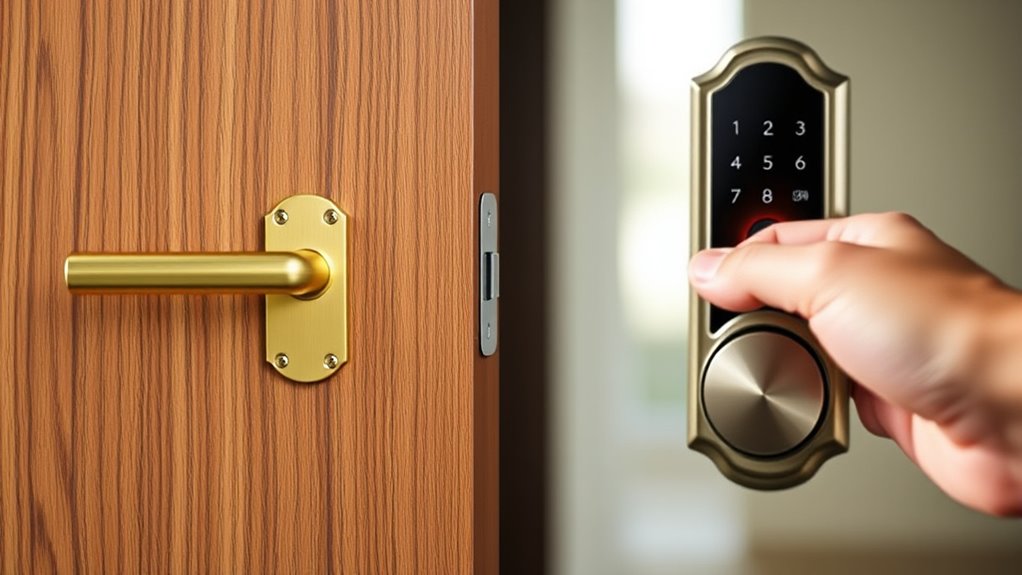
Switching from traditional locks to smart locks can enhance your home’s security and convenience, but the shift requires careful planning. One of the first steps is understanding key compatibility. Not all smart locks work with your existing keys or lock mechanisms. Some models are designed to replace standard deadbolts without requiring you to change your keys, while others might need a complete upgrade of your lock hardware. To avoid surprises, verify whether the smart lock you choose is compatible with your current deadbolt or lock setup. Check manufacturer specifications or consult with a locksmith to guarantee the model fits seamlessly. This step can save you time and money, preventing the need for additional hardware or adjustments later on.
Verify smart lock compatibility with your existing keys and hardware to ensure a seamless upgrade.
Once you’ve confirmed key compatibility, focus on the installation process. Many smart locks are designed for DIY installation, but it’s imperative to follow the manufacturer’s instructions carefully. Typically, the process involves removing your existing lock, attaching the smart lock unit, and connecting it to your Wi-Fi or Bluetooth network. Some models come with straightforward mounting plates and tools, making installation simple for most homeowners. However, if your door has an unusual size or configuration, you might encounter challenges that require extra adapters or professional help. Preparing in advance by gathering all necessary tools and reviewing the installation guide guarantees a smoother transition. Also, double-check that the lock’s power source—batteries or wired connections—is compatible with your door setup.
During installation, pay close attention to the lock’s alignment and secure fitting. Misalignment can cause operational issues or security vulnerabilities. After attaching the smart lock, test its functionality thoroughly—try locking and unlocking using the keypad, app, or key fob, if applicable. This helps you confirm proper installation and key compatibility, especially if your smart lock supports multiple access methods. Remember, some smart locks allow you to program temporary or permanent digital keys for family or service providers, adding convenience but requiring initial setup. Once installed, update all firmware and app settings to guarantee security updates are applied and your access controls are current.
Additionally, understanding the role of technology in smart locks can help you choose features that best suit your needs, such as remote access or activity logs. Finally, don’t forget to keep a backup plan. Even with the most advanced smart lock, having a traditional key hidden nearby or a physical backup key can save you if your smart system encounters technical issues. Transitioning smoothly from traditional to smart locks involves verifying key compatibility and following a careful installation process. When executed properly, this upgrade will boost your home’s security and make access more flexible and convenient for years to come.
Frequently Asked Questions
How Long Does the Entire Migration Process Typically Take?
The entire migration process usually takes a few days to a week, depending on lock compatibility and your preparation. You’ll want to check if your current locks are compatible with smart technology first. During this time, you’ll also need to conduct user training so everyone understands how to operate the new system. Planning ahead and allowing time for troubleshooting guarantees a smooth conversion without unnecessary delays.
Can I Upgrade My Existing Locks Without Replacing Them Entirely?
Absolutely, you can upgrade your existing locks without a full replacement! With lock compatibility and DIY installation, it’s like giving your current lock a superhero upgrade—no need to tear everything out. Many smart lock kits are designed for easy, user-friendly setup, transforming your lock into a smart one in minutes. So, save time, money, and your sanity by upgrading instead of replacing—your door’s about to get a genius-level upgrade!
What Are the Common Technical Issues Faced During Migration?
During migration, you might face technical issues like lock compatibility problems, where your existing hardware doesn’t support smart features. Additionally, user training becomes essential to guarantee everyone knows how to operate the new system confidently. You may also encounter connectivity issues or firmware bugs. To minimize these, double-check lock compatibility beforehand and provide clear training to all users, making the shift smoother and more secure.
Is Professional Assistance Necessary for a Smooth Transition?
You might think DIY pitfalls are a badge of honor, but when it comes to smart locks, expert guidance really saves the day. Professionals help you avoid costly mistakes, guarantee compatibility, and facilitate the transition. Skipping expert help might seem tempting, but it often leads to frustration and security risks. So, yes, investing in professional assistance is a smart move for a smooth, trouble-free upgrade.
How Do I Ensure Data Security During the Switch?
You should prioritize data security by ensuring strong encryption protocols are in place, which protect your information during the shift. Additionally, use multi-factor user authentication to verify identities and prevent unauthorized access. Regularly update your smart lock firmware and review security settings. By combining encryption and user authentication, you create a secure environment that minimizes risks during your transition to smart locks, keeping your data safe every step of the way.
Conclusion
Switching from traditional to smart locks is like opening a new chapter in your home’s story. Embrace the seamless progression, knowing each step is a brushstroke in your security masterpiece. As you lock in this upgrade, let confidence be your key and convenience your guiding star. Soon, you’ll enjoy the harmony of modern technology dancing effortlessly with your daily life—an elegant symphony of safety and ease, playing just for you.