
To automate vacation mode effectively, start by evaluating your home’s vulnerabilities and developing a strategy to address security gaps. Choose smart devices that create realistic lighting, movement, and appliance patterns, like programmable lights, blinds, and timers. Automate these routines to mimic natural occupancy, with varied lighting and movement at different times. Regularly monitor and fine-tune your system to ensure it convincingly deters intruders. Keep going to discover key tips for perfecting your simulated occupancy.
Key Takeaways
- Develop varied lighting schedules with dimming and color adjustments to mimic natural light patterns throughout the day.
- Automate outdoor and indoor lights to replicate sunrise, daylight, and sunset transitions for realistic occupancy.
- Use motion sensors and timed window coverings to simulate daily movement and activity inside and outside the home.
- Schedule appliances and devices like TVs and coffee makers to operate during typical times, enhancing authenticity.
- Regularly monitor and fine-tune automation routines to ensure consistent, convincing occupancy simulation and security.
Assessing Your Home’s Vulnerabilities and Planning Your Strategy

Before automating your vacation mode, it’s essential to identify your home’s vulnerabilities. Conducting a home vulnerability assessment helps you spot potential security weaknesses that could attract intruders. Look for unlocked doors and windows, exposed valuables, or signs of previous break-ins. Consider areas that lack proper lighting or surveillance, which could be exploited. Evaluate your current security measures and determine where gaps exist. This step guarantees you’re not just relying on automation but actively reducing risks. By understanding your home’s vulnerabilities, you can develop a targeted strategy to make your property less appealing to intruders. Addressing these weaknesses now helps you create a more effective and reliable simulated occupancy system, giving you peace of mind while away. Additionally, understanding home security best practices can further enhance your overall safety strategy.
Choosing the Right Smart Devices for Simulated Occupancy
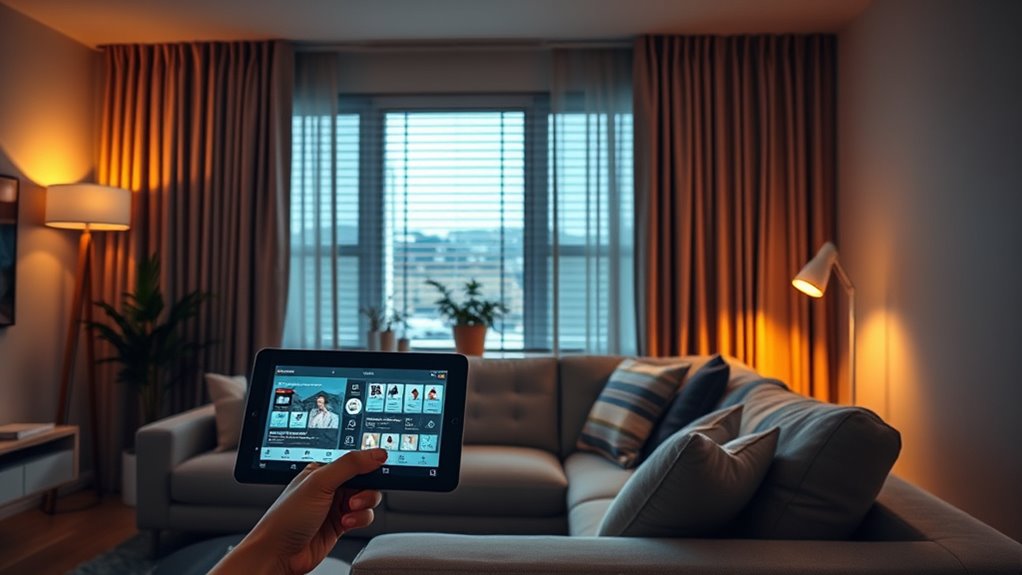
Selecting the right smart devices is essential to creating convincing simulated occupancy that deters intruders. To do this effectively, focus on compatibility and energy efficiency. Here are three key devices to contemplate:
- Smart Lights – Choose ones compatible with your home system to create realistic lighting patterns, saving energy when not in use.
- Smart Plugs – Use compatible smart plugs to control lamps and appliances remotely, mimicking activity without wasting power.
- Smart Cameras – Install motion-activated cameras that work seamlessly with your setup, providing real-time monitoring and deterring intruders. Additionally, ensuring your devices support high-quality video output can enhance the realism of your simulated occupancy.
Prioritize devices with good smart device compatibility and energy-efficient features. This ensures your simulated occupancy looks natural while keeping power consumption low, making your vacation mode both convincing and eco-friendly.
Creating Realistic Lighting Schedules and Patterns
To make your vacation mode convincing, you need to create lighting schedules that mimic real life. Varying light intensity and simulating natural light cycles can make your home look occupied. Strategic timing and placement of lights help enhance the authenticity of your setup. Incorporating lighting patterns that reflect typical daily routines can further improve realism.
Varying Light Intensity Patterns
Creating realistic lighting schedules involves varying light intensity patterns throughout the day to mimic natural sunlight. To achieve this, you should adjust light diffusion and color temperature to reflect different times of day. Consider these key strategies:
- Modulate brightness levels gradually to avoid abrupt changes, enhancing light diffusion for a softer, more natural glow.
- Vary color temperature from warm tones in the morning and evening to cooler midday hues, replicating natural sunlight shifts.
- Use dimmers and smart controls to smoothly transition between intensities, creating subtle variations that fool the eye into believing someone’s home.
- Understanding regional divorce statistics can help inform expectations about household stability and lifestyle changes that may affect lighting needs.
Simulating Natural Light Cycles
Adjusting light intensity patterns throughout the day is key to simulating natural light cycles convincingly. To create realistic outdoor illumination, incorporate landscape lighting that mimics sunrise, daylight, and sunset variations. Use automated systems to gradually brighten outdoor lights in the morning, peak during midday, and dim in the evening, replicating natural progressions. This dynamic lighting pattern enhances the authenticity of your vacation simulation, making it less obvious that the house is unoccupied. Employ timers or smart controls to vary light warmth and brightness, ensuring outdoor illumination appears consistent with natural sunlight. Thoughtful programming of these light cycles helps your home blend seamlessly into its surroundings, providing a convincing impression of occupancy while conserving energy and maintaining a welcoming ambiance. Additionally, utilizing automated lighting controls can further optimize these patterns for maximum realism and efficiency.
Strategic Timing and Placement
Strategic timing and placement of outdoor lights are essential for convincing vacation lighting. Proper timing considerations guarantee your lights turn on and off at realistic intervals, mimicking natural patterns. Placement strategies help create a convincing facade by highlighting key areas like entrances, windows, and landscaping. To maximize realism, focus on these key aspects: 1. Schedule lights to vary slightly each day, avoiding uniformity. 2. Place lights at different heights and angles for natural shadows and depth. 3. Use motion sensors sparingly, activating lights intermittently to mimic human activity. Incorporating lighting design principles can further enhance the authenticity of your setup.
Automating Window Coverings and Blinds for Authentic Movement

You can create coordinated schedules for your blinds to mimic natural movement and maintain privacy. Sensor-triggered adjustments allow your window coverings to respond automatically to changing light and activity. By integrating these features, your home feels lively and secure even when you’re away. Incorporating visual consistency in your automation routines ensures a seamless and authentic appearance.
Coordinated Blinds Schedules
Have you ever wondered how to make your window coverings respond naturally to your daily routines? Coordinated blinds schedules can make your home feel truly alive. By implementing blind coordination and shade automation, you create authentic movement that mimics occupancy. Here’s how to improve your setup:
- Sync multiple blinds to open and close simultaneously for a seamless, natural look.
- Use timers and sensors to adjust shades based on the time of day and sunlight.
- Customize routines to match your habits, ensuring blinds react appropriately during mornings, afternoons, and evenings.
- Incorporate awareness of emotional distance and avoidance of intimacy signals to better simulate natural occupancy patterns and prevent the appearance of neglect or vacancy.
This coordination enhances privacy, optimizes light, and maintains a lively appearance when you’re away. Proper shade automation ensures your window coverings move cohesively, making your home feel occupied and secure, even when you’re not there.
Light and Privacy Control
Automating window coverings for light and privacy control allows your home to respond dynamically to changing conditions. By scheduling blinds and curtains to open or close at specific times, you create an authentic sense of occupancy, even when you’re away. This automation can help block sunlight during peak hours, reducing indoor heat and protecting your furniture. It also enhances privacy without manual effort. Additionally, integrating outdoor lighting and garden maintenance schedules, your home can simulate activity outside, such as turning on exterior lights at dusk or adjusting blinds to reveal movement behind curtains. These coordinated actions make your property appear lived-in and well-maintained, deterring intruders and giving you peace of mind during extended absences.
Sensor-Triggered Adjustments
Sensor-triggered adjustments bring a new level of realism to your home’s lighting and privacy management by responding automatically to environmental cues. By using properly calibrated occupancy sensors, your window coverings can mimic natural movement, enhancing the authenticity of vacation mode. Proper sensor calibration ensures they detect genuine occupancy, avoiding false triggers. Here are three ways to optimize these adjustments:
- Regularly calibrate your occupancy sensors to ensure accurate responses.
- Program blinds to open or close based on detected movement or light levels.
- Use sensors to control window coverings during specific times for increased realism.
- Incorporate sound recording techniques to fine-tune sensor sensitivity and responsiveness, ensuring seamless automation.
These adjustments create authentic movement, making it seem like someone is home even when you’re away. Proper sensor calibration and thoughtful programming are key to seamless, convincing automation.
Incorporating Appliance and Electronics Usage to Mimic Daily Routines
To effectively mimic your daily routines during vacation mode, you should incorporate the timed operation of appliances and electronics. Smart appliance routines can be programmed to turn on and off at specific times, replicating your typical household energy patterns. For example, setting your coffee maker to activate in the morning or your TV to turn on in the evening creates the illusion of occupancy. These scheduled actions help avoid suspicion and reduce energy waste. By understanding your household energy patterns, you can ensure appliances operate only when needed, maintaining a realistic daily cycle. Integrating these routines into your automation system creates a more convincing occupancy simulation, deterring potential intruders while keeping your energy consumption efficient and consistent with your usual habits.
Integrating Security Systems and Cameras for Enhanced Deterrence
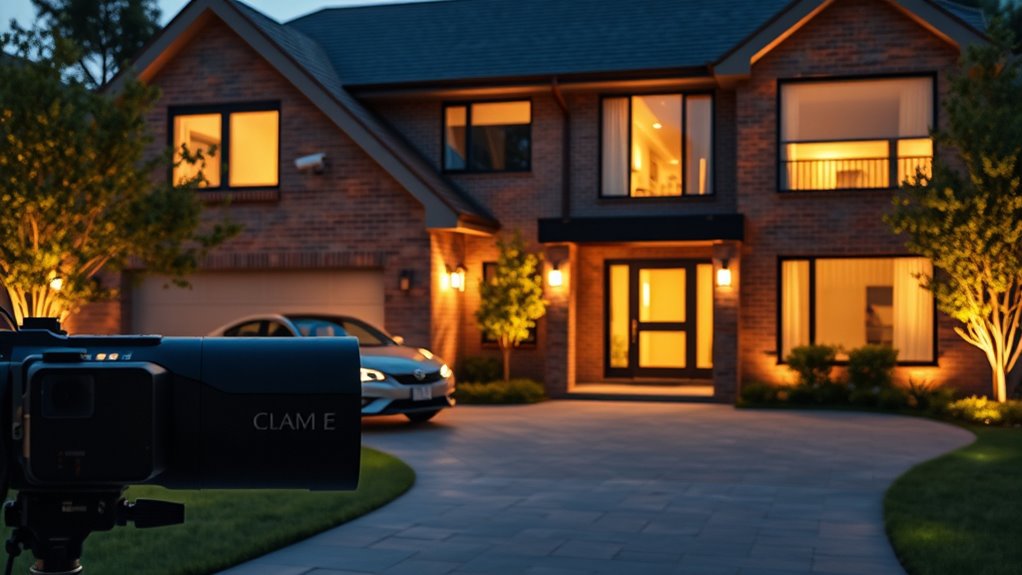
Integrating security systems and cameras into your vacation mode setup considerably boosts your home’s deterrence efforts. With effective security integration and camera synchronization, you create a convincing appearance of occupancy. To maximize this, consider these key strategies:
Enhance home security during vacations with synchronized cameras and integrated alarm systems for effective deterrence.
- Program your cameras to simulate movement with scheduled recordings or random activation.
- Link security alarms and lighting systems for coordinated alerts and visual cues.
- Use smart locks and doorbell cameras to mimic daily routines, like answering a package or greeting visitors.
- Regularly update your AI security measures to adapt to emerging vulnerabilities and ensure your system remains robust against potential threats.
These measures make your home less attractive to intruders by presenting active security presence. Consistent camera synchronization and seamless security integration ensure your setup adapts dynamically, giving you peace of mind during your time away.
Fine-tuning and Monitoring Your Vacation Mode for Optimal Effect

Fine-tuning and monitoring your vacation mode is essential to guarantee it works seamlessly and convincingly. Regular security audits help identify vulnerabilities and ensure your systems respond appropriately. Adjust your automation settings based on real-time feedback to prevent patterns that seem unnatural. Implement a maintenance schedule to keep devices updated and functioning correctly, avoiding glitches during your absence. Tracking activity logs allows you to verify that your simulated occupancy behaves as intended. Consider the following:
| Action | Purpose |
|---|---|
| Security audit | Detects vulnerabilities, guarantees system reliability |
| Adjust automation | Keeps behaviors realistic and effective |
| Schedule maintenance | Prevents technical issues, maintains system health |
Frequently Asked Questions
How Can I Ensure My Simulated Occupancy Adapts to Unexpected Home Events?
To guarantee your simulated occupancy adapts to unexpected home events, you should implement adaptive scheduling that responds in real-time. Use smart home systems with event responsiveness features, like motion sensors or door alerts, to trigger adjustments in your occupancy patterns. This way, your automation remains realistic and flexible, seamlessly accommodating surprises, and keeping your home appearing occupied even when unforeseen events occur.
What Are the Best Practices for Maintaining Privacy While Using Smart Security Devices?
Did you know 81% of consumers worry about privacy when using smart devices? To protect yourself, use strong encryption protocols to secure your smart security devices and prevent unauthorized access. Regularly update firmware, set unique passwords, and limit device access to trusted networks. These steps keep your private information safe while allowing you to enjoy the convenience of smart technology without risking breaches or privacy invasions.
How Do I Prevent Patterns From Becoming Predictable Over Multiple Vacation Periods?
To prevent patterns from becoming predictable during multiple vacation periods, you should use randomization techniques to vary your occupancy signals. Incorporate occupancy variability by adjusting the times and durations of simulated activity randomly, avoiding fixed routines. This way, your security system appears more natural and less predictable. Regularly update your settings and avoid consistent patterns, making it harder for potential intruders to detect a predictable schedule.
Can Automation Adjust in Real-Time to Changes in Weather or Daylight Hours?
You can set up dynamic lighting and weather responsive automation to modify your vacation mode in real-time. This way, your system reacts to changes in weather or daylight hours automatically, making your occupancy look natural even during unexpected weather shifts. By integrating sensors and smart algorithms, you guarantee your home’s lighting and presence simulations stay authentic, maintaining security and comfort without manual intervention.
What Backup Plans Exist if a Smart Device or System Malfunctions During My Absence?
If your smart system malfunctions during your absence, you’re protected by device redundancy and system monitoring. You can set up backup devices to take over if one fails, ensuring your home stays secure and lit. Regular system monitoring alerts you to issues early, allowing quick fixes or manual intervention. This layered approach helps maintain occupancy simulation seamlessly, giving you peace of mind even if a device or system encounters problems.
Conclusion
By automating your vacation mode thoughtfully, you’re creating a convincing illusion of occupancy that deters intruders. Regularly fine-tune your system and stay vigilant, because a proactive approach beats reactive ones. Remember, “A stitch in time saves nine”—the effort you put in now guarantees your home remains safe and secure while you’re away. Trust the process, stay consistent, and enjoy your trip with peace of mind.