To secure your Ring account with multi-factor authentication (MFA), enable it in your account settings. MFA adds an extra layer of protection by requiring a second verification step, such as a code sent to your mobile device or email, making it harder for unauthorized users to access your footage and personal info. Activating MFA is simple and highly effective—if you want to learn how to set it up efficiently and keep your data safe, keep going!
Key Takeaways
- Enable multi-factor authentication in your Ring account settings to add an extra security layer.
- MFA requires a second verification method, such as a code sent to your mobile device or email.
- Regularly review and update your security settings, including passwords and trusted devices.
- Customize notifications and enable voice recognition features for improved threat detection.
- Keep the Ring app updated to access the latest security features and patches.
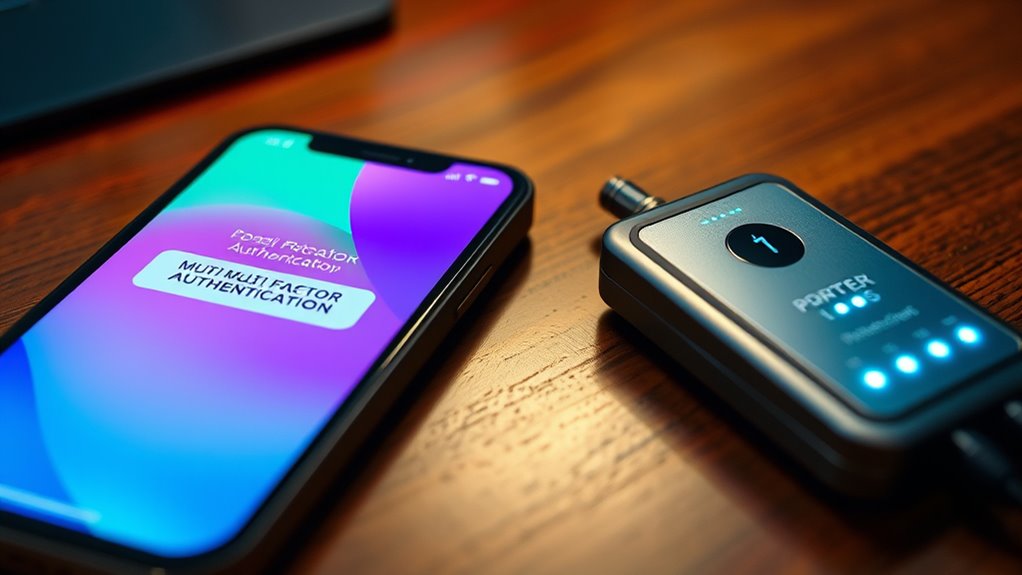
Your Ring account contains sensitive information and personal footage, so securing it should be a top priority. One of the most effective ways to do this is by enabling multi-factor authentication (MFA). MFA adds an extra layer of security by requiring you to verify your identity through a second method beyond just your password. This means even if someone manages to steal your login credentials, they won’t be able to access your account without the second verification step. Setting up MFA is straightforward and can considerably reduce the risk of unauthorized access. Once activated, you’ll receive a prompt on your mobile device or email whenever there’s a login attempt, giving you peace of mind that you’re in control of your account’s security.
Beyond MFA, you can also strengthen your account security by exploring app customization options. Ring’s app allows you to tailor notifications, alert settings, and device controls, so you’re always aware of activity around your property. Customizing your app helps you stay vigilant, especially when combined with multi-factor authentication. For example, enabling voice recognition features, if available, can further filter notifications by recognizing familiar voices. This way, you’re alerted only when an unfamiliar voice is detected, reducing false alarms and focusing your attention on genuine threats. Voice recognition technology adds an intuitive layer of security, making it more difficult for intruders to bypass your system with voice mimicking or recordings.
While customizing your app, consider adjusting settings to maximize security. You can set specific alerts for different devices, disable features that aren’t necessary, and restrict account access to trusted devices. These steps help prevent unauthorized users from gaining control over your security system. Always ensure your app is updated to the latest version, as updates often include security patches and new features that enhance protection. Additionally, understanding the impact of cookies and how they relate to your privacy can help you manage your account’s security and data sharing preferences more effectively.
Finally, take advantage of Ring’s security features like activity zones and motion alerts, which you can customize to focus on high-priority areas. This minimizes unnecessary notifications and keeps you informed about important activity. Pairing these features with MFA and voice recognition creates a thorough security approach, safeguarding your personal footage and sensitive data. Remember, securing your Ring account isn’t a one-time task; it’s an ongoing process that involves regularly reviewing your settings, updating passwords, and staying informed about new security options. By actively managing your account security and customizing your app to fit your needs, you considerably reduce the risk of unauthorized access and ensure your home remains protected.
Frequently Asked Questions
Can I Enable MFA on Multiple Ring Devices Simultaneously?
Yes, you can enable MFA on multiple Ring devices simultaneously. When you activate multi-device management, the authentication synchronization guarantees all your devices are secured at once. This way, you don’t have to enable MFA separately for each device. Once you set it up, your security settings update across all devices instantly, providing a seamless and consistent protection experience. It’s a simple way to keep all your Ring devices secure together.
What Should I Do if I Lose Access to My MFA Method?
If you lose access to your MFA method, don’t panic. Start your account recovery process by selecting the “Need help?” option on the login screen. Ring may ask for your alternative verification methods, like email or phone number, to confirm your identity. Follow the prompts to regain access. It’s also a good idea to update your account recovery options regularly, ensuring you have reliable alternative verification methods available if needed.
Is MFA Available for All Ring Account Types?
MFA isn’t available for all Ring account types, but it is a key part of enhancing your account security and user verification. If you’re using a supported account, enabling MFA adds an extra layer of protection by requiring a second verification step during login. Check your account settings to see if MFA is available for your specific account type, and activate it to keep your Ring device and data safe from unauthorized access.
How Often Should I Update My MFA Settings?
You should update your MFA settings whenever you notice suspicious activity or if there’s a security breach. Following security best practices, it’s a good idea to review your MFA update frequency at least every six months to make certain your account remains protected. Regularly updating your MFA adds an extra layer of security, helping prevent unauthorized access and keeping your Ring account safe from potential threats.
Can I Use Third-Party Authentication Apps With Ring?
Like a key fitting perfectly into a lock, you can use third-party authentication apps for your Ring MFA setup. Ring supports popular third-party apps like Google Authenticator and Authy, making it easier to secure your account. To do this, just open your MFA setup in Ring, scan the QR code with your chosen third-party app, and follow the prompts. This adds an extra layer of security, keeping your account safer.
Conclusion
By enabling multi-factor authentication on your Ring account, you substantially boost your security. Did you know that accounts with MFA are 99.9% less likely to be compromised? It’s a simple step that adds an extra layer of protection against unauthorized access. Take a moment now to activate MFA—your security and peace of mind are worth it. Protect what matters most by securing your Ring account today.