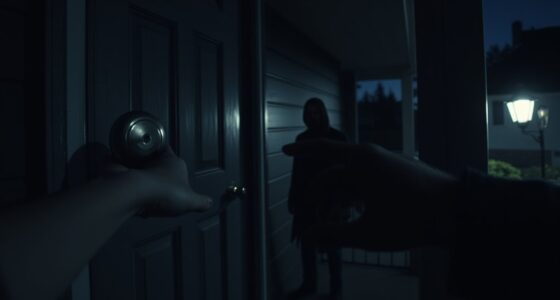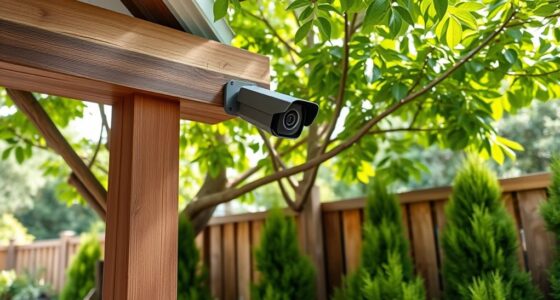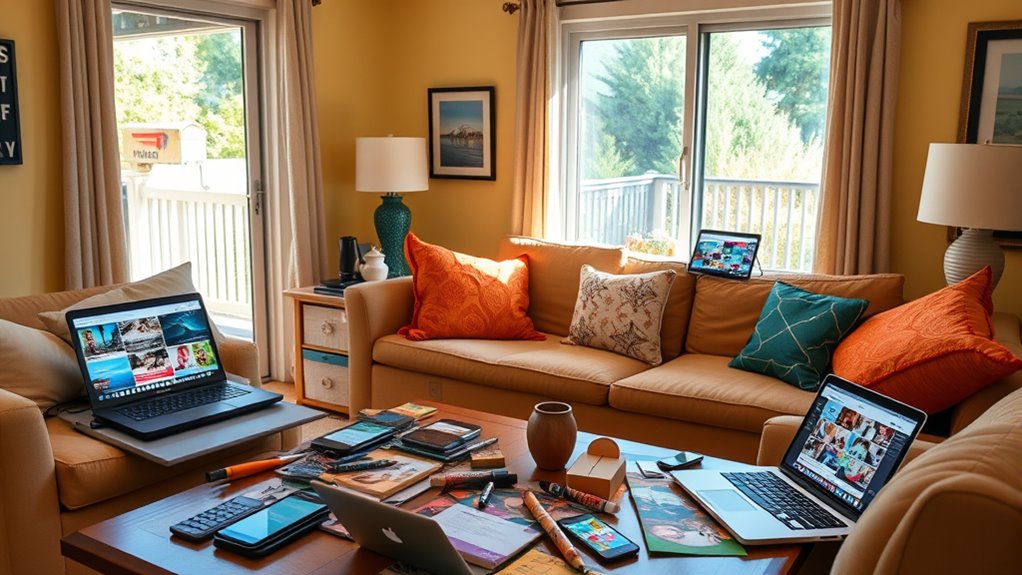

Sharing too much on social media can turn your home into a target for burglars. Posting vacation plans or your daily routines reveals when your house is unoccupied or vulnerable. Sharing interior photos, security details, or upcoming travel publicly increases risks. Even casual updates about routines can be exploited by criminals. By limiting what you share and controlling privacy settings, you reduce your home’s appeal to intruders. Keep these tips in mind—if you stay cautious, you’ll see how to better protect yourself.

Get privacy and security gear delivered free — and shop member deals
- Fast, free delivery on millions of items
- Access to Prime Big Deal Days deals on October 6–7
- Prime Video, Amazon Music and more included
Key Takeaways
- Sharing vacation plans publicly signals that your home will be unoccupied, increasing burglary risk.
- Posting routine activities reveals daily schedules, helping intruders identify vulnerable times.
- Sharing interior or security system details can expose home vulnerabilities to potential burglars.
- Announcing trips before departure creates a window for burglars to plan break-ins.
- Overexposing personal possessions or recent purchases online may attract theft or targeted crimes.
In today’s digital age, oversharing on social media has become a common habit that can have serious consequences. You might think sharing every detail of your life keeps friends and family engaged, but it can also reveal more than you realize—especially when it comes to your home and routines. When you post vacation photos, for example, you often share the dates you’ll be away, which can alert potential burglars that your house will be empty. Leaving a trail of posts about your trips signals that your residence is unoccupied, making it an easy target for theft. Even casual updates about your daily routines, like sharing your morning coffee spot or gym visits, can inadvertently provide information about your schedule. Thieves can piece together these details to determine when your home is least protected.
Oversharing on social media can reveal your routines and make your home a target for burglars.
It’s tempting to showcase your life online, but oversharing about your routines can be risky. If you regularly post about leaving for work at a certain time or coming back late, you’re giving potential intruders a blueprint of your daily movements. They may monitor your online activity, waiting for the perfect moment when your house is empty. Similarly, posting frequent photos of your home’s interior or exterior, especially during renovations or when you’re away, can reveal vulnerabilities. Even seemingly harmless posts like pictures of your new security system or a recent home improvement project can inadvertently inform someone with malicious intent about your home’s layout or security measures.
Another common mistake is sharing your vacation plans well in advance. While it’s exciting to let friends know your travel itinerary, doing so publicly can be dangerous. Cybercriminals or opportunists might use this information to time a break-in, knowing your house will be unoccupied for days or weeks. It’s safer to wait until after your trip to post photos and updates, or to share them privately with trusted contacts rather than broadcasting your absence to the world.
You should also be cautious about posting about your personal possessions or recent purchases. Highlighting new valuables or expensive electronics can attract thieves. The same goes for posting about social gatherings or parties at your home—these can signal that your house is a lively and inviting target. To protect yourself, consider limiting the details you share about your routines and home life, and be mindful of the potential risks behind every post. Remember, what seems like a harmless update can sometimes be the window someone exploits to access your home or compromise your safety. Being aware of privacy settings can help control who sees your posts and reduce vulnerability.
home security system with cameras
As an affiliate, we earn on qualifying purchases.
As an affiliate, we earn on qualifying purchases.
Frequently Asked Questions
How Can I Tell if My Social Media Posts Are Oversharing?
You can tell if you’re oversharing by evaluating your privacy awareness and social media boundaries. Ask yourself if your posts reveal details like your home address, daily routines, or future plans that could jeopardize your safety. If you’re sharing too much personal information or if friends and family express concern, it’s a sign to tighten your privacy settings and limit what you post. Maintaining boundaries helps protect your home and personal security.
What Signs Indicate My Home Has Been Targeted for Theft?
You notice signs like broken locks, missing valuables, or unfamiliar footprints around your home, indicating it might’ve been targeted. These security vulnerabilities and privacy risks often stem from oversharing online, which alerts thieves you’re away. Stay alert for suspicious activity, change locks if needed, and avoid posting detailed plans or vacations on social media to protect your home from theft.
Are There Specific Times to Avoid Posting About My House?
You should avoid posting about your house during late nights or when you’re away for extended periods. Timing tips suggest waiting until you’re back home before sharing details. Maintain consistent posting schedules that don’t reveal your absence or routines. By being cautious about when you post, you protect your home from potential thieves who monitor social media for vulnerabilities. Stay vigilant and share your updates safely, avoiding risky timing choices.
How Can I Protect My Privacy While Still Sharing Online?
To protect your privacy while sharing online, always review and update your privacy settings to control who sees your posts. Avoid sharing your location or posting real-time updates about your whereabouts, especially when at home. Consider turning off location sharing features on your devices and social media accounts. Be mindful of personal details you share, and think twice before posting anything that could reveal your routines or home information.
What Are the Legal Implications of Oversharing Personal Information?
You might think oversharing is harmless fun, but it can lead to serious legal liability if your posts cause privacy violations or harm others. Sharing too much personal info could open you up to lawsuits or criminal charges, especially if it results in identity theft or invasion of privacy. Always remember, what you post might come back to bite you legally, turning your online moments into real-world consequences.
doorbell camera for home security
As an affiliate, we earn on qualifying purchases.
As an affiliate, we earn on qualifying purchases.
Conclusion
Remember, sharing moments online can be fun, but oversharing can turn your home into a target. It’s easy to think, “It won’t happen to me,” but criminals often scan social media for clues. Protect yourself by keeping sensitive details private and thinking twice before posting. Your safety matters more than sharing every detail—stay cautious, stay secure. A little restraint online can save you from serious trouble down the line.
smart home security alarm system
As an affiliate, we earn on qualifying purchases.
As an affiliate, we earn on qualifying purchases.
As an affiliate, we earn on qualifying purchases.
Fall Picks
fall essentials
As an affiliate, we earn on qualifying purchases.